What's new

New in YoutubeToText

What you can do now that you couldn't before, in plain language. Product changes only: nothing here is a claim we cannot show you in the product.

August 30, 2026

See your subtitles on the video before you download them

Open a subtitles job and the video sits next to the cues, with the lines drawn over the picture where a player puts them. A line that runs too long, a break in an odd place, a caption over someone's face: you see it here instead of after downloading the file.

The cue list follows the video while it plays and lights up the line being spoken. Click a timestamp to jump the video to that cue. Fix the text and the change is in the file you download.

For a burn-in job you watch the finished video itself, so what you see is what you get.

August 30, 2026

Filter your library, and clear out the failures in one go

Your library filters by transcripts, subtitles, burned videos, and jobs that are still running or failed. Each filter carries its count, and one with nothing in it stays out of your way.

Tick the rows you want and delete them together: filter to Failed, select all, delete.

Clicking anywhere on a row opens it, and Export works on any finished job straight from the list, subtitles and burned videos included, not only transcripts.

August 28, 2026

An MCP server, and the API written down

Connect YoutubeToText to Claude, ChatGPT, Cursor or another MCP client and ask it to transcribe a YouTube video. No copying links between tabs.

The Developers pages carry the REST API reference, the setup steps for each client, and your API token.

August 28, 2026

Naming your speakers is free

Speaker 1 and Speaker 2 become real names on every plan, Free included. The padlock that used to sit on this is gone.

August 25, 2026

Turn extra hours on yourself

Run out of included minutes mid-month and you can switch extra hours on from your account, and off again, without asking us. It tells you what an extra hour costs on your plan before you decide.

August 24, 2026

Every job gets its own page

Paste a link and the job moves to a page of its own with its own address. Refresh it, close the tab, come back on your phone: the job is still running and the finished transcript waits at the same address.

August 23, 2026

A real editor for your transcripts

Open a finished transcript and the video plays next to it. Click any word to jump the video to that moment, and the current word lights up as it plays.

Fix words right in the text. Rename speakers or move a mislabeled line to another speaker. Find and replace fixes a name everywhere at once, and undo works like you expect.

Words the AI was less sure about are underlined, so you know where to look first. Your corrections are saved to your account, so they are there on any device.

August 23, 2026

Summary, Translate and Ask AI in one place

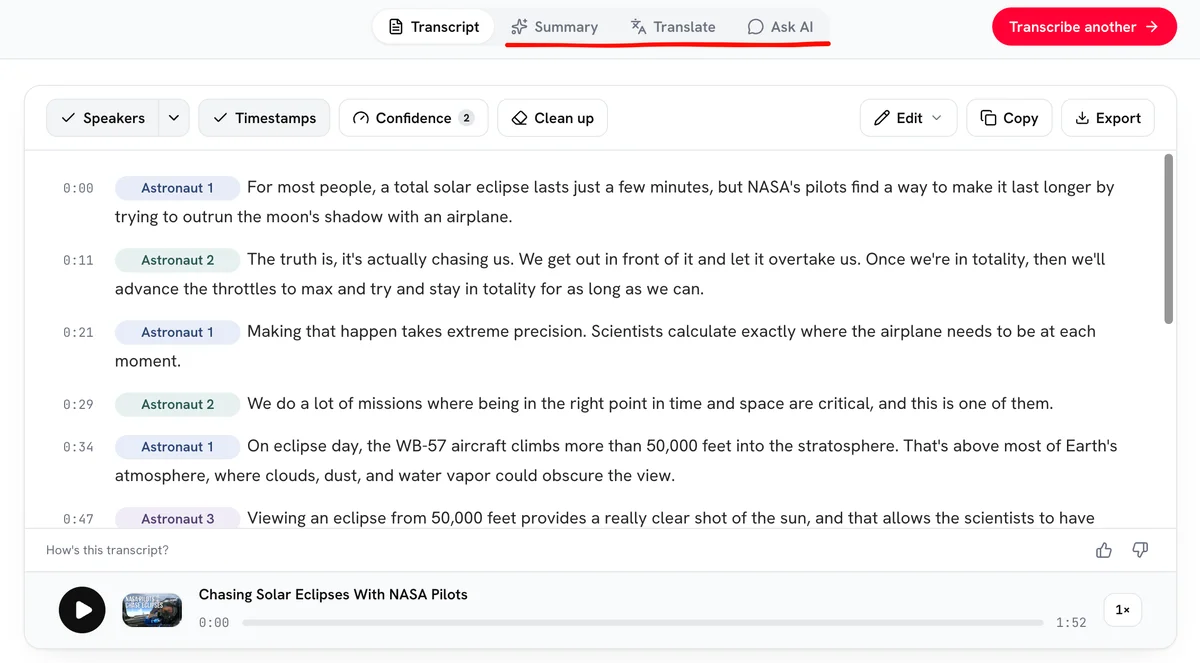
The editor has tabs for a summary, a translation into any language, and Ask AI: ask questions about the video and get answers with timestamps you can click.

Export from any tab as TXT, DOCX, SRT or VTT, with or without speaker names and timestamps.

August 23, 2026

We publish our own accuracy

Every month we run the engine over public speech datasets with human reference transcripts and publish the word error rate by recording condition on the Accuracy page. No marketing number, a measured one.

August 22, 2026

Transcripts start faster

For most public videos we no longer download the video first. The transcript starts within seconds of pasting the link.

Ready when you are

Your words are worth more than a video.

Paste your link nowFirst 10 minutes free. No credit card required.