Stop dreading meeting notes. Discover our minutes of a meeting template guide, packed with actionable examples to improve clarity and accountability.
Your Guide to the Perfect Minutes of a Meeting Template
A good minutes of a meeting template is your secret weapon for productive meetings. It’s a pre-built document with all the right sections laid out, so you can focus on capturing what matters—discussions, decisions, and action items—without fumbling to create a structure from scratch each time. By leveraging tools like AI transcription, you can transform this process from a tedious chore into a powerful productivity driver.
Why a Great Template Is More Than Just a Formality

Let's be real: taking meeting minutes can feel like a chore. But a solid, consistent template is so much more than a box-ticking exercise. It's the tool that turns a chaotic brainstorming session into a clear, official record. It solves the real problem of "meeting amnesia" by ensuring every task gets an owner and building a searchable history of your team's journey.
Ultimately, this simple document drives clarity and accountability, pushing your team from just talking about things to actually getting them done. When everyone knows what to expect from the minutes, they become a genuinely useful resource instead of just another file lost in a shared drive.
Building a Foundation of Accountability
We’ve all been in meetings where great ideas are discussed, but nothing happens afterwards. Without a formal record, important decisions evaporate and responsibilities become blurry. A template creates an official log that holds everyone accountable. A recent survey really drove this point home: while 86% of meeting participants said minutes were taken, only 54% said the action points were actually followed up on.
A template isn't just for record-keeping; it's a tool for driving follow-through. It turns abstract conversations into concrete tasks with clear owners and deadlines, bridging the gap between discussion and execution.
This is where a purpose-built template really shines. It has dedicated spots for the things that matter most:
- Key Decisions Made: A crystal-clear summary of what the team agreed on.
- Action Items: Specific, tangible tasks assigned to individuals.
- Owners & Deadlines: Exactly who is doing what, and by when.
Creating an Official and Legal Record
For many organisations, meeting minutes aren’t just handy notes—they are official documents. This practice has deep roots. In the Netherlands, for instance, documenting meetings is often a legal requirement. Dutch listed companies must, by law, keep formal minutes of their General Meeting of Shareholders and make them available within three months, as outlined in the Dutch Civil Code. This isn't just a local quirk; it's a reflection of how seriously formal documentation is taken in corporate governance, a fact often highlighted in research like the Netherlands Board Index.
A reliable minutes of a meeting template ensures you capture all the necessary details every single time, which is invaluable for compliance, audits, or any future legal queries. While the minutes serve as the formal record, our guide on creating a meeting notes template can help with the more informal note-taking that often comes first. This two-step process protects the organisation and builds a clear, defensible history of its key decisions.
The Building Blocks of an Effective Meeting Minutes Template
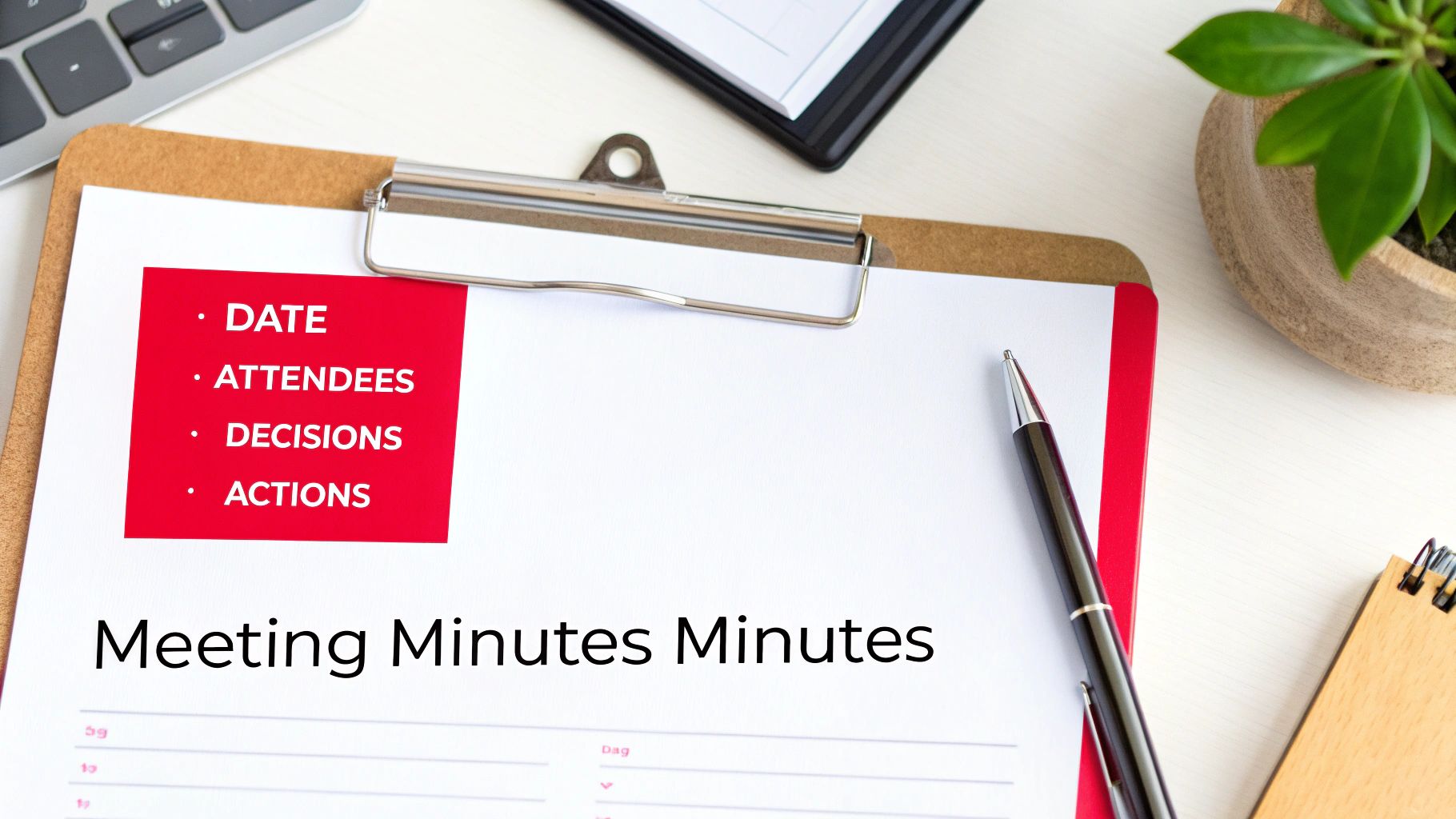
Before you grab the first minutes of a meeting template you find, it helps to understand what makes one truly effective. Think of it like a recipe—if you miss a key ingredient, the whole thing falls flat. A great template isn't just about plugging in information; it's about crafting a document that drives action and gives crystal-clear context weeks or even months down the line.
Ultimately, this structure ensures anyone, whether they were in the room or not, can quickly understand what was discussed, what was decided, and what happens next. It cuts through the noise and creates a single, reliable record for the entire team.
Foundational Meeting Details
Every solid template starts with the basics. These are the non-negotiable details that anchor your minutes to a specific time, place, and purpose. Without them, you’re left with a record that's incomplete and almost useless for future reference.
At a minimum, these core components should include:
- Meeting Title or Purpose: Something clear and descriptive, like "Q3 Marketing Strategy Kick-off" or "Project Phoenix Weekly Sync".
- Date and Time: Pinpoint the exact date, along with the start and end times.
- Location: Was the meeting in a conference room, a virtual space, or a mix of both?
- Attendees and Absentees: A simple list of who was there, who sent their apologies, and any guests who joined.
Nailing these details is the first step towards creating a professional, trustworthy record. For more formal proceedings, like board meetings, you'll also want to note whether a quorum was present.
The Agenda as Your Roadmap
I've always found it best to think of the meeting agenda as the skeleton for your minutes. A well-designed template should directly mirror the agenda's flow, which makes the whole note-taking process feel more natural and organised. It creates a logical narrative of the conversation.
This means each agenda item becomes its own section in your minutes. Under that heading, you'll then capture the key discussion points, decisions, and outcomes that came from it. We've got a detailed guide for putting together a strong meeting agenda template that ties in perfectly here. This simple alignment keeps your final document scannable and easy to digest.
High-Impact Sections That Drive Action
This is where your template goes from being a passive record to an active tool for productivity. Documenting discussions is one thing, but the real power of meeting minutes comes from capturing outcomes and commitments. Without this, meetings can easily turn into talk-fests with no clear way forward.
The most effective meeting minutes focus on outcomes, not just conversations. They are built to answer three critical questions for every agenda item: What did we decide? Who is doing what? And by when?
To make this happen, your template absolutely must have dedicated space for:
- Decisions Made: A clear, unambiguous summary of every decision. Keep the language direct, for example: "Approved the Q4 budget as presented" or "Agreed to postpone the product launch until January".
- Action Items: This is a running list of all tasks assigned during the meeting. Crucially, every single action item needs an owner (the person responsible) and a firm due date.
- Next Meeting: Simply noting the date and time for the next follow-up keeps the momentum going and ensures continuity.
Free Templates for Any Type of Meeting
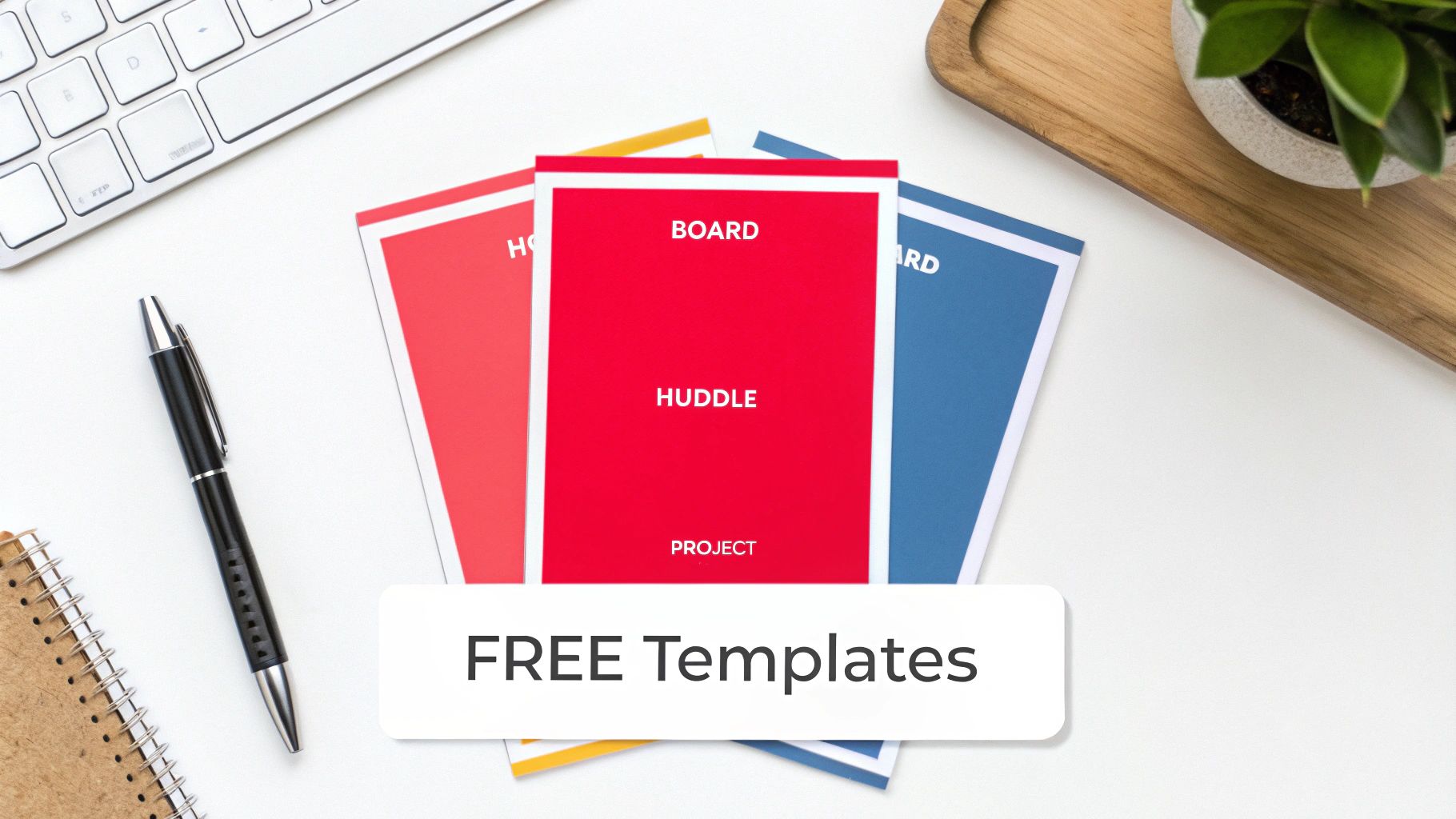
Alright, we’ve covered what goes into great meeting minutes. Now let's get practical. A generic minutes of a meeting template is a decent starting point, but its real power is unlocked when you tailor it to the specific meeting you’re in. After all, the notes from a formal board meeting will—and should—look completely different from a quick team catch-up.
To help you solve the problem of finding the right format, I’ve put together three distinct templates. Each one is designed for a common business scenario and includes a filled-in example to show you how it works in the real world. You’ll see how to capture everything from high-level strategic decisions to the nitty-gritty of project tasks.
The Formal Board Meeting Template
Board meetings are the big leagues. They are official, high-stakes events where every decision carries serious weight, and the minutes must serve as a precise, official legal record. This template is built from the ground up to reflect that level of formality.
Here’s why it’s perfect for formal governance:
- Structured Formality: It includes fields for calling the meeting to order, confirming a quorum is present, and formally approving minutes from the last session. These aren't just details; they're procedural necessities.
- Motion and Voting Records: Forget vague notes. This has dedicated sections to clearly document who proposed a motion, who seconded it, and the final vote count (e.g., "Motion passed unanimously" or "Motion passed 5-2").
- Clear Decision Logging: Every resolution is recorded in unambiguous language. There’s absolutely no room for misinterpretation down the line.
This template is less about taking notes and more about creating an auditable trail of governance. It’s all about accuracy and compliance, ensuring the record is crystal clear for stakeholders, regulators, and future leaders.
Having such a structured approach is more important than ever. In the Netherlands, for example, digitalisation trends are heavily shaping how meeting templates are used, especially with video meetings that can now be transcribed. The European Commission notes that Dutch businesses are way ahead of the EU average, with over 60% using cloud services and more than 30% already using AI. That tech adoption, combined with a booming business app market, shows how modern workflows are changing documentation practices. You can explore more meeting statistics and productivity trends to see just how much the landscape is evolving.
The Simple Informal Team Meeting Template
Let's be honest, not every meeting needs Robert's Rules of Order. For weekly team check-ins, creative brainstorms, or daily stand-ups, you need something fast, light, and focused on action. This informal template cuts the fluff and gets straight to what matters.
It’s built for speed and clarity, homing in on three core areas:
- Discussion Points: Just a quick, bulleted summary of what you talked about.
- Key Takeaways: What were the big "a-ha" moments or important conclusions?
- Action Items: A no-nonsense list of tasks, who owns them, and when they’re due.
This is the perfect format for keeping collaboration high and administrative drag low. It keeps the focus on building momentum and makes sure everyone walks away knowing exactly what comes next.
The Action-Oriented Project Meeting Template
Project meetings are all about one thing: moving forward. Your minutes need to reflect that by tracking progress, flagging roadblocks, and clarifying the next steps. I designed this template specifically for project managers and teams who need a running record of how things are going.
Its key features are built for project execution:
- Status Updates by Agenda Item: A section to jot down progress on specific project milestones or workstreams.
- Blockers and Risks: A dedicated space to call out any challenges or potential issues that could derail the project. This is crucial for proactive problem-solving.
- Decisions and Next Steps: It clearly separates what was decided from the immediate actions needed to push the project forward.
Using this minutes of a meeting template for your project syncs creates a living history of the project. Over time, these documents become invaluable, making it easy to look back and see how decisions were made and how the team navigated challenges to get to the finish line.
How to Write and Share Great Meeting Minutes
Having a solid minutes of a meeting template is a great start, but what you do with it is what truly counts. Writing effective minutes is a real skill. It's all about striking a balance between capturing what's essential and keeping things clear and moving forward. The goal isn't to transcribe every single word; it's to create a useful, objective record that actually drives action.
Try to focus on outcomes, not just the conversation. As the meeting unfolds, listen for key decisions, firm commitments, and any roadblocks that pop up. A good question to keep in your head is, "Will someone who missed this meeting understand what we decided and what needs to happen next?"
This shift in thinking is a game-changer, especially in workplaces with back-to-back meetings. For Dutch knowledge workers, who can spend a huge chunk of their week in meetings, efficiency is everything. In fact, European data shows that 67% of meetings in Europe last over an hour, a stark contrast to just 40% in the US. This makes a concise record absolutely vital for keeping everyone productive. You can see more on how meeting cultures differ in the 2023 State of Meetings report.
Keep It Objective
Your minutes need to be a neutral, factual account of what happened. It’s so important to avoid injecting your own opinions, interpretations, or any emotionally charged language. As the minute-taker, your job is to be an impartial observer, not a commentator.
For instance, instead of writing "There was a heated debate about the budget," stick to the facts: "Discussion points on the Q3 budget included concerns about marketing spend and projected ROI. A decision was deferred to the next meeting." That kind of objectivity makes sure the document is a trusted record for everyone involved.
The best meeting minutes are objective and unambiguous. Use simple, direct language and avoid adjectives or adverbs that imply judgment. You're creating a clear record, not a colourful narrative.
Structure for Easy Reading and Action
Let's be honest, nobody wants to read a wall of text. Organise your notes so people can scan them quickly. Use clear headings that match the agenda, bullet points to summarise discussions, and bold text for the most important takeaways. This makes the document useful from the moment someone opens it.
The most crucial part? The action items. Every single task needs two things to be effective:
- An owner: The name of the person responsible.
- A due date: A specific deadline for getting it done.
A vague action item like "Look into the website issue" is pretty much useless. A much better version would be: "Action: Maria to investigate the website's checkout bug and report findings by Friday, 25 October." If you're dealing with very long discussions, tools like AI PDF summarizer tools can be a big help in quickly distilling the key points.
Send Them Out While They're Still Hot
Finally, don't let your perfectly crafted minutes sit on your desktop gathering digital dust. Get them out to the team within 24 hours of the meeting. This keeps the details fresh in everyone's minds and gives them a chance to suggest any quick corrections.
Sending them out promptly reinforces accountability and maintains the project's momentum. It turns your meeting notes from a simple record into a powerful tool that keeps the whole team aligned and moving forward.
Get Flawless Meeting Minutes from Your Video Recordings
Ever tried to jot down notes while also trying to contribute to a discussion? It's nearly impossible. You’re either half-listening or your notes are a mess. The smarter way to work now is to simply record your virtual meetings. This lets you be fully present, knowing that a perfect record is being captured for you.
Using an AI-generated transcript from that recording completely changes the game. It’s the secret to filling out your minutes of a meeting template quickly and accurately, without the stress of trying to type as fast as people talk. This simple shift in workflow nearly gets rid of human error, making sure nothing important gets lost.
Turning a Transcript into Actionable Minutes
As soon as the meeting is over, you’ll have a full text version of everything that was said. No more racking your brain trying to remember who suggested what. You can just search the document to find the exact moments that matter.
It's amazing for locking down specifics. You can instantly find and confirm:
- Key Decisions: Just search for words like “agree,” “approve,” or “the decision is” to jump right to the conclusion.
- Important Quotes: Copy and paste what someone said word-for-word. This removes any chance of misinterpreting their point.
- Who Owns What: Quickly find who volunteered for a task by looking for their name next to phrases like “I can do that” or “I’ll take that on.”
If your team often records quick thoughts or entire meetings on their phones, figuring out an easy way of transcribing meeting audio from voice memos will make a huge difference.
This simple process—capture, refine, share—is really all it takes to turn a conversation into a clear record that helps everyone move forward.
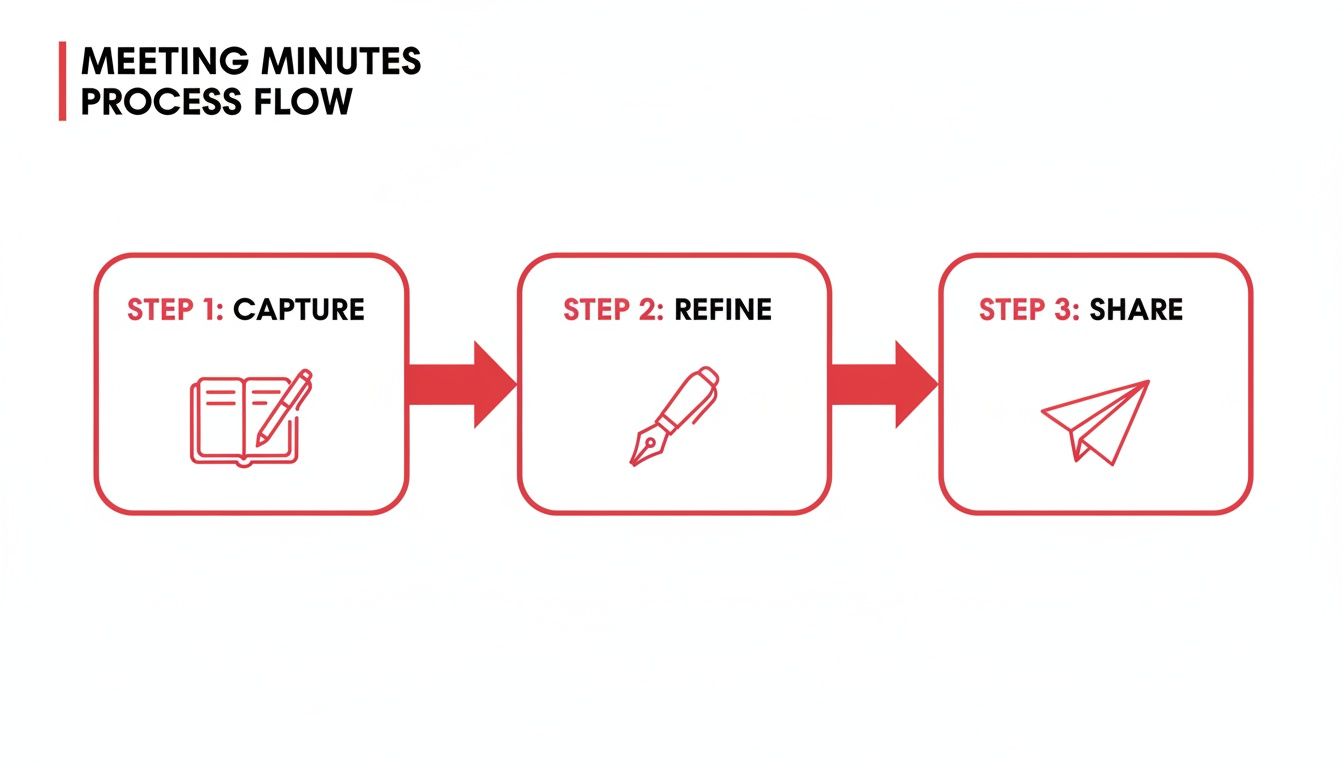
This workflow really highlights how great minutes come from refining raw information into something that’s actually useful.
This approach flips the script on note-taking. It’s no longer a memory test; it’s an editing task. You're not just a scribe—you’re a curator, pulling the most important pieces from a perfect source.
The Magic of Automated Transcription Tools
The real efficiency boost comes from using an automated transcription service. This is especially true for meetings that are recorded and shared as videos. The technology is pretty impressive; the same process is used when you need to get a transcript from a Youtube video.
Good tools don't just give you a block of text. Most modern services can identify different speakers and add timestamps, which makes navigating the conversation and crediting comments a breeze. That level of detail means your final minutes aren't just accurate—they’re a complete and reliable record for the whole team.
A Few Final Pointers on Meeting Minutes
Let's tackle some of the most common questions that pop up when you're in charge of meeting minutes. Getting these details right can make all the difference.
How Much Detail Do I Actually Need?
Think summary, not screenplay. Your goal isn't to capture every single word spoken, but to record the results of the conversation.
Focus on the essentials: what was decided, who is doing what (and by when), and the core arguments that led to those decisions. A good set of minutes should be a concise, practical record that someone who missed the meeting can read and understand completely.
Who's Supposed to Take the Minutes, Anyway?
It really depends on the meeting. For something formal, like a board meeting, there's usually a designated secretary.
In most team or project meetings, though, the role often gets passed around. Sometimes the person who called the meeting takes them, or the team might rotate the responsibility to share the load.
The most important thing is to decide before the meeting starts. A quick, "Who's on minutes today?" saves a lot of confusion and makes sure it actually gets done.
What's the Best Way to Store and Organise Minutes?
Keep them somewhere central that everyone on the team can easily access. A shared folder on Google Drive, a dedicated space in your project management tool like Asana, or a page on your company's intranet are all solid choices.
The real secret weapon here is a consistent naming system. It might sound trivial, but it's a lifesaver when you're trying to find something six months later. Try a simple, clear format like these:
- ProjectName_MeetingMinutes_YYYY-MM-DD
- TeamName_WeeklySync_YYYY-MM-DD
This simple habit turns your minutes of a meeting template into a searchable and reliable archive for your team.
How Soon Should I Send the Minutes Out?
Try to get them out within 24 hours. The sooner, the better.
Sending the minutes while the meeting is still fresh in everyone's minds is crucial. It gives people a chance to spot any mistakes or misunderstandings right away, and it keeps the momentum going on all those newly assigned action items.
Ready to make your meeting notes effortless? With YoutubeToText, you can turn your video recordings into accurate, editable transcripts in minutes. Stop manually typing and start creating perfect meeting minutes with a single click. Try it for free today at youtubetotext.ai