Discover the top 12 meeting agenda template strategies and tips. Complete guide with actionable insights.
12 Meeting Agenda Templates to Supercharge Your Productivity
Unproductive meetings can feel like a significant waste of time, often because they lack a clear purpose and structure. A well-organised meeting agenda template is the most direct solution to this common problem, providing a framework that ensures every discussion is focused, efficient, and leads to clear outcomes. This guide simplifies the process of finding the perfect template to solve your meeting productivity challenges.
We have compiled a comprehensive list of the best resources for downloadable and customisable meeting agenda templates. Whether you need a simple outline for a quick team stand-up, a formal structure for a board meeting, or a detailed plan for a project kickoff, you will find it here. This article is designed to be your go-to resource, saving you the effort of searching across multiple sites.
Each entry includes a direct link to the template source, an honest assessment of its strengths and weaknesses, and practical advice on how to use it effectively. We will cover a range of platforms, from familiar tools like Microsoft Office and Google Docs to collaborative hubs like Asana and Miro. You will find options for various formats, including DOCX, PDF, and interactive digital versions. Our goal is to help you select a meeting agenda template that not only organises your discussions but also boosts team productivity and ensures clear, actionable results from every meeting.
1. Microsoft Create (Office templates)
Microsoft Create is the official template gallery for the Microsoft Office suite, offering a reliable starting point for users deeply integrated into the Word, Excel, and PowerPoint ecosystem. It stands out by providing high-quality, professionally formatted templates that work seamlessly offline in desktop applications or online via Microsoft 35. This is the ideal choice if your primary goal is to find a polished meeting agenda template that requires minimal setup and is immediately ready for print or digital sharing within an organisation that standardises on Office software.
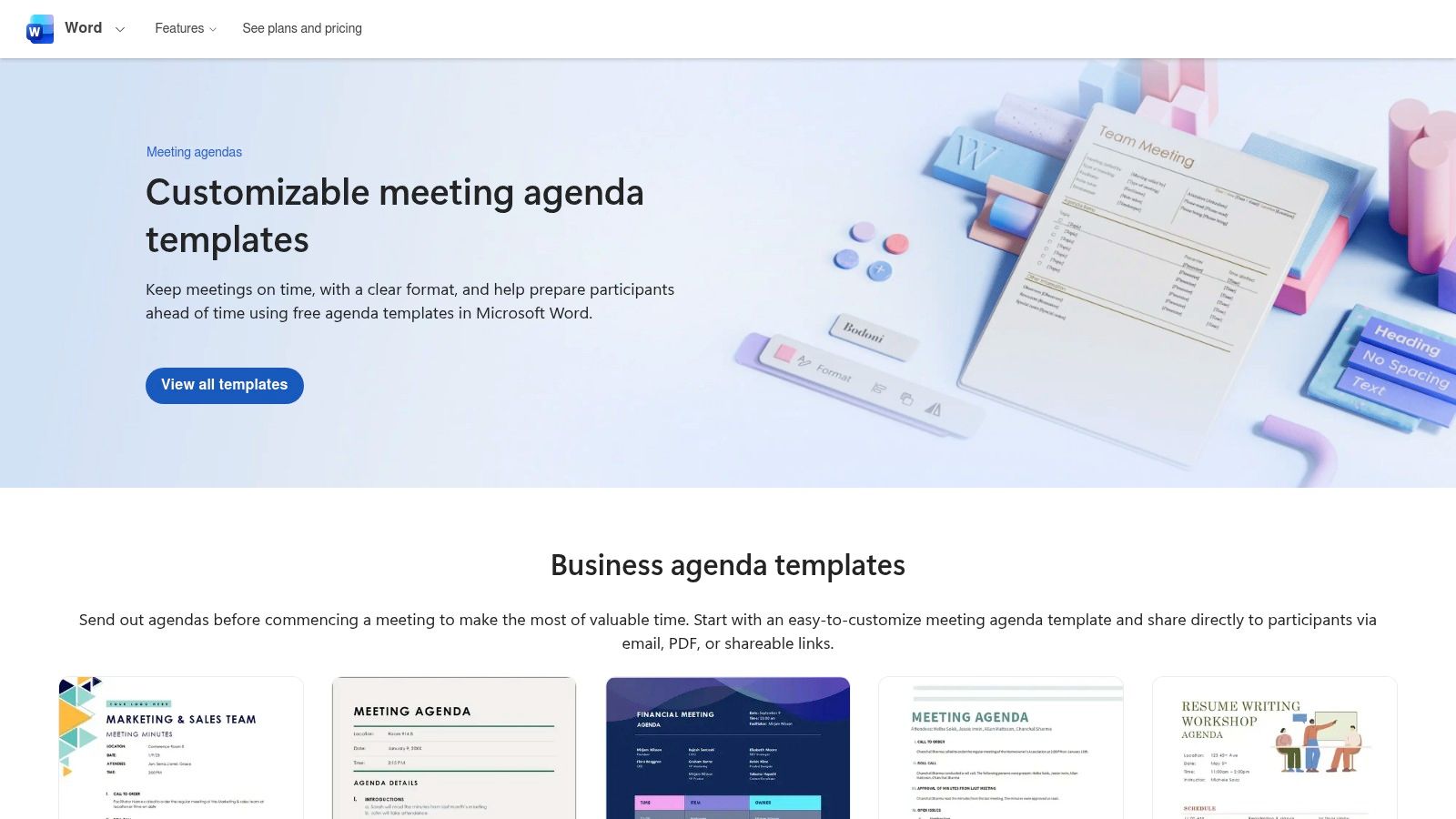
The user experience is straightforward, especially for those familiar with Microsoft's interface. You can browse various designs, from minimalist to formal, and open your chosen template directly in the corresponding app with a single click. A well-structured Word agenda is also the perfect place to paste an AI-generated transcript of your meeting, allowing you to quickly review discussions and pull out action items. You can find additional guidance on how to structure your notes with a minute notes template.
Key Features and Considerations
The platform’s strength lies in its native integration and trusted formatting quality.
- Access Requirements: Templates are free to download and use. However, the best editing experience and access to all features require a Microsoft 365 subscription for web apps or a licensed version of the desktop software.
- Template Variety: Microsoft provides a wide range of agenda layouts, including formal board meeting agendas, creative team brainstorming sessions, and simple daily stand-ups.
- Practical Tip: To ensure brand consistency, customise a template with your company logo and colour scheme, then save it as a new template file (
.dotxfor Word) for your team to reuse.
| Pros | Cons |
|---|---|
| Trusted source with professional formatting | Best experience requires a Microsoft 365 subscription |
| Works seamlessly offline in desktop apps | Formatting may not translate perfectly to non-Office apps |
| No learning curve for existing Office users | Limited customisation options compared to dedicated design tools |
Website: Microsoft Create Agenda Templates
2. Google Docs Template Gallery (Docs)
Google's built-in Docs template gallery is the go-to resource for teams operating within the Google Workspace ecosystem. It excels by offering free, browser-based templates that are built for real-time collaboration and seamless sharing. This platform is the ideal choice if your team needs to draft, edit, and finalise a meeting agenda template collectively, without software installations or compatibility concerns, making it perfect for remote or hybrid work environments where accessibility is key.
The user experience is intuitive for anyone familiar with Google Drive. You can access the gallery directly within Google Docs, select a clean, modern design, and instantly begin working. The templates provide a solid foundation for planning discussions and capturing outcomes, which is a crucial first step for organised record-keeping. In fact, a structured agenda naturally transitions into a framework for your notes, a process you can refine with a minutes of meeting template.
Key Features and Considerations
The platform's core advantage is its frictionless, real-time collaborative power.
- Access Requirements: All templates are completely free to use with a personal Google account or a Google Workspace subscription. No software installation is required as it works entirely in-browser.
- Template Variety: The gallery includes several professional document layouts that can be easily adapted for meeting agendas, from formal project briefs to more casual team check-ins.
- Practical Tip: Leverage Google Docs' AI features to summarize meeting transcripts pasted into the document, helping you quickly draft a concise summary of key decisions and action items.
| Pros | Cons |
|---|---|
| Completely free and easy to share/collaborate | Organisational template access can be confusing |
| Fast access without installs or special software | Navigation to the gallery is not immediately obvious |
| Excellent real-time co-editing and commenting | Limited design variety compared to specialised platforms |
Website: Google Docs
3. Canva
Canva is a powerful visual design platform that goes beyond graphics to offer a vast collection of editable templates for professional documents, including hundreds for meeting agendas. It excels at creating visually polished, branded agendas that stand out. This platform is the perfect choice for teams and individuals who want their meeting documentation to be as well-designed as their marketing materials, with easy export options for PDF, images, or shareable online links.
The user experience is built around an intuitive drag-and-drop editor, making it incredibly simple to customise colours, fonts, and layouts without any design expertise. Canva’s real-time collaboration features also allow multiple team members to edit an agenda simultaneously, streamlining the planning process. For content creators and marketing teams, this is a powerful content repurposing tool; the agenda can be transformed into visually engaging summaries or social media content with minimal effort, aligning meeting outputs with broader communication strategies.
Key Features and Considerations
Canva's strength is its blend of powerful design tools with user-friendly document creation.
- Access Requirements: A generous free plan provides access to thousands of templates and design assets. Advanced features like Brand Kits, premium assets, and Magic Write (AI assistance) require a Canva Pro subscription.
- Template Variety: The library includes everything from minimalist one-pagers and formal board meeting agendas to creative workshop outlines and 1:1 meeting templates, all with a strong visual focus.
- Practical Tip: Use Canva’s AI features to summarize a meeting transcript, then use the key points to generate a visually appealing infographic or presentation that recaps the meeting's outcomes.
| Pros | Cons |
|---|---|
| Hundreds of visually polished, professional templates | Best branding features require a Canva Pro subscription |
| Intuitive drag-and-drop editor is easy to learn | Some high-quality assets are locked behind a paywall |
| Excellent for creating branded meeting packets and summaries | Can feel like overkill for simple, text-only agendas |
Website: Canva Agenda Templates
4. Notion Template Marketplace
The Notion Template Marketplace is a hub for community and creator-made templates, perfect for teams that live inside the Notion ecosystem. Unlike static document templates, a Notion meeting agenda template is a dynamic, database-driven tool. It’s the ideal choice for organisations that want to link agenda items directly to project boards, track action items across multiple meetings, and build an interconnected knowledge base where meeting transcripts and notes are never siloed.
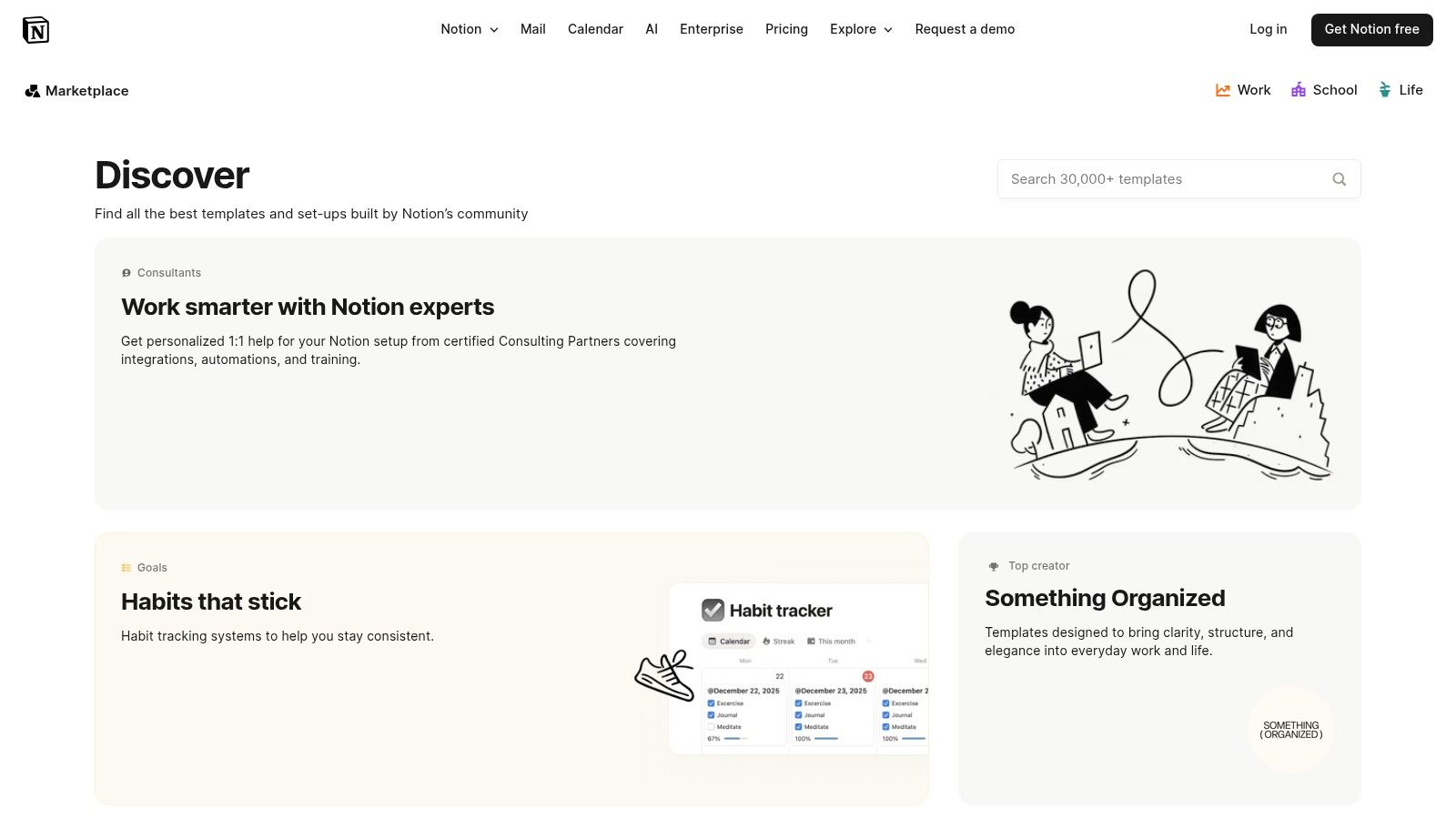
The user experience is built around duplication. You find a template you like and add it to your own workspace with a single click. From there, it becomes a fully customisable page or database. This flexibility allows teams to create powerful, automated workflows, turning a simple agenda into a project management asset. If you're a Notion user, you might find a comprehensive pack of free Notion agenda templates to get started quickly with various meeting types.
Key Features and Considerations
Notion’s core strength is its connected, all-in-one workspace functionality.
- Access Requirements: Many templates are free, while others created by Notion experts are available for purchase. A free or paid Notion account is required to use them.
- Template Variety: The marketplace offers a vast selection, from simple one-page meeting notes to complex systems with recurring meeting databases and integrated task managers.
- Practical Tip: Use Notion’s AI features to analyse a pasted meeting transcript. Ask it to "extract all action items" or "summarize the key decisions" directly within your meeting notes page to streamline your post-meeting workflow.
| Pros | Cons |
|---|---|
| Highly flexible and customisable | Works best if your team already uses Notion |
| Excellent for linking agenda items to tasks/projects | Quality and structure of creator-made templates can vary |
| Integrates seamlessly with other Notion databases | Can have a steeper learning curve for new users |
Website: Notion Template Gallery
5. Miro Templates
Miro is a visual collaboration platform that shifts the concept of a meeting agenda from a static document to an interactive, shared workspace. It excels in facilitating dynamic, remote, or hybrid meetings where real-time participation is key. Miro's strength lies in its templates designed for workshops, brainstorming sessions, and agile ceremonies, solving the problem of engagement by allowing teams to not only follow a plan but also to capture ideas, vote on topics, and organise action items visually on a digital whiteboard.
The user experience is highly intuitive, especially for teams accustomed to visual thinking. A Miro board acts as a central hub where the agenda, discussion points, and outcomes live together. This approach is powerful for making meetings more productive, as it transforms passive listening into active co-creation. You can timebox each agenda item with a built-in timer, ensuring discussions stay on track and every topic receives its allocated attention.
Key Features and Considerations
The platform’s main advantage is its focus on live, collaborative interaction.
- Access Requirements: A Miro account is required to use the templates. A free plan is available with limited boards and features, while paid plans unlock unlimited boards and advanced functionalities.
- Template Variety: Miro offers a wide array of visual templates tailored for specific meeting types, including workshops, project kick-offs, retrospectives, and client calls, all designed for collaborative input.
- Practical Tip: Paste key quotes or sections from a meeting transcript onto digital sticky notes. During a follow-up meeting, the team can visually cluster these notes to identify themes, pain points, and opportunities.
| Pros | Cons |
|---|---|
| Excellent for interactive and remote meetings | Requires a Miro account for all participants |
| Easy to keep time and capture actions live | Some advanced features require paid plans |
| Promotes visual collaboration and engagement | Can be overwhelming for teams new to digital whiteboards |
Website: Miro Meeting Agenda Templates
6. Asana Templates
Asana elevates the meeting agenda from a static document to an interactive project plan. For teams already managing their work within Asana, its templates are a productivity game-changer, seamlessly connecting discussion points to actionable tasks, owners, and deadlines. This approach is ideal for organisations that prioritise accountability and want to solve the problem of follow-up by ensuring that every agenda item translates directly into trackable progress within their existing project management ecosystem.
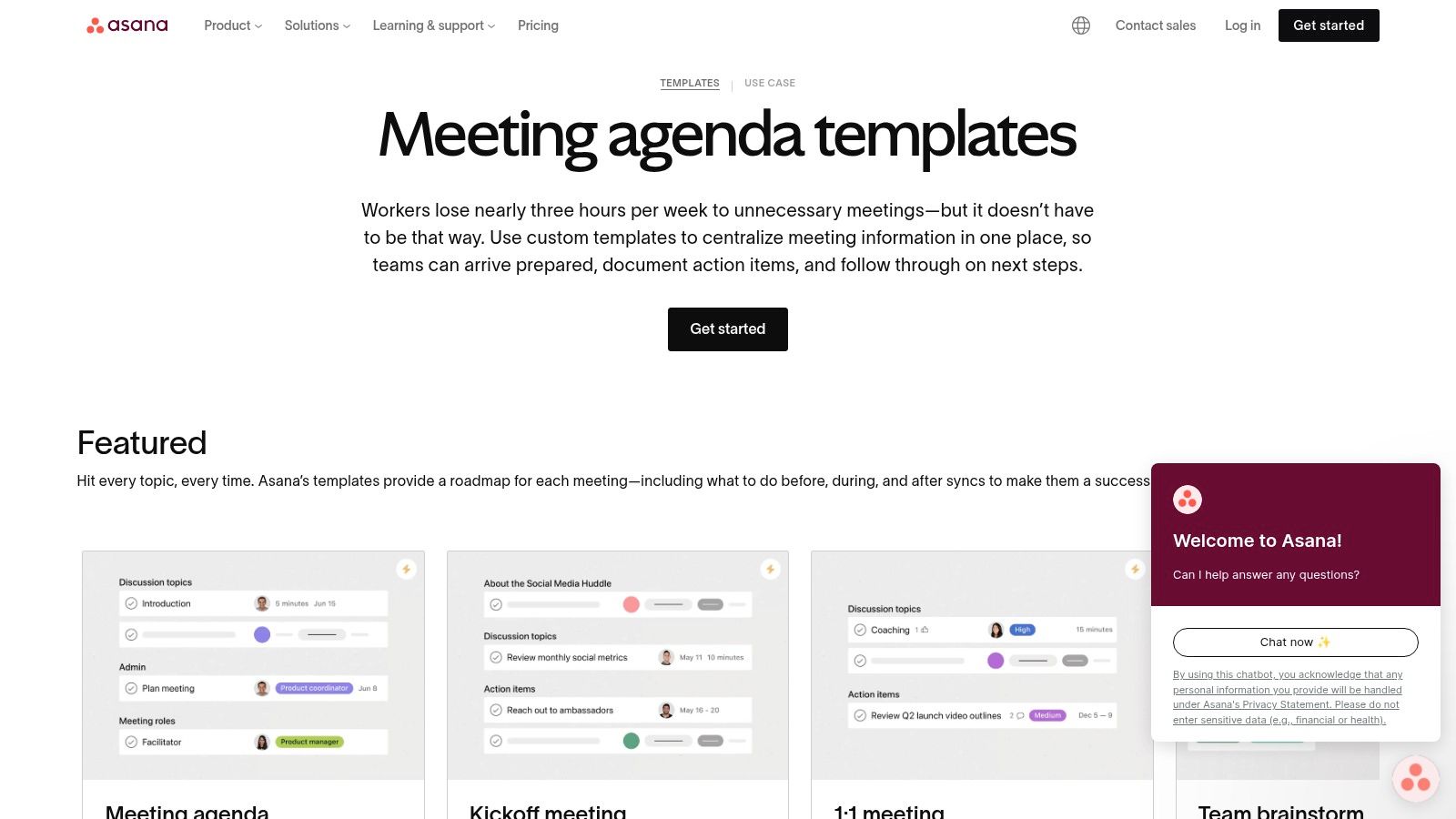
The user experience is native to the Asana platform, making it intuitive for existing users. You can select a pre-built meeting agenda template, such as for a board meeting or a one-on-one, and immediately start assigning subtasks to attendees. This direct integration solves the common problem of action items getting lost after a meeting. Instead of just noting what needs to be done, you are actively creating and assigning the work as you build the agenda.
Key Features and Considerations
The platform’s core strength is its ability to embed agendas directly into a team's workflow.
- Access Requirements: Using the templates requires an Asana account. While there is a free basic tier, many of the more advanced features and integrations are part of the paid plans.
- Template Variety: Asana provides several well-structured templates, including a general meeting agenda, board meeting agenda, one-on-one meetings, and quarterly business reviews.
- Practical Tip: After a meeting, attach the transcript file directly to the agenda task in Asana. This creates a permanent, accessible record of the discussion linked to the project for anyone who needs context later.
| Pros | Cons |
|---|---|
| Strong action-item follow-through inside the PM tool | Requires sign-up and is best if your team already uses Asana |
| Multiple meeting types available out of the box | Advanced features require paid tiers |
| Connects agenda items directly to project tasks | May be overly complex for simple, one-off meetings |
Website: Asana Meeting Agenda Templates
7. Smartsheet
Smartsheet is a powerful work management platform that also offers a vast collection of free, downloadable meeting agenda templates. It caters especially to structured teams and Project Management Offices (PMOs) that prioritise standardisation and process. The platform provides templates in common formats like Word, Excel, Google Docs, and PDF, making them accessible without needing to adopt the full Smartsheet system. This makes it a great hybrid choice for organisations wanting high-quality, enterprise-grade templates that can be used as simple files or integrated into a broader project management ecosystem.
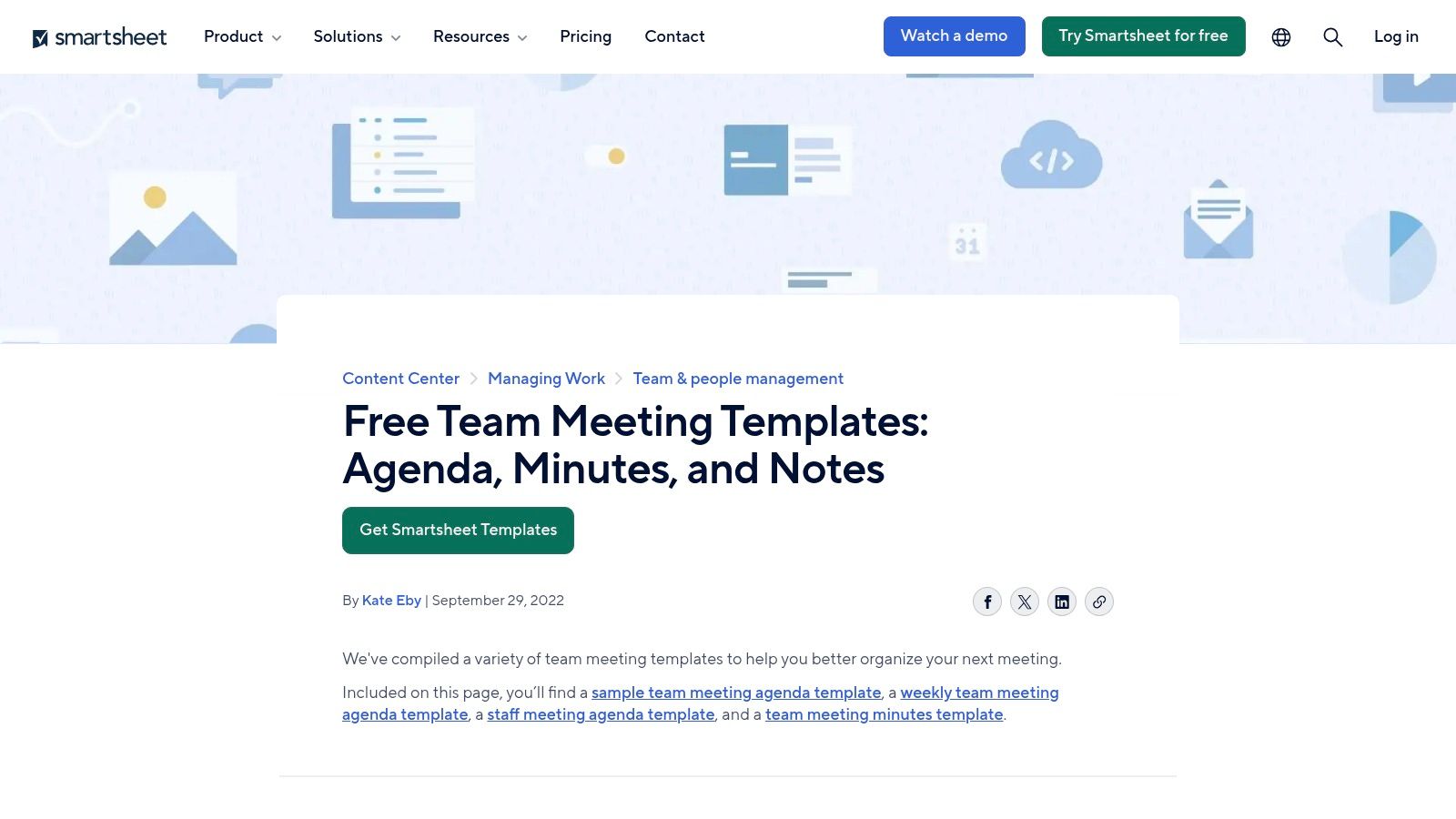
The user experience for downloading templates is direct and requires no account creation, removing friction for users who just need a quick file. Beyond individual templates, Smartsheet provides comprehensive Meeting Management template sets designed for its platform, which connect agendas to action items, decisions, and project timelines. This approach transforms the agenda into a dynamic tool for tracking outcomes and ensuring productivity and accountability long after the meeting ends.
Key Features and Considerations
Smartsheet excels at providing structured, professional templates suitable for formal business environments.
- Access Requirements: Dozens of templates are free to download in various file formats with no Smartsheet account required. Advanced features and integrated template sets require a paid Smartsheet subscription.
- Template Variety: The collection includes templates for various meeting types, from formal board meetings and project kick-offs to team stand-ups and one-on-ones, often including a corresponding meeting minutes template.
- Practical Tip: Use the downloadable Word or Google Docs versions for maximum editability if you are not a Smartsheet user. These files serve as an excellent, professionally formatted base for pasting meeting transcripts and organizing notes.
| Pros | Cons |
|---|---|
| Many free downloads with no account needed for basic files | Web downloads are static unless you use the Smartsheet platform |
| Excellent fit for enterprise and formally structured teams | The full Smartsheet platform is paid and has a learning curve |
| Templates available in multiple popular formats (Word, Google Docs, etc.) | Functionality is limited without committing to their ecosystem |
Website: Smartsheet Team Meeting Templates
8. Atlassian Confluence Templates
For organisations already embedded in the Atlassian ecosystem, Confluence offers built-in meeting agenda templates that are less about standalone documents and more about creating a persistent, searchable knowledge base. It solves the problem of siloed information by integrating agendas, notes, and action items directly into your team's central wiki. This is ideal for development teams and project managers using Jira, as it keeps meeting outcomes connected to the actual work being tracked, turning an agenda into a dynamic part of your project documentation.
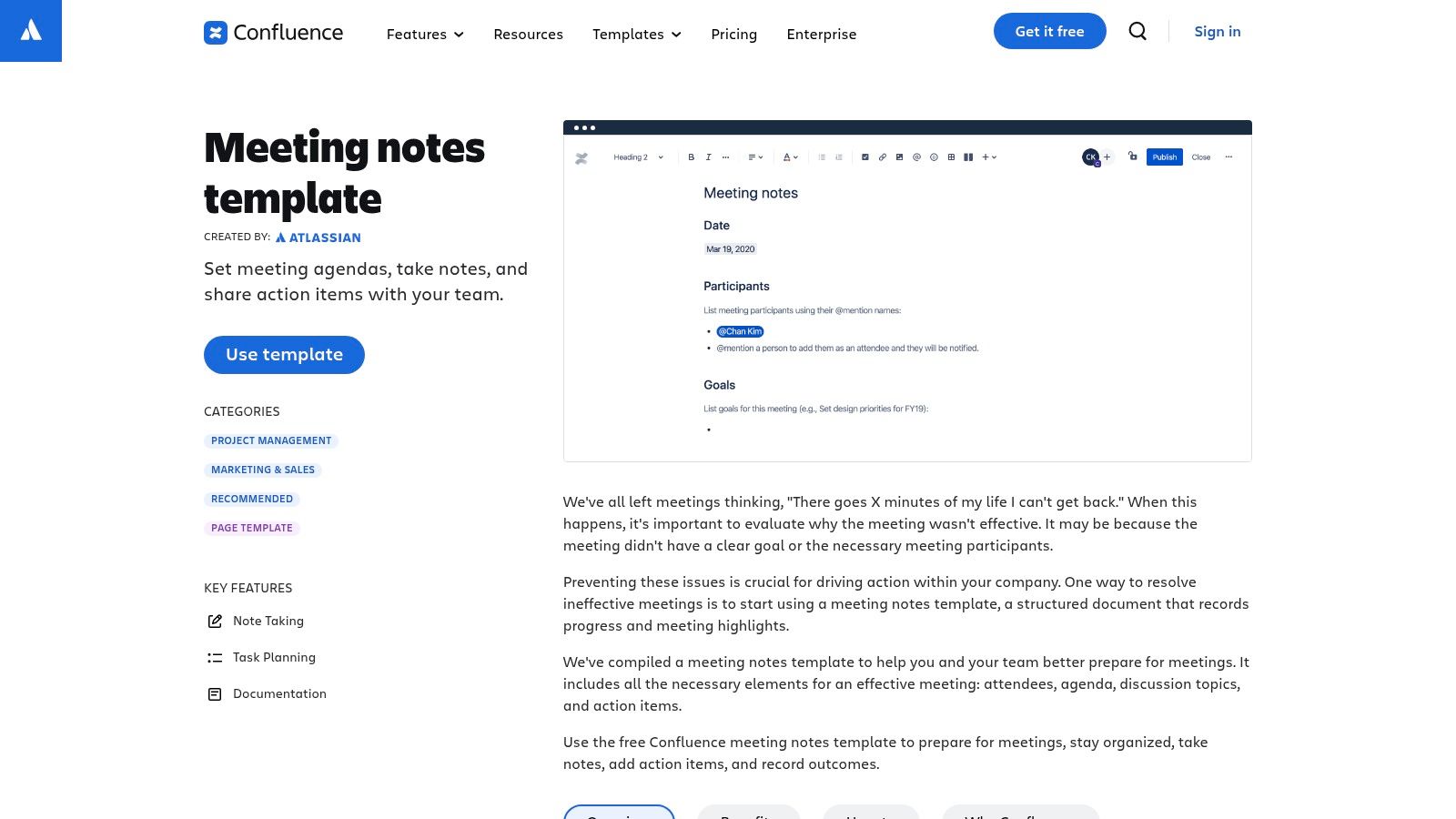
The user experience is seamless for existing Confluence users, leveraging familiar macros and page-editing tools. You can use page-level @mentions to assign tasks and notify team members, link directly to Jira tickets, and track decisions transparently with version history. This transforms the agenda into a living document that captures the full lifecycle of a discussion, making meeting content accessible and searchable for future reference.
Key Features and Considerations
Confluence’s strength is its deep integration and ability to create a connected, searchable record of meetings.
- Access Requirements: Templates are included with a Confluence subscription. A free plan is available for up to 10 users, with paid plans for larger teams.
- Template Variety: The platform provides several core templates, including a general meeting notes template, 1:1 meeting templates, and weekly team meeting formats.
- Practical Tip: Attach the meeting transcript to your Confluence agenda page. This makes the full discussion searchable within your knowledge base, improving accessibility and ensuring valuable context is never lost.
| Pros | Cons |
|---|---|
| Keeps agenda and notes in one searchable knowledge base | Requires a Confluence workspace to use |
| Strong integration with Jira and the Atlassian ecosystem | Can be overkill for simple or one-off agendas |
| Facilitates transparent tracking of decisions and tasks | Interface may have a learning curve for new users |
Website: Atlassian Confluence Meeting Notes Templates
9. ClickUp Templates
ClickUp offers a powerful suite of meeting agenda templates deeply integrated within its comprehensive productivity platform. It stands out by connecting agenda items directly to actionable tasks, project timelines, and automated workflows. This is the ideal solution for teams who want a system where meeting discussions seamlessly transition into trackable follow-up actions without leaving the platform, solving the critical problem of converting conversation into measurable progress.
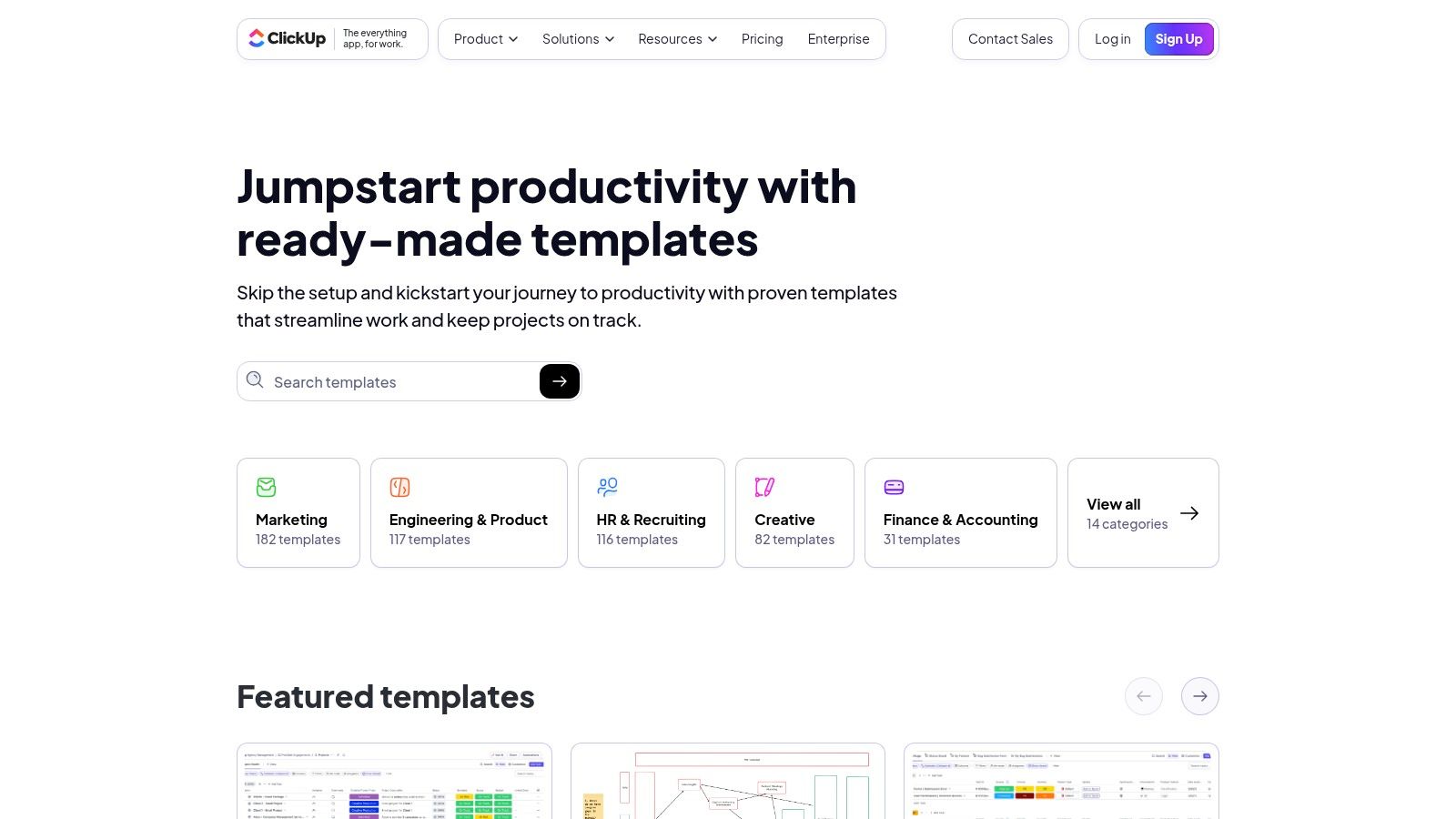
The user experience leverages ClickUp's dynamic "Docs" feature, allowing for collaborative editing in real-time. Unlike a static document, a ClickUp meeting agenda template is a living part of your project management ecosystem. You can tag team members, link to specific tasks, and set statuses for agenda points, turning a simple planning document into an interactive command centre for your meeting.
Key Features and Considerations
The platform's core strength is its ability to centralise meeting management within a broader task and project framework.
- Access Requirements: Access to templates is available on all ClickUp plans, including the free version. However, advanced features like certain automations and custom fields are reserved for paid tiers.
- Template Variety: ClickUp provides a large library of specialised templates, from daily stand-ups and one-on-ones to more complex project retrospectives and board meetings.
- Practical Tip: Use ClickUp's AI assistant to summarize a meeting transcript pasted into a ClickUp Doc. You can then highlight text within the summary and instantly convert it into a new task assigned to the right person.
| Pros | Cons |
|---|---|
| Strong connection between agenda items, tasks, and deadlines | Requires a ClickUp account to use and collaborate |
| Large library of specialised agenda templates | Feature depth can be overwhelming for new users |
| Automations can streamline follow-up processes | Best suited for teams already embedded in the ecosystem |
Website: ClickUp Agenda Templates
10. monday.com Templates
For teams already using a work operating system, monday.com offers a highly integrated and dynamic way to manage meetings. Rather than a static document, monday.com provides a collaborative board-based meeting agenda template where tasks, owners, and statuses are visually tracked. This approach is ideal for project-centric meetings where accountability and follow-through are critical, solving the productivity challenge of turning discussions into visible, trackable work.
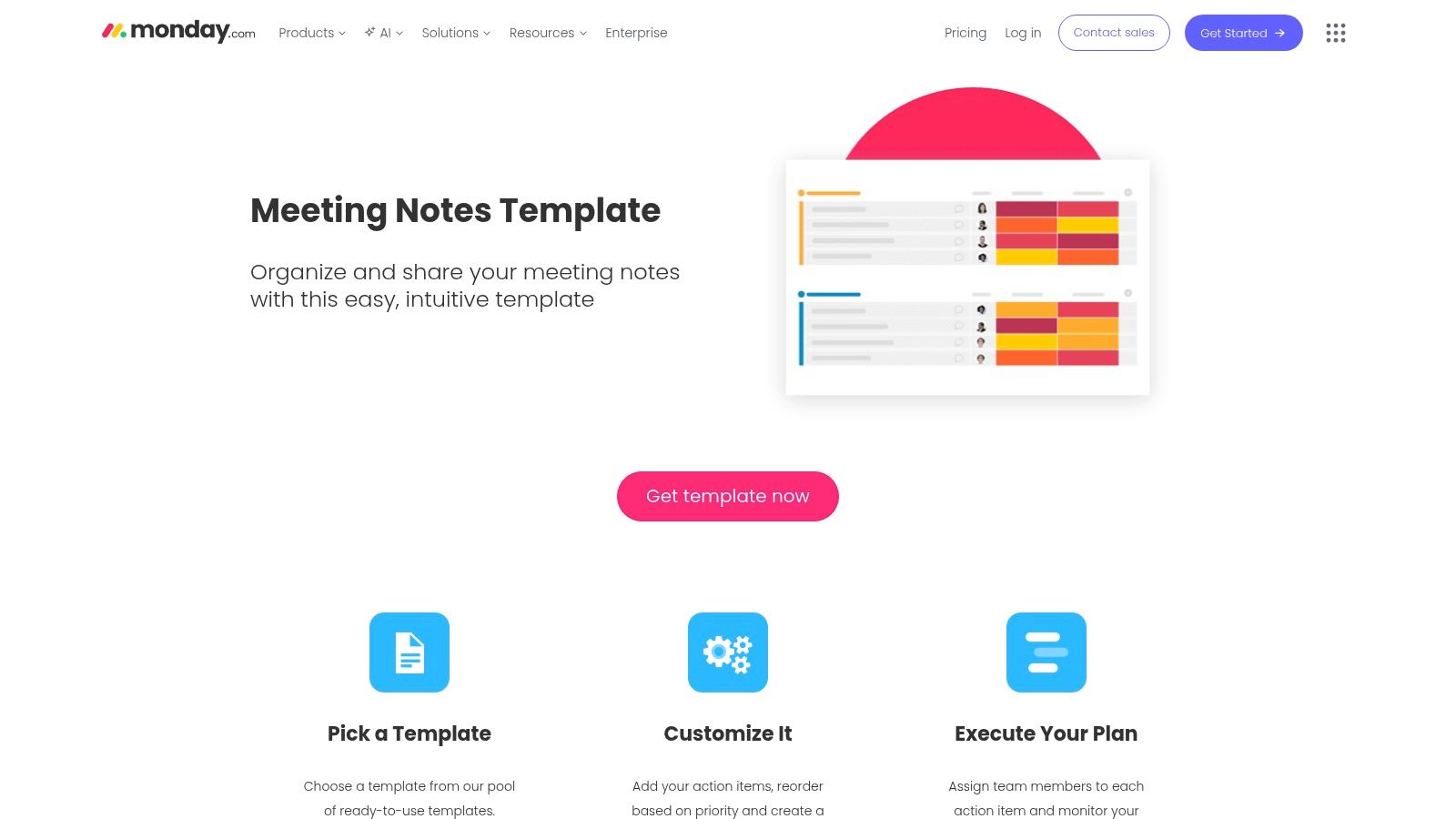
The user experience is seamless for existing monday.com users, leveraging familiar columns, automations, and integrations. You can build agendas that automatically notify presenters, track time spent on each topic, and link directly to relevant documents. This turns the agenda into a central hub for all meeting-related information, helping teams stay organised and ensuring that discussions translate directly into trackable actions within their primary workflow tool.
Key Features and Considerations
The platform’s strength is its ability to embed agendas directly into a team's existing operational workflow.
- Access Requirements: While templates are available on all plans, full functionality, including automations and integrations, requires a paid plan, which is priced per user.
- Template Variety: Templates are specifically designed for team meetings, board meetings, and general meeting notes, with customisable columns for presenters, deadlines, files, and progress statuses.
- Practical Tip: Use automations to create follow-up tasks automatically. For example, set a rule to generate a task and assign it to the relevant person whenever an action item's status is marked as "To Do," inspired by AI-extracted action items from a transcript.
| Pros | Cons |
|---|---|
| Clear ownership and reminders for next steps | Best used if your team is already on monday.com |
| Easy to attach files and keep records in one place | Paid plans per seat are needed for full functionality |
| Automations streamline follow-up actions | Can be overly complex for a simple, one-off meeting |
Website: monday.com Meeting Templates
11. Etsy (digital downloads)
Etsy is a global marketplace for unique and creative goods, and it serves as a surprisingly rich source for professionally designed meeting agenda templates. It stands out by offering instant digital downloads from thousands of independent sellers, providing a vast array of styles that go far beyond standard corporate designs. This is the perfect choice if you are looking to inspire creativity or reflect a specific brand identity with a visually distinct agenda, from minimalist and modern to colourful and creative.
The user experience is centred on browsing and purchasing from individual shops. You can find templates bundled with matching meeting minutes, action item trackers, and other productivity documents, often for a very low one-time cost. Sellers typically provide files in multiple formats like Canva, Word, Google Docs, and fillable PDFs, giving you flexibility in how you edit and use your chosen meeting agenda template.
Key Features and Considerations
The platform’s strength is its unparalleled variety and affordability, driven by independent creators.
- Access Requirements: Templates are available for a small, one-time purchase fee. Once bought, the digital files are available for instant download and can be reused indefinitely.
- Template Variety: The selection is enormous, covering everything from formal board meeting agendas to informal team check-ins and client-facing project kickoffs. Many sellers offer fully editable bundles.
- Practical Tip: Look for fillable PDF templates. They offer a professional look and are easy to populate by copying and pasting key points directly from an AI-generated meeting transcript.
| Pros | Cons |
|---|---|
| Huge variety of unique and creative designs | Quality can vary significantly between sellers |
| Very low prices and one-time purchase model | Digital-only files with no platform features or integrations |
| Instant access and files are re-downloadable | Requires you to check file compatibility before buying |
Website: Etsy Meeting Agenda Templates
12. Vertex42
Vertex42 has long been a trusted resource for practical, no-frills templates, and its collection of meeting agenda templates is a testament to its focus on functionality over flair. It excels at providing well-structured documents for Word, Google Docs, and especially Excel, where some templates include formulas to auto-calculate start times. This makes it an excellent choice for managers and administrators who need a reliable, free tool for organising efficient meetings without the distraction of complex design elements, solving the problem of overcomplicated meeting prep.
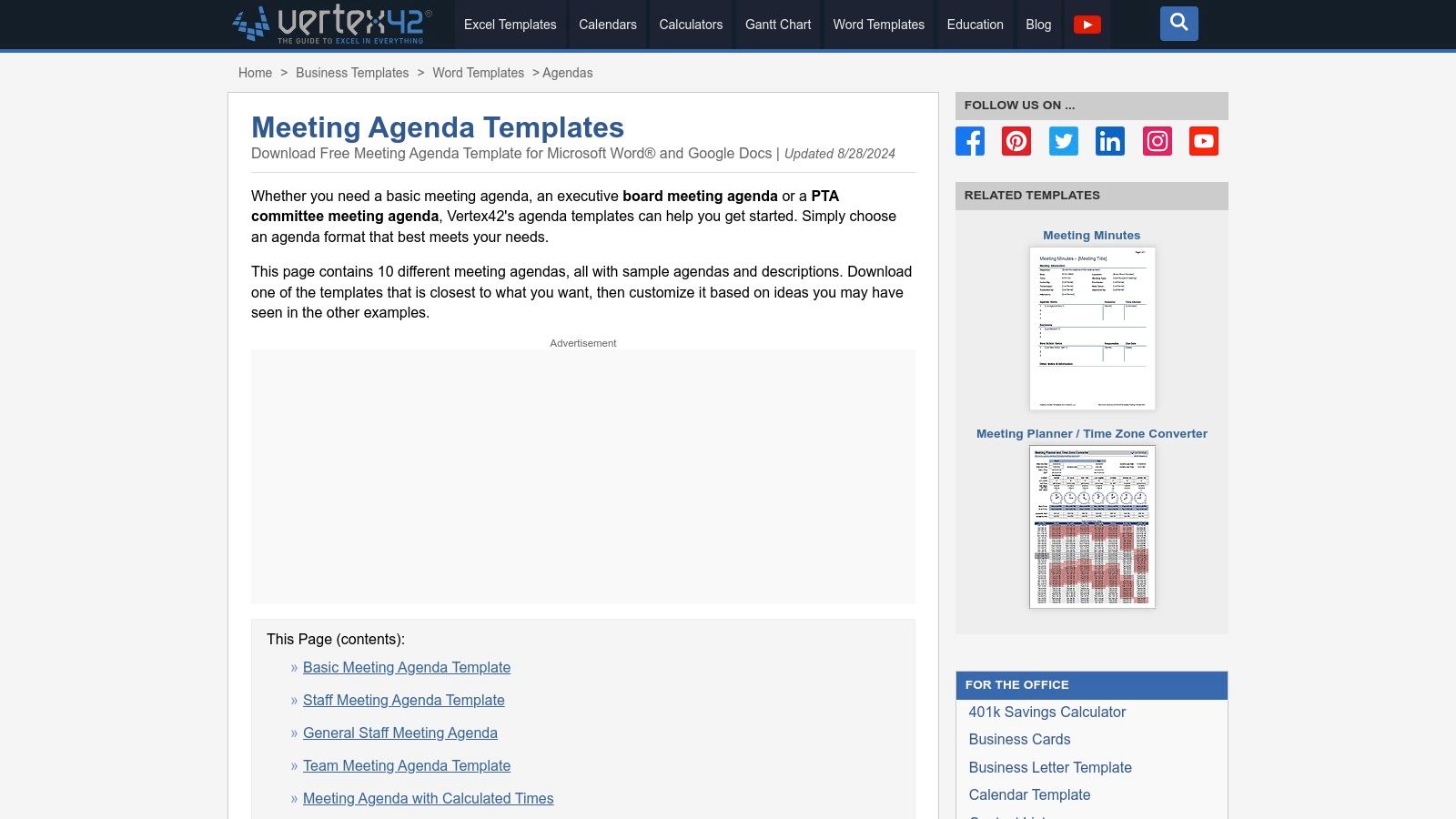
The user experience is straightforward: navigate to the agenda page, select a format that suits your needs-from a basic staff meeting to a formal board meeting-and download it directly. Each template comes with clear instructions and logically organised sections for timeboxes, presenters, and notes. The simplicity of these documents makes them highly effective tools for keeping discussions on track and ensuring all key points are covered, providing a solid foundation for post-meeting documentation.
Key Features and Considerations
The platform’s core strength is its library of free, highly practical templates designed for immediate use.
- Access Requirements: All templates are completely free to download and use without needing an account or subscription.
- Template Variety: Offers over ten agenda formats, including basic, staff, board, committee, and timed agendas, available for various software suites.
- Practical Tip: Leverage the Excel or Google Sheets timed agenda templates. Simply enter the start time and the duration for each item, and the schedule will automatically populate—a huge productivity boost for planning complex meetings.
| Pros | Cons |
|---|---|
| Completely free and practical templates with clear instructions | Minimalist design with few options for visual customisation |
| Multiple formats (Word, Excel, Google Docs) fit different workflows | Lacks the collaborative features of dedicated cloud-based tools |
| Spreadsheet versions can auto-calculate timings | The website interface feels somewhat dated |
Website: Vertex42 Meeting Agenda Templates
Top 12 Meeting Agenda Template Comparison
| Tool | Core features | Ease ★ | Price 💰 | Target audience 👥 | USP ✨/🏆 |
|---|---|---|---|---|---|
| Microsoft Create (Office templates) | Office-ready agendas (Word/Excel/PPT), print/digital | ★★★★ | 💰 Free; best with Microsoft 365 | 👥 Office users, enterprises | ✨ High-fidelity Word layouts; easy paste of transcripts into Word · 🏆 Trusted formatting |
| Google Docs Template Gallery | Browser templates, real-time collaboration | ★★★★ | 💰 Free (Workspace tiers available) | 👥 Teams, educators, remote collaborators | ✨ Live co-edit & comments; quick paste/edit of transcripts · 🏆 Instant sharing |
| Canva | Drag‑and‑drop visual templates, export PDF/PNG | ★★★★ | 💰 Freemium; Pro for brand kit | 👥 Marketers, creators, designers | ✨ Branded agenda visuals from transcript summaries · 🏆 Polished exports |
| Notion Template Marketplace | Duplicable pages, DB views, relations | ★★★ | 💰 Free + paid community templates | 👥 Notion power-users, product teams | ✨ Link transcripts to pages & databases for tracking · 🏆 Highly customizable |
| Miro Templates | Interactive boards, timers, sticky notes | ★★★★ | 💰 Freemium; advanced features paid | 👥 Facilitators, hybrid/remote teams | ✨ Paste transcripts into boards for visual review; built‑in timers · 🏆 Interactive facilitation |
| Asana Templates | Agendas tied to tasks, due dates, custom fields | ★★★★ | 💰 Freemium; paid tiers for advanced | 👥 PMs, teams needing action follow-up | ✨ Convert transcript items to tasks/owners · 🏆 Strong action‑item tracking |
| Smartsheet | Downloadable Word/Excel/Google templates, enterprise sets | ★★★ | 💰 Free downloads; Smartsheet platform paid | 👥 PMOs, structured/enterprise teams | ✨ Import transcripts into sheets; enterprise templates · 🏆 Comprehensive formats |
| Atlassian Confluence Templates | Wiki pages, tasks, labels, Jira integration | ★★★ | 💰 Included with Confluence (paid tiers) | 👥 Software teams, orgs using Jira | ✨ Archive/search transcripts in wiki; Jira links · 🏆 Centralized knowledge base |
| ClickUp Templates | Docs linked to tasks, automations, multiple views | ★★★ | 💰 Freemium; paid tiers | 👥 Teams wanting tight meeting→task flow | ✨ Turn transcript lines into tasks/automations · 🏆 Deep task linking |
| monday.com Templates | Board-based agendas, columns for owners/time, automations | ★★★ | 💰 Paid per-seat (limited free) | 👥 Visual workflow teams, ops | ✨ Map transcript action items to owners/status · 🏆 Visual tracking & automations |
| Etsy (digital downloads) | Printable/editable templates in many formats | ★★★ | 💰 Low-cost one-time purchases | 👥 Small businesses, solo organizers | ✨ Huge style variety; fillable templates accept pasted transcripts · 🏆 Instant downloads |
| Vertex42 | Practical Word/Excel/Sheets templates, time auto-calcs | ★★★★ | 💰 Free downloads | 👥 Admins, clerical teams, spreadsheet users | ✨ Spreadsheet templates auto-calc times from transcripts · 🏆 Reliable, practical forms |
Final Thoughts
We've explored a comprehensive collection of resources, from the familiar interfaces of Microsoft Create and Google Docs to the dynamic, collaborative canvases of Miro and Notion. The central takeaway is clear: a well-structured meeting agenda template is not just a document; it's a strategic tool that solves the problem of unproductive gatherings by transforming them into focused, outcome-driven sessions. It sets expectations, allocates time efficiently, and ensures every participant arrives prepared and ready to contribute.
The right template acts as the foundation for a successful meeting, but its true power is unlocked when you customise it. A generic outline is a great starting point, but adapting it to your team’s specific workflow, project goals, and communication style is what boosts productivity. Whether you’re a solo content creator planning a client call or a marketing team coordinating a major project kickoff, the perfect template is the one you refine to meet your unique needs.
How to Choose the Right Meeting Agenda Template
Selecting the ideal tool from the dozen we've reviewed can feel overwhelming. To solve this, consider your core problem:
- For Simplicity and Accessibility: If you need a straightforward, universally accessible solution, stick with Google Docs or Microsoft Create. These are perfect for quick setup, easy sharing, and require no learning curve. They are ideal for students, researchers, and small teams who prioritise function over advanced features.
- For Integrated Project Management: If your meetings are deeply tied to ongoing tasks and projects, platforms like Asana, ClickUp, monday.com, or Smartsheet are your best bet. Their templates are built directly into a larger ecosystem, allowing you to link agenda items to specific tasks, assign owners, and track progress seamlessly. This is a game-changer for marketing teams and project managers.
- For Visual and Collaborative Brainstorming: When your meetings are more about creative ideation and strategic planning, visual tools like Miro and Canva shine. Their templates offer a flexible, engaging format that encourages real-time collaboration, making them perfect for retrospectives, workshops, and kickoff sessions for creative teams or educators.
- For a Centralised Knowledge Hub: If you want your meeting agendas and notes to live within a broader company wiki or knowledge base, Notion and Confluence are unparalleled. They allow you to create interconnected documents, ensuring your meeting outcomes and transcripts are documented and easily accessible for future reference.
From Agenda to Action: The Next Step
Remember, the agenda is just the beginning. The ultimate goal of any meeting is to drive progress and produce clear, actionable outcomes. Once your discussion concludes, the focus must shift to capturing and tracking what was decided. To enhance your post-meeting productivity, consider using AI transcription to create an accurate record, then compliment your agenda with a practical guide to using a dedicated meeting action items template. This will help you ensure that every decision and assigned task is documented, owned, and completed.
By investing a small amount of time upfront to select and customise the right meeting agenda template, you are setting the stage for more organised, productive, and impactful collaborations. You are not just planning a meeting; you are engineering a successful outcome.
Do your virtual meetings and interviews get recorded on Youtube? Turn those video recordings into accurate, actionable text with YoutubeToText. Use the transcript to quickly generate meeting minutes, pull out key decisions, and create your follow-up action items in seconds.