Explore the best minutes of meeting template resources—free, editable templates for Word, Google Docs, and more to boost productivity.
Minutes of Meeting Template: Free, Editable Templates for Word & Google Docs
Meetings are essential for collaboration, but their value is often lost without proper documentation. Inefficient note-taking leads to forgotten action items, unclear decisions, and wasted time. This is a real problem for productivity. A structured minutes of meeting template solves this by transforming the process, ensuring every key point is captured and accountability is clear. This guide is your definitive resource for finding the perfect template to streamline your workflow and boost productivity.
We have curated a comprehensive list of the best templates across various platforms, from Microsoft Word and Google Docs to specialised project management tools like Asana and ClickUp. Each option is presented with direct links and screenshots, making it easy to see which format fits your needs, whether you're organising a formal board meeting, a daily team stand-up, or a creative brainstorming session.
Furthermore, this article will show you how to solve a major productivity bottleneck: manual note-taking. By leveraging AI transcription, you can automatically convert your meeting recordings into accurate text. This allows you to auto-fill your chosen template, freeing you from the burden of manual typing and inspiring a more focused, engaged meeting culture. You can fully participate in the conversation, knowing the documentation is handled. Let's dive in and find the right tool to make your meetings more effective and your follow-ups flawless.
1. Microsoft Create – Meeting minutes templates
For those who rely on the familiar and powerful Microsoft Office suite, Microsoft Create is the definitive starting point. It offers a comprehensive library of professionally designed minutes of meeting template options, all optimised for Word and Excel. This integration is its greatest strength; you can open a template directly in your web browser via Microsoft 356 or download it for offline editing, ensuring a seamless workflow for existing Office users.
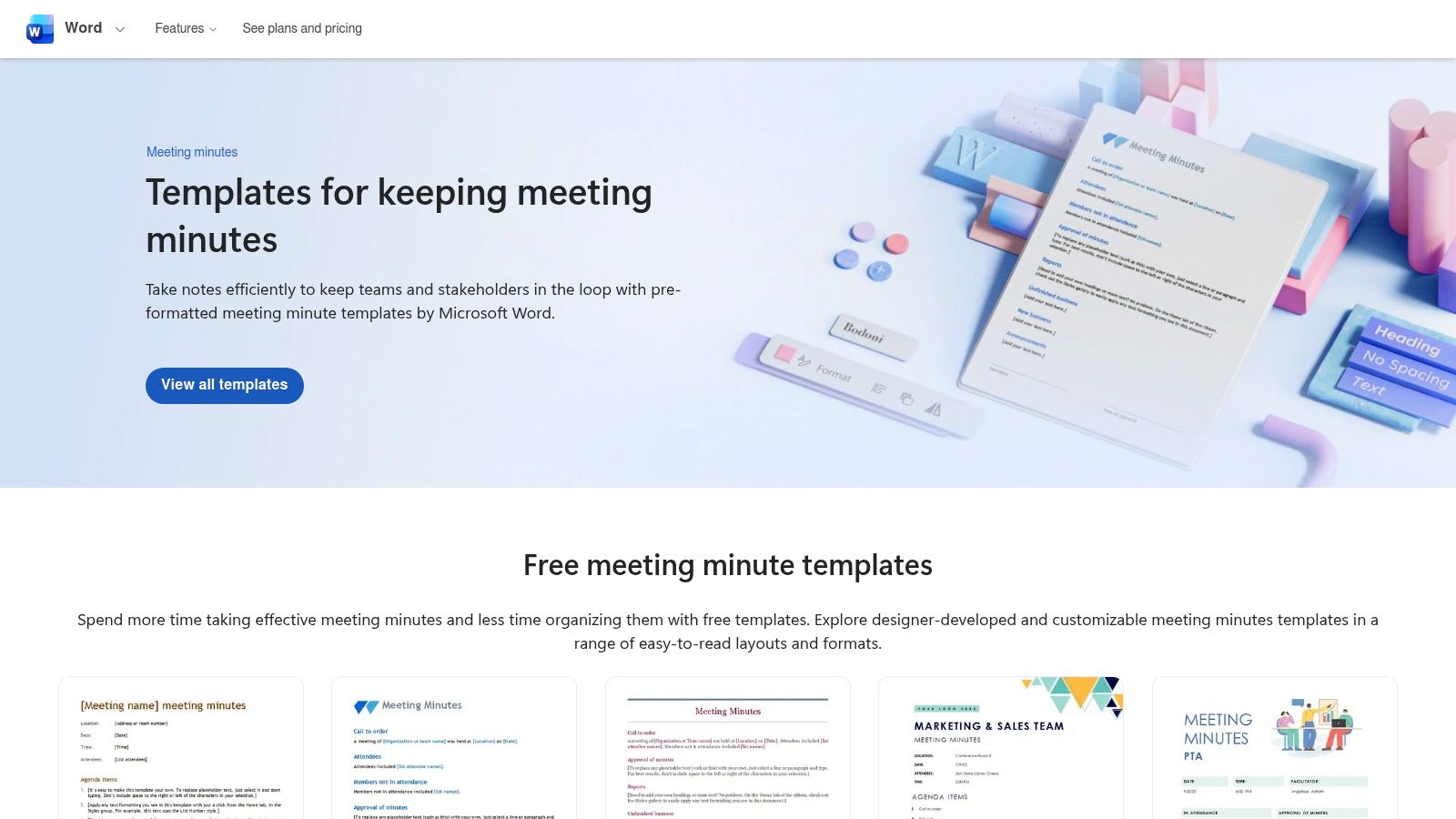
The platform excels at organisation. You can quickly filter templates by category, whether you need a formal structure for a board meeting, a simple layout for a team catch-up, or a specialised format for a non-profit organisation. Many templates are free, although the best experience and some premium designs require a Microsoft 365 subscription. A notable feature for Dutch users is the availability of a dedicated NL portal, making navigation and access even easier for local teams.
- Best for: Teams and individuals heavily invested in the Microsoft Office ecosystem.
- Key Feature: Direct integration with Word and Excel (both web and desktop versions).
- Access: Many templates are free, but a Microsoft 365 subscription is needed for full access and features.
- Website: create.microsoft.com
2. Google Docs – Meeting notes (building block)
For teams embedded in the Google Workspace ecosystem, the native meeting notes feature in Google Docs is an efficiency powerhouse. Instead of searching for a separate file, you can type "@meeting notes" directly into a document to instantly insert a smart, pre-populated minutes of meeting template. This integration is its core advantage; it can pull details directly from your Google Calendar events, including the date, title, and attendees, creating a structured starting point in seconds.
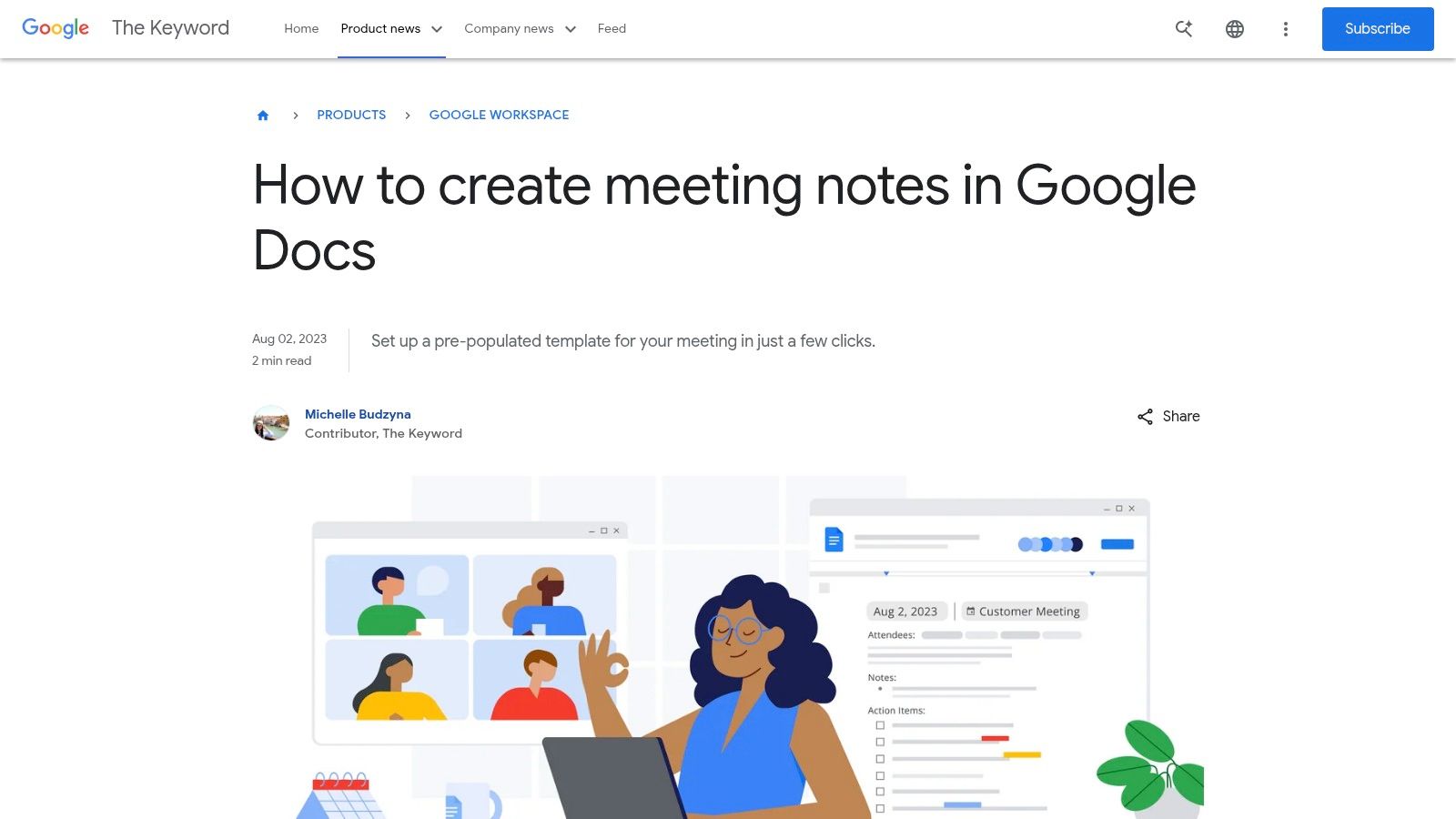
The platform is built for real-time, collaborative work. Multiple users can edit the notes simultaneously, assigning action items and adding comments seamlessly. Once the meeting concludes, the notes can be attached to the original Calendar event or emailed directly to attendees with a single click. While it lacks the rigid, formal structure needed for official board meetings, it’s ideal for agile team updates. To supercharge this workflow, you can convert meeting audio to text with an AI tool and paste the transcript directly into the document, creating a complete and accessible record for everyone, including those who couldn't attend.
- Best for: Teams using Google Workspace for real-time collaboration and calendar management.
- Key Feature: One-click insertion and auto-population from Google Calendar events.
- Access: Free with any Google account.
- Website: blog.google/products/workspace/google-docs-meeting-notes/
3. Canva – Meeting minutes maker
For teams that prioritise visual appeal and brand consistency, Canva is an excellent choice for creating stylish meeting minutes. It offers a vast library of design-led templates that go far beyond standard text documents. The platform’s key advantage is its powerful drag-and-drop editor, allowing anyone to customise a minutes of meeting template with brand colours, logos, and a wide selection of design assets, all within their web browser.
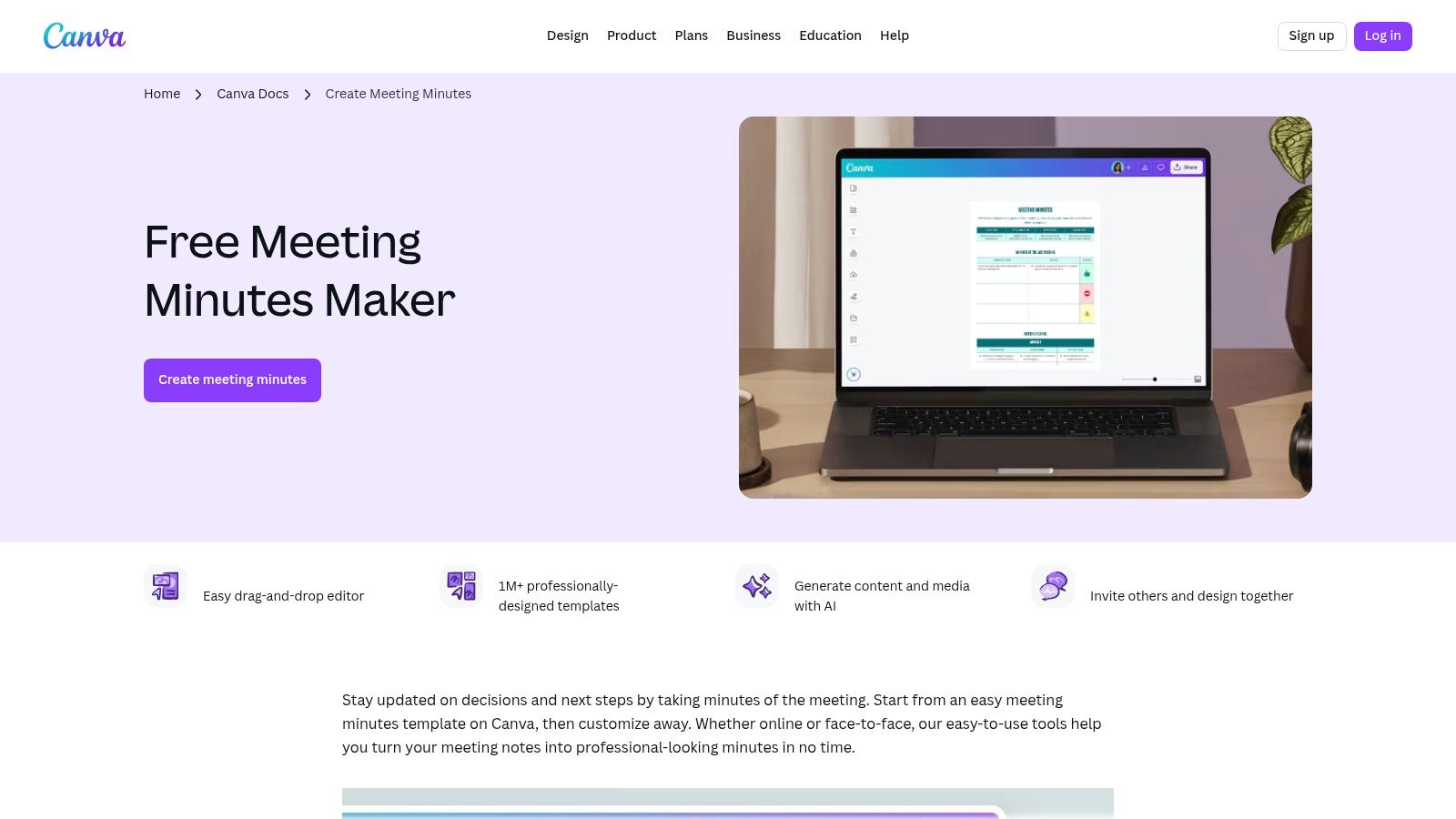
Canva excels at real-time collaboration, enabling multiple team members to edit a document simultaneously and leave comments. For businesses, the Brand Kit feature (available with Canva Pro) ensures every document remains perfectly on-brand. Once complete, you can easily export your minutes as a PDF or share a direct link. This focus on design and collaboration makes it a strong alternative to traditional word processors, especially for creative teams or client-facing reports that can be repurposed from meeting content.
- Best for: Teams looking for visually engaging, highly customisable, and easily shareable meeting minutes.
- Key Feature: Powerful drag-and-drop editor with a massive library of design assets and real-time collaboration.
- Access: A generous free plan is available; Canva Pro is required for premium templates and advanced brand features.
- Website: www.canva.com/create/meeting-minutes/
4. Asana – Meeting minutes template
For teams that live and breathe project management, Asana transforms meeting minutes from static documents into dynamic, actionable workflows. Its approach integrates a minutes of meeting template directly into its task management ecosystem. This isn't just about recording what was said; it's about solving the problem of post-meeting inaction by converting decisions and discussion points into trackable tasks with owners and due dates, ensuring nothing falls through the cracks.
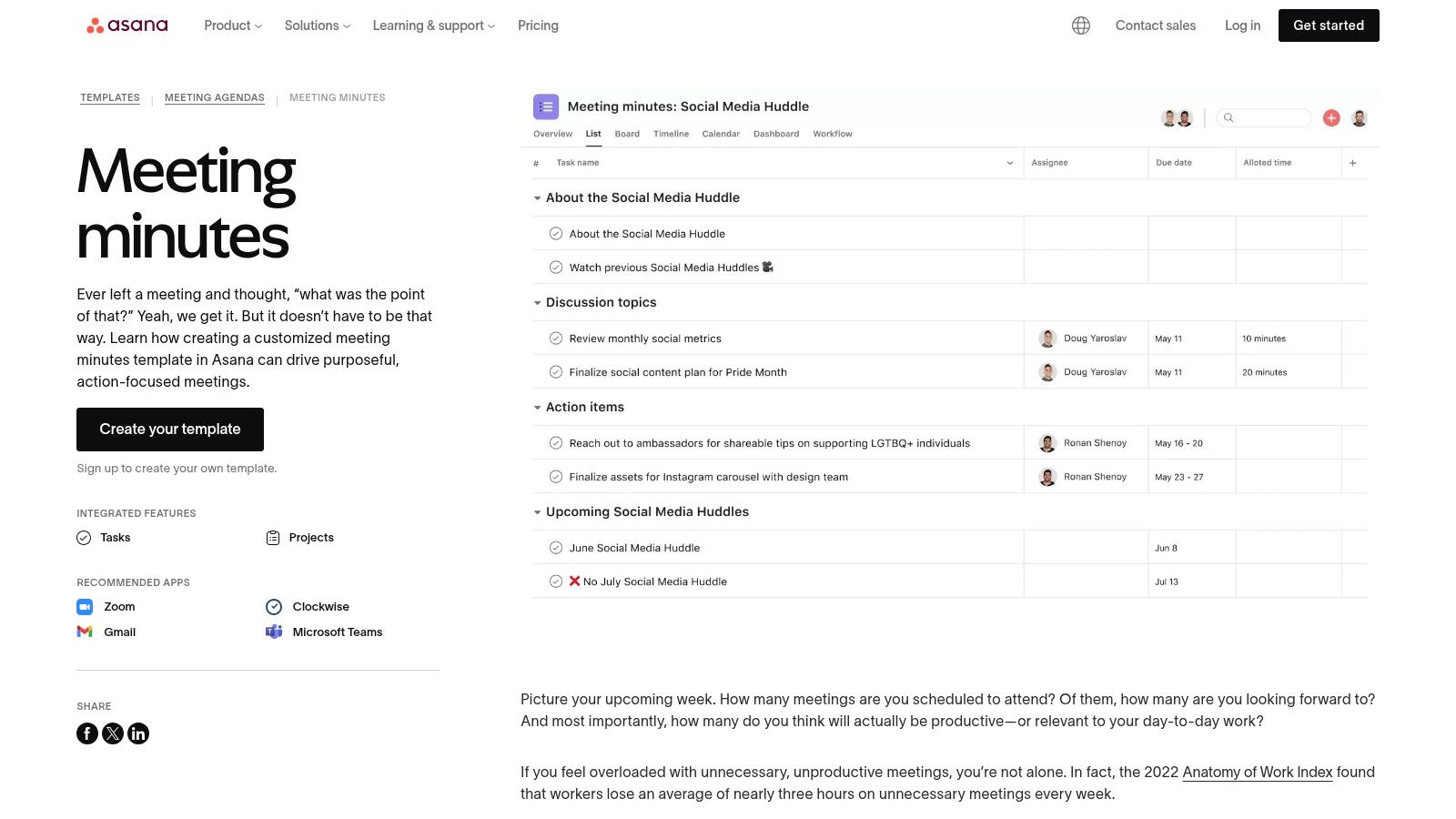
The platform’s real strength is its focus on accountability and follow-through. You can use the template to capture key decisions and action items, then seamlessly convert those notes into Asana tasks assigned to the relevant team members. This solves a common problem where great ideas discussed in a meeting are forgotten once everyone leaves. While the template is free to use, its true value is unlocked when your team is already organised within the Asana platform, making it a powerful choice for existing users but less ideal for those who aren't.
- Best for: Project teams already using Asana for task and workflow management.
- Key Feature: Ability to directly convert minutes and notes into assigned, trackable Asana tasks.
- Access: The template is free, but requires using the Asana platform to gain its full benefits.
- Website: asana.com/templates/meeting-minutes
5. ClickUp – Meeting minutes template
For teams already embedded in the ClickUp project management ecosystem, using its native minutes of meeting template is a powerful way to integrate discussions directly into workflows. ClickUp Docs allows you to create and standardise your meeting notes with customisable fields for agendas, attendees, and key discussion points. Its standout feature is the deep integration with ClickUp’s task management capabilities, bridging the gap between meeting outcomes and actionable work.
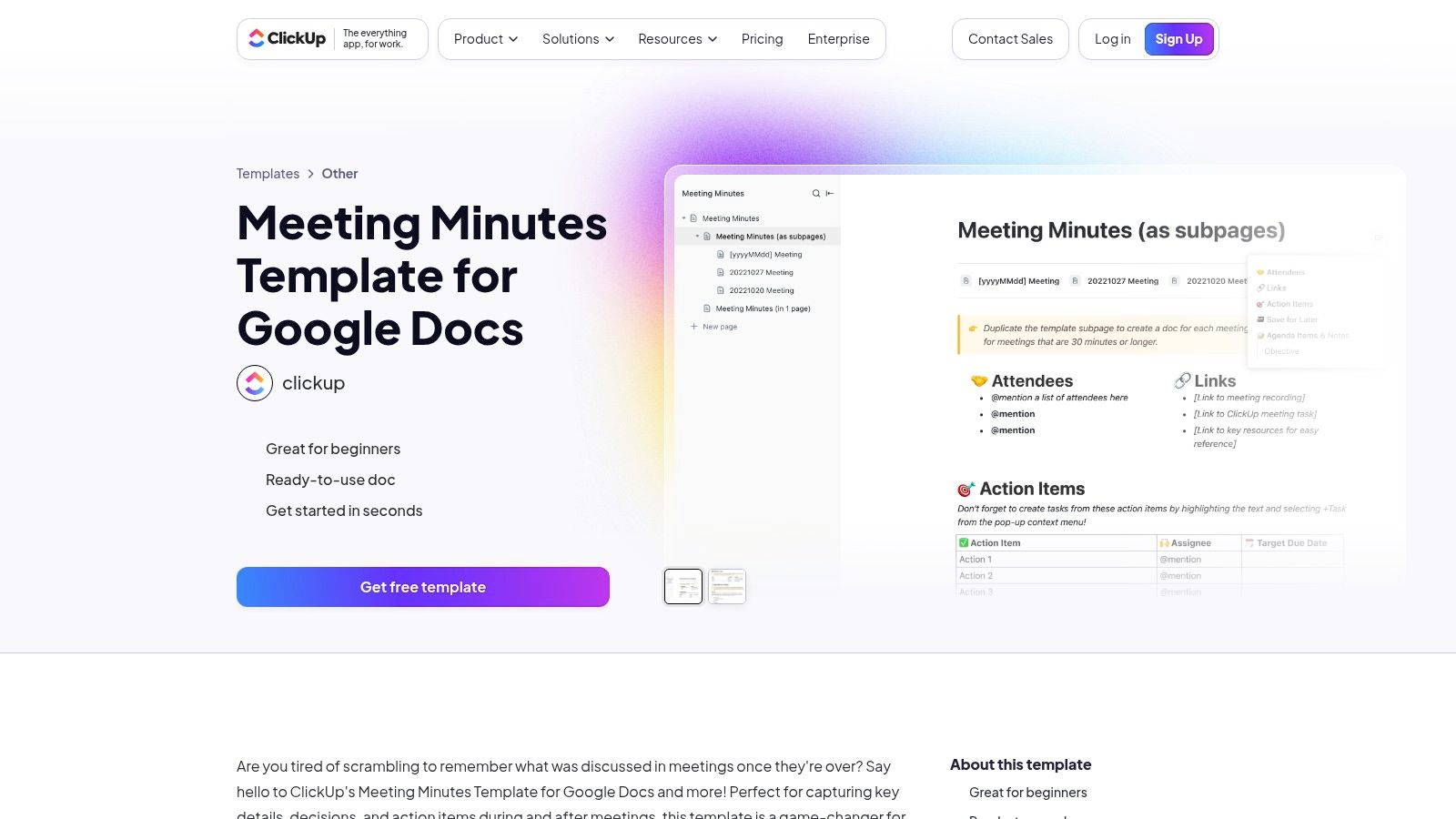
The platform’s strength lies in making minutes dynamic. You can highlight text within the document and instantly convert it into a task, assign it to a team member, and set a due date without ever leaving the notes. This solves the common problem of action items getting lost after a meeting. While the template is most effective within ClickUp, it offers flexibility by allowing you to export or copy the content into Google Docs and other tools, ensuring compatibility with external collaborators.
- Best for: Teams who use ClickUp for project management and want to centralise their documentation.
- Key Feature: The ability to create and assign tasks directly from the meeting minutes document.
- Access: The template is free for all ClickUp users, including those on the free plan.
- Website: clickup.com/templates/google-docs/meeting-minutes
6. Smartsheet – Meeting minutes templates
Smartsheet offers a curated collection of enterprise-grade minutes of meeting template options designed for project management and formal business settings. While Smartsheet is a comprehensive project management platform, it provides these templates as free, standalone resources. This makes it an excellent choice for teams looking for structured, professional documents without committing to a new software ecosystem. The templates are available in multiple versatile formats, including Word, Excel, Google Sheets, and PDF, catering to different workflow preferences.
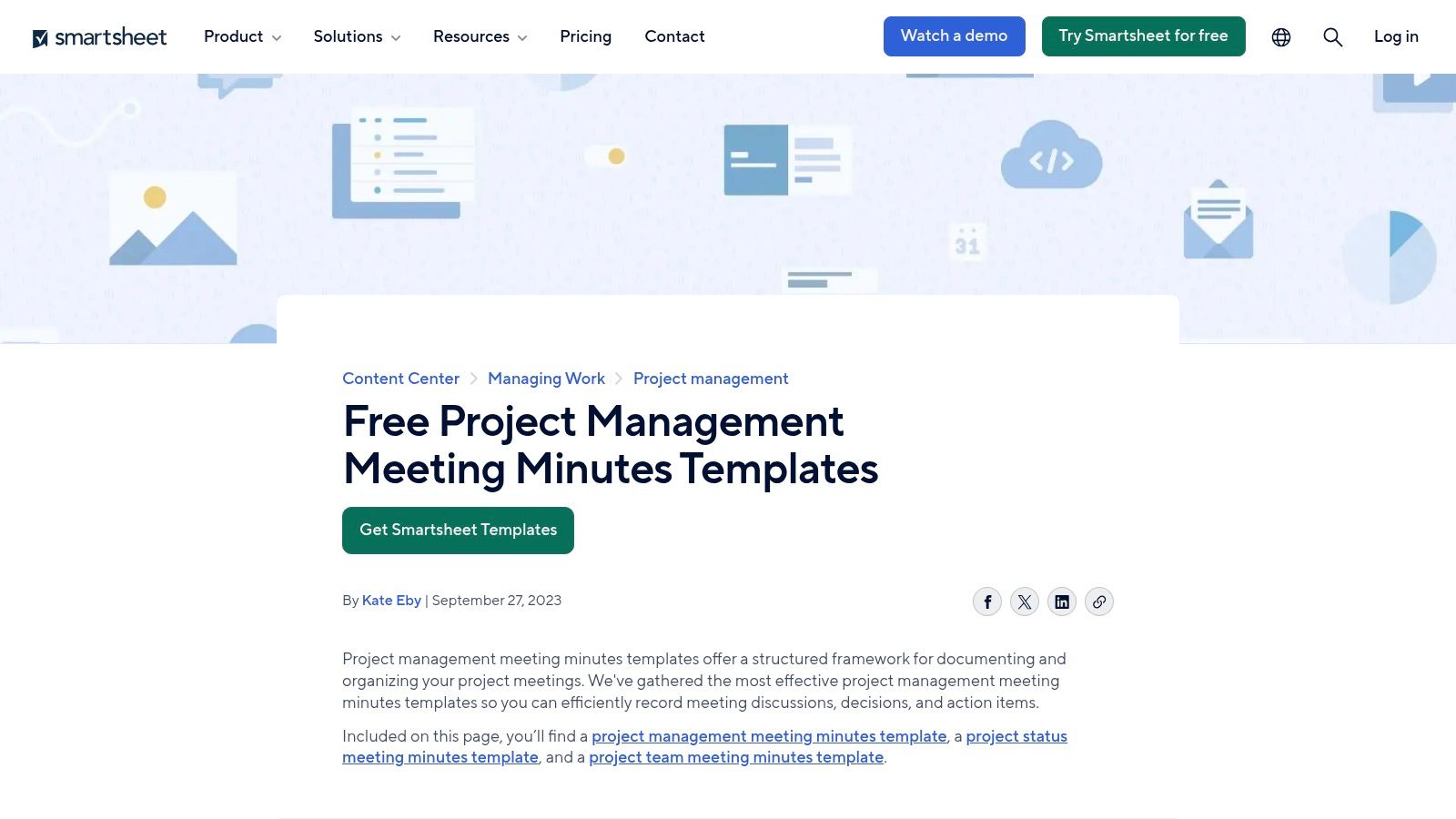
The platform distinguishes itself by offering specialised variants for specific use cases like project status updates, team meetings, and project kick-offs. Each template is clearly organised with sections for attendees, agenda items, action items, and decisions. Although the resources heavily promote the benefits of the full Smartsheet platform for workflow automation, the templates themselves are highly practical and usable on their own. This hybrid approach gives users a taste of structured project management while still delivering immediate value through the downloadable files.
- Best for: Project managers and enterprise teams needing structured, professional meeting documentation.
- Key Feature: Free, downloadable templates in multiple formats (Word, Excel, PDF, Google Sheets).
- Access: Templates are free to download; using the Smartsheet platform for automation requires a subscription.
- Website: www.smartsheet.com/content/project-management-meeting-minutes-templates
7. Atlassian Confluence – Meeting notes templates
For teams deeply embedded in the Atlassian ecosystem, Confluence provides an integrated solution for documenting meetings. Rather than standalone files, it offers built-in minutes of meeting template options that create organised, searchable wiki pages. This approach transforms meeting minutes from static documents into dynamic, accessible assets linked directly to your project workspace. This focus on accessibility ensures that all team members, regardless of their location or time zone, can refer to a single source of truth.
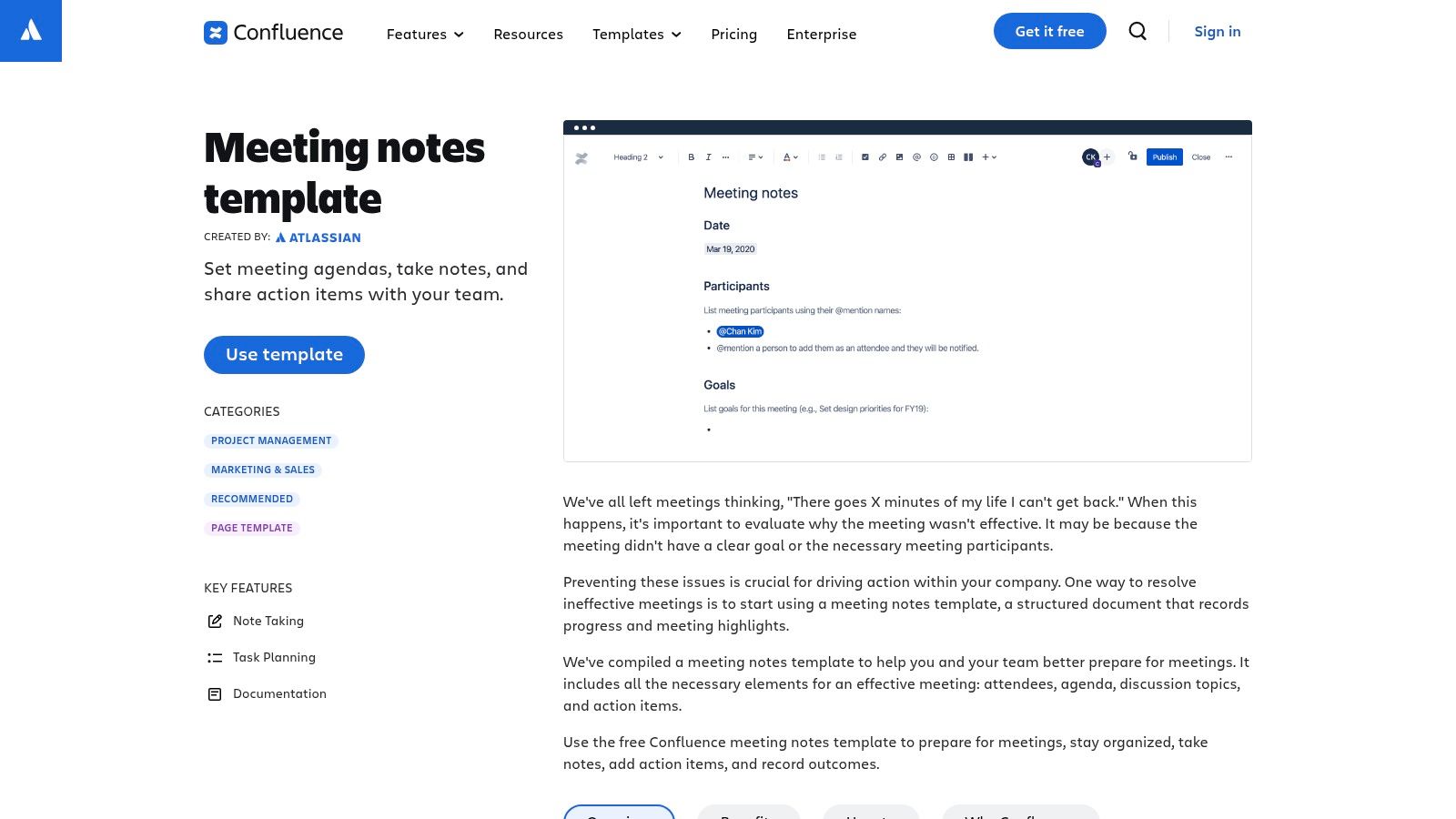
Confluence's key strength is its native integration with Jira. You can create Jira issues directly from action items listed in your meeting notes, ensuring tasks are never lost. This direct link between discussion and execution is invaluable for agile teams. For meetings recorded on platforms like Youtube, you can transcribe the video to text and paste the content into a Confluence page for a complete, searchable record, making key information easily discoverable later.
- Best for: Agile development and project teams already using Confluence and Jira.
- Key Feature: Direct integration with Jira for creating tasks from meeting action items.
- Access: Requires a Confluence subscription; features can vary by plan (Free, Standard, Premium).
- Website: atlassian.com/software/confluence/templates/meeting-notes
8. Miro – Meeting minutes and meeting notes templates
For teams that think visually, Miro transforms the standard document into a dynamic, collaborative canvas. It offers a unique approach to a minutes of meeting template by treating it as a shared digital whiteboard. This is ideal for hybrid and remote teams who need to brainstorm, organise notes, and track action items in real-time, all within one visual space, moving beyond the linear format of traditional documents.
Miro's strength is its boundless flexibility; you can combine meeting agendas, live notes, diagrams, and files on a single board. Beyond its official templates, the Miroverse community provides a vast library of user-created formats, including innovative AI-assisted workflows that can inspire new ways to capture and repurpose meeting content. While a free plan exists, unlocking the platform’s full collaborative potential for larger teams requires a paid subscription. The real value is for visual-heavy projects where text-only minutes would feel restrictive.
- Best for: Remote or hybrid teams that rely on visual collaboration and brainstorming.
- Key Feature: Real-time multiuser editing on an infinite visual canvas.
- Access: A free plan is available; paid tiers are necessary for advanced features and larger teams.
- Website: miro.com/templates/meeting-minutes/
9. Figma FigJam – Meeting notes template
For teams deeply embedded in design and collaborative workflows, FigJam offers a dynamic and visual approach to meeting documentation. Instead of a static document, this minutes of meeting template lives on an interactive whiteboarding canvas. This integration is its core advantage, allowing teams to seamlessly transition from brainstorming and design work in Figma to structured note-taking in FigJam without ever leaving the ecosystem.
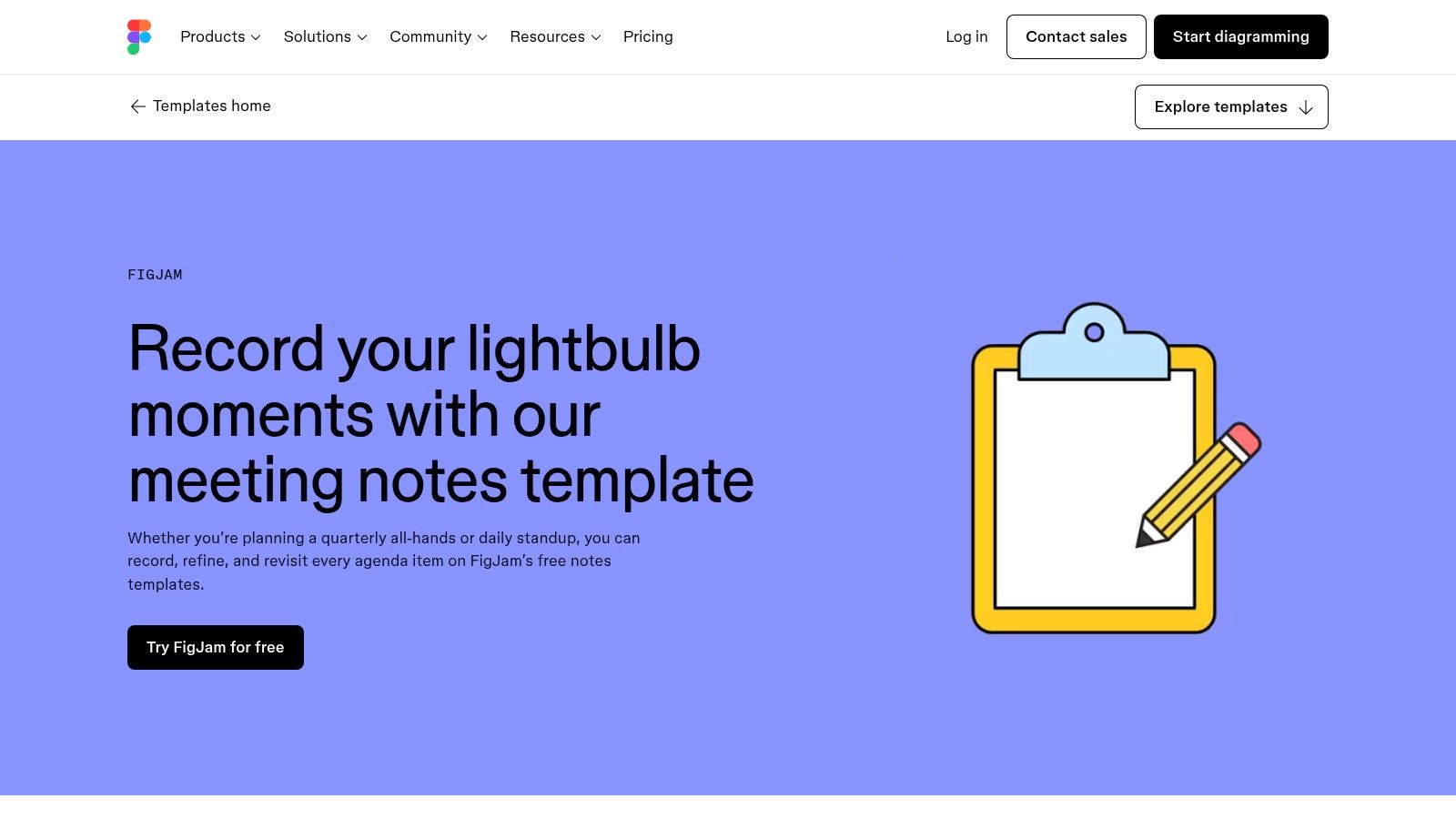
The template provides a clean, simple structure ideal for recurring sessions like daily stand-ups, project check-ins, or sprint planning. Its strength lies in real-time collaboration, where multiple users can add notes, create to-dos, and assign deadlines simultaneously. While perfect for capturing agendas, notes, and action items in a fluid, shared space, its visual format is less suited for the rigid, formal minutes required for official board meetings. Accessing and collaborating on the template requires a FigJam or Figma account.
- Best for: Design, product, and agile teams who already use Figma and FigJam.
- Key Feature: Shared, interactive whiteboarding canvas for real-time collaborative note-taking.
- Access: Free to use, but requires a Figma/FigJam account for team collaboration.
- Website: figma.com/templates/meeting-notes-template/
10. Template.net – Meeting minutes templates
Template.net offers a vast collection of ready-made meeting minutes and agenda templates, prioritising quick access and broad file format compatibility. It stands out for providing a minutes of meeting template for nearly any scenario, downloadable directly for Word, Google Docs, Sheets, and even as a printable PDF. This flexibility makes it a great resource for small organisations or individuals who need a functional layout without committing to a specific software ecosystem.
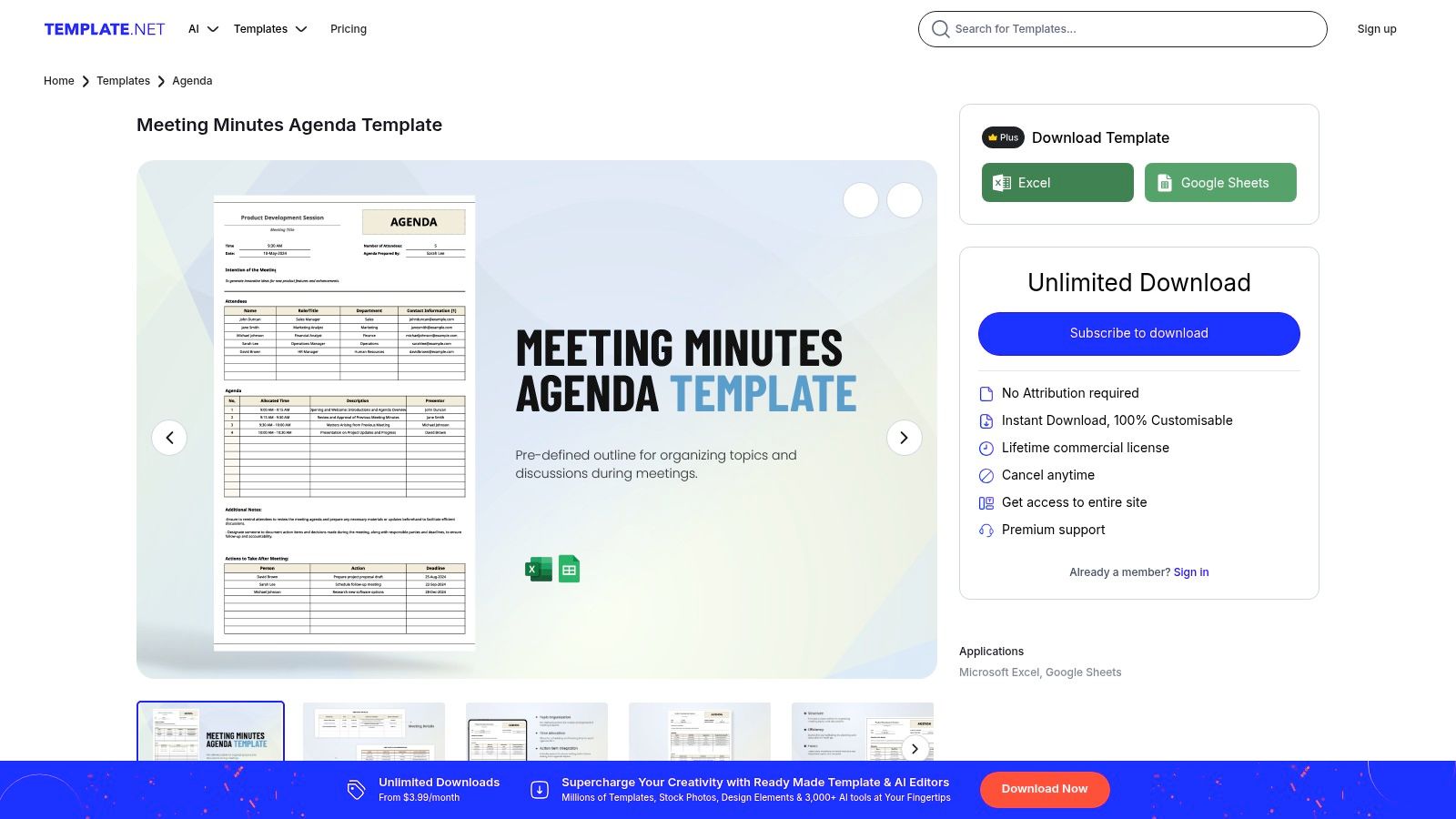
The platform is designed for speed, allowing users to find and download a simple, effective template in moments. While the site features heavier marketing compared to others on this list, its strength lies in the sheer volume and variety of its offerings. The quality can vary between templates, but for teams needing a no-fuss, printable document for common meeting types, Template.net is an excellent starting point.
- Best for: Small teams and individuals needing quick, multi-format templates.
- Key Feature: Wide range of download formats including Word, Google Docs, and PDF.
- Access: Some templates are free, but many premium designs require a Template.net subscription plan.
- Website: template.net
11. Etsy – Digital meeting minutes templates marketplace
For those seeking a more creative or highly specialised layout, Etsy is an unexpected but powerful resource. It operates as a marketplace where independent designers sell their own minutes of meeting template creations, resulting in a vast and diverse collection you won’t find elsewhere. You can discover everything from minimalist designs to vibrant, branded options compatible with Word, Google Docs, Canva, and PDF formats. This is the ideal place to find a unique aesthetic or a niche-specific template, like those for a PTA or a book club.
The platform's strength lies in its variety and the power of community reviews. Each listing has ratings and feedback from previous buyers, helping you gauge the quality and ease of use before purchasing. Because these are digital downloads, access is instant upon payment. However, quality and formatting can vary significantly between sellers, so it's crucial to read the item description carefully to ensure it meets your needs, particularly regarding file type and paper size (e.g., A4 vs. Letter).
- Best for: Individuals and teams looking for unique, creative, or niche-specific template designs.
- Key Feature: Huge variety of styles and formats from thousands of independent creators.
- Access: Templates are purchased individually as instant digital downloads, with prices set by the seller.
- Website: www.etsy.com/market/minutes_template
12. bol.com – Physical meeting minutes / vergader notebooks (NL)
For those who prefer the tangible feel of pen and paper, the Dutch marketplace bol.com offers a traditional alternative to digital templates. The platform provides a wide selection of physical minutes of meeting template notebooks, often called vergaderboeken or notulenblokken. This analogue approach is ideal for individuals who find handwriting aids memory retention or for meetings where laptops are discouraged, ensuring focus remains on the discussion.
The primary advantage is its simplicity and accessibility for the local market. Shoppers in the Netherlands and Belgium benefit from familiar payment options like iDEAL, fast local shipping, and straightforward return policies. The notebooks come in various sizes, such as A4 and A5, with pre-formatted pages that structure your notes with sections for attendees, action points, and decisions. While they lack the editability and shareability of digital files, they provide a reliable, distraction-free method for capturing essential meeting outcomes.
- Best for: Individuals and teams in NL/BE who prefer a physical, structured notebook for taking meeting minutes.
- Key Feature: Pre-formatted physical notebooks (vergaderboeken) with dedicated layouts for minutes.
- Access: Products are purchased directly, with prices varying by brand and features. No subscription is needed.
- Website: bol.com/nl/nl/p/vergaderboek-a5/9300000251224745/
Top 12 Meeting Minutes Template Comparison
| Tool / Template | Core Features ✨ | Quality / UX ★ | Value / Price 💰 | Target Audience 👥 | Standout / USP 🏆 |
|---|---|---|---|---|---|
| Microsoft Create – Meeting minutes templates | ✨ Word & Excel templates, MS365 edit, category filters | ★★★★ | 💰 Many free; best with Microsoft 365 | 👥 Office users, boards, nonprofits | 🏆 Familiar MS Office formats & polished designs |
| Google Docs – Meeting notes (building block) | ✨ @ insert, auto-attach to Calendar, share via email | ★★★★ | 💰 Free with Google account | 👥 Collaborative teams, calendar-driven meetings | 🏆 Tight Calendar & Gmail integration |
| Canva – Meeting minutes maker | ✨ Drag‑and‑drop editor, design assets, PDF export | ★★★★ | 💰 Freemium; Pro for brand features | 👥 Creators, marketing & design teams | 🏆 Design-first templates & brand kit support |
| Asana – Meeting minutes template | ✨ Notes → convert to tasks, agenda templates | ★★★★ | 💰 Free template; best value if on Asana | 👥 Project teams needing accountability | 🏆 Turns minutes into trackable tasks |
| ClickUp – Meeting minutes template | ✨ Agenda, action items, assign owners & deadlines | ★★★★ | 💰 Free template; fuller value in ClickUp | 👥 Teams standardizing ClickUp workflows | 🏆 Deep ClickUp task integration |
| Smartsheet – Meeting minutes templates | ✨ Word/Excel/Sheets/PDF, specialized variants, workflows | ★★★★ | 💰 Free downloads; paid Smartsheet features | 👥 Enterprises, PMOs | 🏆 Structured, enterprise-ready templates |
| Atlassian Confluence – Meeting notes templates | ✨ Wiki pages, macros, task & decision records | ★★★★ | 💰 Included with Confluence (subscription) | 👥 Confluence/Jira teams | 🏆 Searchable archive + Jira linkage |
| Miro – Meeting minutes & notes templates | ✨ Visual canvas, real-time multiuser, Miroverse | ★★★★ | 💰 Freemium; paid for larger teams | 👥 Remote/hybrid visual teams | 🏆 Visual boards & community/AI templates |
| Figma FigJam – Meeting notes template | ✨ Interactive whiteboard, to‑dos, Figma integration | ★★★ | 💰 Free; requires Figma account for full use | 👥 Design teams & workshops | 🏆 Integrated design/whiteboard workflow |
| Template.net – Meeting minutes templates | ✨ Multiple formats, printable layouts, quick-start | ★★★ | 💰 Some free; many downloads need plan | 👥 Small orgs wanting fast templates | 🏆 Wide format variety for quick use |
| Etsy – Digital meeting minutes templates marketplace | ✨ Huge variety, instant downloads, seller ratings | ★★★ | 💰 Low-cost purchases; frequent sales | 👥 Buyers seeking niche or styled templates | 🏆 Massive selection from independent designers |
| bol.com – Physical meeting minutes / vergader notebooks (NL) | ✨ A4/A5 pre-formatted notebooks, local shipping | ★★★ | 💰 Paid physical goods; shipping applies | 👥 NL/BE users preferring paper | 🏆 Local delivery & NL payment options (iDEAL) |
Make Every Meeting Count
Navigating the landscape of meeting documentation can feel overwhelming, but as we've explored, the right minutes of meeting template is a powerful ally. It solves the real problem of transforming chaotic discussions into organised, actionable outcomes. We've journeyed through a diverse collection of tools, from the familiar reliability of Microsoft Create and Google Docs to the dynamic, collaborative canvases offered by Miro and Figma's FigJam.
The key is to recognise that there is no single "best" template. The ideal choice depends entirely on your team's workflow, project complexity, and collaboration style. A formal board meeting has vastly different documentation needs compared to a fast-paced daily stand-up, and your chosen tool should reflect that reality. Whether you need the structured project integration of Asana or ClickUp, or a simple, printable format from Template.net, the perfect solution is within reach.
Key Takeaways for Selecting Your Template
To summarise, here are the crucial factors to consider when choosing and implementing your meeting minutes process:
- Functionality over Form: Prioritise a template that integrates seamlessly with your existing tools. A visually appealing template is useless if it creates extra work or lives in a silo, disconnected from your project management software.
- Accessibility and Collaboration: Ensure your team can easily access, contribute to, and reference the minutes. Cloud-based platforms like Google Docs, Confluence, and Notion are excellent for real-time collaboration and creating a centralised, accessible source of truth for everyone.
- Embrace Automation: The most significant leap forward in modern minute-taking is automation. Manually transcribing recordings is a drain on productivity, prone to human error and omission. By leveraging AI-powered transcription, you can capture every detail with precision, solving the problem of inaccurate or incomplete notes.
Your Next Steps to More Productive Meetings
Your journey towards more effective meetings starts now. Begin by evaluating your current process. Identify the pain points: Are action items being missed? Are decisions poorly documented? Is the process too time-consuming?
Once you have identified the gaps, revisit the options in this guide and select one or two templates to trial with your team. Gather feedback and be prepared to adapt. The goal is to establish a consistent, low-friction system that provides clarity and drives accountability. By pairing a well-structured minutes of meeting template with the efficiency of automated transcription, you are not just documenting what was said; you are building a foundation for success and inspiring a culture of productivity.
Ready to eliminate the tedious task of manual transcription from your workflow? Try YoutubeToText to instantly convert your video or audio meeting recordings into an accurate, searchable transcript. Simply upload your file or paste a link, and let our AI populate your chosen minutes of meeting template with perfect notes in seconds. Get your free transcript today!