Discover the 12 best free transcription software tools for creators and professionals. Get accurate transcripts, subtitles, and boost your productivity today.
The 12 Best Free Transcription Software Tools in 2026
Transforming your audio and video into text is a crucial task for accessibility, content repurposing, and overall productivity. Whether you're a Youtuber aiming to make your videos more searchable, a researcher analysing interview data, or a student trying to capture lecture notes, the right tool can save you countless hours of manual labour. The good news is you don't need a costly subscription to get high-quality results. This guide is organised to help you find the best free transcription software to solve your specific problem.
We've evaluated 12 of the most effective options available today, from simple web-based platforms to powerful, locally-run applications. Before diving into the tools, remember that transcription accuracy starts with your source file. Learning how to improve overall sound quality can significantly reduce errors and save you editing time down the line, regardless of the software you choose.
In this comprehensive listicle, we'll cut through the marketing jargon and give you a practical overview of each tool. You will find:
- A detailed summary of what each software does best.
- Honest pros and cons based on real-world use.
- Ideal use-cases to help you match the tool to your project.
- Information on limits, platform support, and export formats (like SRT and VTT).
Each entry includes screenshots and direct links, so you can start transcribing immediately. Our goal is to provide a clear, straightforward resource that helps you automate your transcription workflow and lets you focus on what truly matters: creating, analysing, and sharing your content. Let's find the perfect tool for you.
1. YoutubeToText
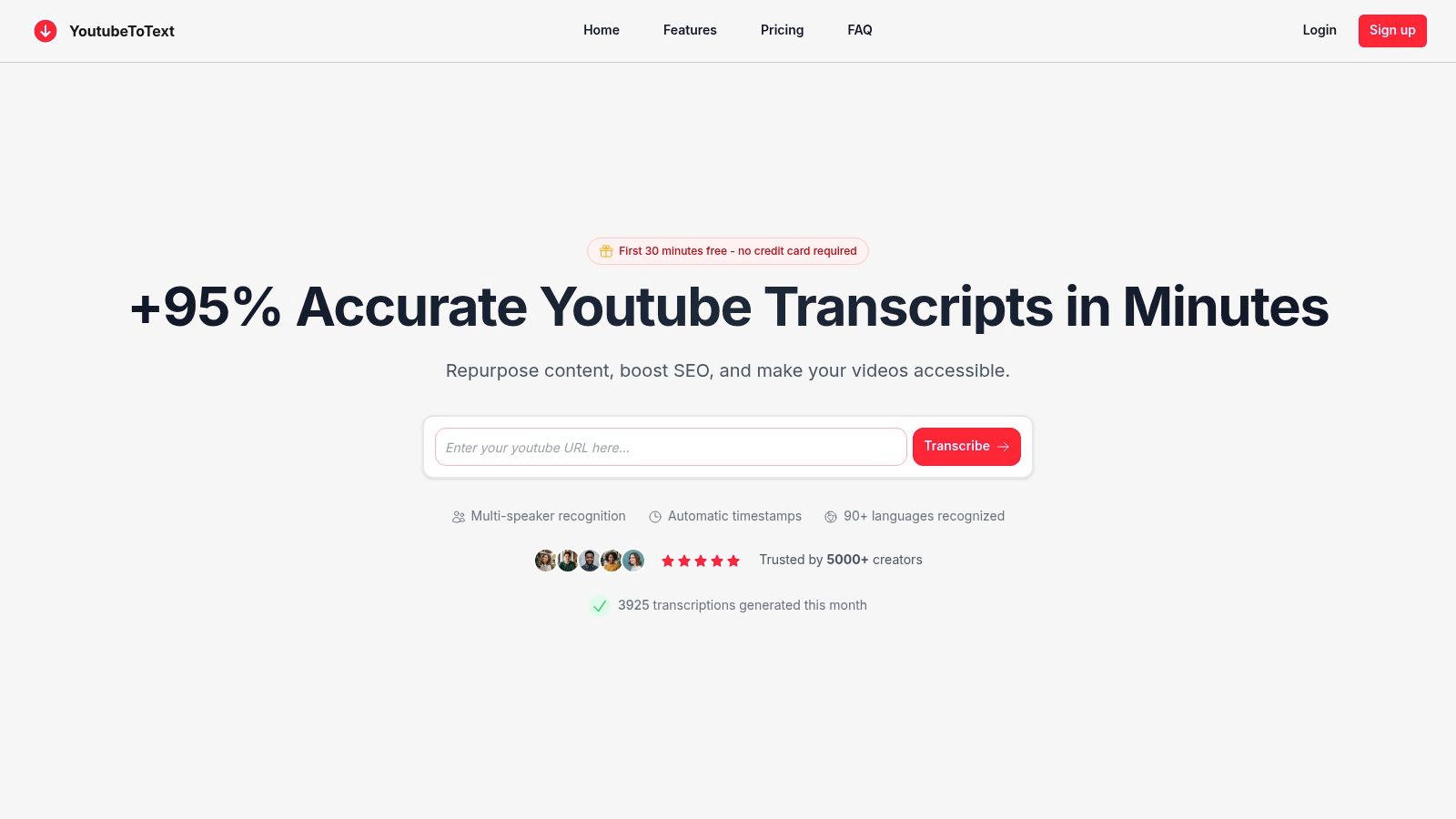
YoutubeToText emerges as a powerful and highly specialised tool in the landscape of free transcription software, engineered specifically to solve the content repurposing challenges faced by creators, researchers, and marketers. Its core strength lies in its streamlined workflow: simply paste a Youtube URL to generate a highly accurate transcript in minutes, completely bypassing the need for manual downloads or uploads.
This efficiency makes it a standout choice for anyone looking to boost productivity and unlock new content formats. The platform claims an impressive 95%+ accuracy rate, supported by AI-powered cleanup that automatically removes filler words and awkward pauses, delivering a polished, ready-to-use text. It also features automatic timestamping and multi-speaker recognition, which are crucial for creating precise subtitles to improve accessibility and analysing interviews for deeper insights.
Key Features and Use Cases
YoutubeToText is built to solve practical problems for its users. Its feature set is organised to maximise productivity and content accessibility.
- Effortless Workflow: The link-based system is its defining feature. Most transcripts are processed in under two minutes, making it ideal for high-volume content repurposing, such as turning a video series into blog posts or social media clips.
- Multilingual Support: With support for over 90 languages, it is an invaluable asset for global creators and international research teams needing to transcribe content from diverse sources, making content accessible worldwide.
- Export Versatility: Free users can export to plain TXT, while paid tiers unlock one-click SRT and VTT files, essential for quickly adding accurate captions to videos on other platforms, boosting both SEO and accessibility.
The platform offers a free trial of 30 transcription minutes without requiring a credit card. Paid plans are affordably tiered, starting at approximately £7 per month for 400 minutes, making advanced features accessible even for solo creators. This combination of speed, accuracy, and a Youtube-centric design makes it a top-tier choice. For a deeper dive into its capabilities, you can learn more about turning Youtube videos into text on the YoutubeToText blog.
- Website: https://youtubetotext.ai
2. OpenAI Whisper (GitHub)
OpenAI Whisper is not a user-friendly web application but rather the foundational, open-source technology that powers many modern transcription services. Hosted on GitHub, it provides a state-of-the-art speech recognition model that you can download and run on your own computer completely free of charge. This approach solves a major problem for users concerned with data privacy, as your audio files never leave your local machine.
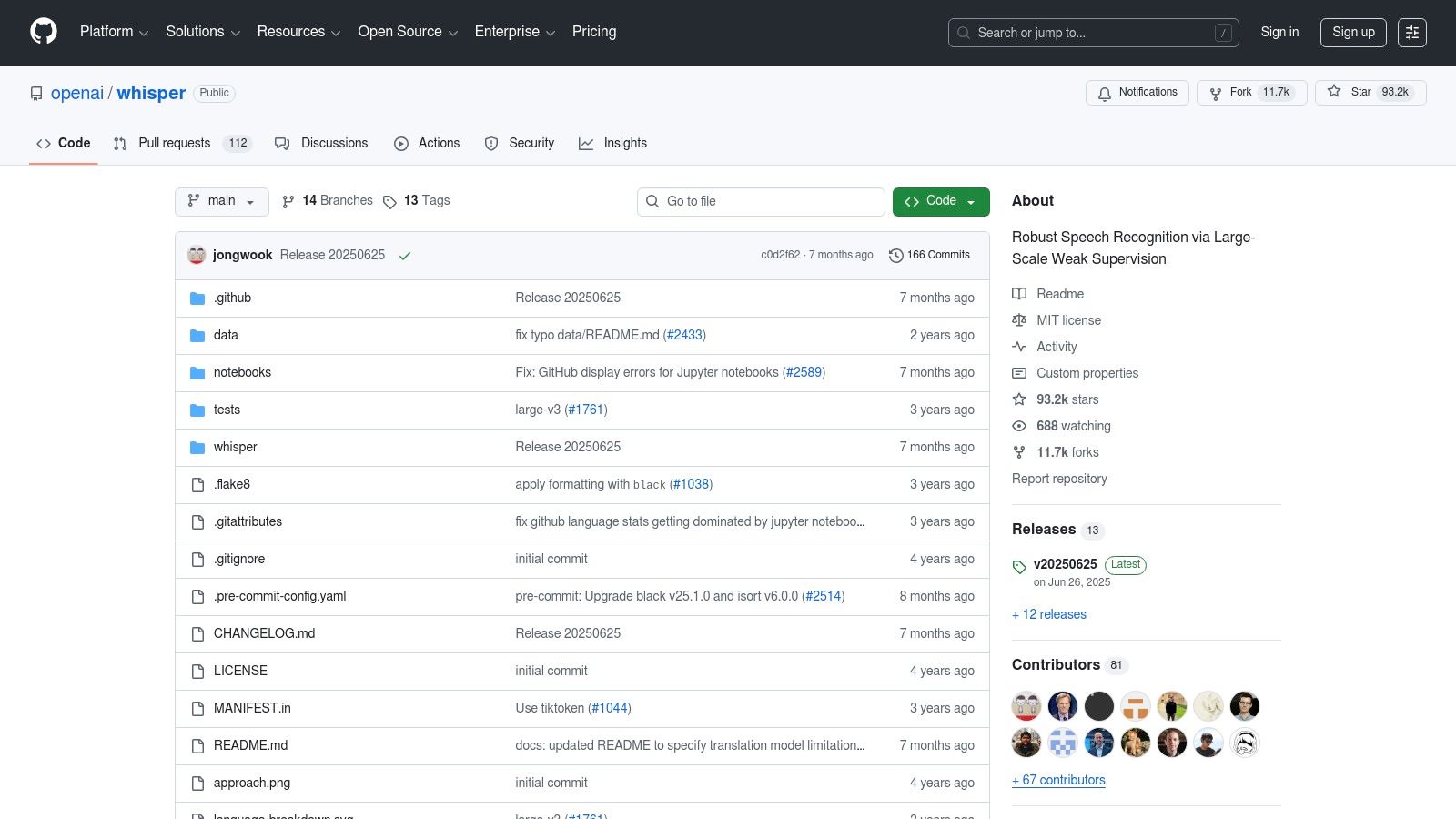
This tool is the best free transcription software for users with some technical confidence who prioritise data security and customisation. Instead of a simple upload button, you interact with Whisper through the command-line interface (CLI) or by integrating it into your own scripts. Its accuracy is an industry benchmark, delivering exceptional results across many languages and even handling translation tasks. The key trade-off is the setup complexity and the need for a reasonably powerful computer (especially a good GPU) for faster processing.
Key Features and Considerations
- Platform: Runs locally on Windows, macOS, and Linux.
- Accuracy: Extremely high; considered a gold standard for many languages and noisy audio.
- Languages: Supports 99 languages for transcription, plus translation into English.
- Limits: None. Since it runs on your hardware, you can transcribe as much as you want without time limits or file size restrictions.
- Export Formats: TXT, VTT, SRT, TSV, and JSON.
- Privacy: Maximum privacy. Your files are processed 100% offline on your device.
Website: https://github.com/openai/whisper
3. whisper.cpp (GitHub)
While OpenAI's original Whisper model is powerful, whisper.cpp is a highly optimised C/C++ version designed for sheer speed and efficiency, especially on everyday hardware. Hosted on GitHub, this project makes state-of-the-art local transcription accessible without requiring high-end GPUs. It runs exceptionally fast on Apple Silicon (M1/M2/M3 chips) and can be compiled into small, portable applications, solving a real problem for users needing performance on standard laptops.
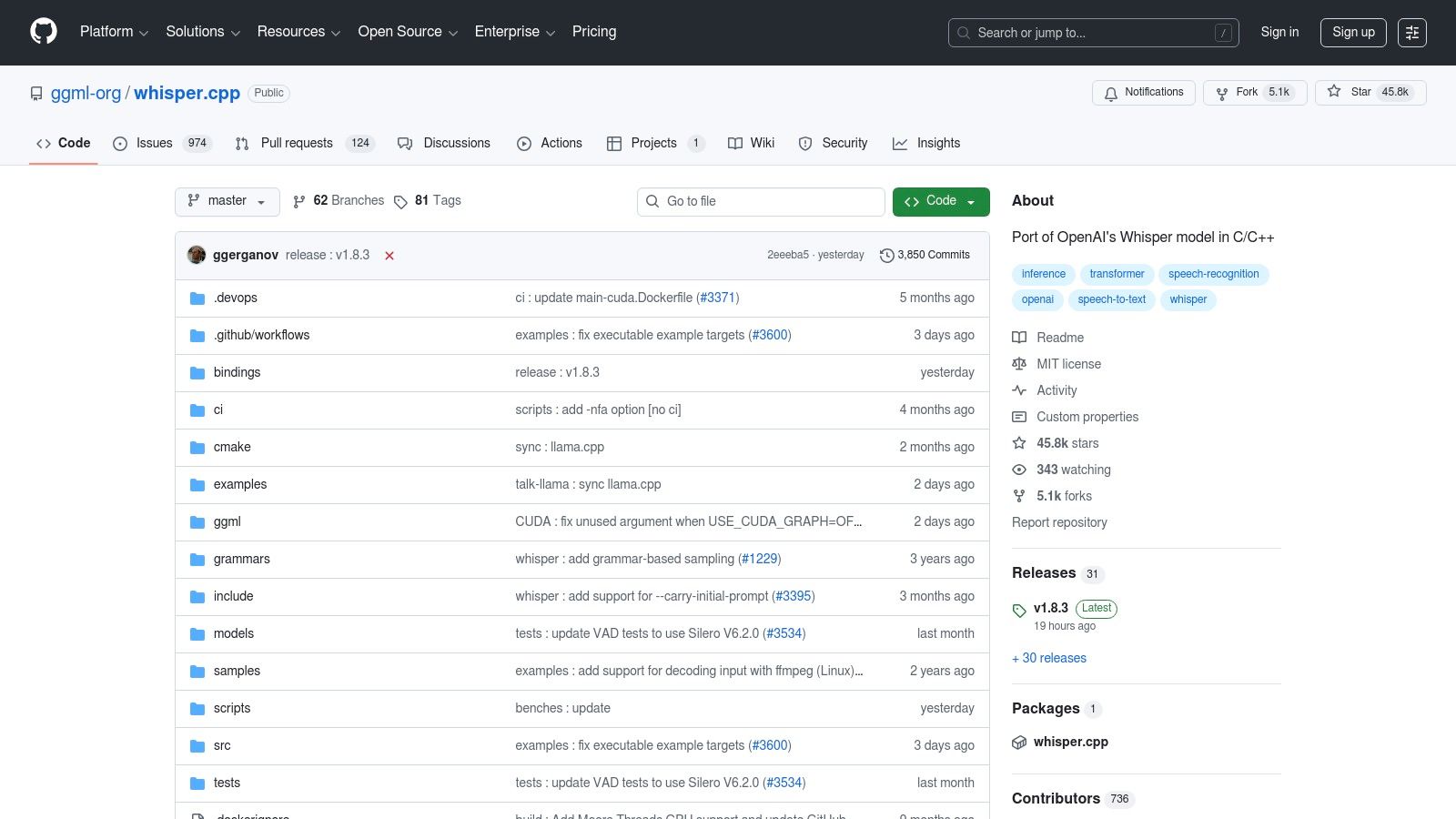
This tool is the best free transcription software for developers and tech-savvy users who want the fastest possible performance on consumer-grade hardware, particularly Mac users. Like the original Whisper, it is operated via the command line, offering maximum privacy as all files are processed offline. The key advantage is its resource efficiency; it uses less memory and processing power to achieve results comparable to the Python-based version, making it ideal for integration into other applications or for running on less powerful devices. This guide on converting audio to text can provide more context on the underlying technology.
Key Features and Considerations
- Platform: Runs locally on Windows, macOS (highly optimised for Apple Silicon), and Linux.
- Accuracy: High, retaining the accuracy of the original Whisper models.
- Languages: Supports the same 99 languages for transcription and translation as OpenAI Whisper.
- Limits: Completely unlimited. You can process any number of files of any length, constrained only by your computer's hardware.
- Export Formats: TXT, VTT, and SRT.
- Privacy: Excellent. Your audio data never leaves your local machine, ensuring total confidentiality.
Website: https://github.com/ggml-org/whisper.cpp
4. Audacity + OpenVINO Whisper Transcription plugin
For users who already live inside an audio editor, combining that workflow with transcription is a massive productivity boost. Audacity, the world's most popular free audio editor, achieves this with the OpenVINO AI plugin, which integrates OpenAI's Whisper model directly into its interface. This setup solves the problem of a fragmented workflow, allowing you to clean up audio, remove noise, and then generate a transcript without ever leaving the application.
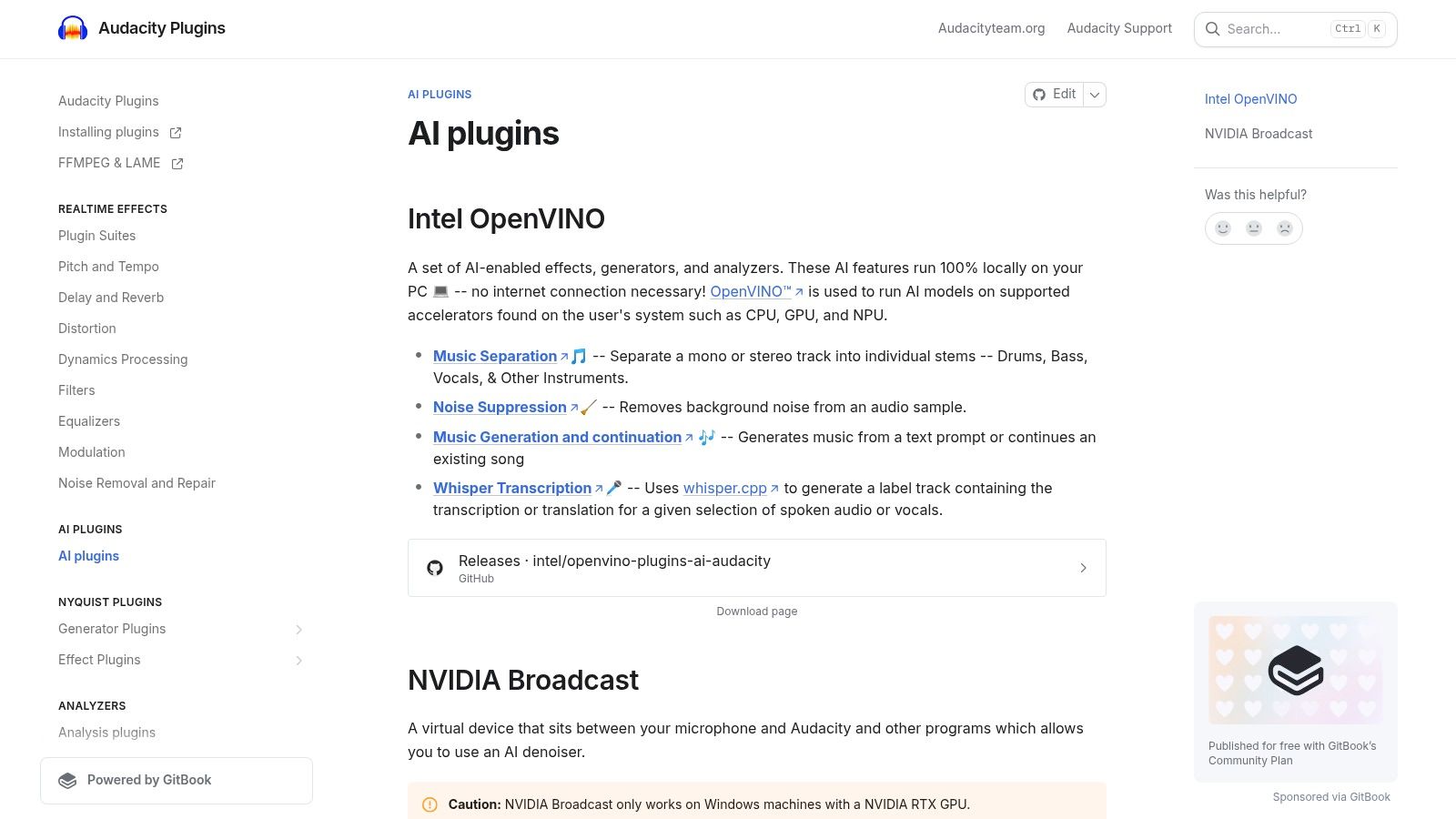
This combination is the best free transcription software for podcasters, journalists, and audio editors who need to transcribe and edit in one place. Your audio files remain completely offline, ensuring total privacy. While it requires an initial setup to install the plugin and download the transcription models, the reward is a powerful, integrated, and completely free audio-to-text solution. The plugin also offers other AI tools like noise suppression and music separation, creating a comprehensive audio production suite.
Key Features and Considerations
- Platform: The Audacity application runs on Windows, macOS, and Linux.
- Accuracy: High, as it uses variants of the powerful Whisper model.
- Languages: Supports the extensive list of languages covered by Whisper.
- Limits: None. It runs locally on your computer, so there are no time limits or file restrictions beyond your hardware's capabilities.
- Export Formats: Audacity itself exports to TXT via labels, and you can copy the text out. The core strength is editing audio alongside its transcription.
- Privacy: Excellent. All processing is done 100% offline on your local machine.
Website: https://plugins.audacityteam.org/ai-plugins/ai-plugins
5. Subtitle Edit
Subtitle Edit is a powerful, open-source desktop application focused on the creation, editing, and synchronisation of video subtitles. While its primary function isn't transcription, it integrates leading offline speech recognition engines like Whisper and Vosk, transforming it into a formidable piece of free transcription software. This tool solves the problem of turning raw text into accessible, perfectly timed subtitles, revered by video editors for its precision control over timing and text.
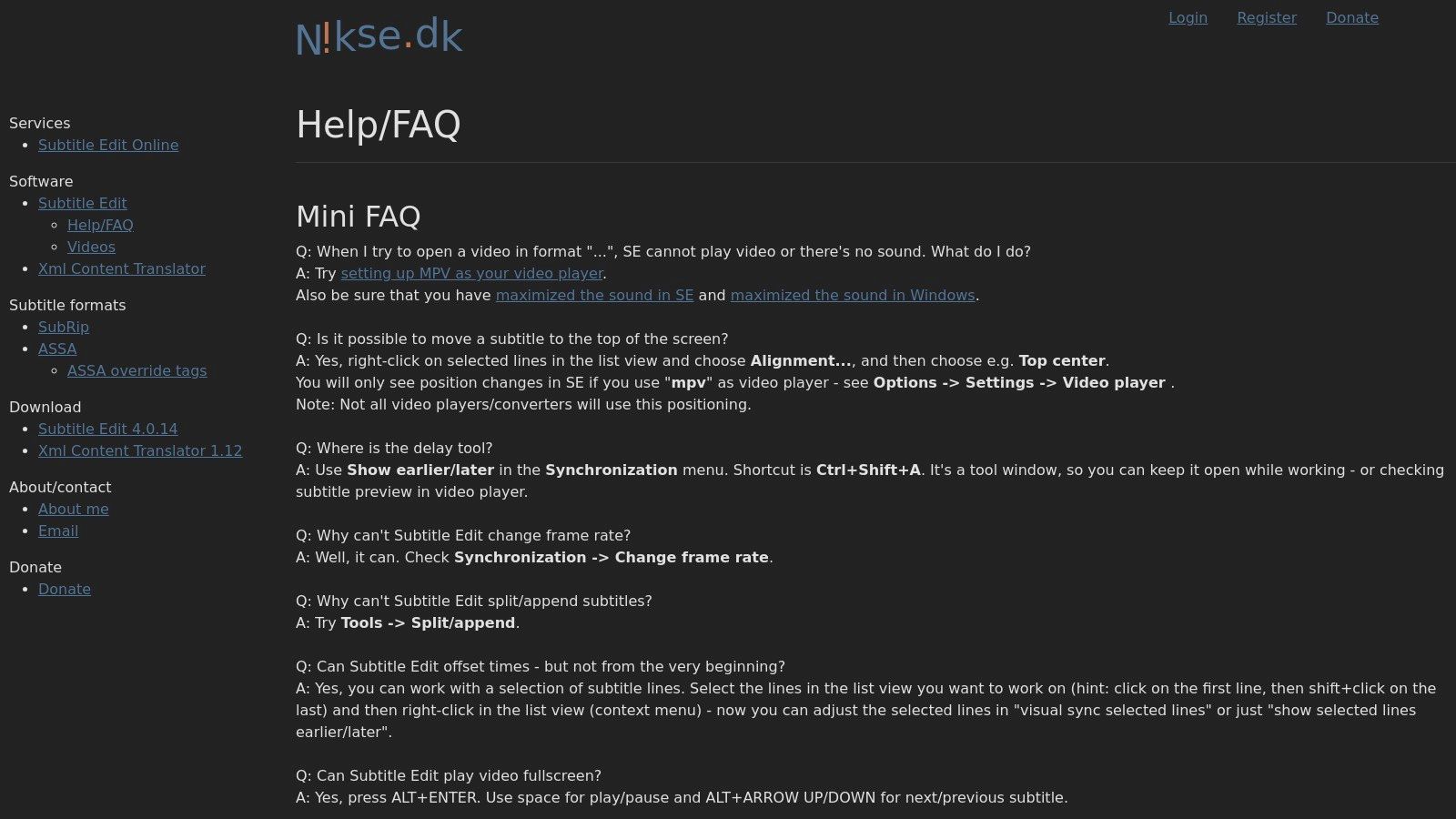
This software is the ideal choice for users who need to turn a raw transcript into perfectly timed, broadcast-quality subtitles (SRT/VTT). Its strength lies in refining the output from an ASR engine, offering extensive tools for splitting, merging, and quality checking subtitles. Beyond manual editing, you can also explore how to auto-generate TikTok captions with AI, leveraging the power of transcribed text for popular short-form video platforms. While the interface is feature-dense and has a slight learning curve, it provides unparalleled control for subtitle professionals.
Key Features and Considerations
- Platform: Primarily Windows, with unofficial versions for macOS and Linux via Mono.
- Accuracy: High, as it can leverage state-of-the-art engines like OpenAI's Whisper.
- Languages: Dependent on the integrated ASR engine (e.g., 99 languages via Whisper).
- Limits: None. It runs locally on your computer, so there are no file size or duration restrictions beyond your hardware's capabilities.
- Export Formats: Over 250 formats, including SRT, VTT, ASS, and SUB.
- Privacy: Excellent. All processing happens offline on your own machine.
Website: https://www.nikse.dk/SubtitleEdit/Help
6. Vosk (GitHub)
Vosk is an open-source, offline speech recognition toolkit that excels in environments where internet connectivity is unavailable or data privacy is paramount. Hosted on GitHub, Vosk is designed for developers who need to integrate transcription directly into applications. Its lightweight models are optimised to run efficiently on a wide range of devices, from standard PCs to mobile phones and even low-power hardware like a Raspberry Pi, solving the problem of on-device transcription for custom projects.
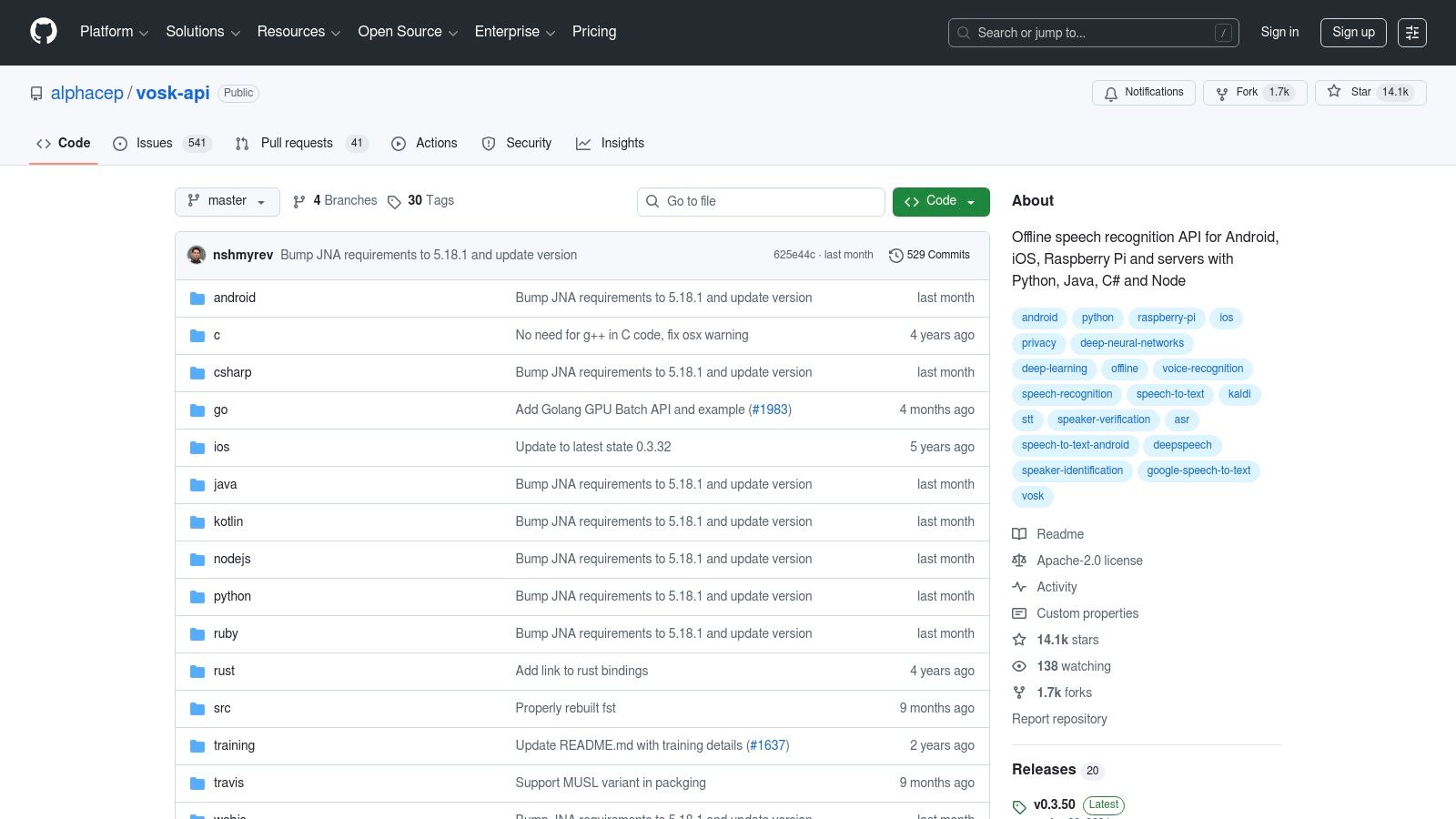
This tool is the best free transcription software for embedded systems and offline mobile applications. Unlike more resource-intensive models, Vosk’s smaller footprint (~50 MB) makes it ideal for real-time transcription on devices with limited processing power. While its accuracy may not match larger models on very complex audio, its performance on modest hardware is remarkable. Integrating it requires programming knowledge, but it offers unparalleled flexibility for developers building privacy-focused tools.
Key Features and Considerations
- Platform: Runs locally on Linux, Windows, macOS, Android, iOS, and Raspberry Pi.
- Accuracy: Good, particularly with its larger models, but can be less accurate than state-of-the-art systems on challenging audio.
- Languages: Supports over 20 languages and dialects, including Dutch, German, and Spanish.
- Limits: No limits. As it runs on your own hardware, you can process unlimited audio.
- Export Formats: Outputs raw text or detailed JSON with timestamps. You would need a script to convert this to other formats; you can learn more about converting TXT files to subtitle formats for practical guidance.
- Privacy: Complete privacy, as all processing is handled offline on your device.
Website: https://github.com/alphacep/vosk-api
7. oTranscribe
oTranscribe takes a different approach to transcription by focusing on human accuracy rather than artificial intelligence. It is a completely free, open-source web application designed to solve the problem of cumbersome manual transcription. Instead of generating text automatically, it provides an optimised interface that combines a text editor and a media player in a single window, eliminating the need to constantly switch between applications and boosting productivity.
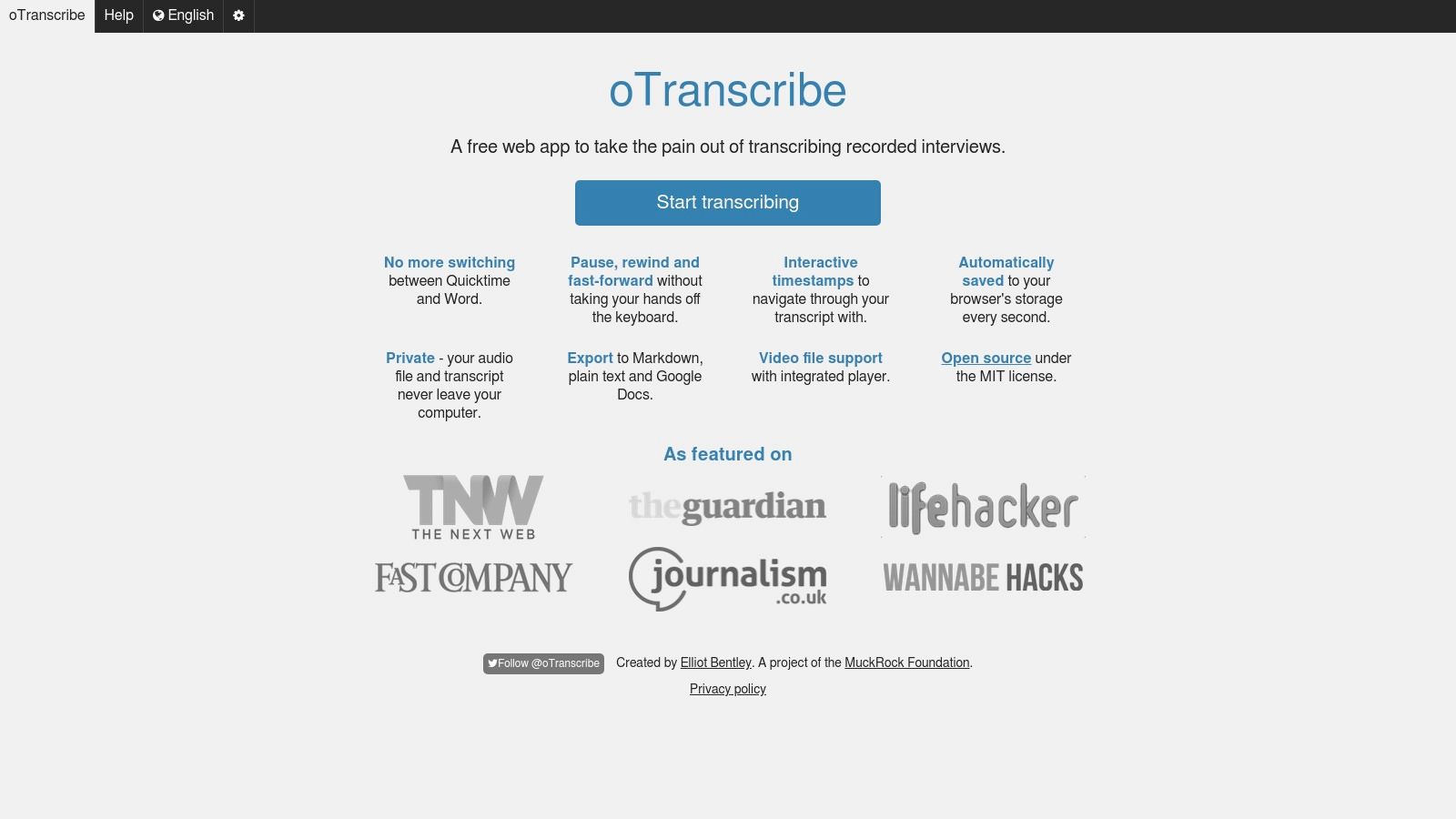
This tool is the best free transcription software for those who need to create a perfectly accurate transcript and prefer manual control over automated results. With simple keyboard shortcuts, you can pause, rewind, and adjust playback speed without ever taking your hands off the keyboard. It supports both local audio/video files and direct links from Youtube. Since it is entirely manual, the accuracy is only limited by your own typing skills, making it a favourite among journalists, researchers, and professional transcribers who cannot afford the errors common in ASR-generated text.
Key Features and Considerations
- Platform: Web-based; works in any modern browser on Windows, macOS, and Linux.
- Accuracy: Manual. The final accuracy depends entirely on the user.
- Languages: Supports any language you can type.
- Limits: None. It's completely free, with no file size, length, or usage restrictions.
- Export Formats: Plain Text (.txt), Markdown (.md), and its own .otr format.
- Privacy: High privacy. Audio and text data remain within your browser and are not uploaded to any server.
Website: https://otranscribe.com
8. Google Live Transcribe (Android)
Google Live Transcribe is a powerful accessibility app for Android that provides instant, real-time captions for spoken conversations. Unlike traditional transcription software that processes audio files, this tool is designed to solve the immediate challenge of understanding live speech. It captures audio from your phone's microphone and displays it as text on your screen, serving as an invaluable resource for people who are deaf or hard of hearing and a handy tool for anyone needing quick notes from a live discussion.
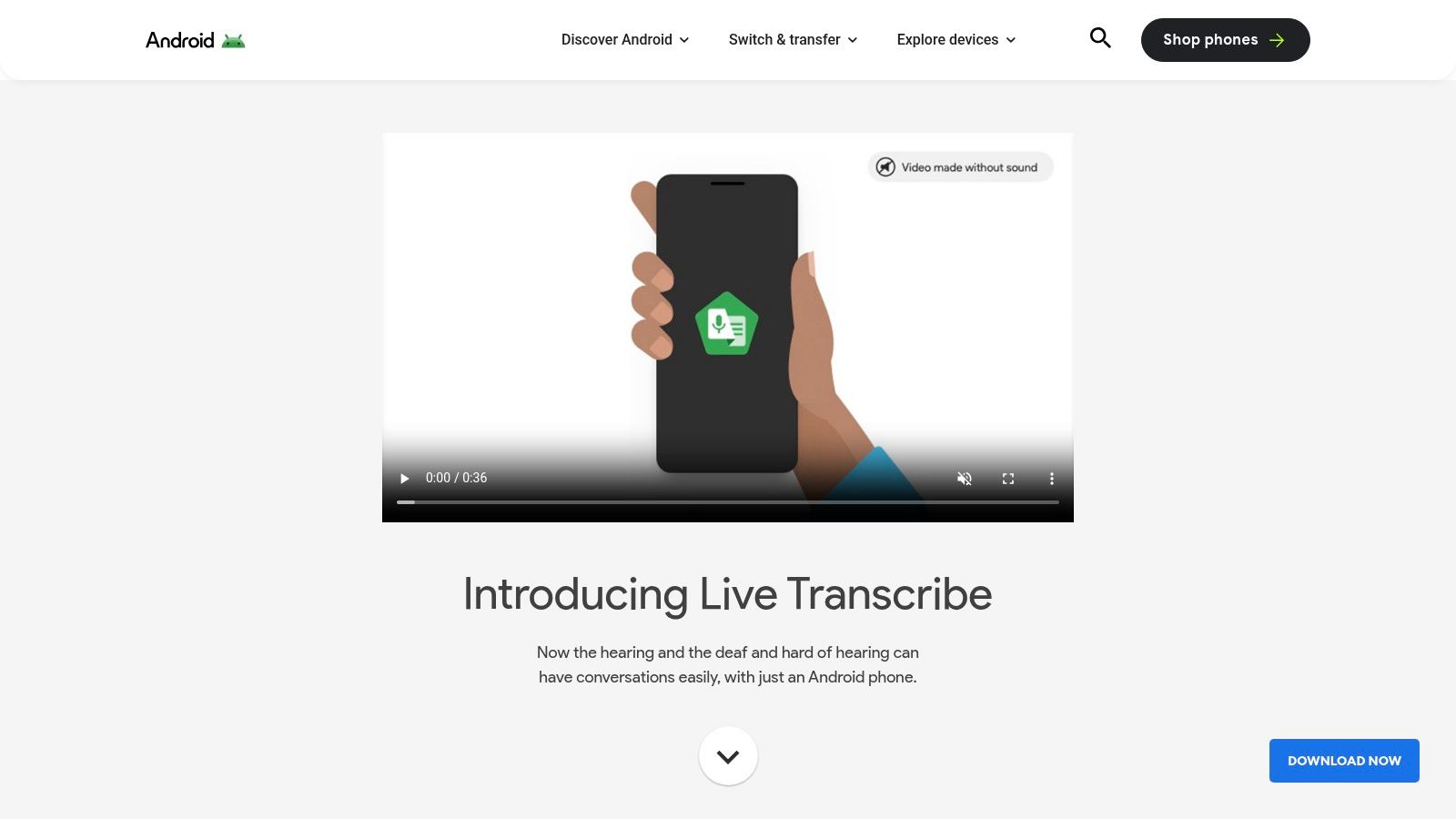
This app is the best free transcription software for in-person accessibility and note-taking. Its primary strength is its simplicity and speed, turning your Android device into a live captioning screen with a single tap. While it excels at capturing what's happening in the moment, it isn't built for uploading and processing pre-recorded audio or video files. Transcripts can be saved for up to three days, but the workflow is not optimised for exporting files like SRT or VTT for video editing.
Key Features and Considerations
- Platform: Android 5.0 and above; built into Pixel devices.
- Accuracy: High for clear, live speech, leveraging Google's powerful speech recognition technology.
- Languages: Supports over 70 languages and dialects for real-time captioning.
- Limits: Designed for live audio capture only. Transcripts are saved locally for up to three days.
- Export Formats: You can copy and paste the saved text; no direct file export options.
- Privacy: Conversations are processed in real-time and not stored on Google's servers, ensuring your discussions remain private.
Website: https://www.android.com/accessibility/live-transcribe/
9. Otter.ai
Otter.ai is a well-known AI meeting assistant designed to solve the productivity challenges of remote work by recording audio, writing notes, and generating real-time captions. While heavily focused on team collaboration, its generous free plan makes it a fantastic piece of free transcription software for individuals like students and journalists who need to capture and analyse spoken content with high accuracy and speaker identification.
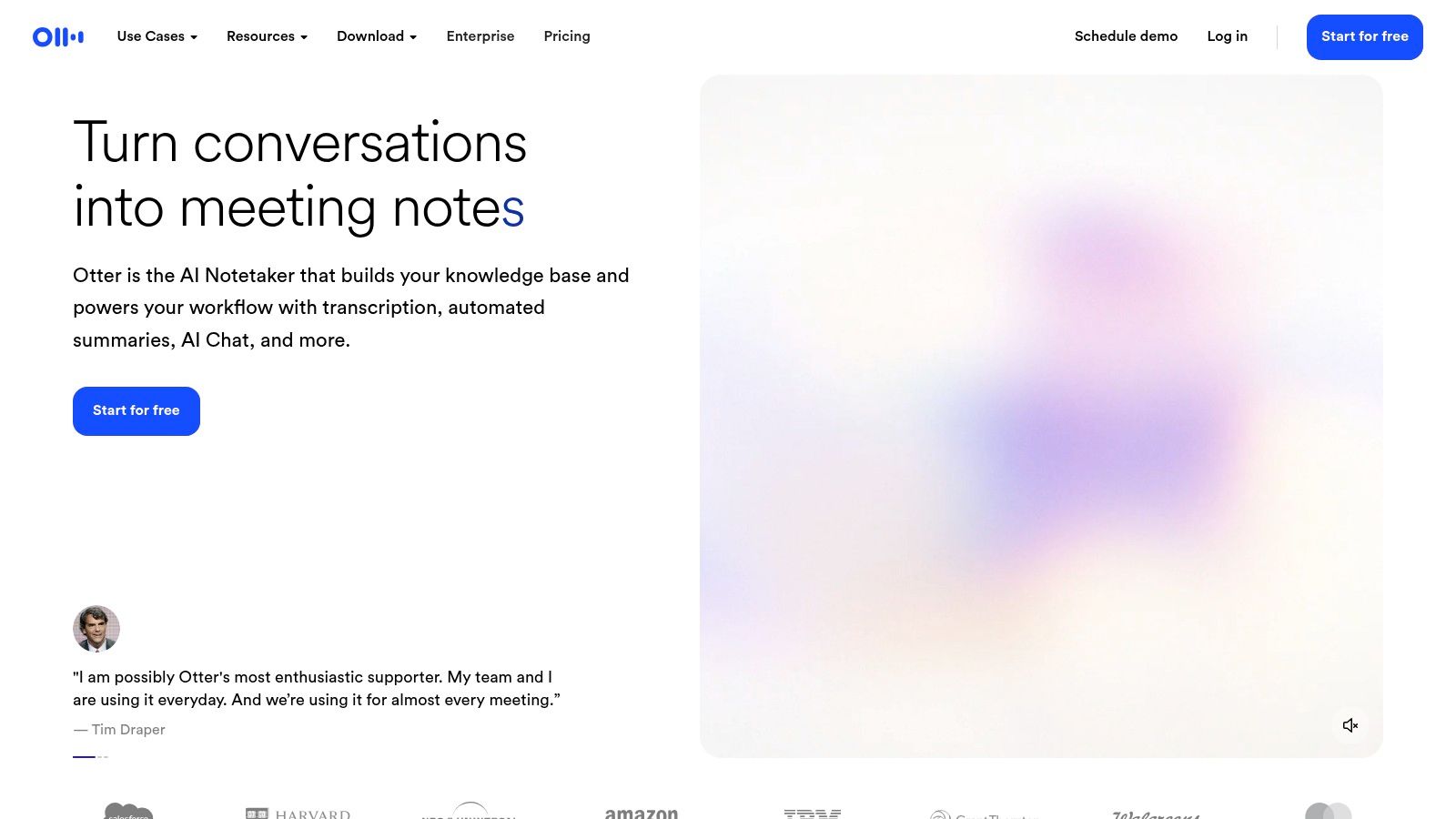
This tool is the best free option for transcribing live meetings and interviews directly from a browser or mobile app. Its standout features are its ability to distinguish between different speakers and its integrations with meeting platforms like Zoom, Google Meet, and Microsoft Teams. The interface is clean and user-friendly, allowing you to easily highlight text, add comments, and search through transcripts. The primary limitation of the free tier is the monthly cap on transcription minutes and a limit on the duration of each individual recording.
Key Features and Considerations
- Platform: Web, iOS, and Android.
- Accuracy: Very high, especially for clear English audio in meeting or interview settings.
- Languages: Primarily English (US and UK), with some support for regional accents.
- Limits: The free plan includes 300 monthly transcription minutes (30 minutes per conversation) and allows importing up to three audio or video files.
- Export Formats: TXT. Exporting to SRT, DOCX, and PDF requires a paid plan.
- Privacy: Your files are processed and stored on Otter.ai's cloud servers, so it is not suitable for highly sensitive information.
Website: https://otter.ai
10. Notta.ai
Notta.ai is a cloud-based transcription service that excels at solving the problem of organising conversations from meetings, interviews, and lectures. It offers a generous free tier that makes it a strong contender for individuals and small teams who need a polished, multi-platform solution. Similar to Otter.ai, it is designed around productivity, with a clean interface for recording, importing, and managing transcripts across devices.
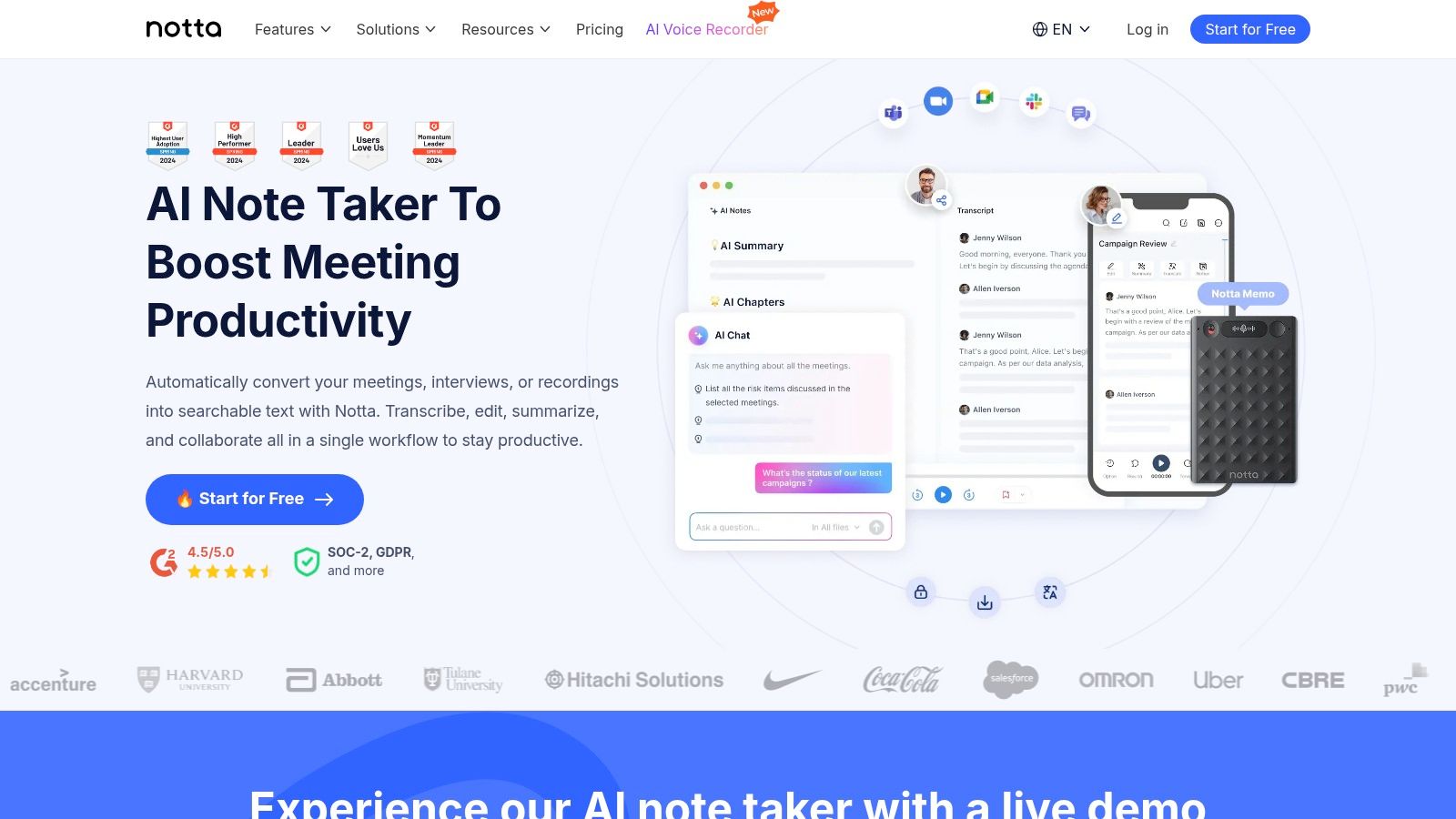
This tool is one of the best free transcription software options for users needing real-time transcription and automatic meeting summaries. Its free plan provides a solid monthly allowance, though individual recordings have a time limit. The platform includes a handy Chrome extension for capturing audio from web pages and integrates with meeting platforms like Zoom and Google Meet. The primary trade-off for free users is the limited export formats and the fact that all processing is done on Notta's servers, which may be a consideration for sensitive data.
Key Features and Considerations
- Platform: Web-based, with apps for iOS, Android, and a Chrome extension.
- Accuracy: Good to very good, especially with clear audio and distinct speakers.
- Languages: Supports transcription in 104 languages.
- Limits: The free plan offers 120 minutes per month, with a limit of 5 minutes per recording for real-time transcription and 3 minutes per file for imported audio/video.
- Export Formats: Free users can export as TXT. Paid plans add SRT, DOCX, and PDF.
- Privacy: Files are processed and stored on Notta's cloud servers. Review their privacy policy for specifics on data handling.
Website: https://www.notta.ai
11. MacWhisper (Goodsnooze / Gumroad)
MacWhisper packages the power of OpenAI's Whisper model into a native, user-friendly desktop application specifically for macOS and iOS users. It offers a simple drag-and-drop interface, solving the problem of accessing high-accuracy local transcription without touching the command line. This privacy-first approach ensures your audio files never leave your computer, a major benefit for journalists and researchers handling sensitive material.
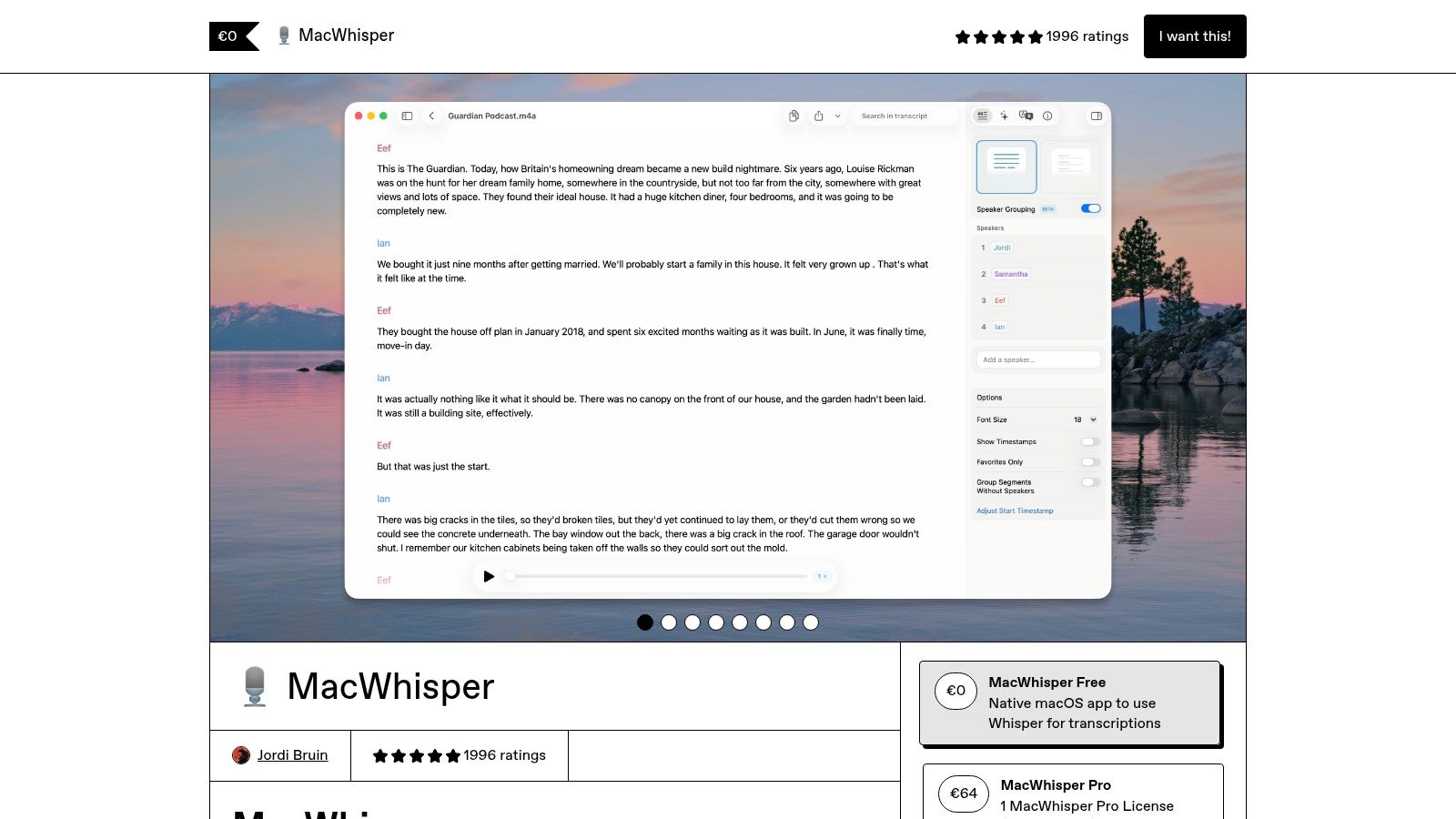
This tool is the best free transcription software for Apple users seeking a seamless and fast workflow, especially on devices with Apple Silicon chips. While the core local transcription functionality is free, a one-time "Pro" purchase unlocks advanced features like batch processing and additional export formats. The app's performance is exceptional, leveraging the Neural Engine for rapid processing that easily outperforms web-based alternatives. It's a perfect blend of power, privacy, and simplicity for the Mac ecosystem.
Key Features and Considerations
- Platform: Native app for macOS and iOS.
- Accuracy: Extremely high, using various local Whisper models (from Tiny to Large).
- Languages: Supports the 99 languages recognised by the Whisper model.
- Limits: The free version has some limitations, such as only exporting TXT files. Local model size can consume significant disk space (up to 3 GB for the large model).
- Export Formats: TXT (Free). SRT, VTT, CSV, DOCX, and PDF are available in the paid Pro version.
- Privacy: Complete privacy. All transcription is processed locally on your device.
Website: https://goodsnooze.gumroad.com/l/macwhisper
12. Amberscript
Amberscript is a Netherlands-based transcription and subtitling platform that blends automated AI services with human-made accuracy. While primarily a paid service, it earns its place on this list by offering a free trial that provides new users with a limited number of minutes to test its capabilities. This trial solves the problem of "try before you buy," allowing you to experience its professional web-based editor and assess the quality of its AI transcription before committing to a plan.
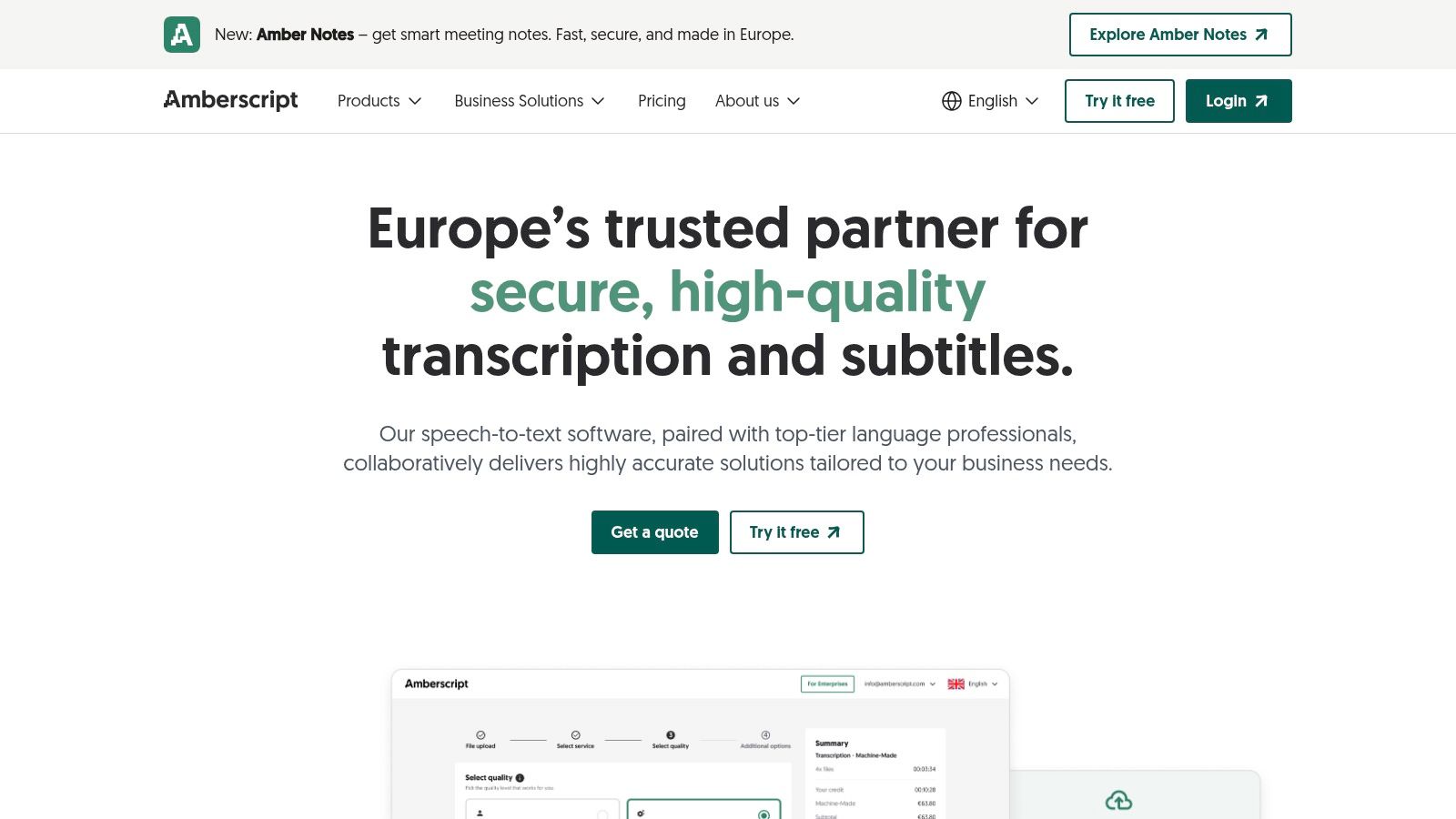
This platform is an excellent piece of free transcription software for European teams, especially those in the Netherlands, who need high accuracy in Dutch and prioritise GDPR compliance. The workflow is seamless: you upload your audio or video, the AI generates a transcript, and you can then use the intuitive online editor to make corrections, assign speaker labels, and export the final text. Once the trial minutes are used, you must transition to a paid plan, which is priced per minute of audio.
Key Features and Considerations
- Platform: Web-based, accessible from any browser.
- Accuracy: Good for automated transcription, with an option to upgrade to near-perfect human-made services.
- Languages: Supports over 30 languages, with a strong focus on Dutch and other European languages.
- Limits: Offers a free trial with a limited number of transcription minutes; paid plans apply afterwards.
- Export Formats: TXT, SRT, VTT, DOCX, and more.
- Privacy: GDPR-compliant, making it a secure choice for businesses and individuals operating within the EU.
Website: https://www.amberscript.com
Top 12 Free Transcription Tools — Comparison
| Tool | Core features | UX & Accuracy | Value & Pricing | Best for / Audience |
|---|---|---|---|---|
| YoutubeToText 🏆 | Youtube-link transcripts, timestamps, multi‑speaker, SRT/VTT exports, 90+ languages ✨ | Fast (most ≤2min), AI cleanup, ★★★★☆ (claims 95%+) | Free 30m; Creator $9/mo → Pro $59/mo 💰 (~$0.011–0.022/min) | 👥 Creators, researchers, journalists, educators (repurposing & SEO) |
| OpenAI Whisper (GitHub) | MIT‑licensed ASR, multilingual, offline/translation, broad ecosystem ✨ | Strong accuracy when tuned, requires setup/CLI; ★★★★☆ | Free (open-source) 💰 (local HW cost) | 👥 Developers, privacy-focused users, researchers |
| whisper.cpp (GitHub) | C/C++ port of Whisper, CPU & Apple Silicon optimizations, small binaries ✨ | Very fast on Apple Silicon, technical setup; ★★★★ | Free 💰 | 👥 Power users wanting fast local transcription |
| Audacity + OpenVINO Whisper plugin | Waveform editor + local Whisper transcription, noise suppression & separation | Good when audio cleaned; plugin setup required; ★★★★ | Free core workflow 💰 | 👥 Podcasters, audio editors, offline workflows |
| Subtitle Edit | Subtitle editor with waveform/spectrogram, ASR hooks, timing & QA tools | Excellent timing/QA for captions; Windows-first UI; ★★★★ | Free 💰 | 👥 Captioners, translators, QA engineers |
| Vosk (GitHub) | Offline STT toolkit, small models (~50MB+), streaming API, multi-platform | Runs on modest hardware; accuracy varies vs Whisper; ★★★ | Free (Apache-2.0) 💰 | 👥 Embedded/mobile devs, privacy/offline use |
| oTranscribe | Browser-based manual transcription, shortcuts, autosave, Youtube/local file support | Manual-precision workflow (no ASR); very simple; ★★★★ | Free 💰 | 👥 Manual transcribers, researchers preferring control |
| Google Live Transcribe (Android) | On-device live captions, 70+ languages, privacy-minded (no cloud storage) | Instant live captions; accessibility-focused; ★★★★ | Free 💰 | 👥 Accessibility users, live note-takers |
| Otter.ai | Cloud recorder, live transcription, speaker ID, search, integrations (Zoom/Meet) | Reliable mobile/web UX; collaboration features; ★★★★ | Freemium; paid tiers for more mins 💰 | 👥 Teams, meetings, students |
| Notta.ai | Cloud transcription, meeting capture, speaker ID, summaries & sync | Easy onboarding; decent accuracy; ★★★ | Generous free minutes; paid tiers 💰 | 👥 Individuals & small teams recording meetings |
| MacWhisper (Goodsnooze) | Mac-native Whisper app, local models, batch & export to SRT/Docx/MD ✨ | Fast on Apple Silicon; polished desktop UX; ★★★★ | Free local use; optional paid cloud features 💰 | 👥 Mac/iOS users, journalists, creators |
| Amberscript | Automated + human transcription, online editor, speaker ID, SRT/VTT | High accuracy with human option; paid per-minute; ★★★★ | Paid per-minute; human service higher cost 💰 | 👥 EU teams, professional subtitling, GDPR-conscious users |
Choosing the Right Free Tool for Your Transcription Needs
Navigating the world of free transcription software can feel overwhelming, but as we've explored, the variety of tools available means there is a perfect solution for nearly every situation. The key takeaway is that the "best" tool is not a one-size-fits-all answer; it is entirely dependent on your specific project, technical comfort level, and ultimate goals. Your journey from spoken word to written text is unique, and choosing the right software is the most critical step.
This guide was designed to move beyond simple feature lists, offering a practical look at how these tools perform in the real world. We've seen that the landscape is broadly divided into a few key categories: powerful, local open-source models; convenient cloud-based freemium services; and specialised, user-friendly applications. Understanding this distinction is the first step toward making an informed choice.
Key Considerations for Your Final Decision
Before you commit to a tool, reflect on these crucial questions that summarise the insights from our list:
- What is your primary use case? A journalist needing to transcribe a sensitive interview has different needs from a Youtuber generating subtitles for a video. The former may prioritise privacy and offline processing (favouring Whisper or Audacity), while the latter needs speed and direct integration (leaning towards YoutubeToText or a freemium service).
- How much control do you need? If you are a developer or a researcher who needs to fine-tune models, work with specific programming languages, or ensure absolute data privacy, open-source solutions like OpenAI's Whisper or Vosk are unmatched. They offer unparalleled control but demand a higher level of technical expertise.
- What is your tolerance for limits? Freemium models from services like Otter.ai or Amberscript offer a fantastic, polished user experience but come with strict limitations on their free tiers. Be realistic about your monthly usage. Will 30 minutes of free transcription be enough, or will you constantly be hitting a paywall?
- How important is workflow efficiency? For content creators, podcasters, and video editors, time is money. A tool that adds extra steps, such as downloading a video only to re-upload it for transcription, creates friction. A streamlined process, like pasting a URL directly, can save significant time and effort, making specialised tools a more practical choice.
Matching the Tool to the Task
Let’s crystallise the decision-making process. If you are a student organising lecture notes or a researcher analysing interviews, the manual assistance of oTranscribe or the mobile convenience of Google Live Transcribe might be perfectly sufficient. They are simple, focused, and solve a specific problem effectively.
For those who demand the highest accuracy and are comfortable navigating command-line interfaces or installing plugins, the various implementations of Whisper (be it the original GitHub repository, MacWhisper, or the Audacity plugin) represent the gold standard in transcription quality. They are the ideal choice for professionals who cannot compromise on precision and value data sovereignty.
However, for the vast majority of modern content creators, marketers, and educators, the most valuable resource is time. Your goal is not to become a transcription expert; it is to get accurate text, subtitles, or summaries from your audio and video content as quickly as possible so you can move on to the next task. This is where the gap between complex local software and limited freemium plans becomes apparent. Specialised tools that focus on a specific workflow, like transcribing Youtube videos, offer the best of both worlds: high accuracy without the technical overhead.
Ultimately, the power of transcription lies in its ability to unlock the value hidden within your audio and video files, making them searchable, accessible, and repurposable. We encourage you to experiment. Try a freemium service for a quick one-off task. If you're technically inclined, set up a local Whisper model. But for consistent content creation, find a tool that seamlessly integrates into your existing workflow. By choosing the right free transcription software, you are not just converting audio to text; you are optimising your productivity and expanding the reach and impact of your message.
Ready to transform your video content into text with zero friction? YoutubeToText is designed specifically for creators who need fast, accurate transcripts and subtitles directly from a Youtube link, bridging the gap between complex software and limited free tools. Get started for free and see how effortless transcription can be by visiting YoutubeToText today.