Learn how to download subtitles SRT files from any video. Our guide covers the best tools, step-by-step methods, and expert tips for content creators.
A Practical Guide to Download Subtitles SRT Files
Need to get subtitles in SRT format, and fast? The quickest way is usually to grab the video's URL, pop it into a dedicated online tool, and hit download. Within seconds, you'll have a clean *.srt file ready to go. It’s a simple trick that’s incredibly useful for making content more accessible, repurposing videos, or even boosting your video's SEO.
Why Bother Downloading an SRT File?
It’s easy to think of an SRT file as just a simple text document, but that's selling it short. Think of it more as a key that unlocks your video's hidden potential. When you have the subtitles as a separate file, you gain a massive amount of control and flexibility, laying the groundwork for all sorts of creative and productivity-boosting projects.
The benefits go way beyond just having words pop up on the screen. For starters, SRT files are a huge win for content creators looking to get noticed. Search engines can't actually watch your video, but they are brilliant at reading text. An SRT file effectively makes every single word you say in your video readable and indexable, which can help you rank for all kinds of relevant keywords.
Making Your Content Accessible to Everyone
One of the most important reasons to use SRT files is for accessibility. They open up your videos to people who are deaf or hard of hearing, ensuring your message isn't lost and can reach the widest audience possible. This isn't just about compliance; it's about inclusive communication and connecting with everyone who might find your content valuable.
And it doesn't stop there. SRT files are your passport to a global audience. Since they're just plain text, translating them into different languages is straightforward. You can then upload these translated files, making your content understandable to viewers all over the world with surprisingly little effort.
The Secret to Smart Content Repurposing
This is where the real magic comes in for productivity and content strategy. An SRT file is basically the raw material for a dozen other pieces of content, saving you hours of work.
- Create Social Media Snippets: Imagine your marketing team pulling out powerful quotes from a webinar transcript. They can easily turn those into eye-catching graphics for Instagram or LinkedIn.
- Turn Videos into Blog Posts: The entire transcript from your video can be polished up and formatted into a detailed blog post, attracting people who'd rather read than watch.
- Speed Up Your Research: If you're a researcher with hours of interview footage, you can search the SRT file for specific keywords to find the exact moment you need, saving an incredible amount of time.
This kind of versatility is becoming essential. Take the Netherlands, for example, where there's been a huge jump in demand for tools to download subtitles srt. With nearly 98% internet penetration among its 18.1 million residents, Dutch creators are always looking for ways to turn their videos into searchable, shareable assets to better engage their audience. You can learn more about the digital adoption rates in the Netherlands to see just how big this trend is.
How to Choose the Right Subtitle Download Method
So, you've decided you need to download SRT subtitles, but now you're faced with a handful of different ways to do it. Which one is right for you? It all comes down to what you're trying to achieve, how comfortable you are with tech, and frankly, how much time you have.
Think of it this way: are you looking for a quick, one-off download, or are you building an efficient workflow to handle dozens of videos at once? Your answer will point you to the perfect tool for the job.
For Quick and Easy Downloads: Online Tools are Your Best Bet
For most people, most of the time, a dedicated online tool is the fastest and simplest route. I'm talking about services like YoutubeToText.ai where the process is dead simple: you paste a video URL, click a button, and get your SRT file. No fuss, no software installation.
This approach is a lifesaver for solving common problems:
- Content creators needing a quick transcript to turn a video into a blog post.
- Students trying to pull key points from an online lecture for their study notes.
- Social media managers who want to grab a powerful quote from a video for a campaign.
The real win here is efficiency. You don't need to understand code or fiddle with settings. It just works, helping you achieve your content goals faster.
For More Control: The Tech-Savvy Options
If you're someone who likes to get under the hood, or you need to download subtitles in bulk, then the more technical methods will feel right at home.
One surprisingly effective trick is to use your web browser's own developer tools. By watching the 'Network' tab as a video plays, you can often spot the subtitle file being loaded and just save it directly. It’s a neat skill to have if you’re comfortable poking around a site’s code.
For true power users, a command-line tool like yt-dlp is the gold standard. It might look a bit intimidating at first, but with a single line of code, you can pull down SRT files for an entire playlist. This is the go-to for solving bigger challenges:
- Video editors who need to archive subtitles for a massive project.
- Researchers analysing transcripts from hundreds of video interviews.
- Developers who are building automated systems that involve video content.
My Takeaway: The best tool is the one that slots right into your existing workflow. If you live in a browser and need things done yesterday, stick with an online converter. If you’re a power user who automates everything from the terminal, a CLI is your best friend.
To help you decide, here's a quick breakdown of the main options.
Comparing SRT Download Methods
| Method | Best For | Ease of Use | Key Advantage |
|---|---|---|---|
| Online Tools | Quick, one-off downloads and non-technical users. | Very Easy | Speed and simplicity. No installation needed. |
| Browser DevTools | Tech-savvy users who need a file from an unsupported site. | Moderate | No extra software required, works on many platforms. |
CLI (e.g., yt-dlp) |
Bulk downloads, automation, and power users. | Difficult | Unmatched power, control, and batch processing. |
Ultimately, each method gets you to the same end goal—an SRT file—but the path you take depends entirely on your needs.
Before you even start, it's worth thinking about why you need the subtitles. Your end goal often makes the decision for you.
As you can see, if your goal is boosting SEO, improving accessibility, or reaching a global audience, grabbing that SRT file is a crucial first step.
At the end of the day, it's a simple trade-off between convenience and control. For most everyday tasks, an online tool gets the job done in seconds, saving you time and a potential headache.
Using Online Tools to Download SRT Files in Minutes
If you’re after speed and simplicity, online converters are your best bet to download subtitles srt files. They are the go-to solution for solving the problem of manual transcription. These web-based tools completely skip the need for technical know-how or installing any software, turning what could be a headache into a few quick clicks.
The whole process is built for efficiency. You find the video you need subtitles for, copy its URL, and paste it into the online tool. In a few seconds, the platform uses AI to generate the transcript and gives you a download link for the subtitle file. It’s a beautifully simple workflow that anyone can master instantly.
A Practical Walkthrough with YoutubeToText.ai
Let’s look at how this works in the real world with a tool like YoutubeToText.ai. Say you're a podcaster who wants to post the full transcript of your latest episode on your website for a nice SEO boost. Instead of the soul-crushing task of typing it all out by hand, you can just grab the SRT file.
Here's how ridiculously easy it is:
- Copy and Paste the URL: Just go to your Youtube video and copy the link from the address bar. Then, pop it into the input box on the website.
- Pick Your Language: If your video has captions in multiple languages, the tool usually lets you pick the one you need. This is a massive help for creators trying to reach a global audience.
- Download the SRT File: Hit the download button, and the SRT file saves right to your computer. Done.
Most online tools have an interface designed to be this straightforward, putting the main function right in front of you.

This kind of clean layout makes it obvious what to do next, with no complex steps or confusing options to get in your way.
Why This Method Is So Popular
The appeal of online tools isn't just about being user-friendly. Think about a corporate trainer who needs to add subtitles to a whole series of e-learning videos. With this method, they can quickly make all that training content accessible to employees who are hard of hearing or who work in noisy places where playing audio is impossible. For a more detailed guide, check out our post on how to https://youtubetotext.ai/blog/download-youtube-subtitles.
This trend is especially strong in digitally-savvy regions like the Netherlands. There, video editors and subtitlers have made downloading SRTs a core part of their daily routine. It's expected that the Dutch business app market will hit 12.5 million content tool downloads by 2025. Subtitle and transcription apps are set to account for 18% of that—a whopping 2.25 million installations.
With Google holding an 86.28% share of the search market, it's no surprise that searches for "download subtitles srt" have already jumped by 28% this year alone, showing just how vital this function has become for professionals.
Key Takeaway: Online tools make getting subtitles easy for everyone. They tear down the technical barriers, letting creators, educators, and businesses focus on what they do best: making their content more accessible, searchable, and impactful without a steep learning curve.
For the Tech-Savvy: Advanced SRT Download Methods
If you're comfortable getting your hands a little dirty and want more direct control over the process, you can bypass the online tools altogether. These next methods are perfect for anyone who needs to download subtitles in bulk or wants to build them into a larger workflow, like video editors, developers, or researchers.
We'll look at two powerful approaches: digging into your browser's developer tools and using the command line for some serious automation.
Finding SRT Files with Browser Developer Tools
One of the most direct ways to grab a subtitle file is to simply watch the network traffic on the video page yourself. It sounds more technical than it is, and it's a neat trick for anyone who's a bit curious about how the web works.
Every modern browser, whether you're on Chrome, Firefox, or Edge, comes with a built-in set of developer tools.
Just right-click anywhere on the page with the video and choose "Inspect." This opens a panel that shows you all the behind-the-scenes activity.
From there, it’s a pretty simple hunt:
- Click over to the "Network" tab.
- Refresh the page, then press play on the video. You'll see a stream of files loading in.
- In the little search or filter box within the Network tab, just type
.srtor sometimes.vtt. This will instantly filter the list to show you only the subtitle files. - Right-click the subtitle file in the list and open it in a new tab. Voilà! You can now save it directly to your computer.
This method is fantastic because it lets you see exactly how the video player is fetching its assets. It can often work on platforms where other downloaders get stuck. If you're interested in more ways to work with video content, our guide on the best video to text converter tools is worth a read.
Automating Downloads with Command-Line Tools
For the true power users out there, nothing beats the command-line for speed and automation. The undisputed champion for this kind of work is yt-dlp, a regularly updated and feature-packed fork of the original youtube-dl project.
Once you have it installed, you can do some really powerful stuff with just a single line of text. Forget pasting URLs one by one into a website; you can download subtitles for an entire playlist or even a whole channel with one simple command. It's a lifesaver if you're a researcher needing to analyse dialogue from hundreds of videos or a video editor prepping a mountain of footage.
Here are a couple of my most-used commands to get you started:
Download just the English SRT for one video:
yt-dlp --write-subs --sub-lang en --skip-download "VIDEO_URL"Grab all available subtitles for an entire playlist:
yt-dlp --write-subs --all-subs --skip-download "PLAYLIST_URL"
Pro Tip: That
--skip-downloadflag is your best friend. It tells yt-dlp to only download the tiny subtitle files and to completely ignore the massive video files, which saves a huge amount of time and disk space.
Once you get the hang of these commands, you can start building some incredibly efficient workflows. Imagine a small script that automatically checks a Youtube channel for new videos every day and downloads the SRT file for your archives. That's the kind of automation that puts your content management on autopilot.
How to Edit and Perfect Your SRT File
So, you’ve managed to download your SRT subtitles. That's a great start, but the job isn't quite done. Think of that raw file, especially if it was auto-generated by AI, as a first draft. Now comes the part where you transform it into a polished, professional caption track that genuinely enhances the video.
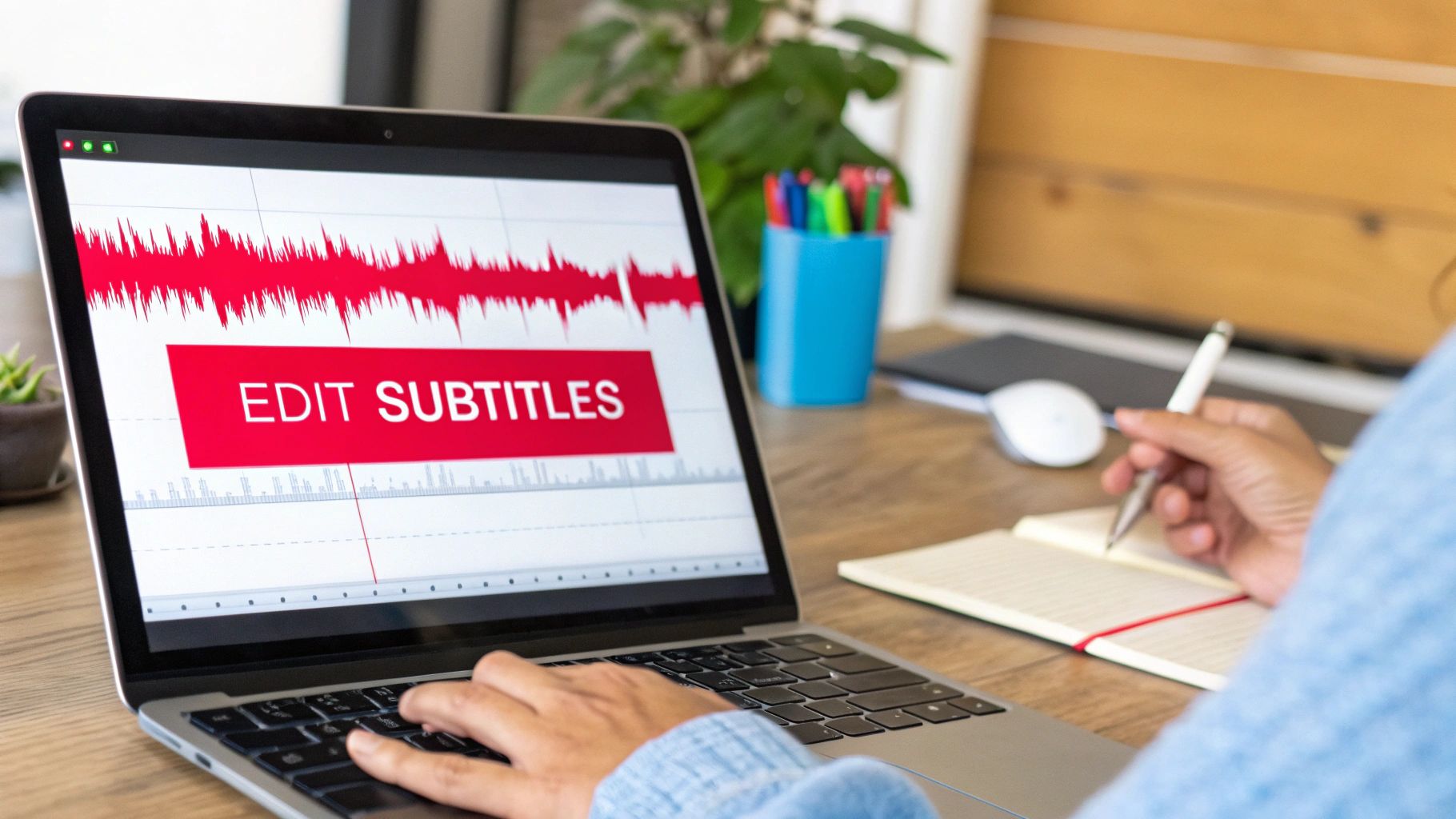
Automated transcription has come a long way, but it's far from perfect. You'll almost always find issues—text popping up too early or lingering too long, weird spelling mistakes, and clunky line breaks that just feel awkward to read. Taking a bit of time to fix these details is what really separates the amateurs from the pros.
Essential Tools for Editing SRT Files
The good news is you don’t need to splash out on expensive software. Some of the best tools out there are completely free and open-source. For most people, two names consistently come up: Subtitle Edit and Aegisub.
- Subtitle Edit: This is a fantastic all-rounder and my usual recommendation for anyone just getting started. Its interface is clean, and the audio waveform visualiser makes it incredibly easy to see exactly where your text should line up with the speech.
- Aegisub: If you need more granular control, Aegisub is the powerhouse. It has a bit of a steeper learning curve, but it’s the gold standard for precise timing adjustments and advanced styling.
With either of these, you can load your .srt file and see the text, timestamps, and video all in one window. This side-by-side view makes the whole editing process feel much more intuitive.
Common Editing Tasks for a Flawless Finish
Once you've got your SRT file open in an editor, there are a few key areas to focus on that will give you the most bang for your buck. The goal is simple: make the subtitles accurate and easy to read. And if you're starting with just a plain text transcript, our guide on how to convert TXT to SRT will show you how to format it correctly from the ground up.
First up, tackle the timestamps. This is where most auto-generated files fall short. Use the audio waveform as your visual guide to nudge the captions so they appear and disappear in perfect sync with the dialogue.
Next, give the text a thorough proofread. Automated systems often stumble over names, brand-specific terms, or industry jargon. A quick read-through is usually enough to catch the most obvious errors.
Pro Tip: For the best reading experience, keep each subtitle line under 42 characters and limit yourself to two lines on screen at any given time. If a sentence is too long, simply split it into two separate, timed captions.
Finally, pay attention to the line breaks. A single, long line of text stretching across the screen is a nightmare to read. Breaking longer sentences at natural points—like after a comma or before a conjunction—makes them much easier for your audience to digest. It’s a small touch that makes a massive difference.
Your Top Questions About SRT Files, Answered
Even with a clear process, a few questions always pop up when you start working with SRT files. Let's tackle some of the most common ones I hear, so you can download and use subtitles with confidence.
Is It Legal to Download Subtitles?
This is probably the biggest question on everyone's mind. The short answer is: it depends on what you do with them. If you're downloading subtitles for your own personal use—like for study, research, or to make a video more accessible for yourself—you're generally in the clear under fair use principles.
Where things get tricky is when you republish someone else's content. Taking a creator's video and their subtitles and re-uploading it as your own is a fast track to a copyright strike.
The golden rule is simple: always act ethically. If you have any plans to use the subtitles commercially, your safest bet is to create your own from scratch or get direct permission from the video's creator.
This protects you and respects the hard work of the original creator.
What About Downloading Subtitles in Other Languages?
Yes, you absolutely can, but with one important condition: the creator must have provided them. When you use a downloader tool, it will usually show you a list of all the subtitle languages available for that specific video. Just pick the one you need.
But what if the video only has auto-generated captions in English, and you need them in Spanish? Your best approach is to download the original English SRT file first. From there, you can use a separate AI-powered translation service to convert the text. It won't be perfect, but it gives you a fantastic starting point to edit from.
SRT vs. VTT: What's the Real Difference?
It’s easy to get these two confused since they look so similar. Think of it this way:
- SRT (SubRip): This is the old-school, workhorse format. It's incredibly simple and is supported by virtually every video player and editing software on the planet. For maximum compatibility, SRT is your go-to.
- VTT (WebVTT): This is the modern successor, built for the web (HTML5). It does everything SRT can do but adds more styling features. With VTT, you can control things like text colour, bolding, italics, and even where the captions appear on the screen.
If your video is going to live online and you want more design control, VTT is a great choice. For everything else, SRT is the reliable standard.
Ready to stop transcribing manually and start creating content faster? YoutubeToText gives you accurate, one-click SRT downloads from any Youtube video in minutes. Try YoutubeToText.ai for free and see how easy it is.