Discover the best video to text converter for your needs. Our 2025 review covers 12 top tools for accuracy, speed, and content repurposing.
The 12 Best Video to Text Converter Tools of 2025 (Reviewed)
Manually transcribing video content is a time-consuming and often tedious task. Whether you are a content creator needing subtitles, a researcher analysing interview footage, or a marketer repurposing video assets, the process can drain hours from your schedule. A reliable video to text converter solves this problem by automating the transcription process, helping you reclaim valuable time and unlock your content's full potential.
This guide is designed to help you find the best tool for your specific needs. We have tested and analysed the top platforms available, from free online converters to powerful, feature-rich software. Our goal is to provide a clear, practical resource that cuts through the marketing jargon and focuses on what truly matters: accuracy, speed, and usability.
Inside this comprehensive list, you will find:
- Detailed reviews of 12 leading video to text converters, including options like YoutubeToText, Amberscript, and Descript.
- Honest assessments of each tool’s strengths and weaknesses, helping you understand their practical limitations.
- Direct comparisons of key features such as language support, export options (SRT/VTT), and editing capabilities.
- Clear breakdowns of pricing to help you find a solution that fits your budget.
Each entry includes screenshots and direct links, so you can easily explore the platforms that interest you most. Forget spending hours searching for the right converter; we have organised everything you need right here to help you make an informed decision quickly and get back to creating.
1. YoutubeToText
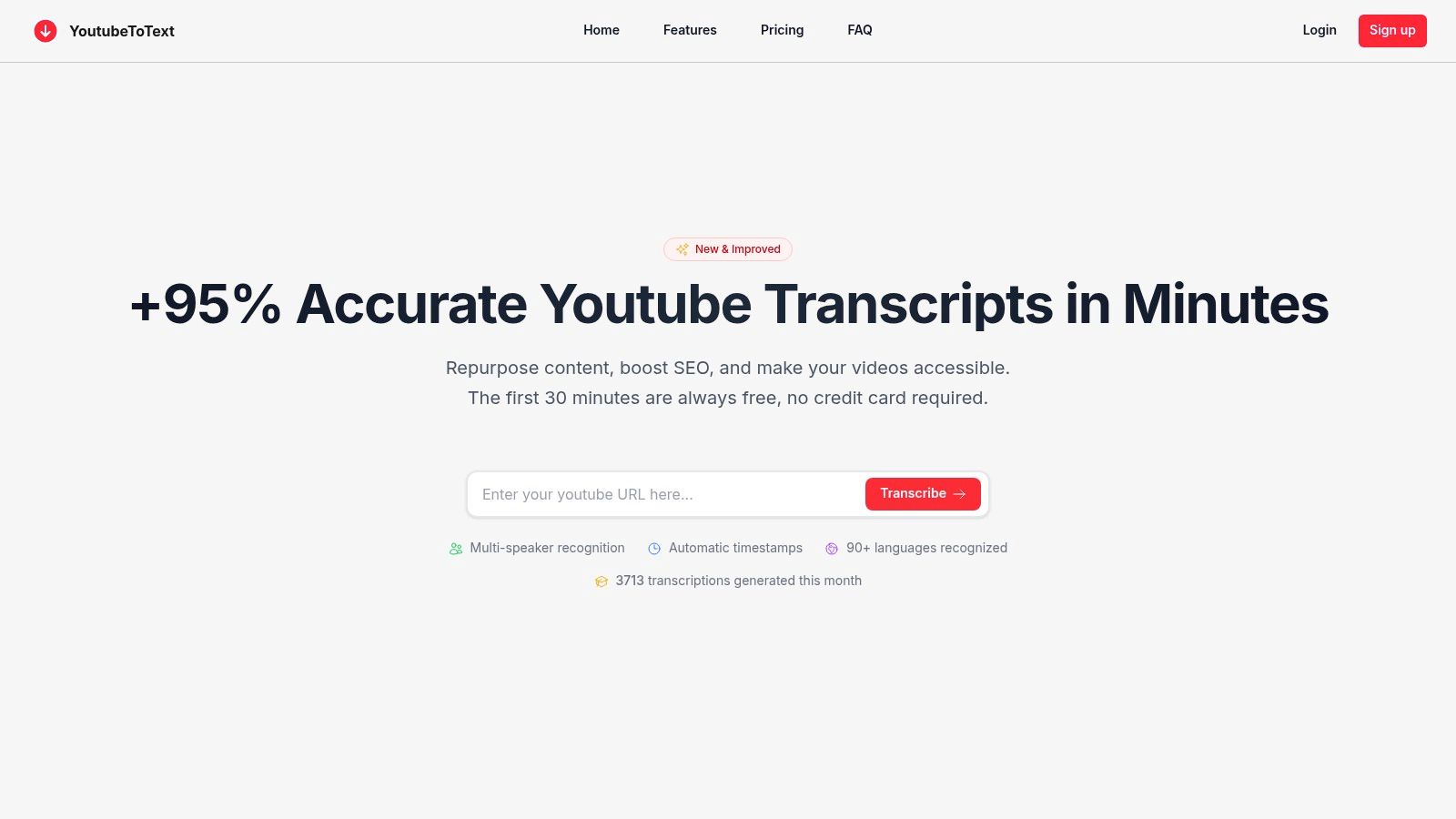
YoutubeToText establishes itself as a premier online video to text converter by focusing exclusively on transforming Youtube content into accurate, actionable text. Its streamlined, web-based interface requires no software installation; users simply paste a Youtube link to initiate the transcription process. This simplicity, combined with powerful backend processing, delivers an efficient solution for creators, researchers, and marketers looking to unlock the value embedded in video content.
The platform is engineered for both speed and precision, consistently achieving over 95% accuracy in ideal audio conditions. This high level of reliability solves a significant problem for anyone who has struggled with the time-consuming task of manual transcription or the inaccuracies of lesser tools. It effectively makes video content searchable, accessible, and vastly easier to repurpose.
Standout Features and Practical Applications
YoutubeToText excels with a feature set designed for real-world productivity. Its capabilities extend far beyond basic transcription, offering tools that solve common problems and inspire new content ideas.
- Multi-Language and Speaker Recognition: With support for over 90 languages, the tool empowers global content creators to reach wider audiences. Its ability to automatically detect and timestamp different speakers is a critical feature for transcribing interviews and panel discussions, ensuring clarity and making the text easier to follow.
- Intelligent AI Tools: The platform integrates AI-powered summaries and filler-word removal ("um," "ah"). This saves users significant editing time, allowing them to instantly generate clean copy for blog posts from a video script or produce concise show notes for a podcast.
- Versatile Export Options: Users can download transcripts as plain text, or more importantly, as one-click SRT or VTT files. This functionality is essential for improving video accessibility by allowing creators to add accurate subtitles and closed captions efficiently.
Pricing and Accessibility
The platform’s pricing structure is designed to be both flexible and accessible, making it a practical choice for various user needs. A generous free tier provides 30 minutes of transcription per month, allowing users to test the service thoroughly. For those with greater demands, paid plans are affordably scaled:
- Creator: €9/month for 400 minutes
- Creator+: €19/month for 1,200 minutes
- Pro: €59/month for 5,400 minutes
The inclusion of a no-questions-asked refund policy demonstrates confidence in the product and removes risk for new users.
Pros and Cons
Pros:
- Exceptional real-world accuracy (>95%) and rapid processing speeds.
- Automatic timestamps and multi-speaker identification enhance readability.
- Direct SRT/VTT export simplifies captioning workflows for accessibility.
- AI-driven summaries and cleanup tools accelerate content repurposing.
- Affordable, scalable pricing with a functional free tier.
Cons:
- Transcript quality is dependent on source audio; heavy accents or background noise may require manual correction.
- The free plan is limited to 30 minutes/month and plain text exports.
To understand more about the specific techniques behind this tool, you can explore this detailed guide to converting Youtube videos to text from their blog: Learn more about the process on youtubetotext.ai.
Website: https://youtubetotext.ai
2. Amberscript
Amberscript is a powerful video to text converter based in the European Union, offering a hybrid model of automatic and human-powered transcription services. It solves a critical problem for businesses, universities, and governmental organisations that must adhere to strict data privacy regulations like GDPR. Its platform is specifically organised to handle both simple transcription and more complex subtitling workflows, ensuring compliance without sacrificing functionality.
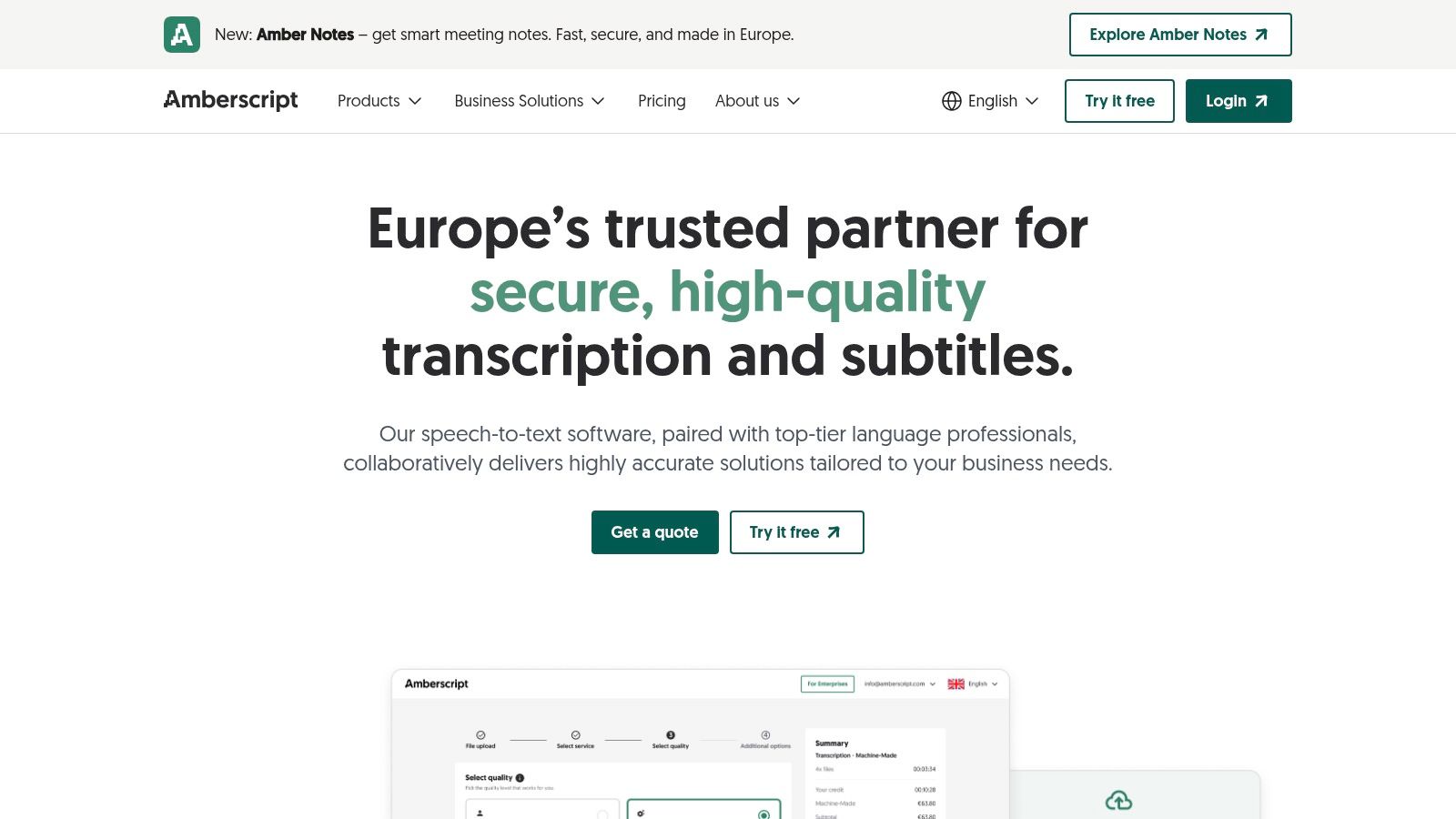
The platform supports over 39 languages, which is ideal for multilingual European projects. Users can easily upload a video file and choose between a fast, AI-driven transcript or a perfect, human-verified one. The online editor is intuitive, allowing for quick corrections, speaker identification adjustments, and direct exporting into formats like SRT, VTT, and EBU-STL, which are essential for professional video editing and broadcasting.
Key Features & Considerations
What makes Amberscript a noteworthy option is its compliance-first approach. It is GDPR compliant and holds ISO 27001 and ISO 9001 certifications, with data hosting on EU servers. This inspires trust and provides peace of mind for users handling sensitive video content, making it an educational and secure choice for professional environments.
- Best For: EU-based organisations, researchers, and media companies needing high accuracy and GDPR compliance.
- Pricing: Offers subscription plans for automatic transcription (starting from €25 for 5 hours per month) and pre-paid credits. Human-made services and enterprise solutions are typically priced via a customised quote.
- Limitation: Turnaround for the 100% accurate human service is measured in business days, which may not suit users needing instant results. Pricing for larger projects requires contacting sales, which adds a step to the process.
Website: https://www.amberscript.com
3. Happy Scribe
Happy Scribe is another excellent EU-based video to text converter that provides a blend of AI-powered and human-perfected transcription and subtitling services. It's designed to solve the problem of team inefficiency by offering collaborative workflows in a user-friendly editor. The platform's direct integrations with services like Youtube, Vimeo, and Google Drive make it incredibly productive for marketing teams to pull in video content without manual uploads.
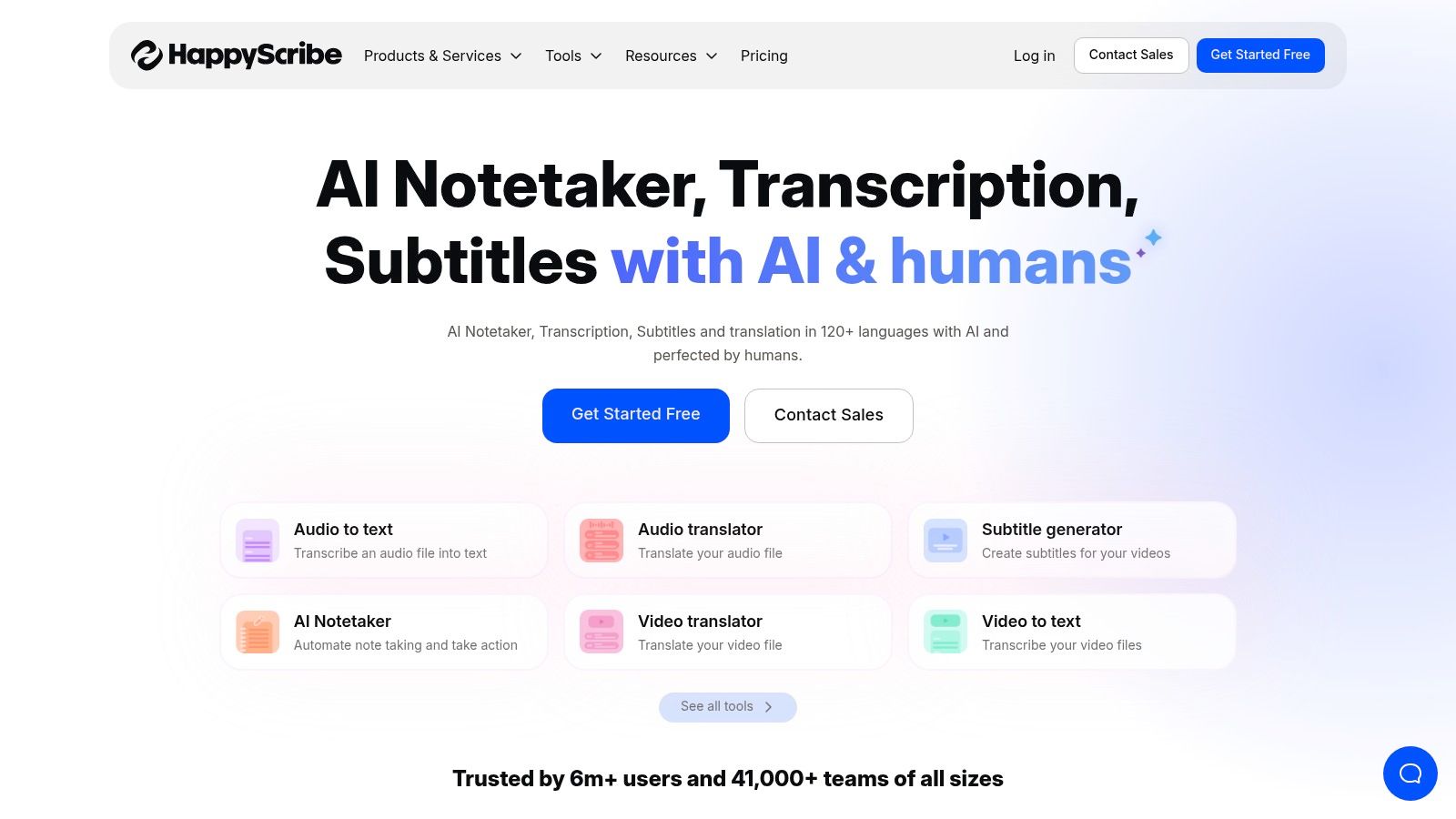
The service supports a vast library of over 120 languages for its AI transcription, making it a globally versatile tool. What sets it apart is the transparency in its pricing, especially for human-made services, which are clearly listed on a per-language basis. This allows users to accurately budget for projects requiring the highest level of accuracy without needing to request a custom quote for standard jobs. Users can easily export their work into a variety of formats, including DOCX, TXT, SRT, and even MP4 with burnt-in captions.
Key Features & Considerations
Happy Scribe’s commitment to data privacy is a significant advantage for users in the European Union. The platform is GDPR compliant, holds SOC 2 Type II certification, and utilises EU-based data centres, ensuring that sensitive video content is handled according to strict European regulations. This focus on security and compliance, combined with its collaborative features, makes it a reliable choice for professional teams.
- Best For: Content creators, marketing teams, and European businesses needing a reliable, compliant, and collaborative transcription environment.
- Pricing: Offers pay-as-you-go credits for automatic transcription (from €10 for 1 hour) and subscription plans. Human-made services are billed separately with transparent per-minute rates that vary by language.
- Limitation: The human-made services are an additional cost on top of any AI subscription fees, which might be a consideration for budget-conscious users. It is also not HIPAA compliant, making it unsuitable for US-based healthcare applications.
Website: https://www.happyscribe.com
4. Rev
Rev is a prominent video to text converter that operates as a comprehensive marketplace for both human-powered and AI-driven transcription services. It is widely recognised for solving the problem of unreliable AI transcriptions by offering dependable quality and fast turnarounds, particularly for its professional human transcription, captioning, and subtitling services. This makes it an inspiring choice for creators and businesses who demand professional-grade accuracy.
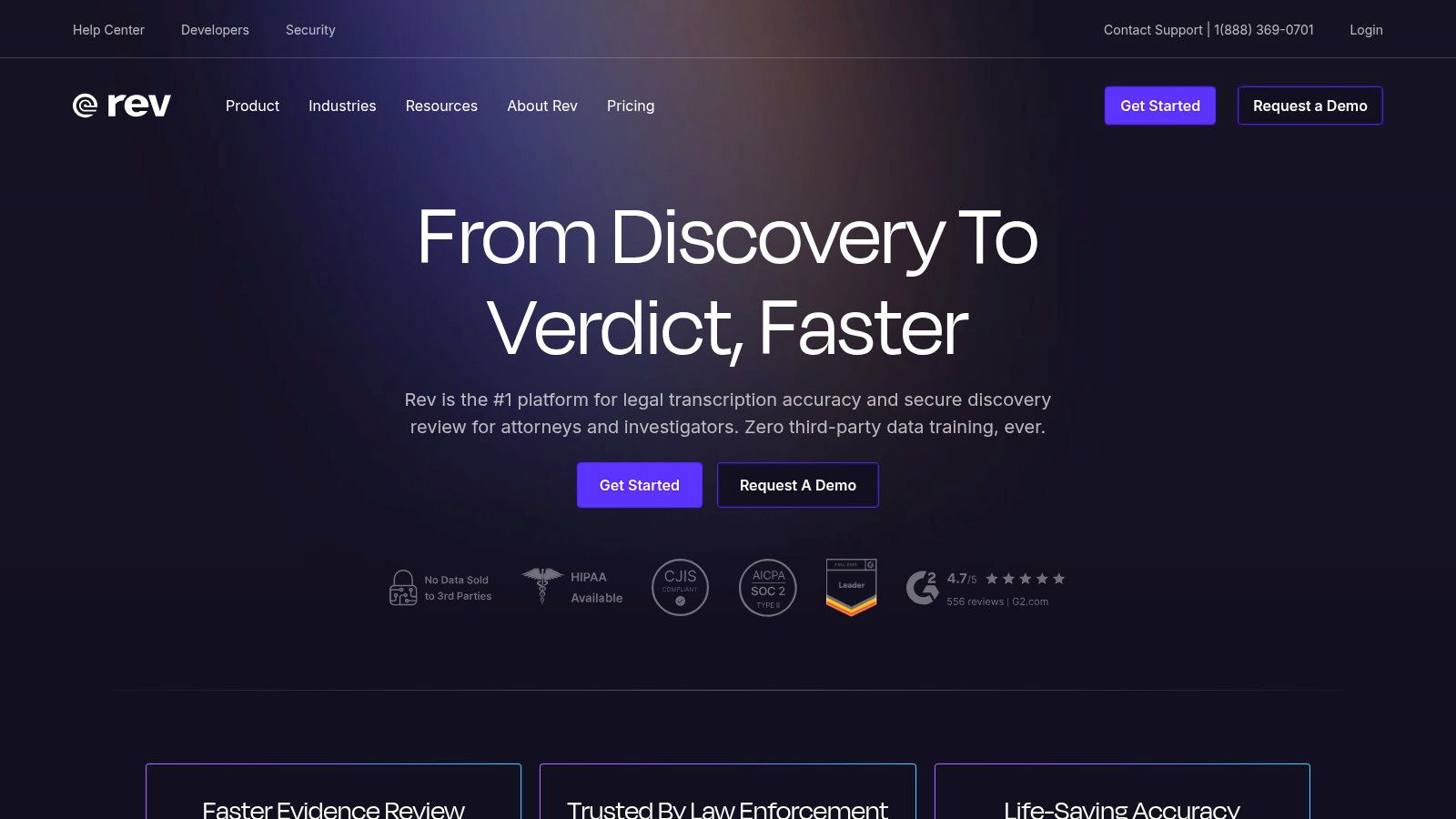
The platform’s strength lies in its clear, tiered service model. Users can choose a cost-effective AI transcript for quick drafts or invest in a human-verified transcript that guarantees 99% accuracy. Rev supports a vast range of file formats and integrations, and its editor tools allow for easy collaboration and refinement. For enterprise clients, features like SOC 2 compliance and Single Sign-On (SSO) provide essential security and administrative control.
Key Features & Considerations
What sets Rev apart is its established reputation for consistency and quality in human-powered services, solving the problem of unreliable AI for final-cut video projects. The clear pay-per-minute pricing structure removes the guesswork often associated with transcription costs, making it easy to budget for projects of any scale.
- Best For: Professionals, media companies, and legal or academic users who prioritise accuracy and reliability over the lowest cost.
- Pricing: Human transcription starts at $1.50 per minute. AI transcription is available via subscription plans (e.g., $29.99/month for 20 hours) or as pay-as-you-go.
- Limitation: The primary drawback is cost; its premium human-powered services are significantly more expensive than fully automated competitors. Achieving volume discounts often requires a substantial commitment.
Website: https://www.rev.com
5. Descript
Descript is a unique, all-in-one platform that redefines video editing by making it as simple as editing a text document. It functions as a powerful video to text converter that automatically transcribes your audio and video, but its real magic lies in its "edit-by-text" functionality. This innovative approach solves a major productivity problem for content creators, particularly podcasters and social media managers, by allowing them to edit video by simply deleting or rearranging words in the transcript.
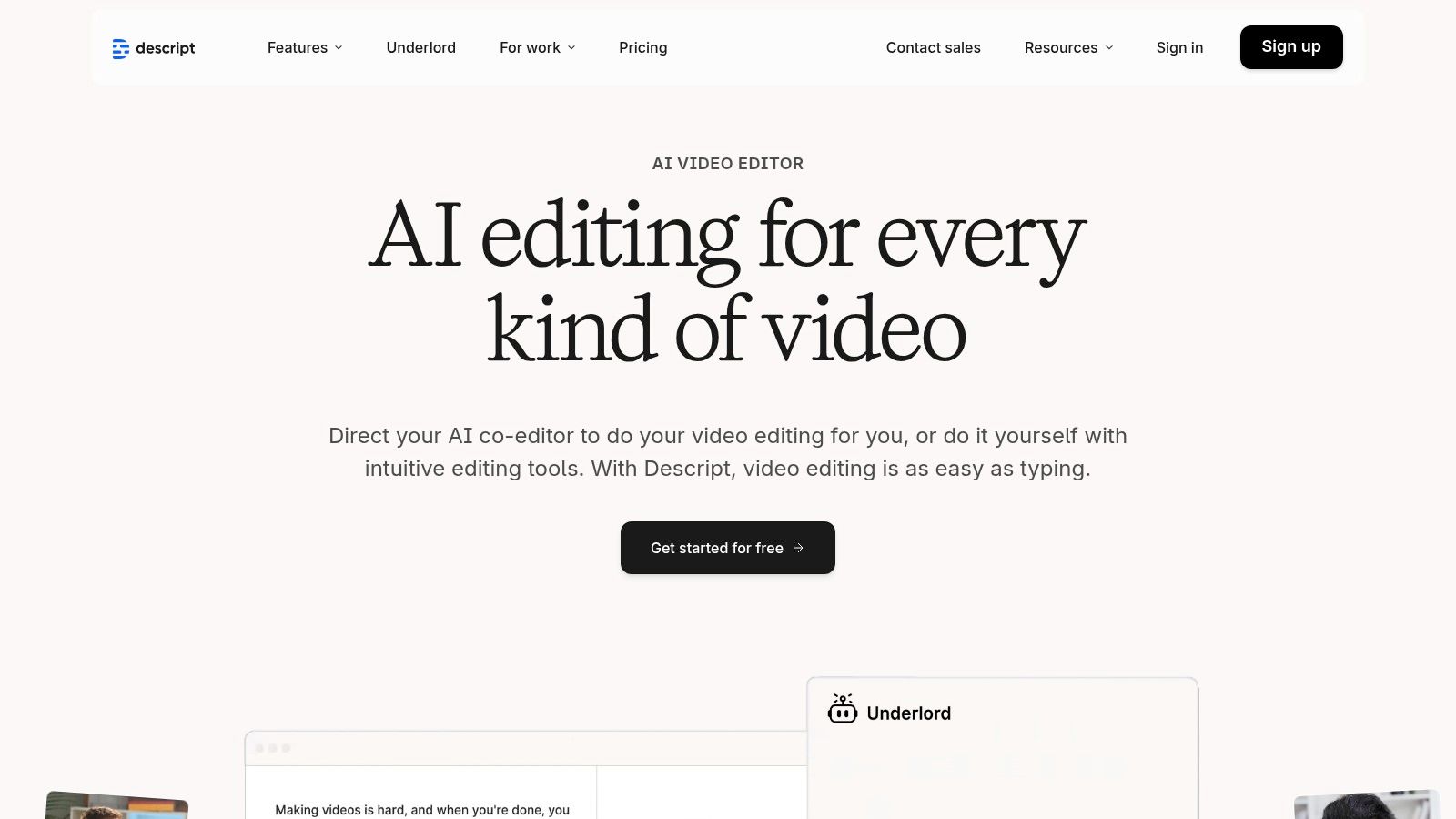
The platform is organised around the transcript, making it the central hub for creating clips, adding effects, and generating subtitles. Once your video is transcribed, you can easily correct the text, and Descript provides tools to export subtitles in standard formats or publish content directly. This tight integration of transcription and editing solves a common problem for creators who need to produce polished videos with accurate captions without juggling multiple applications. For those looking to understand the fundamentals of this process, you can find more information about how to transcribe video into text.
Key Features & Considerations
What makes Descript stand out is its workflow efficiency. Instead of just converting video to text, it uses that text to empower the creative process. It's built for modern content production, where speed and simplicity are paramount. The collaborative features also allow teams to work on projects simultaneously, sharing feedback directly within the platform.
- Best For: Podcasters, Youtubers, and social media content creators who need an integrated transcription and video editing solution.
- Pricing: Offers a free plan with limited transcription. Paid plans start from around $12 per editor/month (billed annually) and include a generous monthly allowance of transcription hours.
- Limitation: While excellent for content creation, it's not a specialised enterprise transcription or captioning service. The AI transcription hours are capped on lower-tier plans, requiring an upgrade or top-up for heavy users.
Website: https://www.descript.com
6. Trint
Trint is an AI-powered video to text converter built specifically for the demanding workflows of journalists, newsrooms, and media production teams. It moves beyond basic transcription by offering a robust, collaborative platform that solves the problem of organizing and repurposing audio and video content at scale. It inspires journalists to find the crucial moments in their interviews faster and turn stories around more quickly.
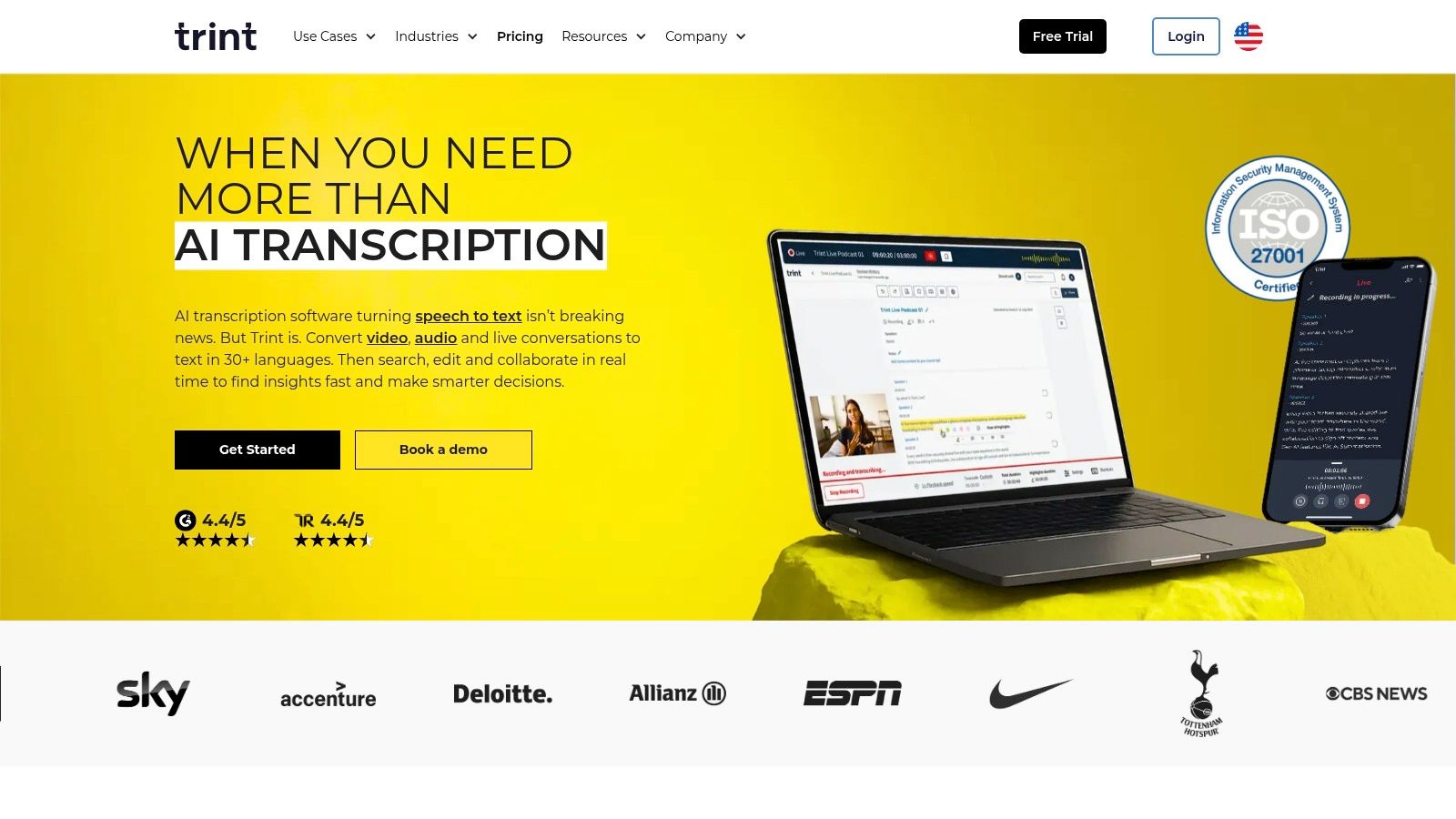
The platform supports transcription in over 40 languages and offers translation into more than 50, facilitating global news gathering. Its standout feature is the "Trint Editor," which combines a text editor with an audio/video player, allowing users to correct transcripts, identify speakers, and leave comments for team members. Export options are tailored for media, including SRT and VTT for subtitles, and integrations with tools like Adobe Premiere Pro streamline post-production workflows.
Key Features & Considerations
What makes Trint exceptional is its focus on collaborative, story-driven features. Teams can work on the same transcript simultaneously, highlight key quotes, and build narratives directly within the platform before exporting. Its live transcription capabilities are also invaluable for press conferences and live events, providing an immediate text feed for journalists to work from.
- Best For: Journalists, newsrooms, and large media organisations needing a collaborative transcription and storytelling platform.
- Pricing: Plans are subscription-based, starting at a higher price point (around €57 per user/month) for individuals, with custom pricing for enterprise and teams. Plans often feature higher or "unlimited" usage allowances, subject to fair use.
- Limitation: The pricing structure is significantly higher than many consumer-focused tools, making it less accessible for individual creators or small projects. The free trial is limited in scope and not a permanent free tier.
Website: https://www.trint.com
7. Sonix
Sonix is a popular automated video to text converter known for its fast transcription speeds and flexible pricing models. It is highly regarded by content creators, journalists, and marketing teams who need a reliable tool with a simple interface. The platform is organised around a clean, browser-based editor that makes reviewing and polishing AI-generated transcripts a straightforward process, helping to solve the common problem of time-consuming manual corrections.
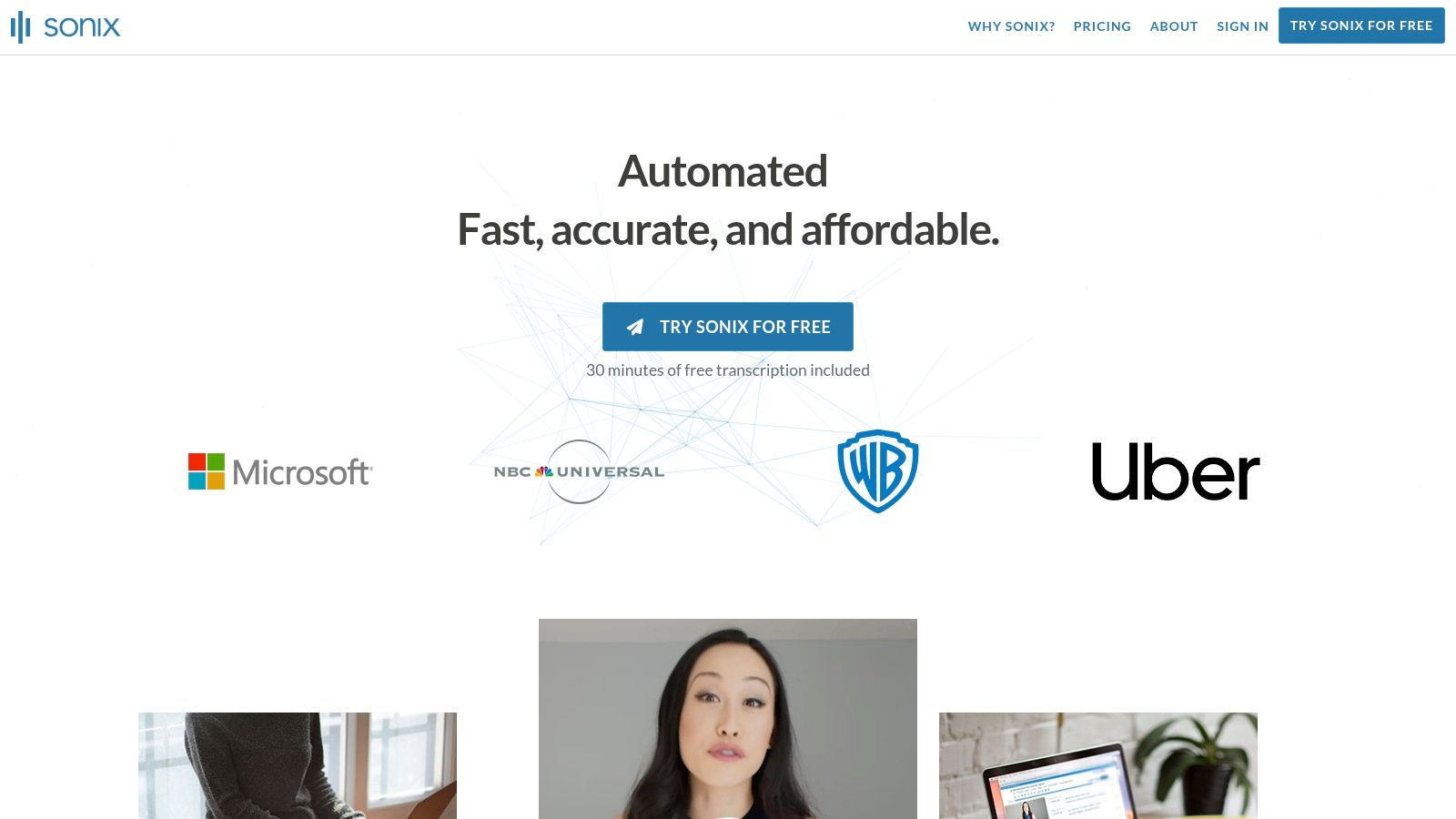
With support for over 40 languages, Sonix allows users to upload a video and receive a transcript with automated speaker labelling and timestamps within minutes. Its editor is a standout feature, allowing users to click on any word in the transcript to jump to that exact moment in the video. This functionality streamlines the editing workflow significantly. Export options are comprehensive, including SRT, VTT, and direct integrations with tools like Adobe Premiere Pro and Final Cut Pro.
Key Features & Considerations
What makes Sonix a unique offering is its combination of a pay-as-you-go model and subscription tiers. This flexibility gives users greater cost control, allowing them to pay per hour for occasional projects or subscribe for higher volume needs. The generous 30-minute free trial also provides a no-risk opportunity to test its accuracy and workflow.
- Best For: Podcasters, journalists, and video editors who need a fast, accurate transcription service with a great online editor and flexible pricing.
- Pricing: Offers a pay-as-you-go plan (Standard from $10/hour) and subscription plans (Premium from $22/user/month, which includes 10 hours).
- Limitation: Advanced features like translation, burnt-in subtitles, and team collaboration are reserved for the more expensive subscription plans, and their costs can add up for complex projects.
Website: https://sonix.ai
8. Otter.ai
Otter.ai is primarily known as an AI meeting assistant that provides real-time transcription, but it also functions as an effective video to text converter. It solves a huge productivity problem for modern teams by automatically generating live notes, summaries, and action items from meetings. This makes it an inspiring tool for anyone looking to reclaim focus during discussions and ensure no key detail is lost, whether from a live call or a pre-recorded training video.
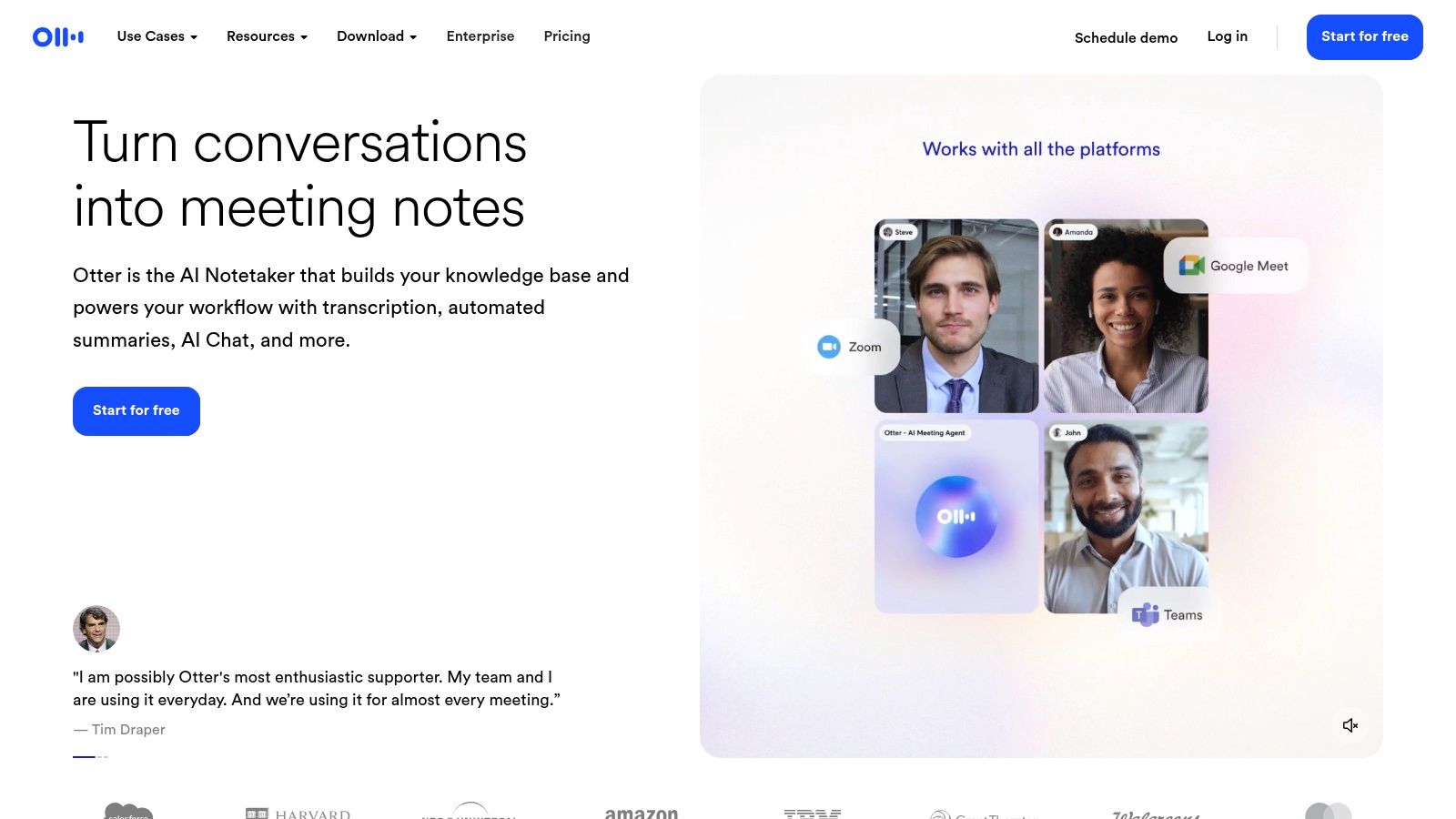
The platform’s "OtterPilot" can automatically join scheduled meetings to record and transcribe, freeing up team members to focus on the conversation. For converting video files, users can simply upload them and receive a transcript complete with speaker identification and timestamps. The resulting text is easily searchable and shareable, helping solve the problem of inaccessible information locked away in video recordings. The automated summaries are a standout feature, saving significant time in post-meeting follow-ups or content review.
Key Features & Considerations
What sets Otter.ai apart is its focus on collaborative productivity beyond simple transcription. The ability for teams to highlight, comment on, and assign action items directly within a transcript transforms a static text file into a dynamic work document. This is particularly useful for content review teams, student study groups, or any project that requires input from multiple stakeholders on a video’s content.
- Best For: Teams, students, and professionals who frequently use virtual meeting platforms and need to transcribe both live and pre-recorded content.
- Pricing: A free tier is available with 300 monthly transcription minutes. Paid plans (starting from around €9 per month) unlock more minutes, advanced features, and greater import limits.
- Limitation: The platform is heavily optimised for spoken English, particularly North American accents, and may have lower accuracy with other languages or strong regional accents. Its primary focus on meetings means it lacks some advanced subtitling formats like SRT or VTT export on lower-tier plans.
Website: https://otter.ai
9. VEED.io
VEED.io is a popular browser-based video editor that integrates a powerful video to text converter directly into its creative suite. It is designed to solve the problem of creating engaging, accessible social media content quickly. For creators and marketers, this tool is inspiring because it combines video editing and transcription into one seamless, user-friendly experience, dramatically speeding up the content creation lifecycle.
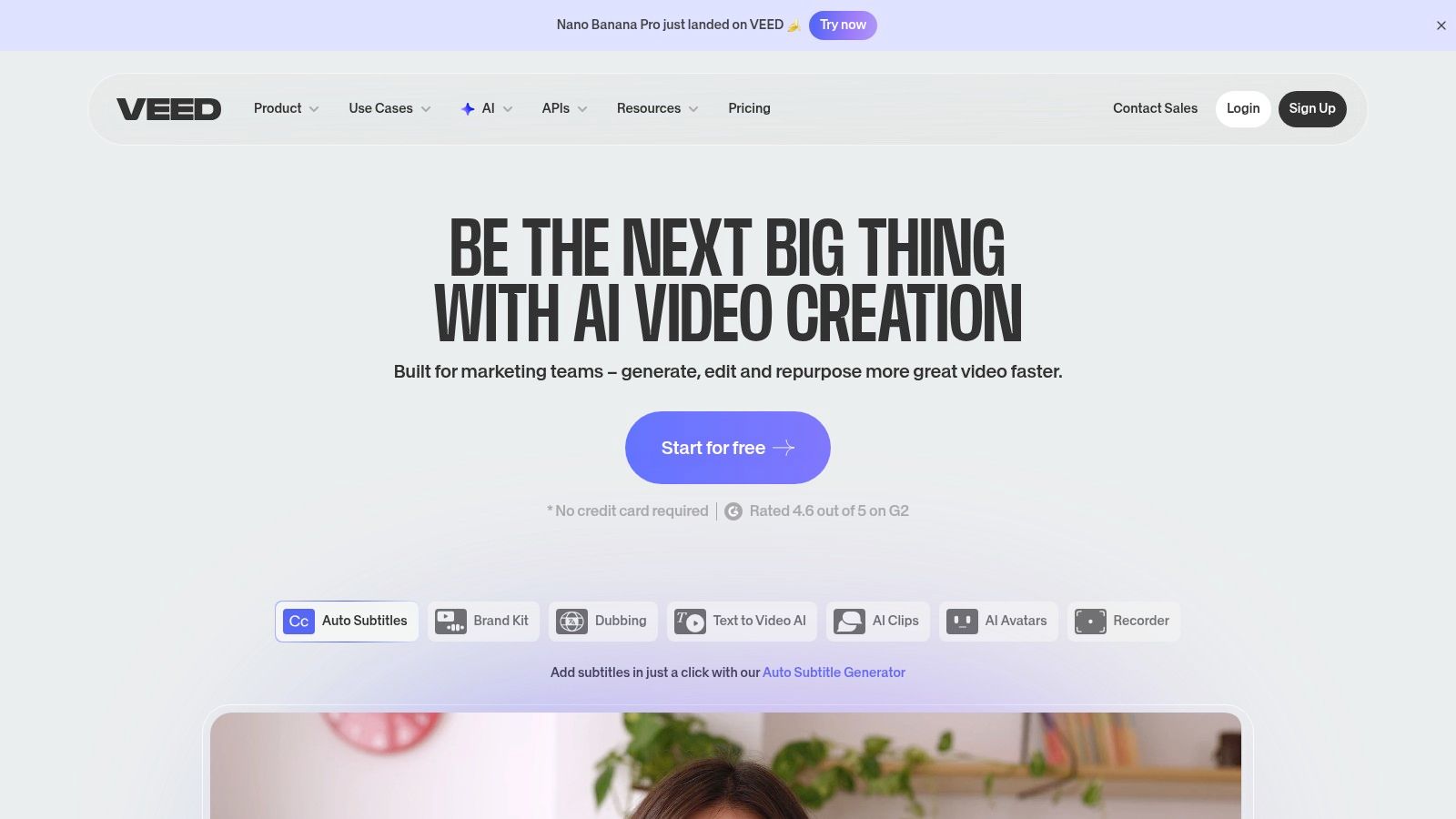
The automatic subtitling tool generates transcripts with impressive speed and supports speaker detection, allowing you to easily manage dialogue. Once the text is generated, you can edit it directly on the video timeline, apply custom styles and animations, and even translate the subtitles into different languages with a single click. For creators on the move, VEED.io also offers a dedicated iOS Captions app, providing flexibility between mobile and web-based workflows.
Key Features & Considerations
What makes VEED.io a unique offering is its focus on the entire content repurposing cycle. You don't just get a transcript; you get a fully-featured video editor to immediately apply that text as styled captions, creating engaging social media clips or accessible educational content. This all-in-one approach solves a real problem for creators looking to maximise their content's reach efficiently.
- Best For: Social media content creators, marketers, and educators who need a fast, all-in-one tool for editing and subtitling.
- Pricing: Offers a free plan with watermarks and limited features. Paid plans (starting from around €11 per user/month) unlock more features, remove watermarks, and provide higher export quality and transcription credits.
- Limitation: The transcription and AI features are tied to subscription tiers and credit systems, which can be confusing to navigate. More advanced features are often gated behind the more expensive Pro or Business plans.
Website: https://www.veed.io
10. Kapwing
Kapwing is a comprehensive online video editor primarily aimed at creators and marketing teams, but its powerful video to text converter features make it a strong contender. It excels at solving the accessibility and engagement challenges of social media by generating automatic subtitles and translations directly within a creative workflow. This empowers users to produce professional, inclusive clips without needing separate tools.
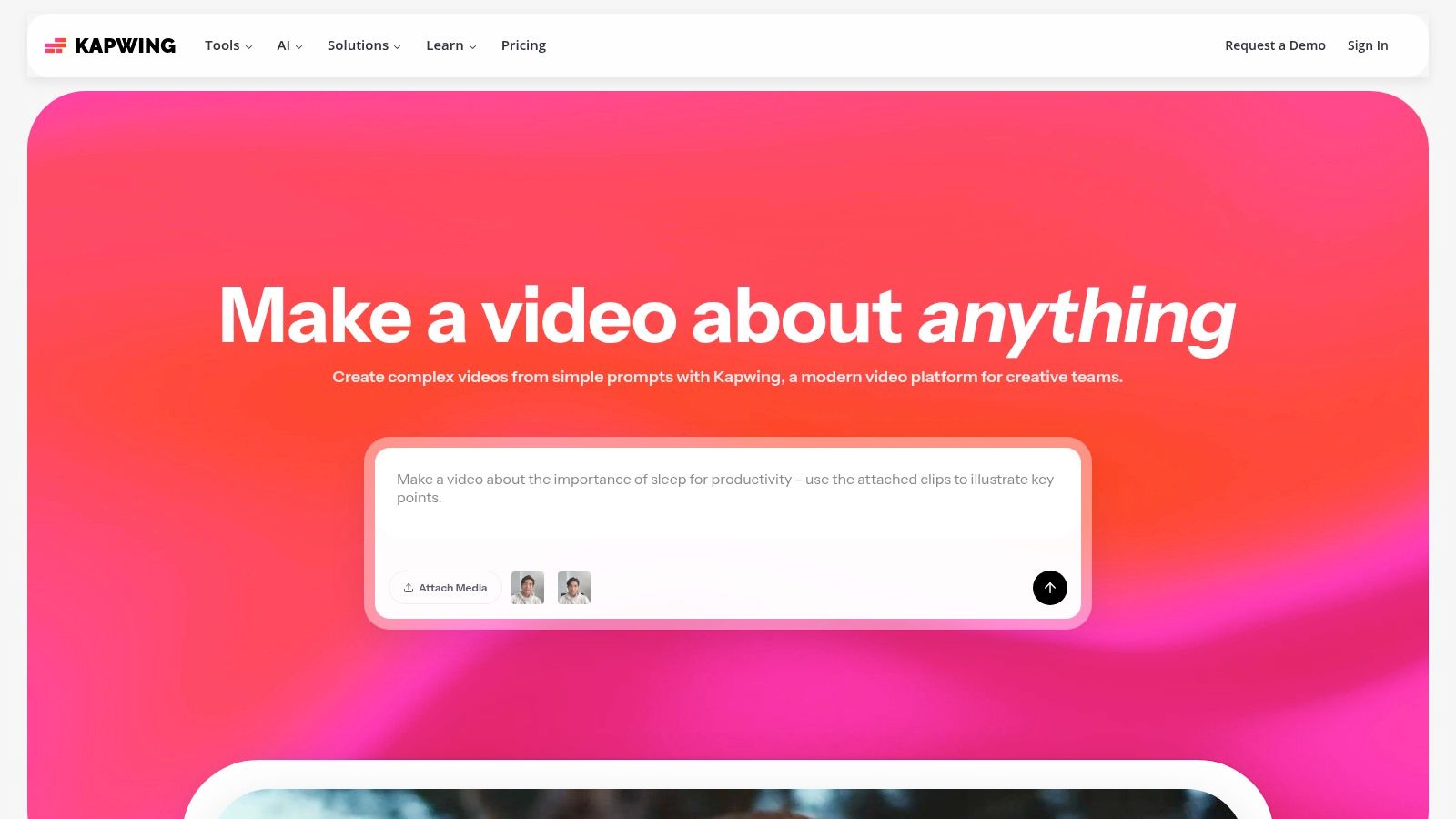
Its auto-subtitle tool is fast and supports over 60 languages for translation, making it ideal for repurposing content for a global audience. The transcription process is integrated into the main editor, where users can easily correct text, adjust timings, and stylise captions. For teams, Kapwing offers shared workspaces and brand asset management, streamlining the process of creating consistent, accessible video content at scale.
Key Features & Considerations
What makes Kapwing unique is its all-in-one approach. It isn't just a transcription service; it's a full video creation suite where transcription is a core feature. This solves a major pain point for creators who would otherwise need to export a finished video, transcribe it elsewhere, and then re-import the subtitle file. The platform handles everything from trimming clips to adding text animations and generating SRT files in one place.
- Best For: Social media managers, content creators, and marketing teams needing a fast, integrated solution for subtitling and video editing.
- Pricing: Offers a Free plan with limited features and watermarks. Paid plans (Pro, Business) start from $16 per month (billed annually) and include more transcription minutes and 4K export.
- Limitation: The credit-based system for transcription minutes requires users to monitor their usage, especially if generating subtitles for many long videos, as exceeding the allowance requires upgrading to a higher-tier plan.
Website: https://www.kapwing.com
11. Google Cloud Speech-to-Text
Google Cloud Speech-to-Text is not a consumer-facing application but a powerful, developer-grade API designed for transcribing audio from video content at scale. It's the underlying engine for many transcription services, offering programmatic access to Google's advanced speech recognition models. This makes it the perfect solution for businesses and developers looking to solve complex transcription challenges or integrate a robust video to text converter directly into their own applications.
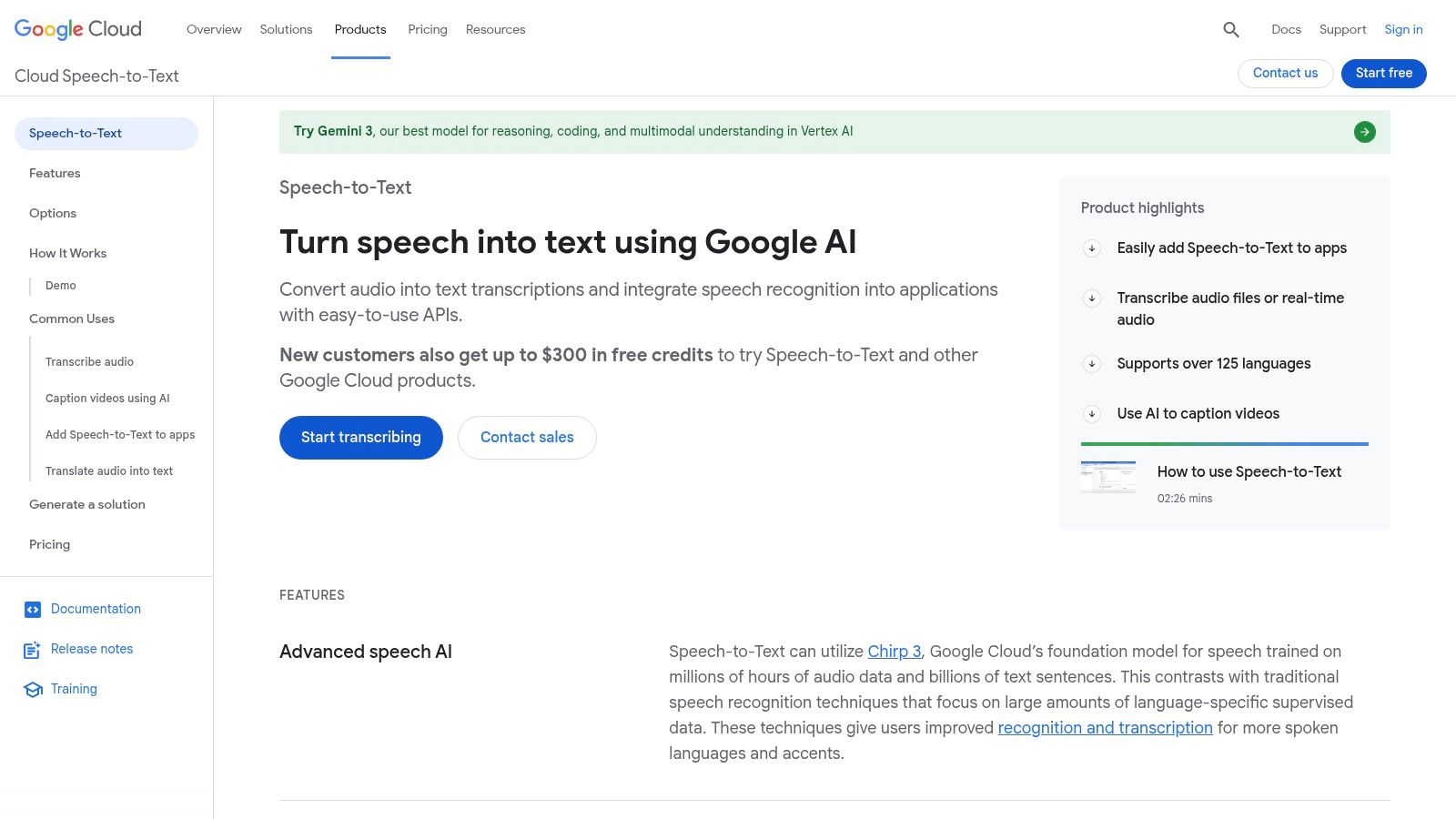
The API supports over 85 languages and offers both streaming and batch processing modes, making it highly flexible for different use cases, from live captioning to large-volume archive transcription. Because it is part of the Google Cloud ecosystem, it integrates seamlessly with other services like Google Cloud Storage. While it lacks a user-friendly interface for editing, its raw power and low per-minute cost at scale are unmatched for technical teams. For those looking to understand the core technology, you can learn more about its audio to text capabilities.
Key Features & Considerations
What sets Google Cloud Speech-to-Text apart is its enterprise-readiness and flexibility. It provides data residency options and dynamic pricing that decreases with volume, offering significant cost savings for high-demand projects. While it requires engineering resources to implement, the control and scalability it offers are unparalleled for organisations building their own media processing pipelines.
- Best For: Developers, enterprises, and tech companies needing to integrate transcription into their products or internal systems at scale.
- Pricing: Operates on a pay-as-you-go model with volume discounts and a free tier (e.g., 60 minutes per month on some models). Pricing is calculated per minute of audio processed.
- Limitation: It is purely an API and requires technical expertise to use. There is no turnkey subtitle editor or no-code user interface, making it unsuitable for individuals seeking a simple upload-and-edit tool.
Website: https://cloud.google.com/speech-to-text
12. Amazon Transcribe
Amazon Transcribe is a powerful video to text converter from Amazon Web services (AWS), designed for developers and businesses building applications with speech-to-text capabilities. As a managed service, it solves the problem of building and maintaining a transcription infrastructure from scratch. It empowers developers to add sophisticated features like live captioning and content analysis to their products without becoming speech recognition experts.
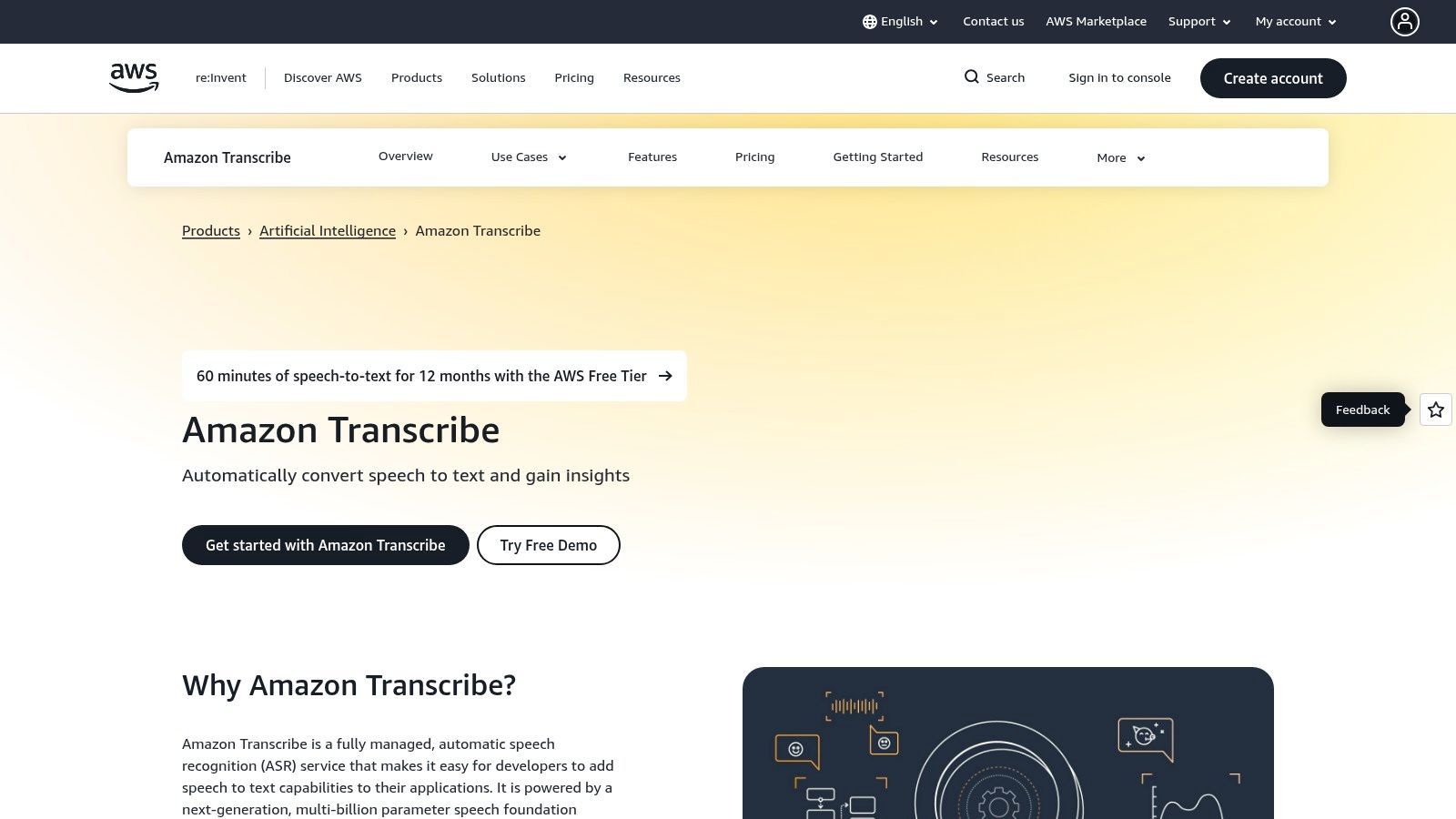
The platform is engineered for scale and customisation, allowing users to build custom vocabularies to improve accuracy for specific domains or brand names. It also provides advanced features like speaker diarisation (identifying who spoke when), automatic language identification, and personally identifiable information (PII) redaction. This makes it a robust solution for developers creating transcription pipelines that need to be both scalable and compliant with privacy regulations.
Key Features & Considerations
What truly sets Amazon Transcribe apart is its deep integration with other AWS services. Developers can easily connect its output to services like Amazon S3 for storage, AWS Lambda for further processing, or Amazon Comprehend for sentiment analysis. This creates a powerful, automated workflow for content analysis and management that goes far beyond simple transcription.
- Best For: Developers, enterprises, and tech teams building custom applications or automated transcription workflows within the AWS ecosystem.
- Pricing: Operates on a pay-as-you-go model, billed per second of audio transcribed. It includes a free tier and offers tiered pricing that becomes cheaper with higher volume.
- Limitation: This is not a point-and-click tool for consumers. It requires technical knowledge and an AWS account to implement, making it unsuitable for users who need a simple interface to upload a file and get a transcript.
Website: https://aws.amazon.com/transcribe
Top 12 Video-to-Text Converters Comparison
| Product | Core features | Quality (★) | Price/value (💰) | Target audience (👥) | Unique selling points (✨) |
|---|---|---|---|---|---|
| 🏆 YoutubeToText | Auto Youtube import, >95% accuracy, multi‑speaker, SRT/VTT & summaries | ★★★★★ | 💰 Free 30min + Creator $9 / Creator+ $19 / Pro $59 | 👥 Creators, researchers, journalists, teachers | ✨ One‑click SRT/VTT, 90+ langs, fast turnaround |
| Amberscript | Auto + human transcription, editor, EU hosting & GDPR | ★★★★ | 💰 Quote-based / paid tiers | 👥 EU orgs needing data residency | ✨ GDPR/ISO posture, strong subtitle workflows |
| Happy Scribe | AI + human transcriptions, integrations, EU hosting | ★★★★ | 💰 Pay-per-use + transparent human rates | 👥 Teams needing EU compliance & editors | ✨ Youtube/Vimeo/Drive integrs, clear human pricing |
| Rev | Human marketplace + AI, mobile apps, enterprise features | ★★★★★ (human) | 💰 Pay-per-minute (human pricier) | 👥 Enterprises, media needing reliable captions | ✨ Fast human turnaround, scale + enterprise tools |
| Descript | Edit-by-text video editor, automated transcription | ★★★★ | 💰 Per-seat subs with transcription allotment | 👥 Podcasters, creators editing video by text | ✨ Transcript-driven video editing, publish tools |
| Trint | AI transcription, collaborative editor, newsroom tools | ★★★★ | 💰 Team/enterprise plans (higher-priced) | 👥 Newsrooms, editorial teams | ✨ Collaboration, newsroom integrations, APIs |
| Sonix | Pay-as-you-go + subs, editor, 40+ langs, API | ★★★★ | 💰 $10/hr start + subscription options | 👥 Users wanting granular per-hour pricing | ✨ Transparent pricing, API access, online editor |
| Otter.ai | Live meeting transcription, imports, integrations | ★★★★ | 💰 Free 300min/mo + paid plans | 👥 Teams, meeting-heavy orgs | ✨ Live capture, meeting summaries, Zoom/Teams integr. |
| VEED.io | Browser video editor with auto-subtitles & styling | ★★★★ | 💰 Subscriptions + credit/entitlement model | 👥 Social creators wanting styled captions | ✨ Fast in-browser subtitling & mobile app |
| Kapwing | Online editor, auto-subtitles, credit-based minutes | ★★★★ | 💰 Credit system; Free→Pro→Business tiers | 👥 Creators/teams making many clips | ✨ Shared workspaces, brand tools, high minute caps |
| Google Cloud Speech-to-Text | Developer API, streaming & batch, 85+ langs | ★★★★ | 💰 Pay-as-you-go, volume discounts | 👥 Developers building custom pipelines | ✨ Scalable API, cloud integration, low cost at scale |
| Amazon Transcribe | Streaming/batch, vocab, PII redaction, live captions | ★★★★ | 💰 Pay-per-second, tiered pricing | 👥 AWS teams building caption pipelines | ✨ PII redaction, live subtitling, AWS ecosystem integ. |
Final Thoughts
We have journeyed through the dynamic landscape of video to text converter tools, exploring a dozen powerful options designed to transform your spoken content into written words. From the specialised simplicity of tools like YoutubeToText to the enterprise-level power of services like Amazon Transcribe, the right solution truly depends on your specific needs, budget, and workflow.
The core takeaway is that manual transcription is no longer the only option. The advancements in AI have made automated transcription faster, more affordable, and increasingly accurate. This shift opens up a world of possibilities for content creators, researchers, marketers, and anyone working with video.
Recapping Your Options: The Right Tool for the Job
Choosing the best video to text converter requires a clear understanding of your priorities. Let’s break down the decision-making process based on common user needs we have discussed:
- For Quick, No-Frills Youtube Conversions: If your primary need is to quickly and effortlessly pull text from a Youtube video without complex features or subscriptions, a dedicated tool like YoutubeToText is an ideal starting point. Its focused purpose makes it incredibly efficient for this specific task.
- For High-Stakes Accuracy: When accuracy is non-negotiable, for legal, journalistic, or broadcast purposes, a human-powered or human-perfected service like Rev or Amberscript (with their human review options) provides the highest level of quality assurance, albeit at a higher cost.
- For Content Repurposing and Video Editing: If your goal extends beyond just transcription into creating social media clips, audiograms, or editing your video by editing the text, platforms like Descript and VEED.io are unparalleled. They integrate transcription directly into a creative, non-linear video editing workflow.
- For Large-Scale, Customised Projects: Developers and large organisations needing to build transcription into their own applications will find the most flexibility and power with API-driven services like Google Cloud Speech-to-Text and Amazon Transcribe. These require technical expertise but offer immense scalability and customisation.
- For Collaborative Teams and Meetings: For businesses and academic teams focused on transcribing meetings, interviews, and collaborative sessions, Otter.ai stands out with its real-time transcription, speaker identification, and collaborative features.
Key Factors to Guide Your Decision
As you weigh your options, keep these critical factors at the forefront of your mind. They are the difference between finding a good tool and finding the right tool for you.
- Use Case Specificity: Are you transcribing for subtitles, creating blog posts, analysing research interviews, or editing a podcast? Your end goal dictates the features you need. A tool great for subtitles (like Kapwing) might not be the best for in-depth qualitative data analysis.
- Accuracy vs. Speed and Cost: Understand the trade-offs. Fully automated AI transcription is fast and cost-effective but may require manual proofreading. Human transcription is highly accurate but slower and more expensive. A hybrid approach often provides a good balance.
- Workflow Integration: How well does the tool fit into your existing process? Consider export formats (.SRT, .VTT, .TXT), integrations with other software (like video editors), and collaborative capabilities. The goal is to reduce friction, not create more steps.
- Language and Dialect Support: For global content or specific regional audiences, ensure the video to text converter you choose offers robust support for the required languages and can accurately interpret different accents and dialects.
Ultimately, the power of a video to text converter lies in its ability to unlock the value trapped within your video files. It makes your content more accessible, searchable, and reusable. By converting spoken words into text, you are not just creating a transcript; you are creating a new asset that can fuel your content strategy, improve your research, and extend the reach of your message.
Ready to experience the easiest way to convert Youtube videos into text? For a straightforward, fast, and free solution designed specifically for Youtube content, give YoutubeToText a try. It’s the perfect starting point for creators, students, and anyone needing a quick transcript without the complexity of a full-suite editor. Get your text in seconds at YoutubeToText.
