Discover the top audio to text converters for creators, researchers, and professionals. Boost productivity, accessibility, and content repurposing today.
Top 12 Audio to Text Converters to Boost Your Productivity in 2025
In a world saturated with audio and video content, the ability to quickly and accurately convert speech into text is no longer a luxury—it's a necessity. For content creators aiming to repurpose a podcast into a dozen new assets, researchers analyzing hours of crucial interviews, or businesses needing accessible meeting notes to empower their teams, manual transcription is a major bottleneck. It's slow, costly, and prone to error. This is where audio to text converters come in.
These powerful AI-driven tools solve the very real problem of trapped information by automating the entire conversion process. This simple act unlocks immense value: it boosts productivity, enhances accessibility for hearing-impaired audiences, and makes your spoken content searchable, shareable, and ripe for repurposing. Finding the right service, however, can be challenging. Some excel at speed, others offer superior accuracy for specific accents, and pricing models vary significantly. This guide is designed to educate you on the options and inspire you to find the perfect solution.
We will walk you through the 12 best options available today, providing a clear and honest assessment of each one. For every tool, you will find:
- A concise description of the specific problem it solves best.
- An analysis of key features like accuracy, language support, and speaker identification.
- Clear pricing information to help you budget for success.
- Practical use-case scenarios to inspire you to integrate transcription into your workflow.
This resource is organised to help you quickly compare solutions and find the perfect converter for your needs, complete with screenshots and direct links to get you started immediately. We will show you how to transform your audio into valuable, usable text efficiently.
1. YoutubeToText
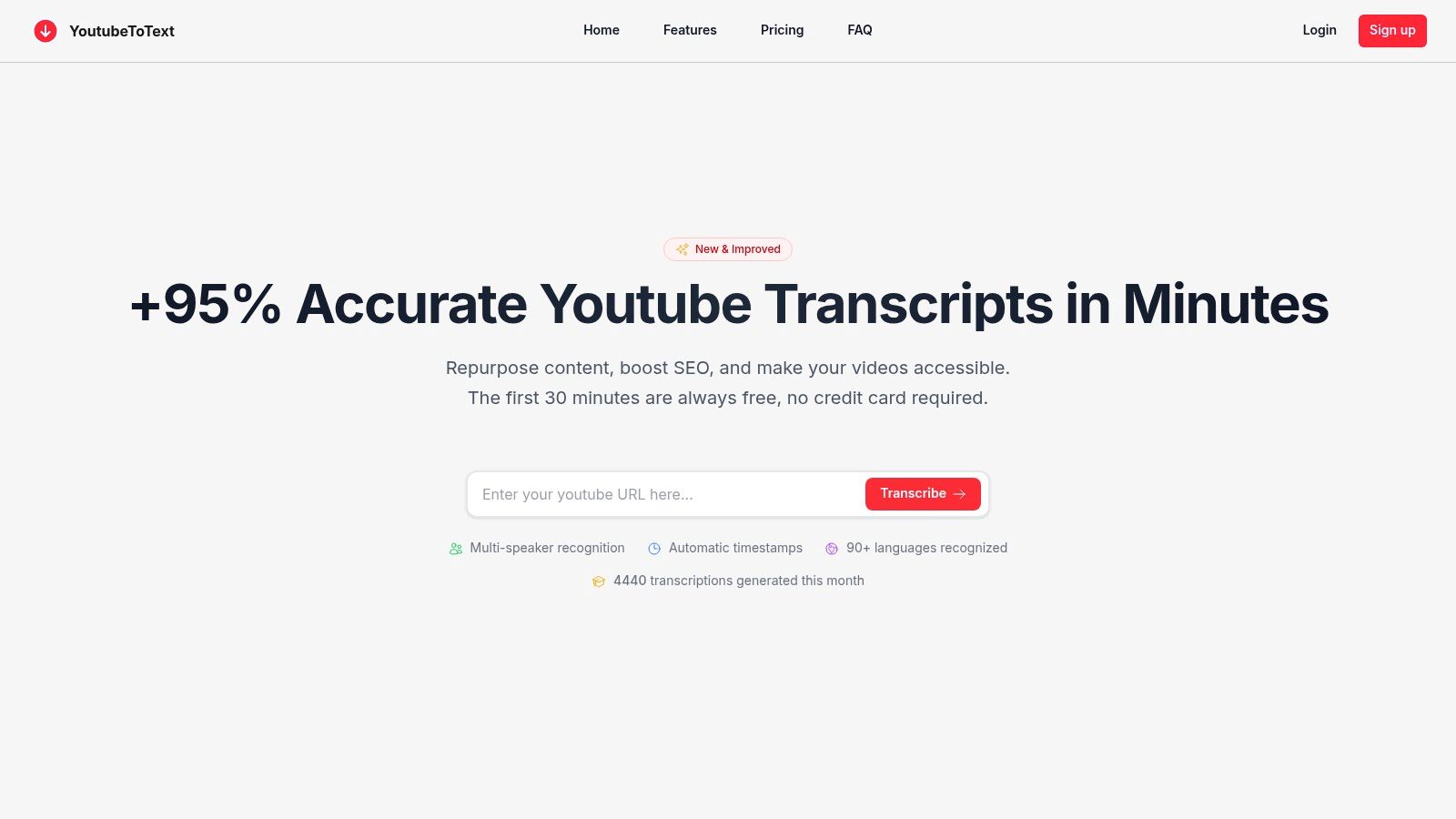
YoutubeToText is a premier choice among audio to text converters, engineered specifically to solve a core problem for creators and professionals: transforming Youtube content into accurate, usable text with minimal effort. It stands out by eliminating the need to download videos or upload large audio files. Instead, users simply paste a Youtube URL to initiate a highly accurate transcription process, making it an exceptionally efficient tool for anyone looking to repurpose video content, create subtitles, or study educational material.
The platform is built on a foundation of precision and speed. It delivers transcripts with over 95% accuracy in minutes, a significant time-saver for journalists meeting tight deadlines, researchers analyzing video data, or marketers creating blog posts from webinars. This seamless workflow is designed to boost productivity and accessibility, allowing users to focus on utilizing the content rather than managing cumbersome conversion processes.
Key Features & User Experience
YoutubeToText excels with a feature set that addresses real-world transcription challenges. Its multi-speaker recognition and automatic timestamping are critical for podcasters and interviewers who need to know who said what and when. The AI-powered cleanup automatically removes filler words and awkward pauses, solving the problem of messy first drafts and delivering a polished, readable transcript that is immediately ready for use.
- Workflow: The interface is exceptionally intuitive. Paste a link, and the platform handles the rest.
- Exports: One-click exports to SRT, VTT, and TXT formats make it simple to create accessible subtitles, detailed show notes, or inspiring articles.
- Languages: Support for over 90 languages makes it a versatile tool for global content creators aiming for maximum reach.
- Sharing: A web-hosted share link allows for easy collaboration without sending large files.
Pricing and Practical Use
The pricing structure is straightforward and scales with user needs. The first 10 minutes are free, offering a risk-free trial. Paid plans like Creator (400 mins/month) and Pro (5,400 mins/month) cater to everyone from individual Youtubers to large marketing teams, with annual subscriptions providing a discount. This accessible model democratizes access to enterprise-level transcription technology. If you want a more comprehensive breakdown of how these tools work, you can explore more about the technical side of audio to text conversion.
- Best for: Content creators, researchers, educators, and marketing teams who primarily work with Youtube content.
- Pros: High accuracy, incredibly simple URL-based workflow, robust speaker diarisation, and direct subtitle format exports.
- Cons: Primarily focused on Youtube; users needing to transcribe bulk local audio files should verify if the platform meets their needs.
Website: https://youtubetotext.ai
2. Amberscript
Amberscript is a powerful, Amsterdam-based platform that solves the problem of choosing between speed and accuracy. By providing both automated and human-powered transcription services, it offers a flexible solution for projects that demand either rapid, cost-effective turnarounds or the nuanced precision only a human can provide. It's an excellent choice for organizations prioritizing data security, as its services are EU-hosted and fully GDPR compliant.
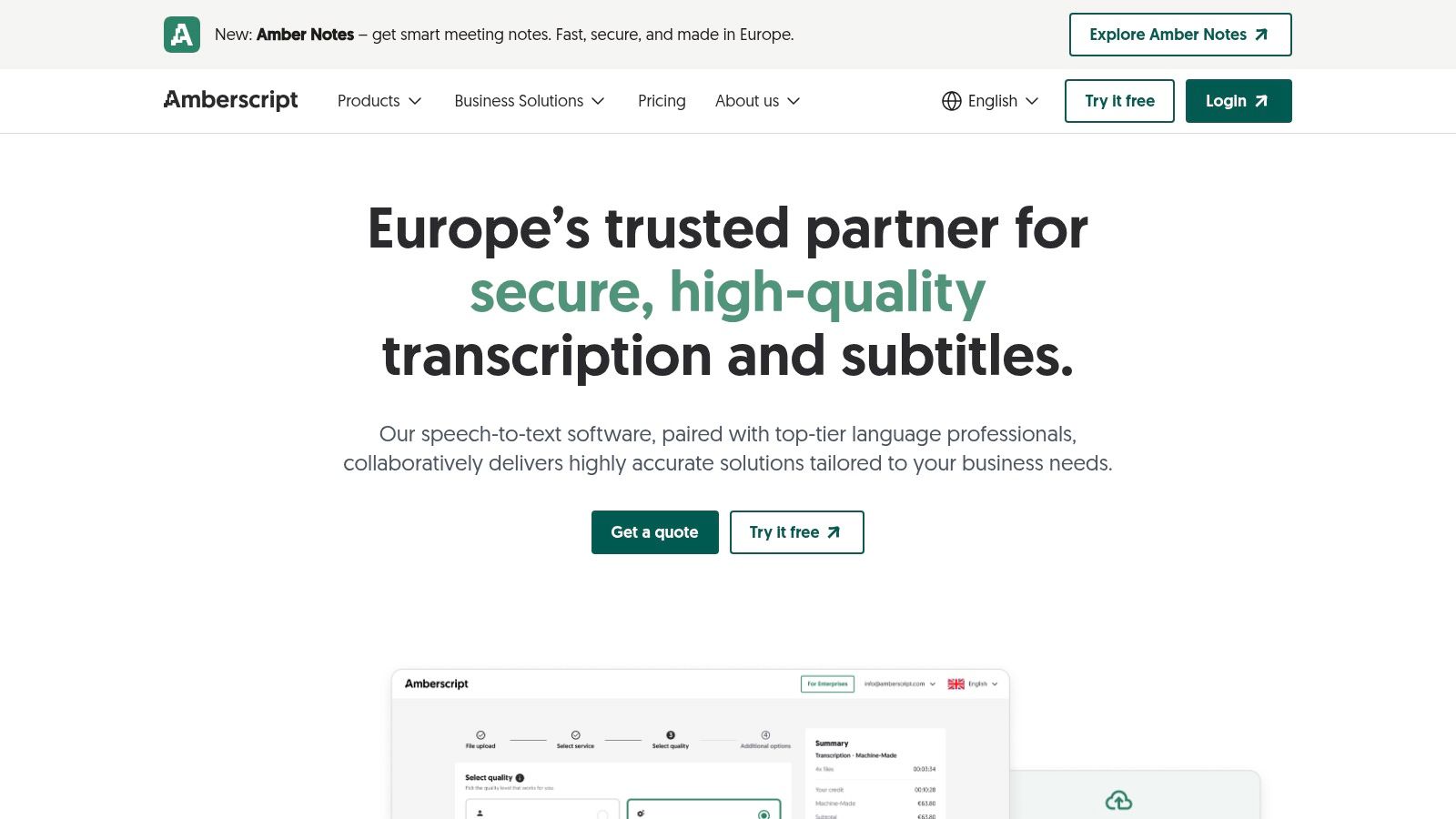
This platform is particularly useful for European businesses, researchers, and public sector bodies that handle sensitive data. Amberscript's commitment to ISO 27001 and 9001 certifications offers peace of mind. Its support for multiple languages and export formats like DOCX, SRT, and VTT makes it an inspiring tool for podcasters creating show notes or video editors needing precise subtitles to improve accessibility for a global audience.
Key Features and Use Cases
- Transcription Method: Offers both AI-driven automatic transcription and professional human transcription.
- Best For: Organisations needing strict GDPR compliance, academic researchers requiring certified transcripts, and content creators looking for multilingual subtitling.
- Data Security: A standout feature is its clear EU data residency, solving compliance challenges for European privacy regulations.
- Accessibility: A free 10-minute trial for its automatic service allows you to test the platform’s accuracy with your own audio before committing.
Pricing and Access
Amberscript’s pricing is flexible but can feel a bit scattered. You can choose a subscription, pay-as-you-go per hour of audio for automatic transcription, or pay per minute for human services. While this offers choice, the per-minute cost for human transcription can become expensive for lengthy projects like full-day interviews or multi-episode podcast seasons.
- Pros: Strong security focus, flexible service options (AI vs. human), generous export formats.
- Cons: Pricing for different services is found on separate pages, and human transcription costs can add up quickly.
Website: https://www.amberscript.com
3. Happy Scribe
Happy Scribe is a well-regarded audio to text converter that specializes in transcription and subtitling, solving the workflow challenges for collaborative teams. It bridges the gap between purely automated services and manual ones by offering both AI and human-powered options, making it a flexible choice for teams that need varying levels of accuracy. The platform is designed for collaboration, with features like shared workspaces and user permissions that streamline review processes.
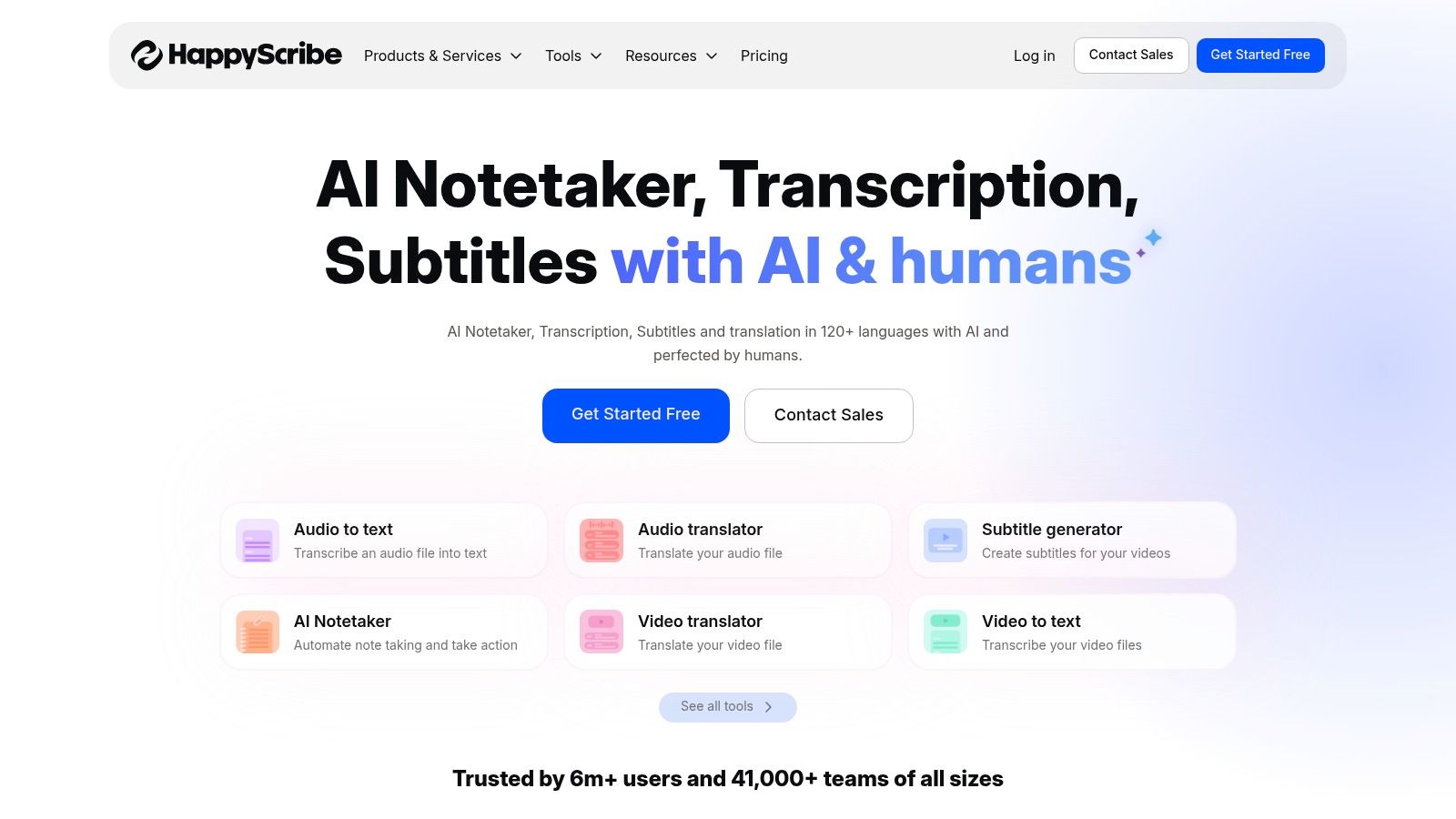
Its direct integrations with platforms like Youtube, Vimeo, Google Drive, and Dropbox streamline content workflows, removing the productivity-killing need for manual downloads and uploads. For professional video editors and broadcasters, Happy Scribe’s extensive support for specialized export formats such as FCPXML and STL is a significant advantage. This focus on integration makes it a practical tool for media teams looking to improve productivity and get content to market faster.
Key Features and Use Cases
- Transcription Method: Provides both automated AI transcription and human-proofread services for higher accuracy.
- Best For: Collaborative teams, broadcasters needing professional subtitle formats, and creators who want to pull content directly from Youtube or Vimeo.
- Integrations: A key strength is its seamless connection with popular cloud storage and video platforms, automating the import process.
- Accessibility: Offers support for over 60 languages, making it a powerful solution for creating multilingual subtitles and inspiring accessible global content.
Pricing and Access
Happy Scribe presents a clear pricing model, separating its automatic and human-made services. You can buy hours for AI transcription, while human services are priced per minute, with costs that can vary depending on the language selected. While this transparency is helpful for budgeting, be aware that the free trial may apply a watermark to certain file exports.
- Pros: Excellent integration options, strong support for professional subtitle formats, and collaborative workspace features.
- Cons: Human transcription pricing can be higher for certain languages, and the free tier may include watermarked exports.
Website: https://www.happyscribe.com
4. Trint
Trint is a newsroom-grade audio to text converter designed for speed, collaboration, and high-stakes accuracy. It solves a major problem for media teams, journalists, and organizations where real-time transcription and rapid content turnaround are critical. Its powerful collaborative features allow multiple users to edit and verify a transcript simultaneously, breaking a major bottleneck in fast-paced production environments and fostering teamwork.
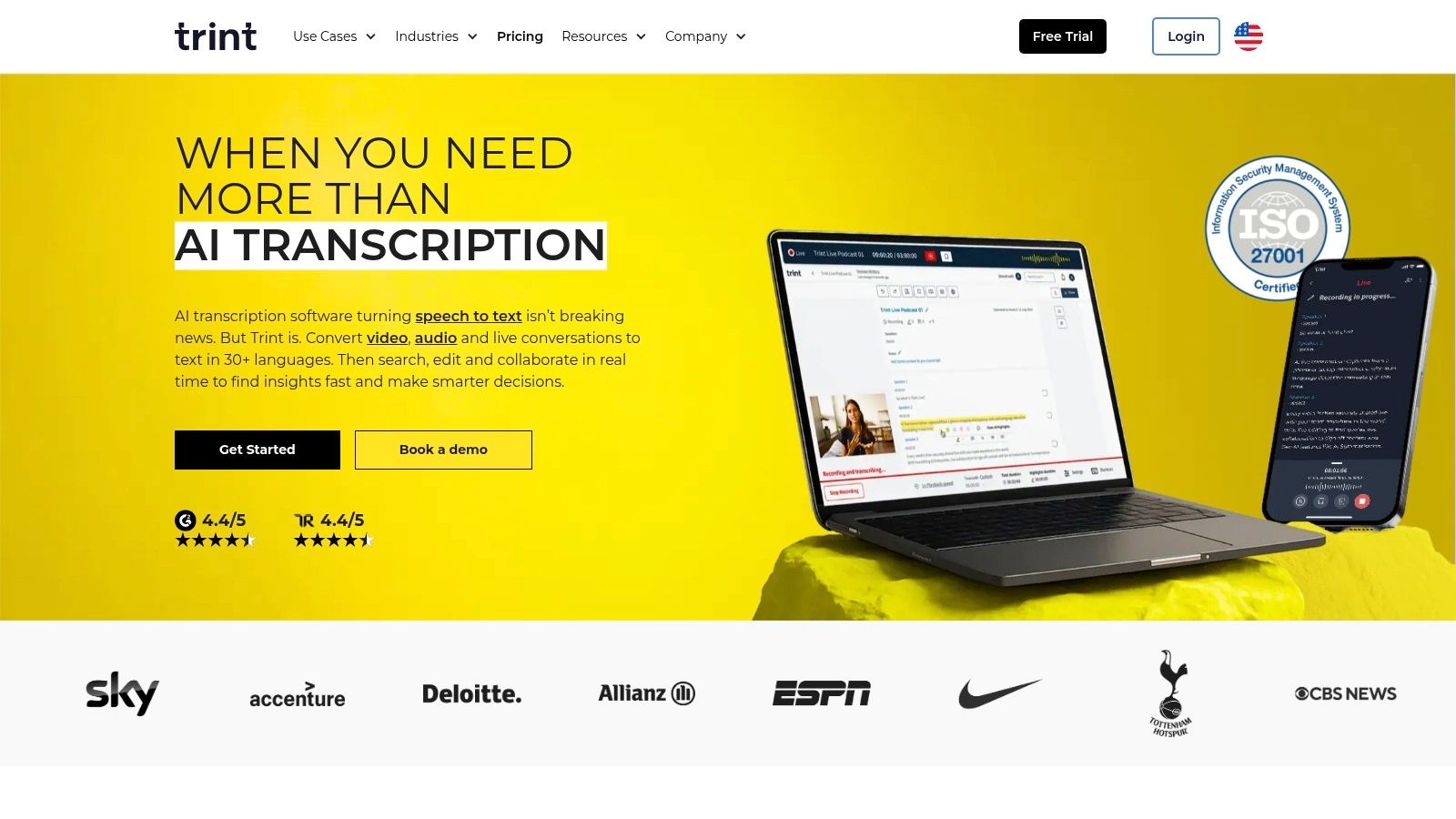
This platform stands out with its enterprise-level security and data residency options, offering a choice between EU and US data storage to meet specific compliance needs. Trint’s commitment to not training its AI models on customer data is a significant draw for legal, corporate, and media organizations handling sensitive information. The addition of Trint Live for real-time capture makes it an indispensable tool for covering live events or producing multilingual content quickly, inspiring new forms of on-the-fly reporting.
Key Features and Use Cases
- Transcription Method: Advanced AI transcription with live capture and collaborative editing tools.
- Best For: Journalists covering breaking news, production teams needing to share transcripts instantly, and global organizations requiring secure, multi-language workflows.
- Data Security: A key differentiator is its explicit policy of not training AI on customer transcripts, combined with ISO 27001 certification and a choice of EU/US data residency.
- Accessibility: The platform’s collaborative editor empowers teams to quickly produce and perfect accurate subtitles and captions, improving accessibility for live and recorded content.
Pricing and Access
Trint is positioned as a premium service, and its pricing reflects that focus. Plans are subscription-based, often billed annually, and cater to individuals, teams, and large enterprises. While some plans are described as 'unlimited', they may be subject to fair-use policies. Certain high-value features, like mobile live transcription, are typically reserved for the more expensive team or enterprise tiers, so it's wise to check the details before committing.
- Pros: Exceptional real-time collaboration tools, strong security posture with data residency options, built for professional media workflows.
- Cons: Premium pricing model may be too expensive for individuals or small projects, and some advanced features are locked behind higher-tier plans.
Website: https://www.trint.com
5. Rev
Rev is a long-standing and highly respected US-based service that solves the problem of needing near-perfect accuracy. While it also offers a competitive AI engine, its primary strength lies in delivering human-powered transcripts and captions with a guaranteed high level of precision, making it a go-to choice for professionals who cannot afford errors. This makes it one of the most reliable audio to text converters for final-version content that must be flawless.
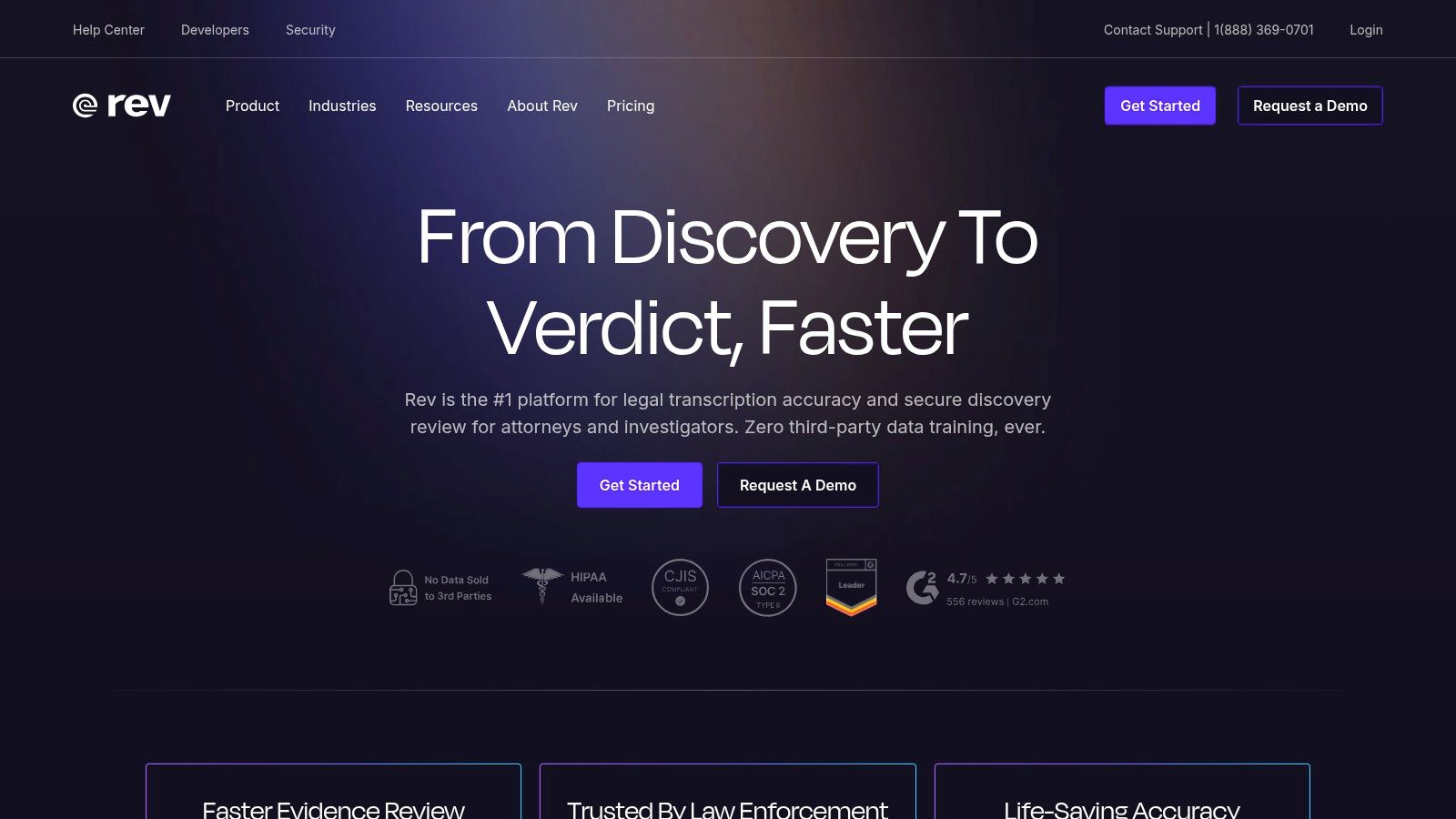
This platform is ideal for legal professionals, medical practitioners, and content creators producing high-stakes video content where precision is non-negotiable. With enterprise-level options that include SOC 2 and HIPAA compliance, Rev caters to organizations handling sensitive information. Its straightforward per-minute pricing for human services simplifies budgeting for projects, from single interviews to entire seasons of a podcast. You can learn more about how to convert audio from Youtube and other sources using these professional services.
Key Features and Use Cases
- Transcription Method: Offers both AI transcription and a flagship human transcription service with a 99% accuracy guarantee.
- Best For: Legal and medical professionals needing certified transcripts, production houses requiring broadcast-quality captions, and businesses needing high-security, compliant transcription solutions.
- Data Security: Provides enterprise-grade security options, including SOC 2 Type II and HIPAA compliance, making it suitable for sensitive data.
- Accessibility: An interactive transcript editor allows you to review and make minor adjustments, while a mobile app lets you capture and order transcripts on the go, improving productivity for professionals in the field.
Pricing and Access
Rev’s pricing model is clear and predictable, particularly for its human services which are billed at a flat per-minute rate. While this transparency is a major benefit, the cost is significantly higher than purely automated services. Add-ons like rushed delivery or verbatim transcription (including filler words) will increase the final price, which can make large-volume projects expensive.
- Pros: Industry-leading accuracy with human transcription, clear per-minute pricing, strong security and compliance options for enterprise users.
- Cons: Human services are much more expensive than AI-only competitors, and additional costs for timestamps or rush orders can add up.
Website: https://www.rev.com
6. Otter.ai
Otter.ai has carved a niche as a premier audio to text converter specifically for meetings and collaborative work. It solves the universal problem of losing valuable information and action items discussed in calls. By acting as an AI assistant that joins your meetings on platforms like Zoom, Google Meet, and Microsoft Teams, it creates intelligent, searchable notes complete with summaries and speaker identification, becoming an indispensable tool for team productivity.
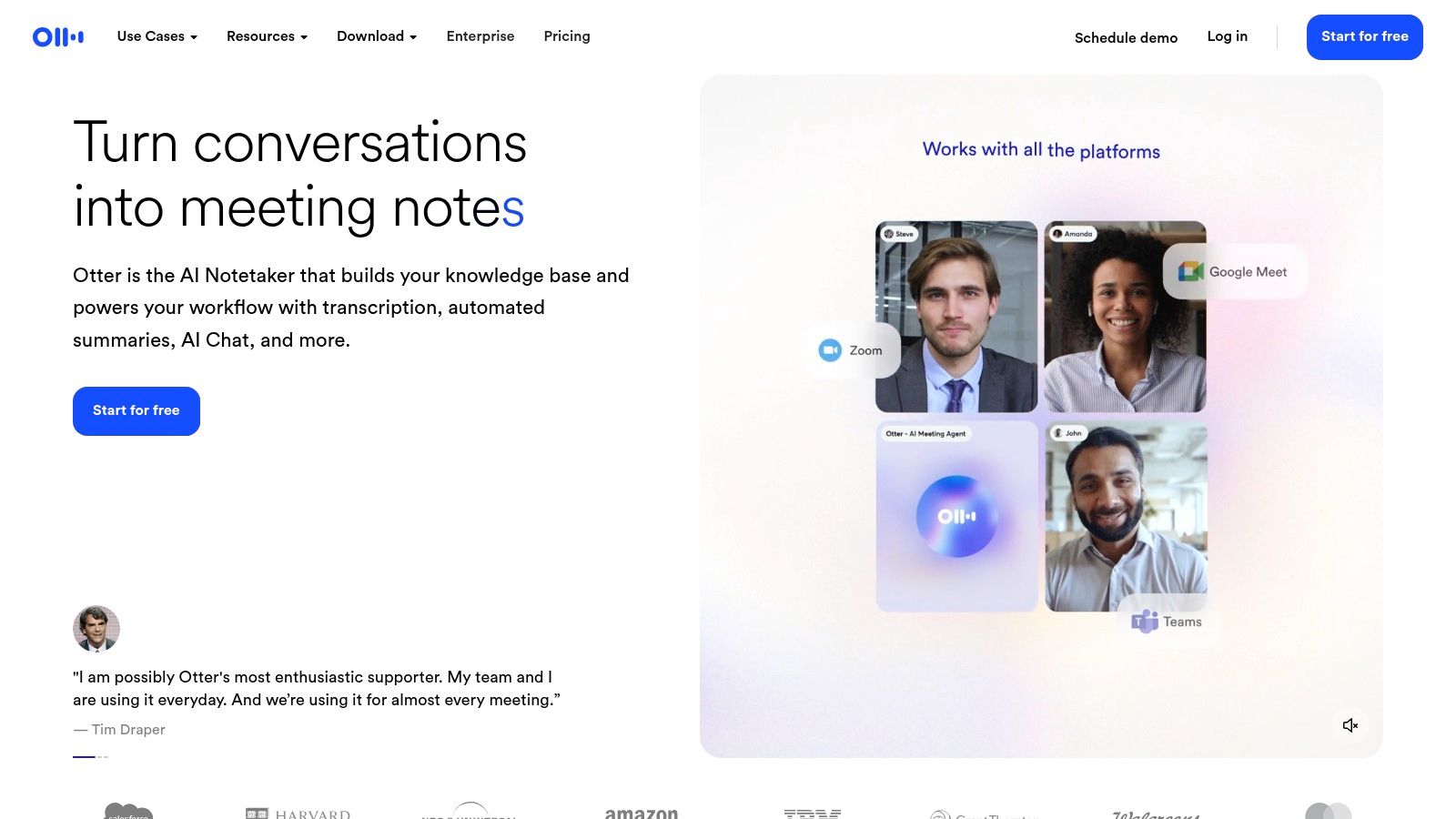
This platform is ideal for businesses, students, and sales teams who need to capture every detail from live conversations without being distracted by manual note-taking. The ability for participants to highlight key points, add comments, and assign action items directly within the live transcript transforms a passive listening experience into an active collaboration. This inspires a culture of accountability and ensures important decisions and next steps are never lost after a meeting ends.
Key Features and Use Cases
- Transcription Method: Fully automated real-time AI transcription with collaborative features.
- Best For: Business meetings, online classes, sales calls, and team collaborations where live notes and automated summaries are crucial.
- Data Security: The 'Otter AI Chat' feature lets you interact with your meeting content, asking questions and getting instant answers based on the transcript, unlocking insights quickly.
- Accessibility: Available on web, iOS, and Android, ensuring you can access your transcripts and notes from any device, making information universally available to your team.
Pricing and Access
Otter.ai uses a freemium model. The free tier offers a good starting point to test its core functionality, but with limits on transcription minutes and file imports. Paid plans (Pro and Business) significantly increase these limits and unlock advanced features like custom vocabulary and deeper integrations. The primary focus on meetings means it’s less optimised for high-fidelity podcast or broadcast audio, where other converters might perform better.
- Pros: Excellent real-time meeting integration, powerful AI summaries and action items, generous free plan for testing.
- Cons: Less suited for studio-quality creative content, and file import limits on lower-tier plans can be restrictive.
Website: https://otter.ai
7. Sonix
Sonix is a fast and reliable automated transcription service that solves the need for a simple, no-fuss audio to text converter with transparent pricing. It's designed for creators and teams who require quick, accurate results without the complexity of enterprise-level platforms. The service excels at generating editable transcripts with speaker labels and precise timestamps, making it easy to review and refine the AI's output directly in a user-friendly web editor.
The platform is particularly well-suited for podcasters, journalists, and marketing teams who frequently repurpose audio and video content. With support for over 40 languages and a powerful editor that allows for easy collaboration and exporting in formats like DOCX and SRT, Sonix streamlines the workflow from raw audio to polished text. Its clear pay-as-you-go model makes it an accessible choice, inspiring users to experiment with transcription without fear of hidden costs.
Key Features and Use Cases
- Transcription Method: Fully automated AI transcription with a collaborative, in-browser editor.
- Best For: Podcasters needing quick show notes, marketing teams creating blog posts from webinars, and journalists transcribing interviews on a deadline.
- Pricing Clarity: Sonix offers a straightforward pay-as-you-go model, billed per second, solving the problem of overpaying for unused time by ensuring you only pay for what you use.
- Accessibility: A generous 30-minute free trial allows new users to thoroughly test the platform’s accuracy and editing tools with their own files.
Pricing and Access
Sonix provides both a pay-as-you-go option and subscription plans. The standard pay-as-you-go rate is competitive, but for higher volume users, the Premium or Enterprise subscriptions offer lower per-hour rates and additional features like unlimited exports and API access. It is important to note that automated translation and advanced AI analysis are available but are billed as separate add-ons, which can increase the total cost.
- Pros: Transparent per-second pricing, excellent web-based editor, and a generous 30-minute free trial.
- Cons: Does not offer an integrated human transcription service for projects requiring maximum accuracy; advanced features like translation cost extra.
Website: https://sonix.ai
8. Descript
Descript revolutionizes the concept of an audio to text converter by merging transcription directly into the audio and video editing process. It solves a huge problem for creators by turning media editing into a simple text-based task. Instead of just delivering a text file, it creates a "doc-like" interface where editing the transcript automatically edits the corresponding media. This unique approach inspires a new way of working, empowering creators to polish their content by simply manipulating text.
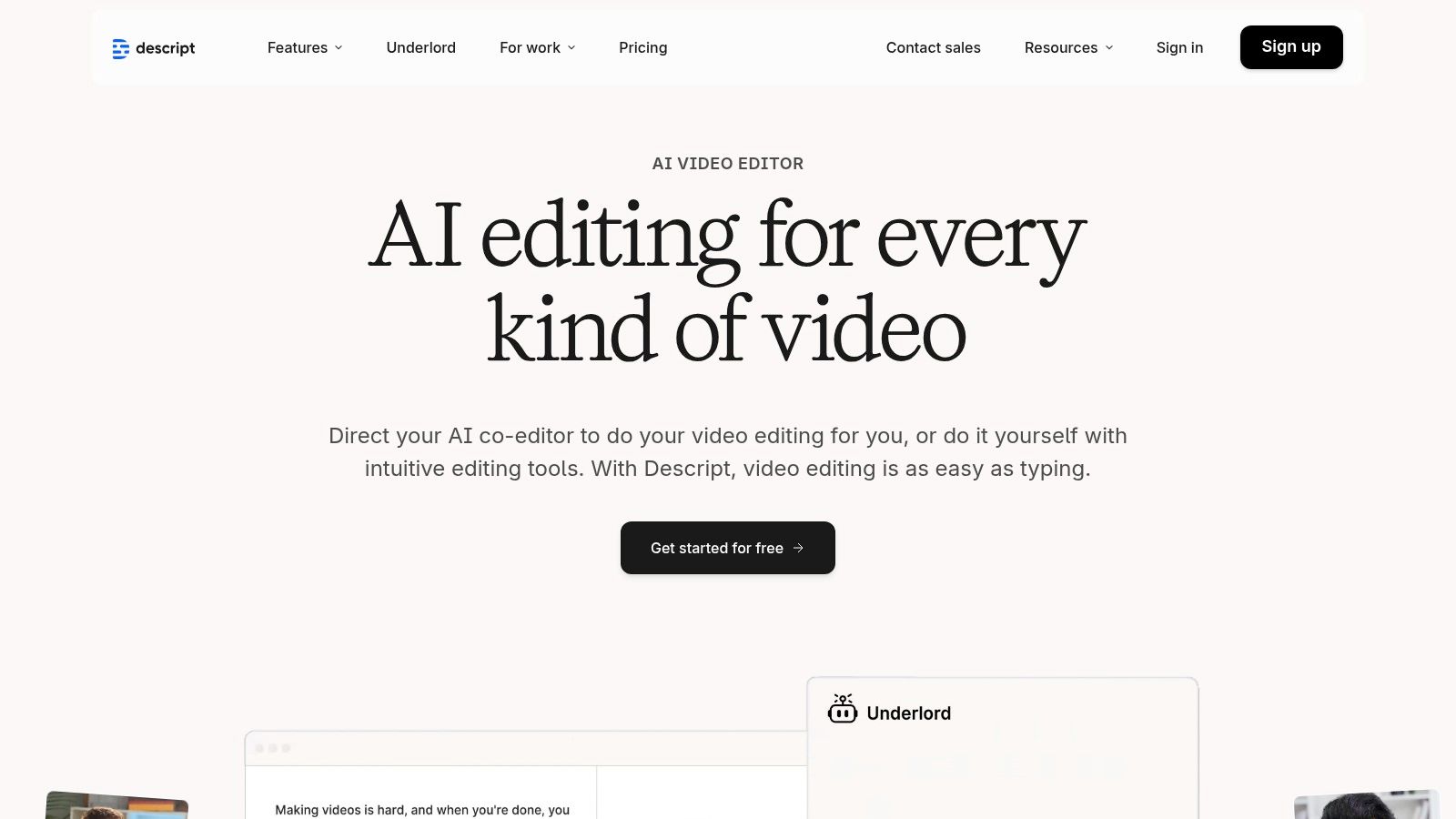
This platform excels at streamlining the post-production workflow. Features like "Studio Sound" clean up audio with one click, while its AI can automatically remove filler words like "um" and "uh" from both the transcript and the media file, saving hours of tedious manual editing. For those looking to transcribe video into text for editing or captioning purposes, Descript offers a seamless and intuitive experience that goes far beyond simple transcription.
Key Features and Use Cases
- Transcription Method: AI-powered transcription integrated with a full media editor.
- Best For: Podcasters, video editors, and content creators who want to edit their audio or video by editing the text transcript.
- Creative Tools: Standout features include Studio Sound for audio enhancement, Overdub for creating AI voice clones, and automatic filler word removal.
- Accessibility: The platform makes it easy to generate and export captions (SRT/VTT), improving the accessibility of video content and helping creators reach a wider audience.
Pricing and Access
Descript operates on a subscription model with different tiers, including a free plan with limited transcription and watermarked video exports. Paid plans unlock more features, higher-quality exports (up to 4K), and increase the monthly transcription and AI feature quotas. The creative-suite focus means users who only need a plain transcript might find it overly complex for their needs.
- Pros: Powerful integration of transcription and media editing, excellent AI-driven cleanup tools, simplifies complex editing tasks.
- Cons: The all-in-one approach can be overkill for simple transcription needs, and usage is limited by monthly quotas on paid plans.
Website: https://www.descript.com
9. Google Cloud Speech-to-Text
Google Cloud Speech-to-Text is not a simple upload-and-go tool, but a powerful, developer-focused API that solves the problem of processing audio at a massive scale. It offers enterprise-grade automatic speech recognition (ASR) for teams building custom applications. Its key strength lies in its flexibility, offering various models tailored to specific needs like medical dictation or phone call audio, providing a foundation for innovation.
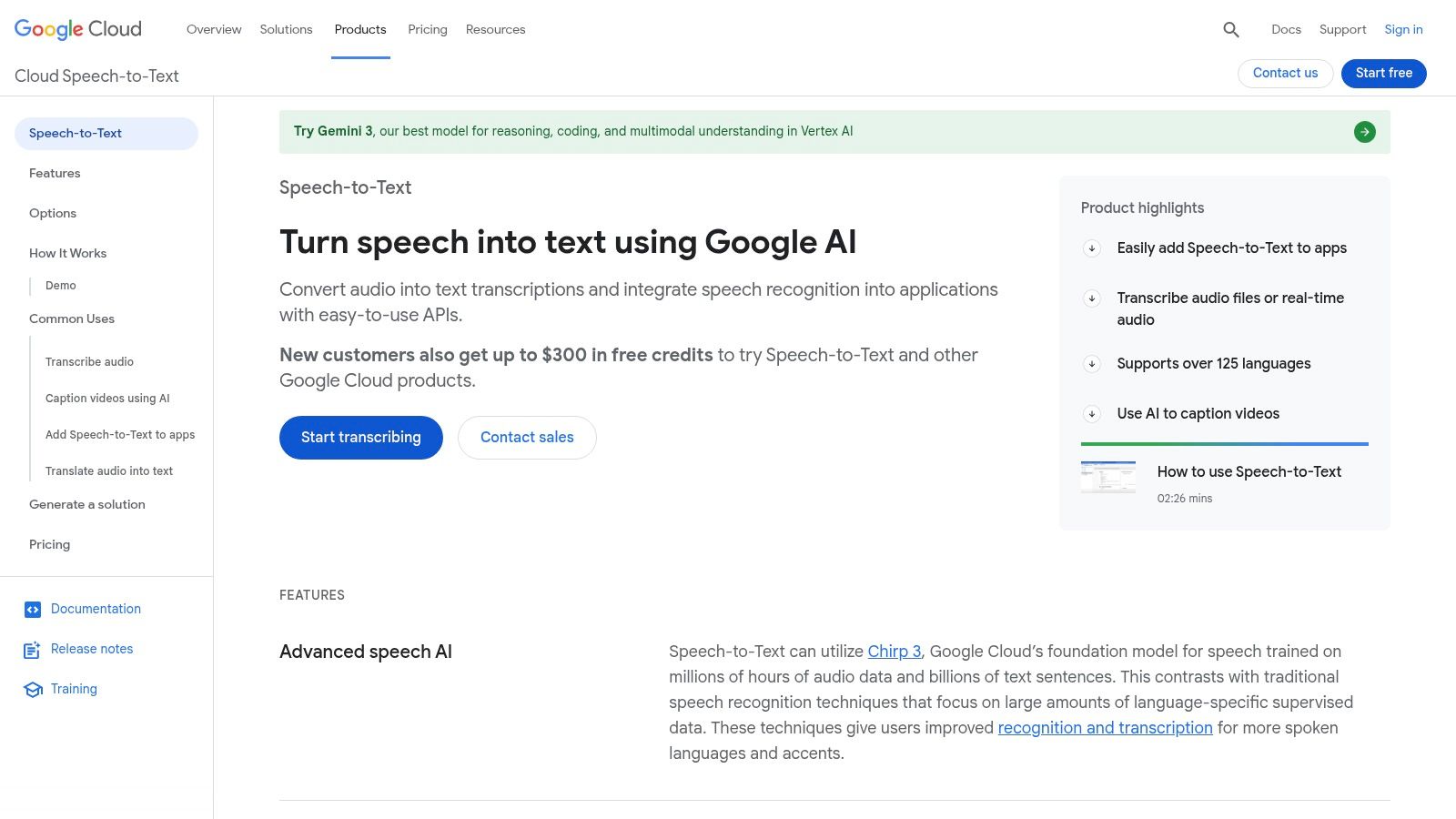
This platform is ideal for businesses that require deep integration into their existing workflows, such as transcribing customer service calls directly within their CRM to improve service quality. For organizations operating under strict data laws, the ability to deploy the service in specific EU regions provides a crucial compliance advantage. While it's one of the more complex audio to text converters to implement, its accuracy and scalability are industry benchmarks for automated transcription.
Key Features and Use Cases
- Transcription Method: Purely AI-driven, offering both real-time (streaming) and batch file processing.
- Best For: Developers building custom apps, enterprises with large-scale transcription needs, and organisations requiring regional data processing.
- Data Security: A significant benefit is the option for EU region deployment and even an on-premise version for highly regulated workloads, ensuring data sovereignty.
- Accessibility: Provides specialized transcription models that can be fine-tuned for industry-specific terminology, improving accuracy and making the technology more useful for niche content.
Pricing and Access
Google Cloud's pricing is highly granular, billed per minute with generous free tiers and volume discounts. This pay-as-you-go model is cost-effective for large-scale operations but can be confusing for casual users. Accessing the service requires a Google Cloud Platform account and some technical knowledge to configure the API, making it less suitable for individuals seeking a quick transcription solution.
- Pros: Highly accurate and scalable, competitive pricing for high volumes, strong data compliance and regional deployment options.
- Cons: Requires engineering resources and cloud setup, pricing structure can be complex for non-developers.
Website: https://cloud.google.com/speech-to-text
10. Microsoft Azure AI Speech (Speech to Text)
Microsoft Azure AI Speech is an enterprise-grade service that solves the need for a powerful, scalable, and secure audio to text converter that can be deployed anywhere. Rather than a simple web interface, it provides robust APIs for real-time and batch transcription that can be integrated directly into existing workflows and applications. Its strength lies in its flexibility, offering both cloud-based services and container deployment for on-premise or private cloud environments.
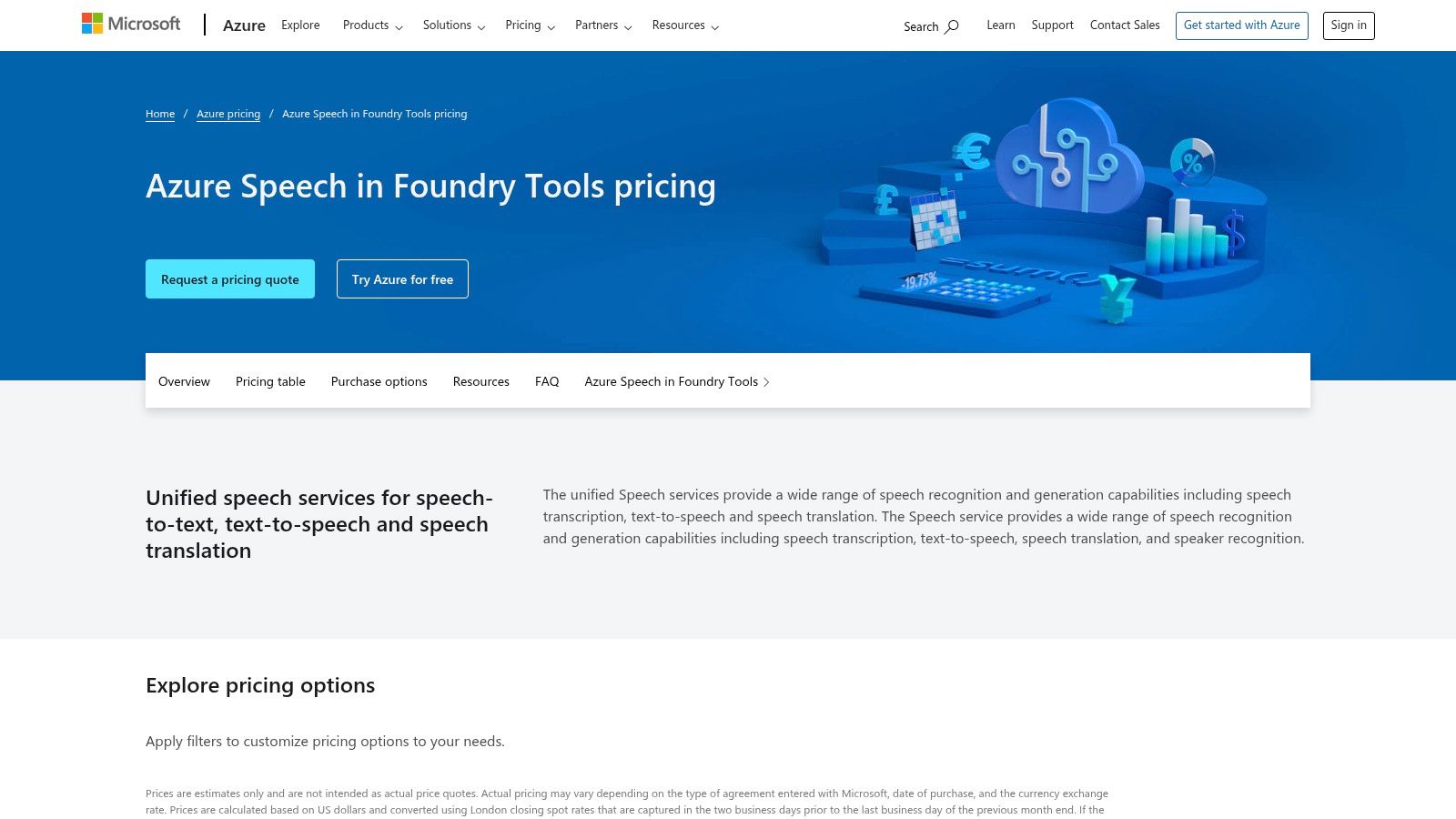
This platform is ideal for large businesses in regulated industries or tech companies building custom solutions. Features like speaker diarization, language identification, and the ability to create custom speech models tailored to specific vocabularies (like medical or legal terms) make it a highly adaptable tool. For organizations already invested in the Azure ecosystem, it provides seamless integration with established security, compliance, and data governance protocols, inspiring confidence and trust.
Key Features and Use Cases
- Transcription Method: AI-driven transcription delivered via real-time and batch processing APIs.
- Best For: Enterprises and developers needing flexible deployment, custom model training, and integration with the Azure cloud platform.
- Data Security: A key benefit is the option for container deployment, allowing organisations to run the service within their own secure infrastructure.
- Accessibility: A generous free tier provides 5 audio hours per month, allowing for extensive testing and small-scale project use without initial cost, making it accessible for R&D.
Pricing and Access
Azure's pricing is consumption-based, which is typical for cloud services, but the details can be complex. The cost varies based on the specific service used (e.g., standard, custom, real-time), region, and configuration. While this pay-as-you-go model is cost-effective for fluctuating workloads, navigating the pricing pages requires careful attention. This service is best suited for teams with developer or DevOps support to manage the API integration and cloud infrastructure.
- Pros: Highly flexible deployment (cloud or on-premise), deep integration with Azure security, generous free tier.
- Cons: Requires technical expertise to implement, and pricing documentation can be dense and confusing for non-developers.
Website: https://azure.microsoft.com/pricing/details/cognitive-services/speech-services/
11. Amazon Transcribe
Amazon Transcribe is a managed automatic speech recognition (ASR) service from Amazon Web Services (AWS), designed to solve complex, industry-specific transcription challenges for developers and enterprises. Unlike user-friendly web applications, Transcribe is a powerful building block for organizations that need to integrate transcription directly into their own software and workflows. It is an industrial-strength audio to text converter built for scale and deep technical integration.
This service shines in specialized business contexts, such as call centers requiring real-time transcription and analytics to improve customer outcomes or healthcare providers needing medical-grade transcription with HIPAA eligibility. Its ability to handle Personally Identifiable Information (PII) redaction and integrate with the entire AWS ecosystem makes it a standout choice for technical teams handling sensitive, high-volume audio data, inspiring new applications of voice data.
Key Features and Use Cases
- Transcription Method: AI-driven transcription available in both real-time streaming and batch processing modes.
- Best For: Developers building applications with voice features, large enterprises needing to analyse call centre audio, and healthcare organisations requiring specialised medical transcription.
- Data Security: Leverages the robust AWS security framework and can be deployed in specific AWS regions (including in the EU) for data locality and GDPR compliance.
- Accessibility: Features like custom vocabularies and language models allow for improved accuracy on domain-specific terminology, enhancing the quality of automated transcripts for specialised fields.
Pricing and Access
Amazon Transcribe uses a pay-as-you-go pricing model, charging per second of audio transcribed, with a generous free tier for new customers. While this model is cost-effective at scale, the pricing can become complex when adding specialised features like PII redaction, custom language models, or call analytics, each of which has its own pricing structure. Accessing the service requires an AWS account and some technical expertise.
- Pros: Highly scalable and reliable, deep integration with other AWS services, powerful features for call centres and medical use cases.
- Cons: Requires developer skills to implement, complex pricing structure, not a simple tool for casual users.
Website: https://aws.amazon.com/transcribe
12. OpenAI Whisper
OpenAI Whisper is not a typical web service but an open-source, multilingual speech recognition model that solves the critical problem of data privacy and cost control. It's a foundational tool for developers, researchers, and organizations that require full control over their data by running transcription processes locally or on their own servers. This makes it an exceptional audio to text converter for privacy-sensitive projects where uploading audio to a third-party cloud is not an option.
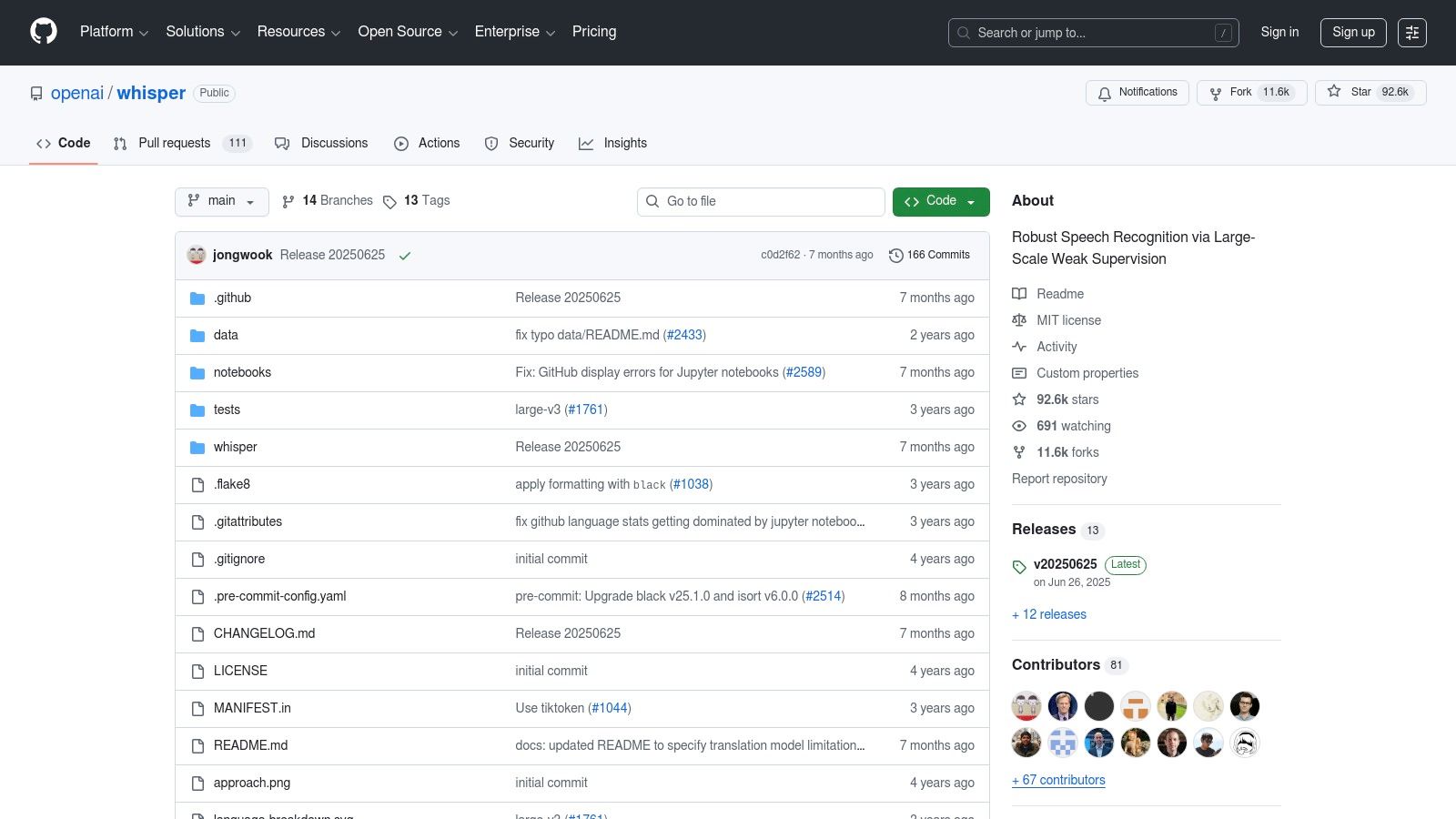
This model is ideal for those with technical expertise who want to avoid recurring per-minute transcription fees. By self-hosting Whisper, you only pay for the computational resources you use, which can be far more cost-effective for high-volume transcription. Its strong performance across dozens of languages and its ability to handle background noise make it a powerful engine for building custom transcription applications, inspiring innovation in voice-enabled technology.
Key Features and Use Cases
- Transcription Method: Self-hosted AI model with multiple sizes for a trade-off between speed and accuracy.
- Best For: Developers building custom applications, privacy-conscious organisations, and users with high volumes of audio who can manage their own compute infrastructure.
- Data Security: Offers maximum data privacy as audio is processed on your local machine or private server, never leaving your control.
- Accessibility: As an open-source tool, it is free to use under its license, democratizing access to advanced transcription technology without subscription costs.
Pricing and Access
Whisper is free to use, governed by its open-source license. The real cost lies in the computational power required to run it efficiently, as larger models demand significant GPU resources for optimal performance. Accessing it requires technical knowledge to set up the environment using Python, a command-line interface, or one of the many community-built tools that provide a user interface.
- Pros: Complete control over data and privacy, no per-minute fees, highly accurate multilingual transcription.
- Cons: Requires technical skill and hardware to set up and run, no built-in user interface or editor.
Website: https://github.com/openai/whisper
Top 12 Audio-to-Text Tools Comparison
| Product | Core features & Unique ✨ | Accuracy / Quality ★ | Target audience 👥 | Pricing / Value 💰 |
|---|---|---|---|---|
| 🏆 YoutubeToText | ✨ Paste Youtube URL → fast transcripts, multi‑speaker, timestamps, SRT/VTT/TXT, 90+ languages | ★ >95% real‑world; minutes turnaround | 👥 Creators, researchers, educators, journalists, marketing teams | 💰 Creator/Creator+/Pro (400/1,200/5,400 min); 30 min free; annual savings |
| Amberscript | ✨ AI + human transcription, EU hosting, many export formats | ★★★★☆ (human option boosts accuracy) | 👥 GDPR‑sensitive orgs, enterprises, media teams | 💰 Pay‑as‑you‑go & subs; human priced per min; 10 min trial |
| Happy Scribe | ✨ AI + human proofreading, 60+ languages, wide integrations & export formats | ★★★★☆ | 👥 Teams, broadcasters, editors, translators | 💰 AI minutes + human add‑ons; some free‑tier limits |
| Trint | ✨ Real‑time (Trint Live), collaboration, translations, enterprise security | ★★★★☆ (newsroom‑grade) | 👥 Journalists, media teams, enterprises | 💰 Premium pricing; team/enterprise plans; fair‑use limits |
| Rev | ✨ Human & AI transcription, SOC2/HIPAA options, integrations | ★★★★★ (human) / ★★★★☆ (AI) | 👥 Users needing predictable human accuracy, enterprises | 💰 Flat per‑minute for human; AI cheaper; add‑ons cost extra |
| Otter.ai | ✨ Live meeting bot, collaborative transcripts, highlights & comments | ★★★★☆ (meeting workflows) | 👥 Education, sales, internal teams | 💰 Free tier; Pro/Business for higher limits |
| Sonix | ✨ Fast in‑browser editor, speaker labels, API, transparent per‑hour pricing | ★★★★☆ | 👥 Creators & teams needing clear costs | 💰 Pay‑as‑you‑go + Premium subs; 10 free minutes |
| Descript | ✨ Text‑based audio/video editor, Studio Sound, Overdub, captioning | ★★★★☆ (plus strong editing tools) | 👥 Podcasters, Youtubers, editors, creators | 💰 Tiered plans; minute/feature quotas apply |
| Google Cloud Speech‑to‑Text | ✨ Streaming & batch ASR, diarization, model choices, EU deployment | ★★★★☆–★★★★★ (model & setup dependent) | 👥 Developers, enterprises building custom pipelines | 💰 Per‑minute pricing; volume discounts; engineering required |
| Microsoft Azure AI Speech | ✨ Real‑time/batch, custom models, containers, EU data centers | ★★★★☆–★★★★★ (enterprise) | 👥 Enterprises, regulated workloads, DevOps teams | 💰 Free 5 hrs/month; complex region/pricing options |
| Amazon Transcribe | ✨ Call analytics, PII redaction, channel ID, medical variant, AWS integration | ★★★★☆ | 👥 Call centers, developers, enterprises on AWS | 💰 Per‑feature & per‑minute pricing; scales with AWS |
| OpenAI Whisper | ✨ Open‑source multilingual ASR, local/self‑host options, community tooling | ★★★★☆–★★★★★ (model size & compute) | 👥 Developers, privacy‑focused users, self‑hosting teams | 💰 No per‑minute fees (compute/infra costs only) |
Choosing the Right Converter for Your Workflow
Navigating the world of audio to text converters can feel overwhelming, but as we've explored, the best choice hinges entirely on your unique workflow and specific project demands. The era of manual transcription is over; the question is no longer if you should use an automated tool, but which one will best serve your goals. The right software does more than just convert speech to words—it streamlines your creative process, unlocks new content possibilities, and makes your information more accessible to everyone.
We've analysed a wide spectrum of solutions, from the developer-centric power of cloud APIs like Google Cloud and Amazon Transcribe to the all-in-one creative suites offered by Descript. Each tool occupies a distinct niche, designed to solve a particular problem with precision. The key is to look beyond a simple list of features and instead evaluate how a tool integrates into your daily tasks and inspires better work.
Key Takeaways for Making Your Decision
To simplify your choice, let's revisit the core decision-making factors. Your ideal audio to text converter lies at the intersection of your primary use case, required accuracy, collaborative needs, and budget.
- For Content Creators and Marketers: The biggest problem is the friction in repurposing content. You need a tool that lets you pull transcripts from existing videos for show notes, blog posts, or social media clips without tedious steps. This is where specialised tools like YoutubeToText truly excel, offering a direct path from video to text.
- For Researchers and Academics: Precision and detail are non-negotiable. The challenge is ensuring accuracy in analyzing interviews and focus groups. Services like Amberscript or Happy Scribe solve this by providing a good balance between automated speed and the option for human-perfected transcripts.
- For Podcasters and Video Editors: The workflow is king. The problem is the time-consuming nature of traditional editing. The ability to edit audio by simply editing text, as pioneered by Descript, represents a fundamental shift in production and inspires a more fluid creative process.
- For Corporate and Business Teams: Collaboration and information loss are key issues. Otter.ai has masterfully solved this for meetings with live transcription, AI-generated summaries, and integrations that ensure everyone is on the same page.
- For Developers and Large Organisations: Scalability and customization are the main drivers. If you're building transcription into your own application, the raw power of APIs from Google, Microsoft, Amazon, or the flexibility of OpenAI's Whisper model provide the building blocks for innovation.
Implementing Your Chosen Tool for Maximum Impact
Once you've selected a converter, the next step is to integrate it seamlessly into your process. Don't just see it as a replacement for typing. Think bigger and get inspired. Can you use your transcripts to generate automatic subtitles, improving accessibility and engagement? Can you feed them into an AI writing assistant to draft articles or social media posts in minutes? Can you use the text to create a searchable archive of all your video and audio content?
The most successful users of audio to text converters are those who view them not as a single-function utility, but as a foundational pillar of their content strategy. By automating the transcription process, you solve the problem of wasted time and free up mental energy to focus on what truly matters: creating, analyzing, and sharing impactful stories and information. The right tool empowers you to be more productive, creative, and inclusive in your work.
Ready to experience the most direct and efficient way to convert your video content into text? If you're a creator, researcher, or marketer who works with Youtube videos, YoutubeToText was built specifically for your workflow. Stop wasting time with downloads and uploads; simply paste a link and get your accurate, time-stamped transcript in seconds. Try it for free today and see how effortless transcription can be at YoutubeToText.