Discover the perfect agenda of a meeting template from our curated list. Free, downloadable, and customisable templates to boost your productivity.
12 Essential Agenda of a Meeting Template Resources for 2026
An effective meeting hinges on a clear, well-structured plan. Yet, the task of creating one from a blank document often halts productivity before the meeting even begins. This resource guide is designed to solve that exact problem, eliminating the guesswork and saving you valuable time. We have curated a comprehensive list of the best sources for finding a professional agenda of a meeting template, catering to a wide range of needs, from formal board meetings to creative brainstorming sessions.
This article moves beyond just listing options. We will dive into downloadable documents from platforms like Microsoft, visually dynamic templates from Canva and Miro, and integrated solutions within project management tools such as ClickUp and Notion. For each resource, you will find a concise description, practical use-case scenarios, and direct links to get you started immediately. We will show you not just where to find a template, but how to choose the right one for your specific purpose and team.
Furthermore, we will explore how to enhance your planning process by learning from past discussions. By using AI transcription tools to analyse previous meeting recordings, you can identify recurring themes, track action items, and refine your future agendas for maximum focus and efficiency. This approach ensures your meetings are not only organised but are also consistently productive and actionable. If you need to see different formats in action, it can be helpful to explore these examples of agenda templates for remote teams for inspiration. Let's find the perfect template to transform your meetings from obligatory gatherings into powerful drivers of progress.
1. Microsoft Word / Microsoft Create (official Microsoft templates)
For those already working within the Microsoft ecosystem, the official template gallery on Microsoft Create is the most logical and efficient starting point. It offers a wide array of professionally designed, free meeting agenda templates that open directly in Microsoft Word, either on the desktop or in your browser. This platform stands out due to its seamless integration with other Microsoft 365 applications, such as Outlook, Teams, and OneDrive, making it incredibly easy to create, share, and collaborate on an agenda without leaving your familiar workflow.
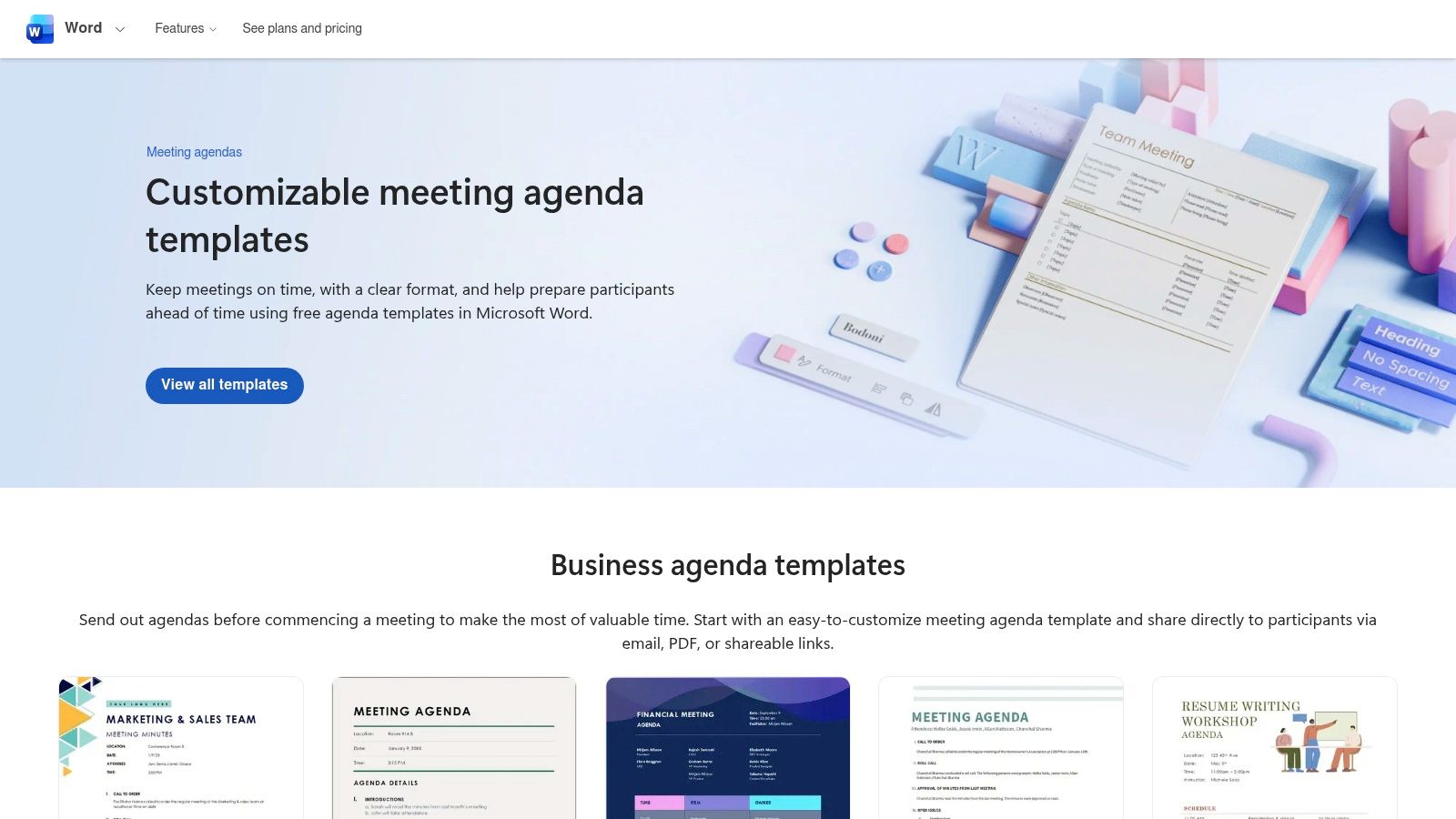
The user experience is straightforward, with a simple “Start with template” button that gets you going in one click. The selection leans towards conventional and formal business layouts, which is ideal for corporate environments, workshops, or official committee meetings. While the templates are more document-centric compared to dynamic whiteboard tools, their strength lies in their structure, reliability, and ease of use for creating a formal record.
Key Considerations
A key benefit is the trust and consistency that comes from an official source. You can be confident the formatting will hold up across Microsoft applications, which is essential for accessibility. The templates are particularly useful for generating a solid agenda of a meeting template that can later be used to structure your notes. If you need to produce formal documentation after your discussion, consider using these templates alongside our guide for meeting minutes to ensure all essential information is captured accurately. While a Microsoft account is needed for the best experience, the accessibility and professional quality make it a top choice for traditional meeting preparation.
Website: Microsoft Create Agenda Templates
2. Canva
For those who prioritise visual appeal and brand consistency, Canva is an outstanding choice for creating stylish and engaging meeting agendas. It moves beyond simple text documents, offering hundreds of professionally designed templates that are easily customisable within its intuitive, browser-based editor. Canva’s strength lies in its ability to quickly produce polished, client-facing documents that reflect a company's visual identity, making it perfect for creative teams, marketing presentations, or external partner meetings.
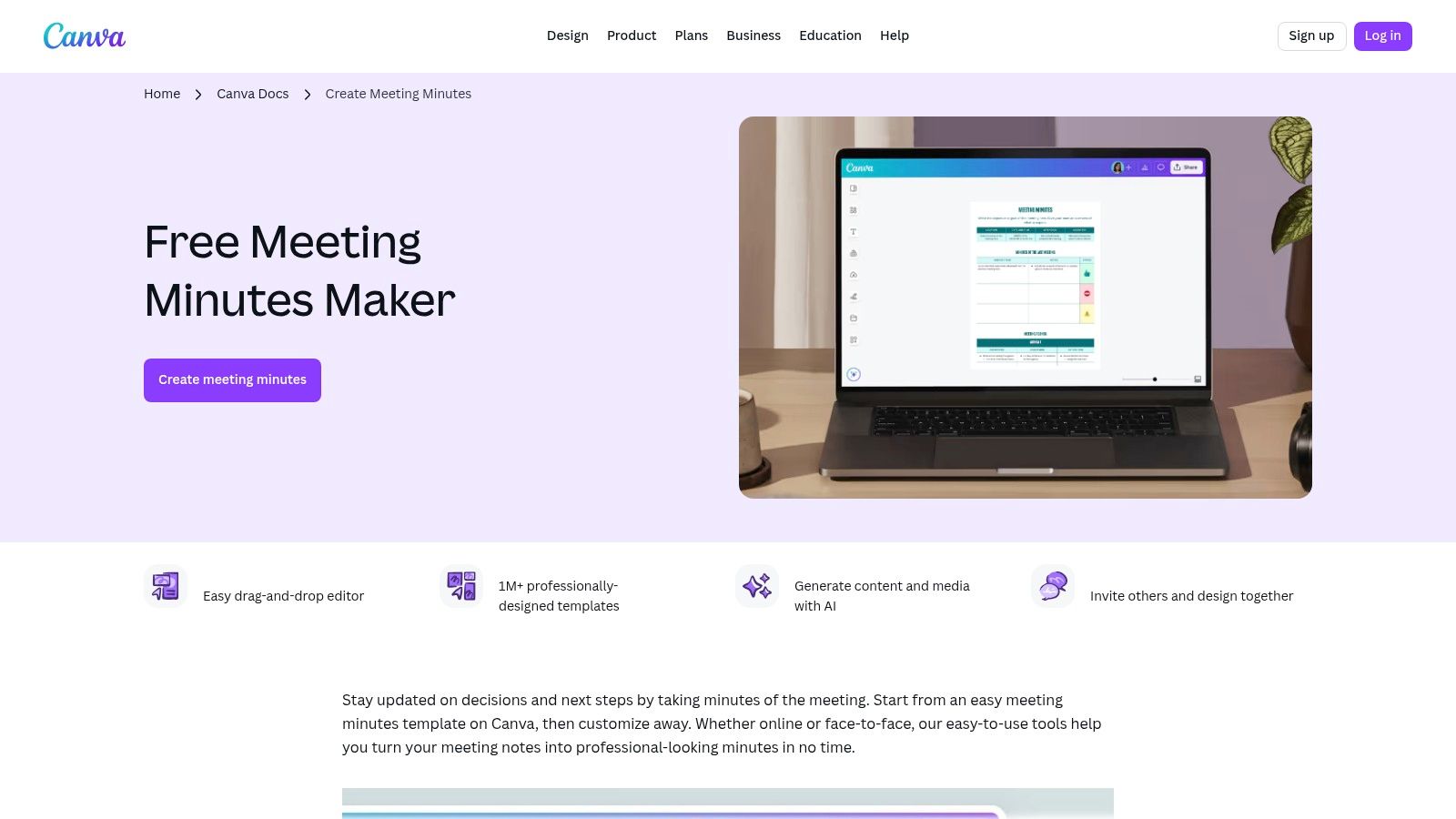
The user experience is highly visual and drag-and-drop simple, allowing for easy integration of brand colours, logos, and fonts. Features like real-time collaboration and commenting make it a dynamic tool for teams to build an agenda together. While many templates are free, some of the more premium design elements and features like Magic Write (AI-assisted writing) are reserved for Canva Pro subscribers, boosting productivity by helping you draft content faster. The platform excels at creating print-ready or shareable PDF agendas that make a strong visual impact.
Key Considerations
A key benefit of Canva is its design-centric approach, which transforms a standard agenda of a meeting template into a professional, branded asset. This makes it particularly valuable for meetings where first impressions count. The platform's ease of use and extensive template library mean you can produce a high-quality agenda in minutes, even with no design experience. To explore how a visually structured agenda can improve meeting focus, our guide on creating an effective meeting agenda template offers further insights. While the format is less suited for traditional, formal documentation compared to Word, its collaborative and design features make it a powerful tool for modern teams.
Website: Canva Meeting Agenda Templates
3. Miro
For teams that thrive on visual collaboration and dynamic interaction, Miro offers a completely different approach to meeting agendas. Instead of static documents, Miro provides interactive whiteboard templates designed to guide collaborative sessions, brainstorming workshops, and agile ceremonies. This platform excels in remote and hybrid environments where keeping participants engaged and on track is paramount. Its strength lies in transforming a simple agenda into a living, interactive workspace that boosts team productivity.
The user experience is built around a flexible canvas where you can use digital sticky notes, timers, and voting tools to facilitate discussions. The templates are often structured around specific facilitation frameworks, like recurring team check-ins or project retrospectives, making them highly practical. While it requires participants to be comfortable with a whiteboard-style tool, its seamless integrations with platforms like Zoom, Microsoft Teams, and Google Workspace make it a powerful hub for productive, outcome-driven meetings.
Key Considerations
A significant benefit of Miro is the ability to create reusable boards for recurring meetings, ensuring consistency and saving preparation time. Each agenda of a meeting template is designed not just to list topics, but to actively facilitate the conversation and capture ideas in real-time. This visual approach is excellent for creative problem-solving and strategic planning sessions. By repurposing these boards, you create a consistent framework that boosts meeting productivity over time. While many powerful features are on the free plan, some advanced functionalities are reserved for paid tiers.
Website: Miro Meeting Agenda Templates
4. Lucid (Lucidspark templates)
For teams seeking more than a static document, Lucidspark provides a dynamic and collaborative canvas for building and executing meeting agendas. It moves beyond a simple list of topics into a visual workspace, making it ideal for interactive sessions like workshops, retrospectives, or creative brainstorms. The platform excels at blending structured facilitation with the flexibility of a digital whiteboard, allowing teams to plan, discuss, and document outcomes all in one place, boosting productivity.
The user experience is built around collaborative interaction. Templates like the "Agenda Design Canvas" or the "Team Meeting Agenda" come with purpose-built facilitator tools, including a notes panel, reactions, and voting features. This makes it easy to engage participants directly within the agenda framework. Its strong integration with platforms like Zoom further enhances its utility for remote and hybrid teams, allowing for seamless screen sharing and real-time collaboration on the board.
Key Considerations
Lucidspark's main advantage is its ability to create an agenda of a meeting template that is also a living workspace. While this is a powerful tool for collaborative planning, it does mean managing another platform alongside traditional document editors. Exporting a clean, print-style agenda might also require some formatting adjustments after the fact. However, for teams that prioritise active participation and visual organisation, Lucidspark offers a superior balance of structure and creative freedom, transforming the agenda from a pre-meeting document into the central hub of the meeting itself.
Website: Lucidspark Agenda Templates
5. ClickUp
For teams that need a meeting agenda to be more than just a document, ClickUp provides a powerful, integrated solution that boosts productivity. It offers a large catalogue of free templates within its Docs and task management system, designed to tightly link agenda items to assignable tasks, due dates, and follow-up workflows. This platform stands out by transforming a static agenda into a dynamic, actionable project plan, ensuring that discussions translate directly into organised work.
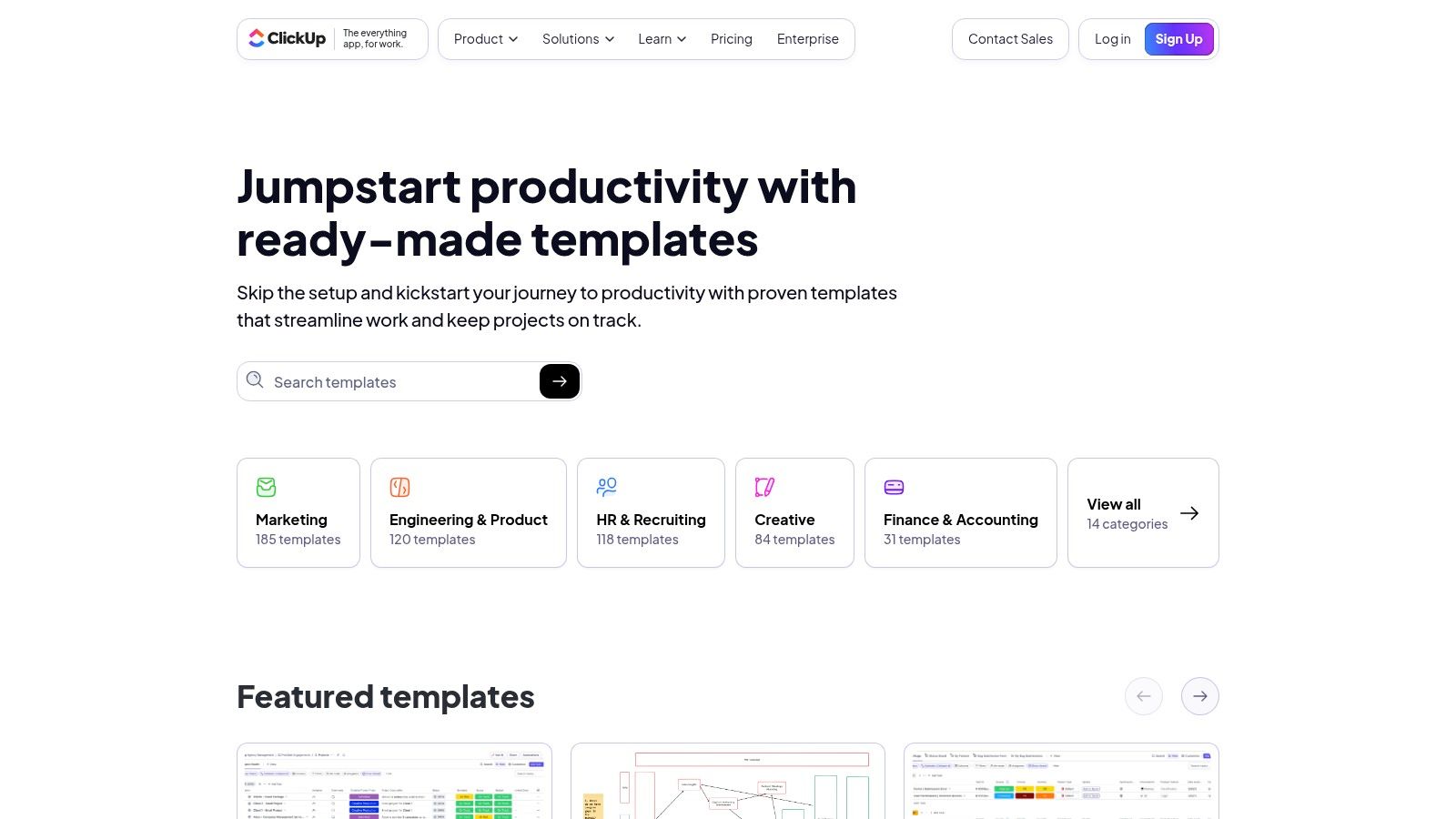
The user experience is built around accountability. You can select from various templates for team leadership, governance, or virtual meetings, and then immediately convert discussion points into tasks assigned to specific team members. This direct integration is ideal for project kick-offs, sprint planning, and any meeting where clear outcomes and responsibilities are critical. The platform’s strength is in turning the agenda of a meeting template into a living part of your team's workflow.
Key Considerations
The primary benefit of ClickUp is its seamless connection between planning and execution. While it offers the most value for teams already using the platform for project management, the robust free templates make it a compelling option for others too. To get the full benefit, you will need to set up an account and a workspace. For those managing complex projects, using a ClickUp agenda ensures that no action item from a discussion is ever lost or forgotten, as it’s tracked from creation to completion within the same system.
Website: ClickUp Agenda Templates
6. Atlassian Confluence
For teams embedded in the Atlassian ecosystem, Confluence is the natural choice for creating and managing meeting agendas. It transforms the agenda from a static document into a living, collaborative workspace. The platform provides structured templates for various meeting types, such as weekly team syncs, one-on-ones, and all-hands, integrating seamlessly with project management tools like Jira. This creates a powerful, centralised hub where agendas, notes, decisions, and action items are all interlinked and easily accessible, boosting team productivity.
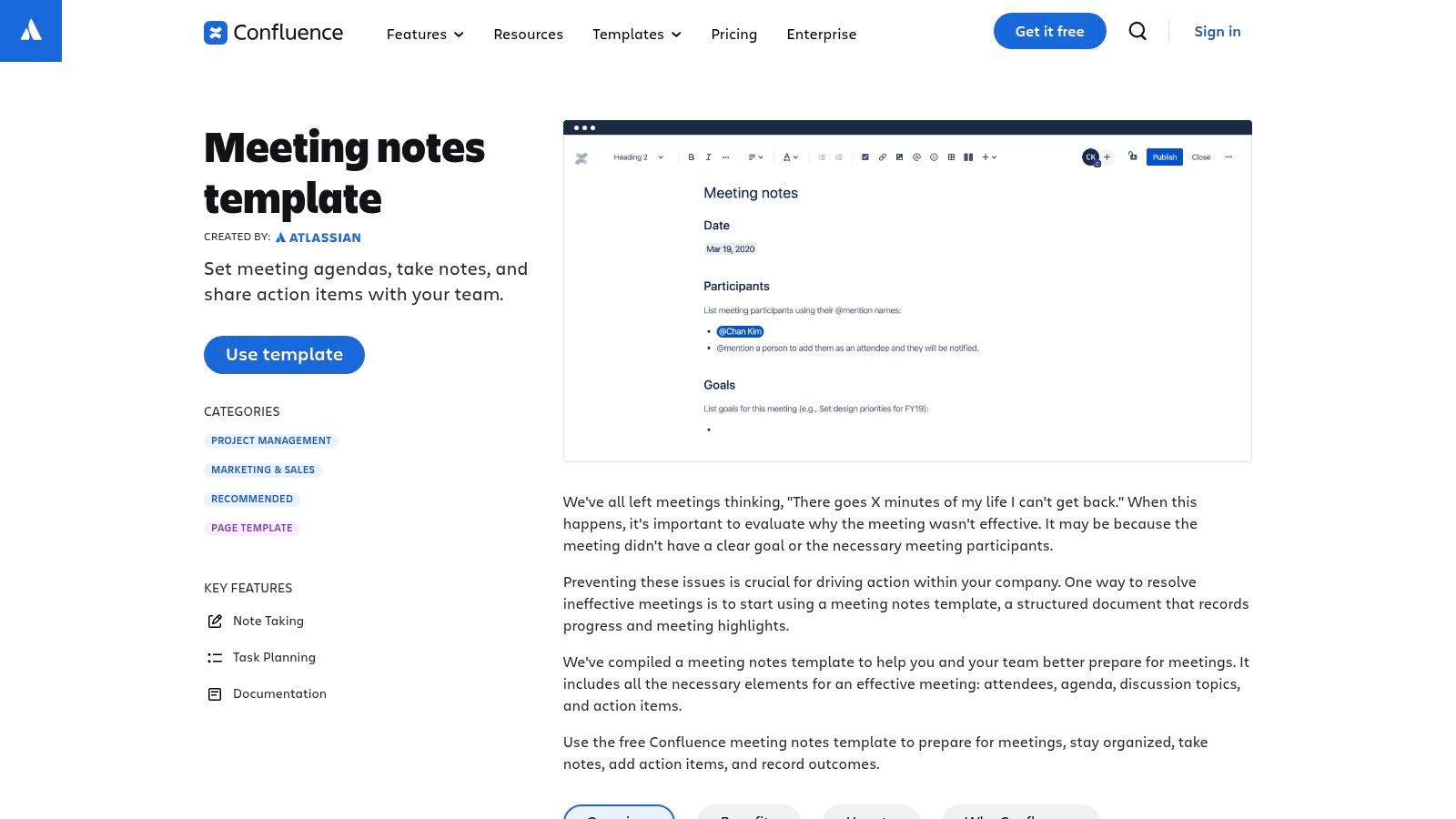
The user experience is built around real-time collaboration. Features like @mentions to assign tasks, inline comments for discussion, and trackable action items make the agenda an active part of the meeting's workflow, not just a precursor. The templates guide users to capture key information, ensuring nothing is lost. This approach is ideal for agile teams who value transparency and a single source of truth for all project-related communication.
Key Considerations
Confluence excels at keeping pre-meeting planning and post-meeting documentation tightly connected. Using an agenda of a meeting template here ensures that discussions flow directly into trackable tasks and documented decisions within the same environment. This is a significant advantage for project managers and teams who need to maintain clear records and accountability. By repurposing key decisions and action items from past meetings, you can create more effective future agendas. While it requires a Confluence workspace, its strength lies in creating a persistent, organised knowledge base.
Website: Atlassian Confluence Meeting Templates
7. Smartsheet
For those seeking a versatile and no-nonsense resource, Smartsheet offers an extensive library of free meeting agenda templates. This platform stands out by providing direct downloads in multiple formats, including Word, Google Docs, Excel, and even PowerPoint, catering to a wide range of user preferences and software ecosystems. This flexibility makes it an excellent one-stop-shop if your team uses different tools or if you need to switch between document types for various meetings, ensuring accessibility for all participants.
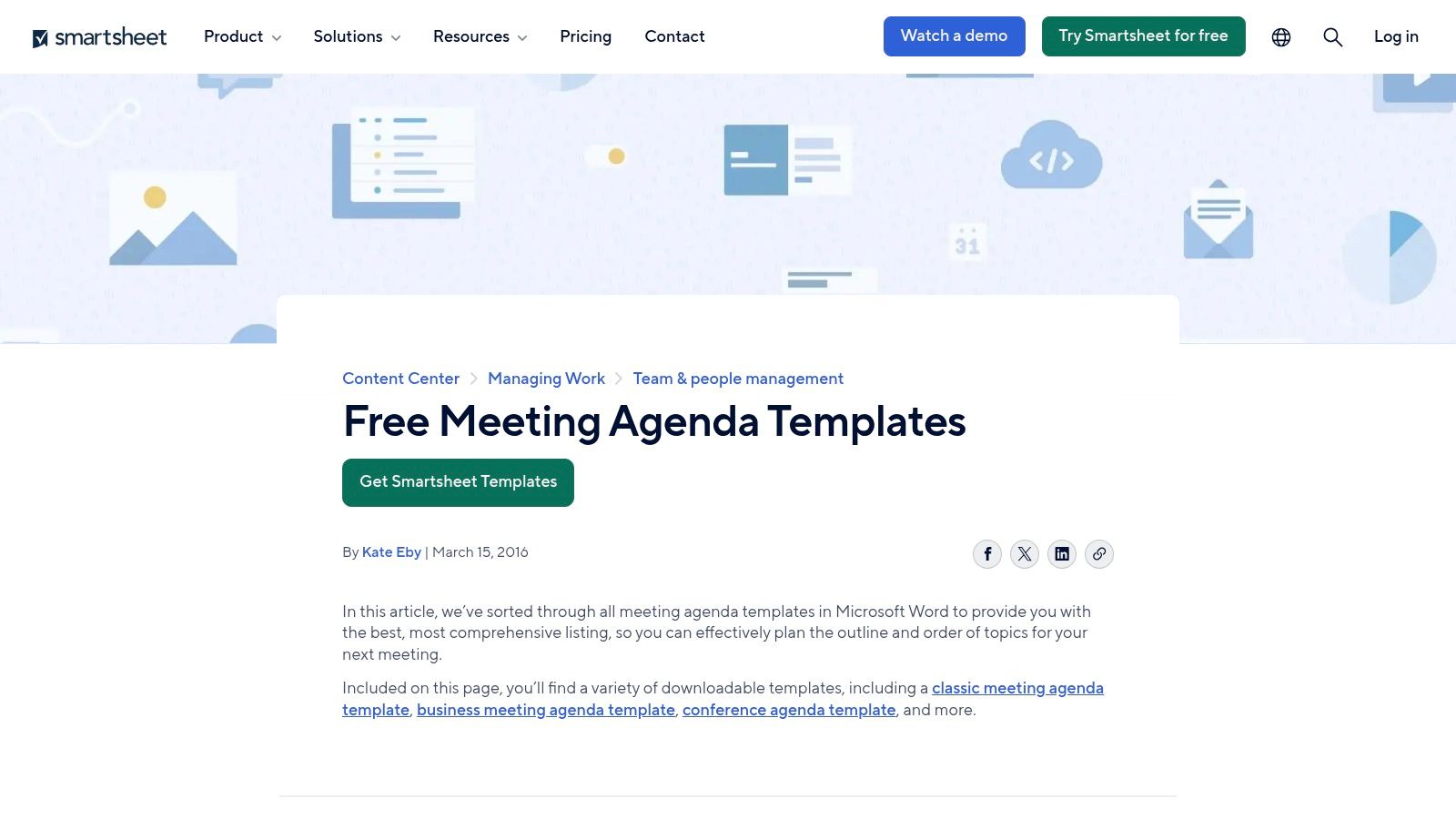
The user experience is geared towards efficiency; you can find and download a template within seconds without needing to sign up. The templates themselves are utilitarian and functional, prioritising clear structure over elaborate design, which is perfect for formal business settings like board meetings, project updates, or weekly staff check-ins. Smartsheet also provides helpful guidance alongside the templates, explaining how to write effective agendas and minutes, which adds educational value to boost productivity.
Key Considerations
A significant advantage of Smartsheet is its focus on standard business formats that are immediately recognisable and easy to use. The collection is particularly useful when you need a matching set for both your agenda and minutes, ensuring consistency in your meeting documentation. While the pages do contain marketing for Smartsheet’s core project management platform, the templates themselves are completely free and accessible. If you need a reliable and straightforward agenda of a meeting template without the frills, Smartsheet is a highly practical choice.
Website: Smartsheet Free Meeting Agenda Templates
8. Envato Elements
For those seeking visually impressive and highly polished agendas, Envato Elements is an outstanding resource. Unlike platforms focused on simple documents, Envato provides professionally designed templates for applications like PowerPoint, Keynote, Google Slides, Illustrator, and Canva. This makes it the ideal choice for creating agendas for high-stakes presentations, client-facing workshops, or formal corporate events where brand image and design quality are paramount. The platform operates on a single subscription model, granting unlimited access to its vast library for endless content repurposing possibilities.
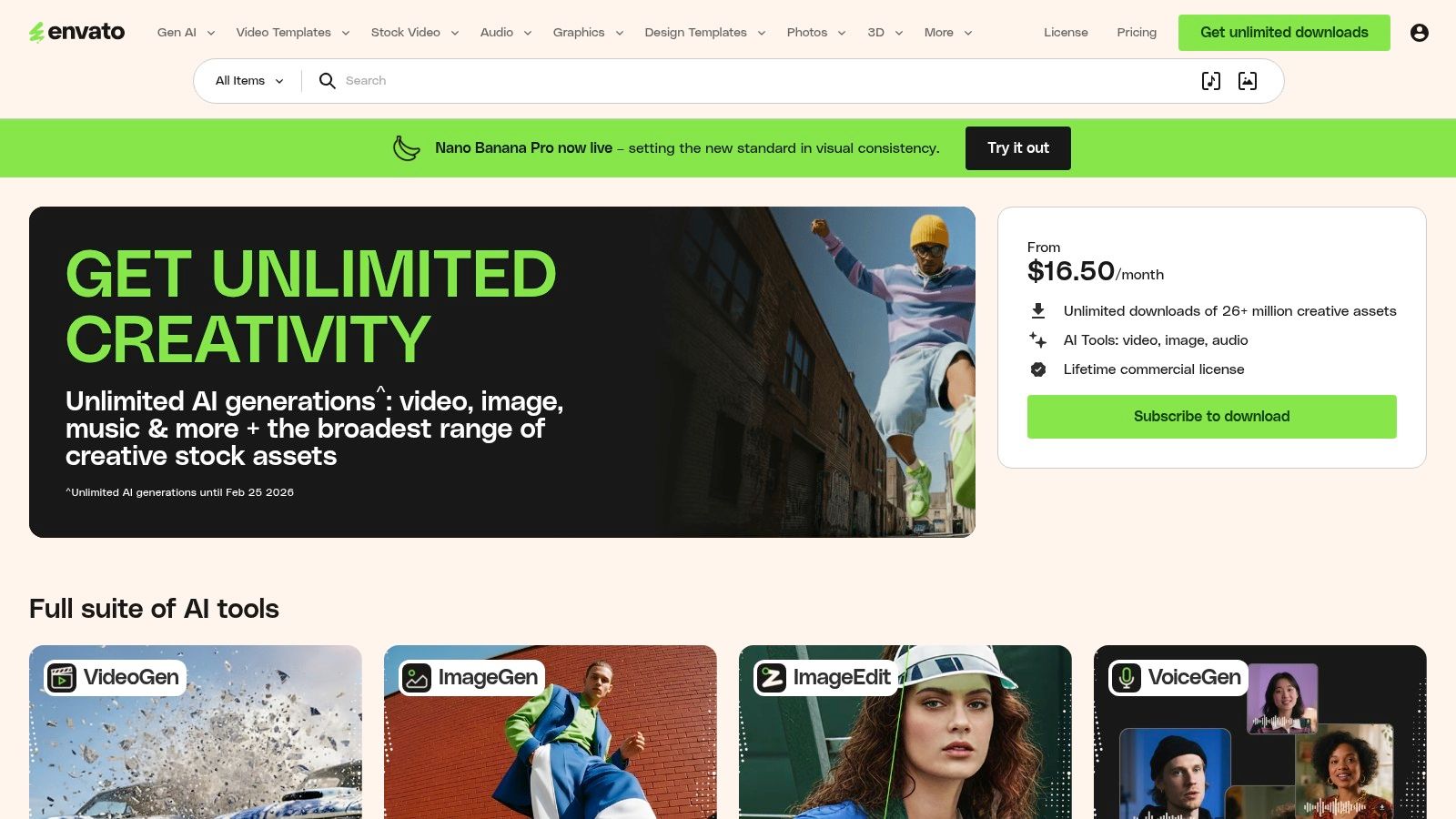
The user experience is geared towards creative professionals, with a focus on high-quality assets. The templates are less about collaborative workflows and more about providing a visually stunning starting point for a static, print-ready, or presentation-based document. Its strength lies in turning a standard agenda into a piece of professional communication that reinforces your brand’s commitment to quality.
Key Considerations
A significant advantage of Envato Elements is the commercial licence included with every download, giving you peace of mind for business use. The templates are perfect when you need an agenda of a meeting template that will be shared externally, such as with event attendees or board members. The main limitation is the subscription requirement, as there is no option to purchase templates individually. However, for organisations that frequently need design assets beyond just agendas (like stock photos, fonts, or presentation themes), the subscription offers exceptional value and creative flexibility.
Website: Envato Elements
9. Etsy
For those seeking a more creative or specialised design, Etsy offers a vast marketplace of meeting agenda templates created by independent designers. This platform is an excellent source for finding unique, stylised, and niche-specific options that you won't typically find on mainstream template sites. Sellers provide thousands of low-cost, instant-download templates in various formats, including Word, Google Docs, and fillable PDFs, often bundled with matching minutes pages for a cohesive look. This wide variety ensures you can find a format accessible to your entire team.
The user experience is centred around browsing and purchasing from individual sellers. This means you can find everything from minimalist layouts to vibrant, colourful designs suited for creative teams, non-profits, or even personal projects. The strength of Etsy lies in its sheer variety and the ability to support independent creators while finding a template that perfectly matches your team's personality or branding.
Key Considerations
A key advantage is the budget-friendly nature of the platform, with many high-quality templates available for a small, one-time fee. The ability to filter by style and read seller reviews helps ensure you are purchasing a quality product. However, it's important to remember that quality control and support can vary significantly between sellers, so always check ratings and listing details before buying. While you may not get the ongoing updates of a subscription service, Etsy is an unparalleled resource for finding a distinct agenda of a meeting template that truly stands out.
Website: Etsy Meeting Agenda Templates
10. Template.net
Template.net offers a vast library of ready-made, professional meeting agenda templates designed for users who need a quick and structured document to boost their productivity. The platform provides downloads compatible with Microsoft Word, Google Docs, and Apple Pages, ensuring cross-platform accessibility. This makes it a highly practical choice for teams using different software ecosystems, as anyone can access and edit the document in their preferred application. The focus is squarely on traditional, corporate-style layouts that are perfect for formal business meetings.
The user experience is straightforward: find a template and download it. While some templates are free, many of the premium designs are gated behind a subscription service, though individual downloads are also an option. The platform stands out by offering a broad catalogue of related business documents, such as templates for meeting minutes or sign-in sheets, allowing you to source all your meeting documentation from one place. This creates a cohesive look and feel for all your official records.
Key Considerations
A key strength of Template.net is its focus on providing a reliable agenda of a meeting template for conventional business settings. The templates are professionally formatted with clear, logical sections that require minimal customisation. This is ideal when you need to produce a polished agenda quickly without designing one from scratch. While the site does feature prominent ads and promotional overlays that can be a bit distracting, the sheer volume and cross-platform compatibility of its offerings make it a valuable resource for busy professionals seeking efficiency and a consistent corporate aesthetic.
Website: Template.net Meeting Agenda Templates
11. Notion Templates (Marketplace)
For teams already embedded in the Notion ecosystem, its official and third-party template marketplace is a powerhouse for creating integrated and dynamic meeting agendas. Unlike static documents, Notion templates are built on databases, allowing you to connect agenda items with project boards, task owners, and deadlines. This transforms your agenda from a simple list into a living document that ties directly into your team’s workflow, making it a central hub for planning, execution, and boosting productivity.
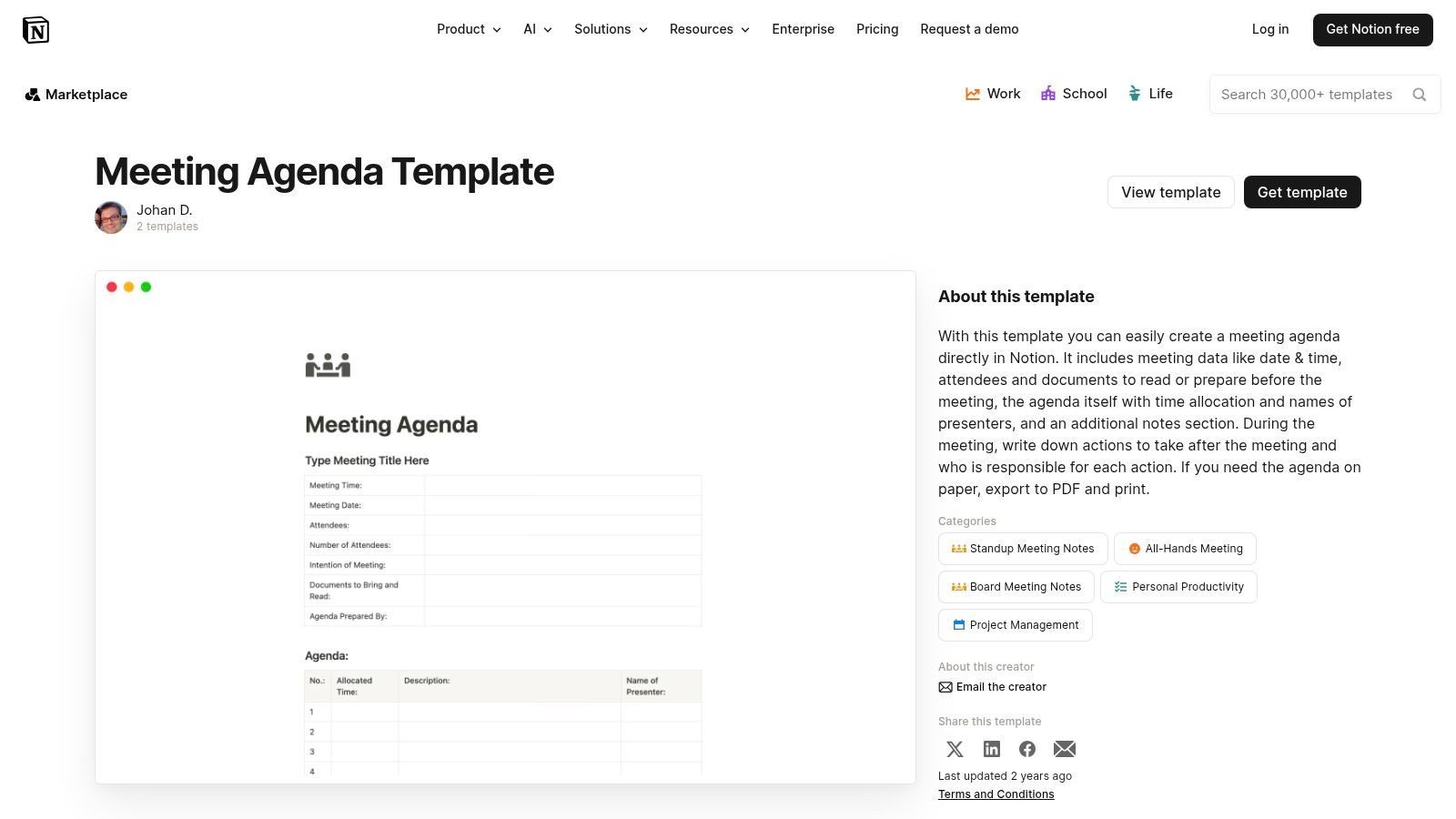
The user experience is highly customisable, with options to view your agenda as a table, board, or calendar. The marketplace offers a vast selection of both free and paid templates from various creators, catering to different styles from simple checklists to complex project management dashboards. The primary advantage is this deep integration; your agenda isn't just a document, it's an actionable part of your project management system.
Key Considerations
Notion’s strength lies in its flexibility and connectivity. Building a robust agenda of a meeting template here means it can seamlessly evolve into action items and follow-up tasks post-meeting. The quality of creator-built templates can vary, so it's wise to review them before implementation. For teams looking to centralise their entire meeting lifecycle, Notion is ideal. You can use these templates alongside our guide on meeting notes to create a fully integrated system for documentation, perfect for repurposing content later. While it has a learning curve, its power for organised teams is unmatched.
Website: Notion Meeting Agenda Templates
12. bol.com
For teams in the Netherlands and Belgium who favour a tangible, screen-free approach to meetings, bol.com offers a practical, old-school solution that champions accessibility. The platform is a massive online marketplace, but it serves as an excellent source for physical, pre-printed meeting agenda notepads. These products are ideal for in-person workshops, brainstorming sessions, or any environment where relying on digital devices is impractical or undesirable. They bring a focused, distraction-free element back to meeting preparation.
The primary advantage is convenience and immediacy. With fast, often next-day delivery in the Netherlands, you can quickly stock up on these purpose-built pads. Most feature clear, organised layouts with dedicated sections for attendees, topics, action items, and notes, all in Dutch. The user experience is that of a standard e-commerce site, making it easy to compare options from various sellers based on layout, size (A4 or A5), and sheet count.
Key Considerations
The core benefit of this option is its simplicity and inherent accessibility for in-person meetings. There is no software to learn, no logins required, and no risk of digital distractions. Each tear-off sheet serves as a self-contained agenda of a meeting template that can be physically distributed before a meeting and easily filed afterward. This is particularly useful for formal record-keeping where a physical paper trail is preferred. While it lacks the collaborative features of digital tools and incurs an ongoing cost for paper, its straightforward, ready-to-use nature is perfect for teams wanting to disconnect and focus purely on the discussion at hand.
Website: bol.com Meeting Notepads
Top 12 Meeting Agenda Template Comparison
| Provider | Core features | UX / Quality | Value & Price | Target audience | Unique selling points |
|---|---|---|---|---|---|
| Microsoft Word / Microsoft Create | Ready-made Word agenda templates, OneDrive/Teams sharing | ★★★★ — trusted, conventional layouts | 💰 Free (Microsoft account improves experience) | 👥 Traditional business users, Office 365 teams | ✨ Seamless MS365 integration · 🏆 Enterprise-grade formatting |
| Canva | Customizable agenda templates, real-time collaboration, Magic Write | ★★★★ — design-first, polished outputs | 💰 Free tier; Pro for premium assets | 👥 Marketers, designers, client‑facing teams | ✨ Brand styling + AI writing · 🏆 Polished visuals |
| Miro | Visual, time-boxed boards, timers, sticky notes, integrations | ★★★★ — interactive whiteboard UX | 💰 Freemium; paid for advanced features | 👥 Remote/hybrid teams, facilitators | ✨ Interactive facilitation tools · 🏆 Time‑boxed boards |
| Lucid (Lucidspark) | Facilitation canvases, voting, reactions, Zoom integration | ★★★★ — facilitation‑focused experience | 💰 Freemium; paid tiers for full features | 👥 Workshop leaders, product teams | ✨ Facilitator tools & structured canvases |
| ClickUp | Agenda templates in Docs/tasks; convert items to assignable tasks | ★★★★ — action-oriented, workflow-centric | 💰 Free templates; best within ClickUp workspace | 👥 Ops/managers needing follow-up | ✨ Agenda → task conversion · 🏆 Tight task integration |
| Atlassian Confluence | Meeting notes/agenda templates, @mentions, decisions, presenter mode | ★★★★ — centralized wiki-style collaboration | 💰 Included with Confluence (paid workspace) | 👥 Teams using Jira/Confluence, documentation-heavy orgs | ✨ Centralized decisions & history · 🏆 Enterprise wiki |
| Smartsheet | Downloadable agendas (Word/Docs/Excel/PPT), guidance & examples | ★★★ — utilitarian, business-formatted | 💰 Free templates; Smartsheet upsell on site | 👥 Project managers, admins needing standard formats | ✨ Multi-format downloads & writing guidance |
| Envato Elements | High-quality editable designs for PPTX/Key/Canva/AI, commercial license | ★★★★ — premium, graphic-focused | 💰 Subscription required; unlimited downloads | 👥 Event planners, execs needing polished materials | ✨ Premium graphic templates + license · 🏆 Design quality |
| Etsy | Low-cost instant-download agendas (Word/Google Docs/PDF) from sellers | ★★★ — quality varies by seller; check reviews | 💰 Low one-off prices per listing | 👥 Budget buyers seeking niche/stylized prints | ✨ Niche styles & instant downloads |
| Template.net | Cross‑platform templates (Word/Docs/Pages), one-off or subscription | ★★★ — corporate, utilitarian layouts | 💰 Mix of free & paid; subscription for bulk access | 👥 Corporate users needing ready business docs | ✨ Broad catalog across document types |
| Notion Templates (Marketplace) | Database-driven agendas, flexible views, reminders & integrations | ★★★★ — highly flexible inside Notion | 💰 Free & paid templates; requires Notion workspace | 👥 Teams living in Notion, knowledge workers | ✨ Database-backed agendas & custom views |
| bol.com (physical pads) | Pre‑formatted paper agenda pads (Dutch), perforated sheets | ★★★ — tangible, simple UX for in‑room use | 💰 Paid per pad; recurring paper cost | 👥 NL/BE teams preferring hard‑copy sessions | ✨ Tangible, fast local delivery for Netherlands |
Transforming Your Meetings from Required to Remarkable
Moving beyond the blank page is often the hardest part of organising any meeting. This extensive list of resources has demonstrated that a well-structured agenda of a meeting template is more than just a document; it is the foundational blueprint for productive, inclusive, and goal-oriented discussions. From the formal, print-ready layouts of Microsoft Word to the dynamic, collaborative canvases of Miro and Lucidspark, the right template serves as your strategic partner in curbing unproductive meetings forever.
We have explored how a simple change in your approach to planning can yield significant results. By adopting a template, you standardise your process, ensuring that every participant arrives prepared and understands the meeting's purpose. This simple act of preparation transforms a potentially chaotic session into a focused effort, saving invaluable time and energy for everyone involved.
Key Takeaways for Effective Meeting Agendas
To truly revolutionise your meetings, remember these core principles we've discussed:
- Purpose Over Format: The most beautiful template is useless if it doesn't match the meeting's objective. A brainstorming session thrives in a flexible environment like Miro, whereas a formal board meeting requires the structure offered by Atlassian Confluence or Smartsheet. Always choose function first.
- Collaboration is Crucial: The best agendas are often co-created. Tools like ClickUp and Notion allow team members to contribute items, attach documents, and provide context beforehand. This shared ownership boosts engagement long before the meeting begins.
- Accessibility is Non-Negotiable: Your agenda must be usable by everyone. This means using clear fonts, providing digital versions for screen readers, and considering colour contrast in visually rich templates from platforms like Canva. An accessible agenda sets the tone for an inclusive meeting.
- Agendas are Living Documents: A great meeting doesn't end when the call does. Use AI transcription to accurately capture discussions and decisions. This transforms your agenda from a simple plan into a record of decisions and a tool for accountability, making it easy to repurpose key takeaways into other content.
Choosing and Implementing Your Ideal Template
Selecting the perfect agenda of a meeting template depends entirely on your team's unique workflow and culture. A small, agile team might find the integrated task management of ClickUp indispensable. In contrast, a larger organisation with established processes may lean on the robust, formal templates available in Smartsheet or Microsoft Create.
Once you have chosen a tool, implementation is key. Don't just share a link; guide your team on how to use it effectively. Set clear expectations for when the agenda will be distributed (e.g., 24-48 hours in advance) and how team members should contribute. Consistent use is what builds the habit of productive meetings.
Furthermore, remember that what happens between meetings is just as important for maintaining momentum. To ensure the time between meetings is also optimised, exploring complementary tools like these daily work log template resources can help team members track progress on action items and manage their tasks effectively, creating a seamless productivity cycle.
Ultimately, the goal is to shift the perception of meetings from a necessary chore to a valuable, energising part of the work week. With the right agenda of a meeting template and a commitment to thoughtful planning, you can ensure every gathering is a strategic use of your team's collective talent, leading to clearer outcomes and a more motivated, aligned workforce.
Ready to capture the key decisions and action items from your video meetings effortlessly? Use YoutubeToText to transcribe your recorded sessions and instantly generate accurate text, making it simple to update your meeting minutes and create follow-up agendas based on what was actually discussed. Visit YoutubeToText to turn your meeting recordings into actionable insights.