A practical guide on how to download subtitles of movie files for any platform. Learn to find SRT files for local media, Youtube, and streaming services.
How to Download Subtitles of Movie Files and Streams
Finding the right subtitles for a movie can transform your viewing experience, turning a confusing foreign film into an accessible masterpiece or making dialogue crystal clear. But to get there, you can't just grab any file; you need the right one, perfectly synced to your video. This guide solves that problem by showing you reliable ways to download subtitles, enhancing accessibility, aiding language learning, and boosting your productivity.
Why Finding the Right Movie Subtitles Matters
With countless streaming services and ever-growing personal movie libraries, subtitles have become a non-negotiable part of watching films. They aren't just text on a screen; they're the bridge that connects you to the story. Anyone who's ever sat through a movie with poorly translated or out-of-sync captions knows how frustrating it is. A perfectly timed subtitle file makes the film click, while a bad one can completely ruin it.
People hunt down subtitles for all sorts of reasons. For many, it's a matter of accessibility, ensuring that viewers who are deaf or hard-of-hearing can enjoy cinematic stories just like everyone else. Subtitles are also a fantastic tool for language learners, offering a direct link between spoken dialogue and the written word to build vocabulary and comprehension. Plus, they unlock a whole world of international cinema, breaking down language barriers so you can appreciate films from every culture.
The Growing Demand for Quality Subtitles
This need for reliable subtitles has exploded alongside our digital media habits. In the Netherlands, for example, the film industry's recent growth really paints a picture. A 2023 report from the Netherlands Film Fund showed that while cinema attendance jumped by an impressive 75% in 2022, the real story was the boom in Video On Demand (VOD) sales, which soared past €1 billion. This massive shift to digital viewing at home explains why so many Dutch viewers are searching for top-notch movie subtitles to get the best experience. You can dig into the full details in the Film Facts & Figures of the Netherlands.
At its core, a good subtitle file isn't just about translation—it's about preserving the original intent, timing, and emotional impact of the dialogue. It's the difference between simply watching a movie and truly experiencing it.
This guide is about more than just finding any subtitle file. It’s about giving you the know-how to find the perfect one every time, whether it's for a movie on your hard drive, a Youtube video, or something on a streaming platform. To get a sense of the broader professional applications, you can explore various video translation services that include subtitling. We'll walk through the common headaches and offer solid solutions to make sure you get it right.
Finding Subtitles for Your Local Movie Files
So, you’ve got a movie file sitting on your computer, but where are the subtitles? Finding the right file that lines up perfectly can feel like a bit of a treasure hunt. We’ve all been there—the dialogue pops up seconds too early or way too late, completely pulling you out of the moment.
Thankfully, there are a few solid ways to grab subtitles for movies stored locally. You can go the manual route with dedicated websites or let some clever tools do the heavy lifting for you.
The real secret to success isn't just knowing where to look, but how. The most critical clue is your movie's exact filename. Something like The.Matrix.1999.1080p.BluRay.x264 needs a completely different subtitle file than The.Matrix.1999.DVDRip.XviD. This string of text gives you the source (BluRay, WEB-DL), quality (1080p), and encoding, all of which mess with the film's timing. Matching this is your number one priority for perfect synchronisation.
The Old-School Way: Subtitle Repositories
For those who don't mind a quick manual search, a few websites have been the go-to resources for years. These places are packed with massive, community-driven libraries that cover thousands of films in just about every language you can think of.
- OpenSubtitles: This is the big one. It's arguably the largest and most famous repository out there, with a huge selection for almost any movie you can imagine. Its search lets you filter by year, language, and even frames per second (FPS) to really nail down a precise match.
- YIFY Subtitles: If your movie file comes from a YIFY or YTS source, start here. The site has a clean layout and offers subtitles specifically made for these popular releases, which can save you a lot of guesswork.
- Subdl: A lot of people swear by this site for its accuracy and deep library. It's got a user-friendly design that helps you find what you need quickly, often giving you a few different versions for the same film.
Once you find a file you think will work, it’ll usually download as a .zip archive. You'll need to extract it to get the actual subtitle file inside, which almost always ends in .srt or .vtt.
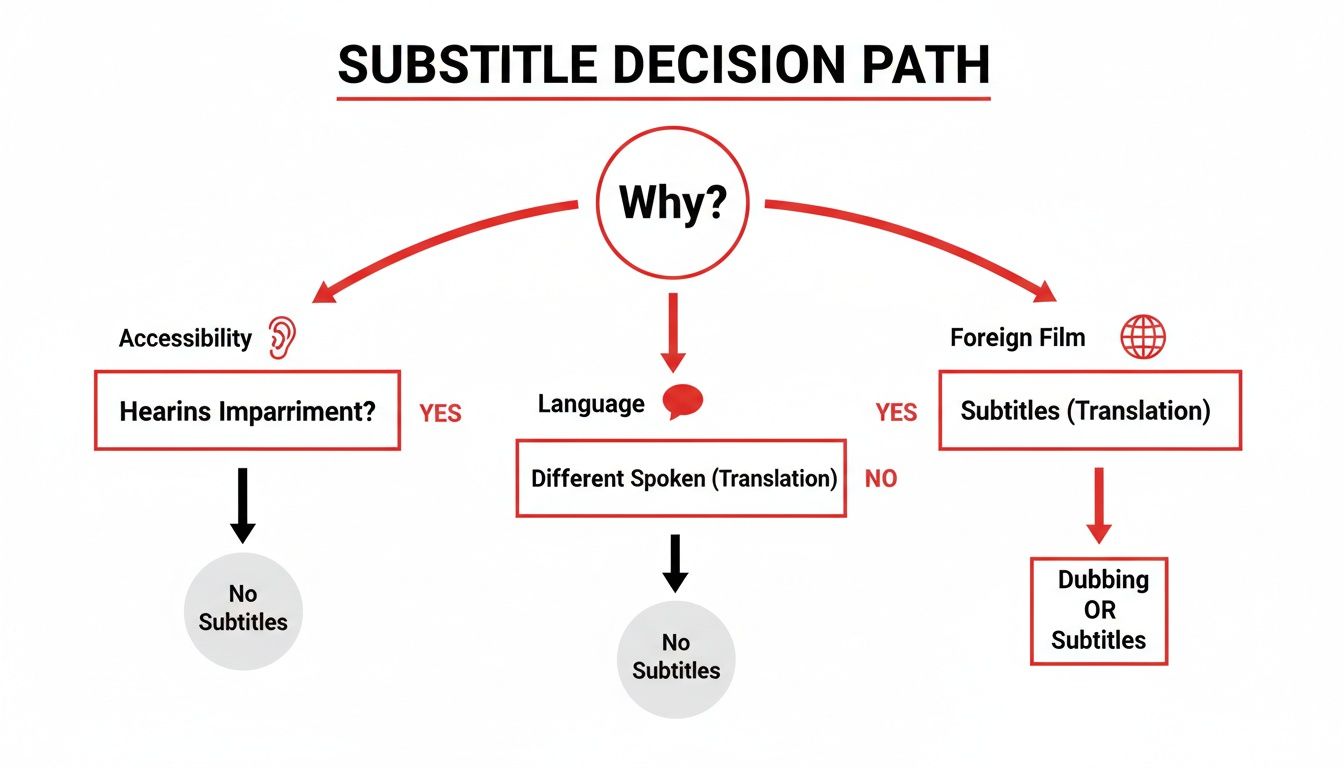
This decision path just goes to show that finding the right subtitles often starts with figuring out your main reason for needing them—whether it's for accessibility, learning a language, or just enjoying a foreign film.
Comparing Methods for Local Subtitle Downloads
Here’s a quick look at the pros and cons of different approaches for finding subtitles for movies on your computer.
| Method | Best For | Ease of Use | Potential Risks |
|---|---|---|---|
| Subtitle Repositories | Finding specific or rare subtitles | Medium | Mismatched timing, potential for ads/malware on some sites |
| Automated Tools | Managing large movie collections | Easy | Initial setup can be complex |
| Media Player Search | Quick, one-off searches | Easy | Limited sources, may not find the best match |
Ultimately, manual searches give you more control, while automated tools are fantastic for convenience once you have them set up.
The Easy Way: Automated Tools
If digging through websites sounds like too much work, you're in luck. Automated desktop tools can handle the whole process for you. An application like Bazarr can connect to your media library, scan all your movie files, and automatically download the best-matching subtitles from several different places.
These tools are brilliant because they just run in the background. They’ll constantly check for any missing subtitles and even upgrade low-quality ones if a better version pops up later. It’s a "set it and forget it" solution that’s perfect if you have a big movie collection and want everything to be ready to watch whenever you are.
Getting Subtitles to Work in Your Player
Alright, you’ve got your .srt or .vtt file. Now what? The final step is loading it into your video player, and most of them make it incredibly simple.
Let’s take the popular VLC Media Player as an example. You have a few options:
- Name it right: Make sure the subtitle file has the exact same name as your movie file (like
MyMovie.mkvandMyMovie.srt) and is sitting in the same folder. The player will usually pick it up automatically. - Drag and drop: The easiest way. Just drag the subtitle file and drop it right into the video window while the movie is playing.
- Use the menu: You can also go to the "Subtitle" menu, click "Add Subtitle File," and browse to find it on your computer.
Even when you’ve matched the filename perfectly, you might still run into tiny timing issues. Don’t worry! Nearly all modern video players let you fix this on the fly. In VLC, for example, just press the 'H' key to delay the subtitles or 'G' to make them appear earlier. You can fix most sync problems in seconds.
At their core, these subtitle files are just plain text with timestamps. If you ever find yourself with a simple transcript and want to make your own, you can learn how to convert a TXT file to SRT format. Knowing how they're built can also help you make quick manual edits if a line is a bit off.
A Simple Way to Get Subtitles from Youtube
Hunting through subtitle websites is great for local files, but what about the ocean of full-length films on Youtube? If you need to download subtitles of movie content from there, you've probably run into a minefield of dodgy online converters and buggy extensions. This process can be a huge time-sink, especially for content creators, researchers, or language learners who need accurate dialogue for their work.
Instead of fighting with generic tools, a specialized solution saves you massive amounts of time and frustration. It allows you to focus on your project—whether that's video editing, content repurposing, or language study—instead of troubleshooting a broken file.
A One-Click Solution for Youtube Movies
For this, an AI-powered tool like YoutubeToText is invaluable. It’s built to do one thing and do it incredibly well: grab the transcript or subtitle data from any Youtube video and deliver it in a standard, usable format. This is a complete game-changer when you need accurate dialogue from a film hosted on Youtube for content repurposing or accessibility improvements.
It cuts out all the usual steps. You don’t have to install any software, mess around with settings, or try to figure out your browser’s developer tools. All you do is give it the video link, and the tool does all the heavy lifting.
The interface is as clean as it gets, keeping you focused on the one thing you came to do.
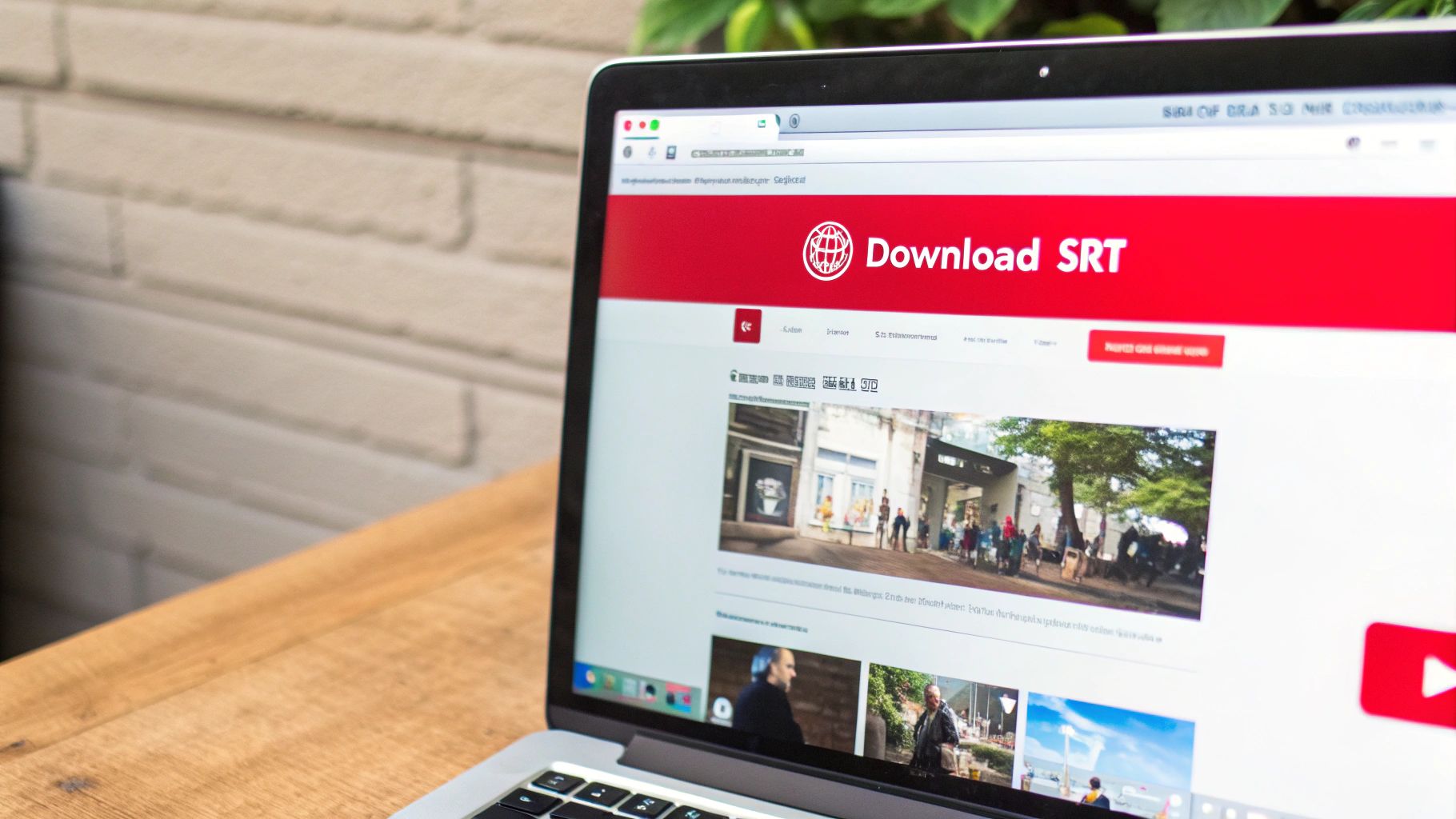
This kind of straightforward design means you’ll have your subtitle file in seconds, not minutes.
How to Instantly Download an SRT File
Getting your hands on the file couldn’t be easier. The whole process is built for speed, making it perfect whether you need subtitles for a single project or do this sort of thing all the time.
- Find Your Youtube Movie: First, just head over to Youtube and open the film you need subtitles for.
- Copy the URL: Click on your browser’s address bar and copy the video's full web address.
- Paste and Download: Jump over to YoutubeToText, paste the URL into the box, and hit the button. The tool will process it right away and generate your file.
You'll get the choice to download the subtitles in either SRT or VTT format. For watching on your computer with players like VLC or Plex, SRT is almost always your best bet because it's universally supported.
A huge plus here is that this works for both the official, human-made captions (closed captions) and Youtube's auto-generated ones. While the auto-captions aren't always 100% perfect, they give you a fantastic starting point that you can easily clean up if needed.
This simple workflow is a lifesaver for a few key groups of people. For a more detailed guide, check out our post on how to download a Youtube video with its subtitles.
Who Benefits from This Method?
While pretty much anyone could find this useful, it’s especially valuable for people who need speed and accuracy.
- Content Creators and Video Editors: Need to quote a film or use dialogue in your own video? Grabbing a clean SRT file gives you a timestamped script, which can save hours of mind-numbing manual transcription.
- Language Learners: There's no better way to learn a language than by studying real dialogue. Having the full script lets you review vocabulary, check pronunciation, and see how sentences are really put together.
- Accessibility Advocates: If you find a movie on Youtube with terrible subtitles—or none at all—this tool can pull the auto-generated text. You can then correct it to create a much better viewing experience for the deaf and hard-of-hearing community.
- Researchers and Journalists: When you're analysing film dialogue for a study or quoting a documentary, an accurate transcript is non-negotiable. This method gives you a verifiable text version of everything that was said.
At the end of the day, using a tool built for the job, like YoutubeToText, lets you sidestep all the common headaches. It’s a safe, fast, and reliable way to get the subtitles you need from Youtube, letting you spend more time actually using them.
Getting Subtitles from Streaming Services
So, you want to download subtitles of movie content from big players like Netflix, Disney+, or Amazon Prime Video. You've probably already noticed you can't just right-click and save the SRT file. That’s not an accident; it's a wall. These services use closed systems to protect their content, a decision tied directly to digital rights management (DRM) and their terms of service.
But that doesn't mean it's a dead end. There are clever and perfectly legitimate ways to get what you need, especially if it's for personal use like accessibility or some serious language study. The answer is in your web browser, specifically through reputable browser extensions.
These tools aren't "hacking" anything. Think of them more as smart helpers. They work by either overlaying custom subtitles you've found elsewhere onto the video player or by pulling the existing ones out for you to use during your viewing session. It’s all about giving you more flexibility.
Using Browser Extensions to Get Around the Wall
The trick here is to be selective. You need to find safe, well-reviewed tools that respect your privacy and the platform's rules. A dodgy extension is a massive security risk, so stick to the ones with a solid reputation and clear explanations of what they do.
These extensions generally do two things really well:
- Load your own subtitles: Got an SRT or VTT file you downloaded from a subtitle site? You can load it directly into the video player. This is a lifesaver when the official subtitles are badly translated or just aren't available in the language you need.
- Grab existing subtitles: Some extensions can tap into the subtitle track the service is already providing. This lets you see the text in a side panel or even save it for offline study, which is fantastic for language learners who want to go over a film's script later.
Picture this: you're trying to learn Japanese by watching a movie on Netflix, but the only subtitle options are English and Dutch. With the right extension, you could find a Japanese subtitle file online and load it right into the player. Suddenly, you have a powerful, immersive learning tool at your fingertips.
How It Works in Practice
Let’s walk through the general process. While the exact clicks might differ slightly from one extension to another, the core idea is pretty much the same.
- First, you'll need to install a trustworthy extension. Head over to your browser's official web store (like the Chrome Web Store) and look for a subtitle tool made for streaming sites. Pay close attention to the ratings and user reviews—they tell the real story.
- Next, open up Netflix, Disney+, or whichever service you're using and start playing the movie.
- Once the film is running, click the extension's icon in your browser's toolbar. A menu should pop up, giving you the option to either upload your own subtitle file or search for one.
- If you already have an SRT file on your computer, just upload it. If not, some extensions have a handy search feature to help you find a matching file online.
- And that's it! The extension will overlay your chosen subtitles onto the video. You’ll often get extra controls to tweak the timing or change how they look, too.
A quick but important note: please be ethical about this. These methods are meant for personal use, like making content accessible for someone with hearing impairments or for your own language studies. Grabbing subtitles from a paid service and sharing them online is a big no-no—it violates copyright and the platform's terms of service. Use these tools responsibly.
This approach gives you the best of both worlds: the massive library of streaming services combined with the customisation you get from a local media player. It’s all about taking back a little control and making sure you can enjoy global films in a way that truly works for you.
Picking the Right Subtitles for Learning and Accessibility
Knowing how to download subtitles of a movie is one thing, but picking the right file is what truly makes a difference. The perfect subtitle file for someone trying to learn a new language is often totally wrong for someone who is deaf or hard-of-hearing. It all comes down to what you need them for.
Think of it this way: you’ve moved past the ‘how’ and are now focused on the ‘what’. This simple shift turns subtitles from a passive viewing aid into a powerful tool for learning and accessibility.
Subtitles as a Language Learning Powerhouse
If you're learning a language, your first instinct might be to grab subtitles in your native tongue. It helps you follow the plot, sure, but you're missing a huge learning opportunity. A far better strategy is to use same-language subtitles—so, if you’re watching a movie in English, use English subtitles.
This "active viewing" method is fantastic for connecting spoken words with their written form. You start catching subtle pronunciation differences, learning new vocabulary in context, and seeing grammar used in a natural, conversational way.
This isn't just a popular trick; it’s backed by solid research. One study from the Max Planck Institute for Psycholinguistics in Nijmegen found that Dutch students watching films with English subtitles got significantly better at understanding new accents than those who used Dutch subtitles. It actually "retunes" your brain to the new language. It’s a great example of how you can learn a new language by watching TV.
Matching the subtitle language to the audio is a game-changer for language learners. You're not just passively watching; you’re in an immersive lesson that sharpens your reading and listening skills simultaneously.
The Critical Difference: Standard Subtitles vs. SDH
For accessibility, the details matter even more. You'll generally come across two main types of subtitles, and picking the right one is essential for a complete experience.
- Standard Subtitles: These just show you the dialogue. They’re made for people who can hear everything but might not understand the language being spoken.
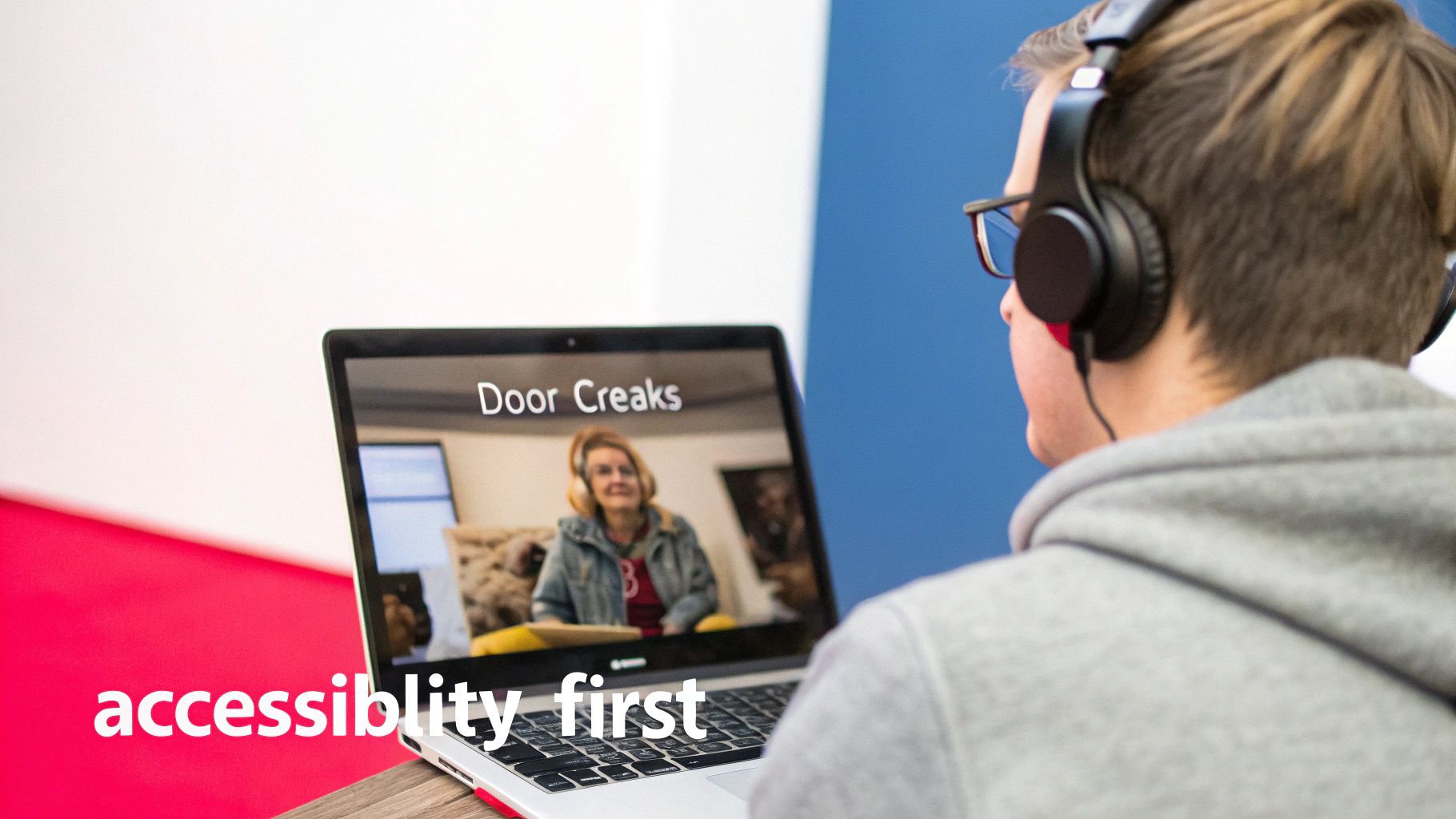
- SDH (Subtitles for the Deaf and Hard-of-Hearing): This format is much more descriptive. SDH includes all the dialogue plus important non-dialogue audio cues, like sound effects and musical cues that are vital to the story.
Those non-verbal cues are what really set SDH apart. They add a whole layer of context that standard subtitles just ignore.
Picture a scene in a horror film where someone enters a dark, quiet room. With standard subtitles, your screen would be blank. But with SDH, you'd see text like [floorboard creaks], [tense music swells], or [distant scream]. These descriptions build the mood and deliver crucial plot points you’d otherwise miss.
How to Spot a High-Quality Subtitle File
Whether you need them for learning or accessibility, quality is everything. A file that's badly timed or poorly translated is more of a distraction than a help. When you’re looking through subtitle sites, here’s what to look for:
- Release Group Match: The best sign of good synchronisation is when the subtitle file name matches your video file’s release info (e.g., BluRay, WEB-DL, x264).
- Ratings and Comments: Most subtitle sites have a community rating system. Go for files with high ratings or positive comments—they're usually your safest bet.
- Clear Labels: If you need accessibility features, look for files clearly marked as "SDH," "HI" (Hearing Impaired), or "For the Deaf and Hard-of-Hearing."
- Completeness: Be careful not to download a "Forced" subtitle file, which only covers foreign-language dialogue in a film. You almost always want the "Full" subtitle track for the entire movie.
If you’re having trouble finding a good subtitle file in the language you need, there's a workaround. Find a high-quality English version first, then use an online tool to get a translation. You can learn more about how that works in our guide on how to https://youtubetotext.ai/blog/translate-youtube-video and its subtitles. It's a solid backup plan when official subtitles just aren't available.
Got Questions About Movie Subtitles?
Even when you know the steps, a few practical questions always seem to pop up when you start grabbing subtitle files. Let's tackle some of the most common ones I hear, so you can sort out any issues without the headache.
These are the real-world snags people run into, from legal worries to technical glitches. Getting these cleared up will help you handle just about any subtitle challenge that comes your way.
Is It Actually Legal to Download Movie Subtitles?
This is the big one. For the most part, yes, downloading a subtitle file for personal use is perfectly fine. If you’ve legally bought a movie and just need subtitles for accessibility, or to watch it in another language, you're generally in the clear. Think of it as an accessory for something you already own.
The legal waters get a bit murky when subtitles are shared alongside pirated movies. Distributing subtitle files yourself can also be a grey area. To keep things simple and stay on the right side of the law, just use them for your own viewing and download them from well-known, reputable sites.
How Do I Fix Subtitles That Are Out of Sync?
There's nothing more annoying than subtitles that are a few seconds ahead or behind the dialogue. This almost always happens because the subtitle file was timed for a different version of the movie file you have. For example, a subtitle made for a Blu-ray release won't line up perfectly with a version ripped from a streaming service.
The first and best fix is to find another subtitle file that specifically matches your movie's release details (like 1080p.WEB-DL.x264). If that’s not an option, don’t stress. Most good video players have a built-in sync tool.
In a player like VLC Media Player, you can nudge the subtitle timing on the fly. Just tap the ‘H’ key on your keyboard to make them appear later, or the ‘G’ key to make them show up earlier. A few quick taps usually gets them synced up perfectly.
What’s the Difference Between SRT and VTT Files?
You'll almost always run into two main formats when downloading subtitles: SRT and VTT. They do the same basic job but have a few key differences.
- SRT (.srt): This is the old-school, tried-and-true format. It's just a plain text file with numbered lines of dialogue and their start/end times. Its main advantage is universal compatibility – pretty much every video player and device in existence can handle an SRT file.
- VTT (.vtt): This is a more modern format built for the web. It does everything SRT can do but also supports extra features like text styling (bold, italics, colours) and precise on-screen positioning. It's what most online video platforms use.
For your own local movie files, either format will work just fine. But if you want a file that’s guaranteed to work everywhere, SRT is always the safest bet.
Can I Find Subtitles in Any Language?
For big Hollywood movies or famous international films, you’ll usually find subtitles in dozens of languages, often created and shared by dedicated fan communities. The selection is fantastic.
It gets trickier when you’re looking for subtitles for an older, indie, or more obscure film. In those cases, you might only find them in the movie’s original language and maybe English. If you hit a wall, here's a handy workaround: if the film is on Youtube, you can use a tool to download its auto-generated captions. Then, you can run that text file through an online translator to get a basic version in your language. It won't be a professional translation, but it's often more than good enough for personal viewing.
Tired of hunting around? For any movie you find on Youtube, YoutubeToText gives you the subtitles you need in a single click. Just paste the link to get an accurate SRT or VTT file in seconds. Give it a try at https://youtubetotext.ai.