Looking for audio transcriberen gratis? Discover the top 12 free tools and methods to convert audio to text for creators, researchers, and students in 2025.
Top 12 Ways for Audio Transcriberen Gratis in 2025: A Complete Guide
In today's content-driven environment, turning spoken words into text is crucial for accessibility, content repurposing, and detailed analysis. Whether you are a creator needing subtitles for a Youtube video, a researcher documenting interviews, or a student capturing important lectures, the demand for fast, accurate transcription is universal. Professional services, however, can quickly become expensive.
This guide directly solves that problem. We have compiled and vetted the 12 best methods for audio transcriberen gratis (free audio transcription). Forget spending hours manually typing out audio or paying high fees for software. We will dive into powerful AI-driven web apps, hidden features in platforms you might already use, and practical, step-by-step workflows that empower you to convert speech to text efficiently and without cost. Our goal is to educate you on the available options, inspire you to make your content more accessible, and solve the real-world challenge of getting high-quality transcripts on a budget.
This comprehensive resource list is organised for clarity, helping you find the perfect solution for your specific needs. Each entry includes our honest assessment, highlighting both strengths and limitations, along with screenshots and direct links to get you started immediately. From generating subtitles for a podcast to creating searchable notes from a meeting, you will learn how to get the job done right. Let's explore the tools that will unlock the text hidden within your audio files.
1. YoutubeToText: Best for Fast & Accurate Youtube Transcription
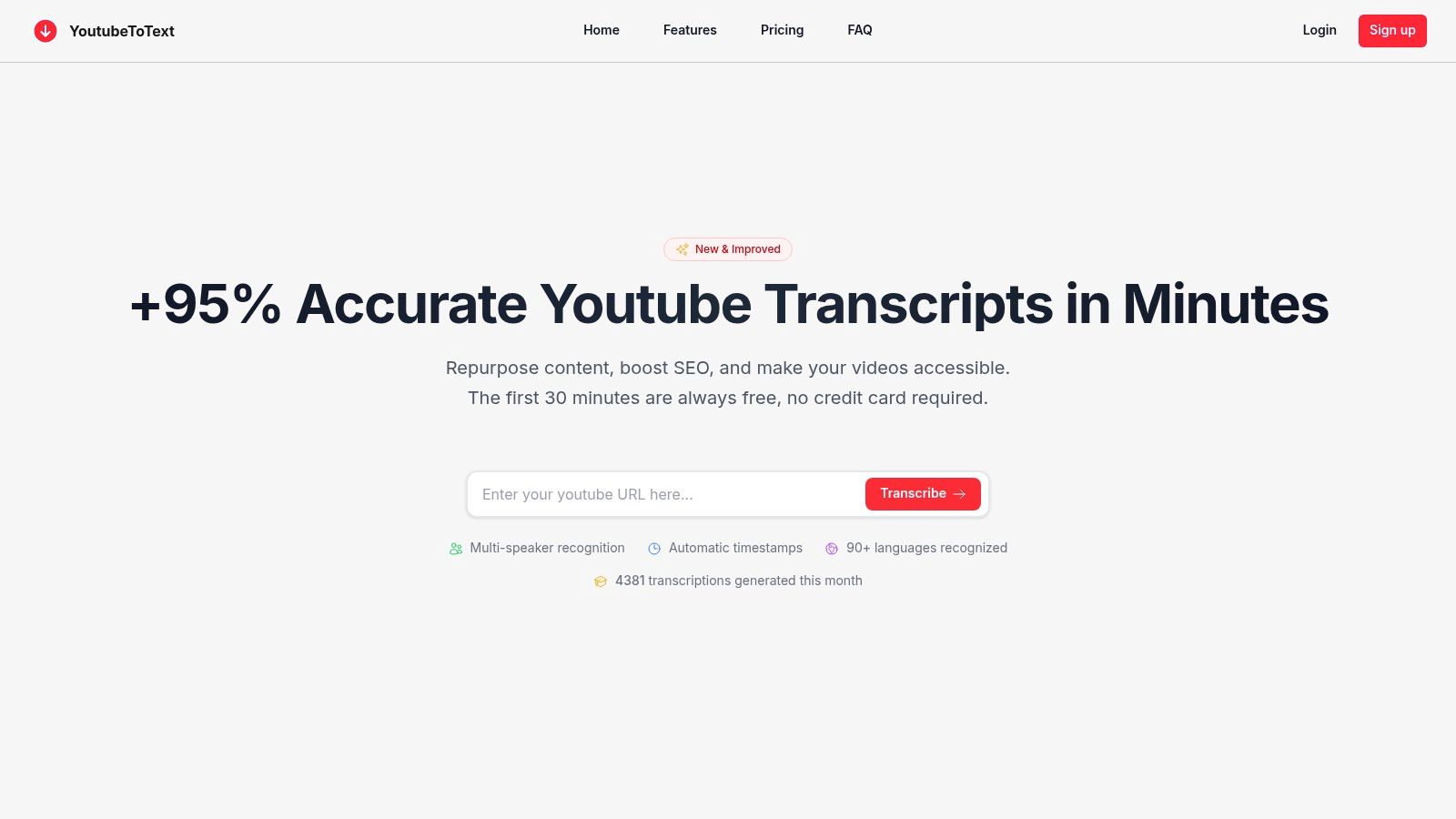
YoutubeToText stands out as a premier choice for anyone needing to transcribe audio from Youtube videos quickly and accurately. This platform is expertly designed for users who prioritise speed, precision, and ease of use. It solves a significant problem for content creators, researchers, and marketers by turning spoken content from Youtube videos into structured, editable text without requiring any software downloads. The entire process is streamlined: paste a URL and receive a high-quality transcript.
This tool is particularly powerful for those looking to repurpose video content. A single Youtube video can become the foundation for a blog post, social media updates, or detailed show notes, significantly boosting productivity and content output. For researchers and students analysing interviews or lectures, the automatic speaker identification and timestamps are invaluable for navigating and referencing key moments in the audio.
Key Features & User Experience
The platform's strength lies in its sophisticated AI, which delivers a claimed accuracy of over 95% on clear audio. This minimises the time spent on manual corrections. A standout feature is the AI Cleanup, which automatically removes filler words like "um" and "ah", instantly making the text more readable and professional.
The user interface is clean and intuitive. After transcription, you can easily edit the text, rename speakers, and export the file in multiple formats. This flexibility makes it an excellent tool for generating SRT or VTT files, essential for creating accurate subtitles and improving video accessibility.
- Best For: Content creators repurposing videos, researchers analysing interviews, and anyone needing fast subtitles for Youtube.
- Limitation Insight: The service is built around Youtube URLs. To transcribe a local audio or video file, you must first upload it to Youtube (an unlisted video works perfectly).
- Supported Languages: Excellent support for over 90 languages, including strong performance for Dutch and English.
Quick-Start & Practical Use
Getting started is simple. Go to the website, paste your Youtube video URL into the main input box, and click 'Transcribe'. Your results are typically ready in minutes. The first 30 minutes are always free, offering a generous opportunity to test its capabilities before committing to a plan. This makes it an ideal solution for a one-off project or for users exploring options for audio transcriberen gratis.
For maximum accuracy, ensure your source video has clear audio with minimal background noise. The ability to export an AI-generated summary alongside the full transcript provides a powerful shortcut for creating SEO-friendly descriptions or social media posts, solving the real-world problem of content repurposing efficiently.
Website: https://youtubetotext.ai
2. Amberscript
Amberscript is a well-regarded European transcription service that offers a powerful platform for both automated and human-powered audio-to-text conversion. While not entirely free, it provides new users with a trial period of free minutes, making it an excellent way to test a professional-grade tool before committing. This approach is ideal for those needing to audio transcriberen gratis for a short, one-off project or to evaluate the platform's quality.
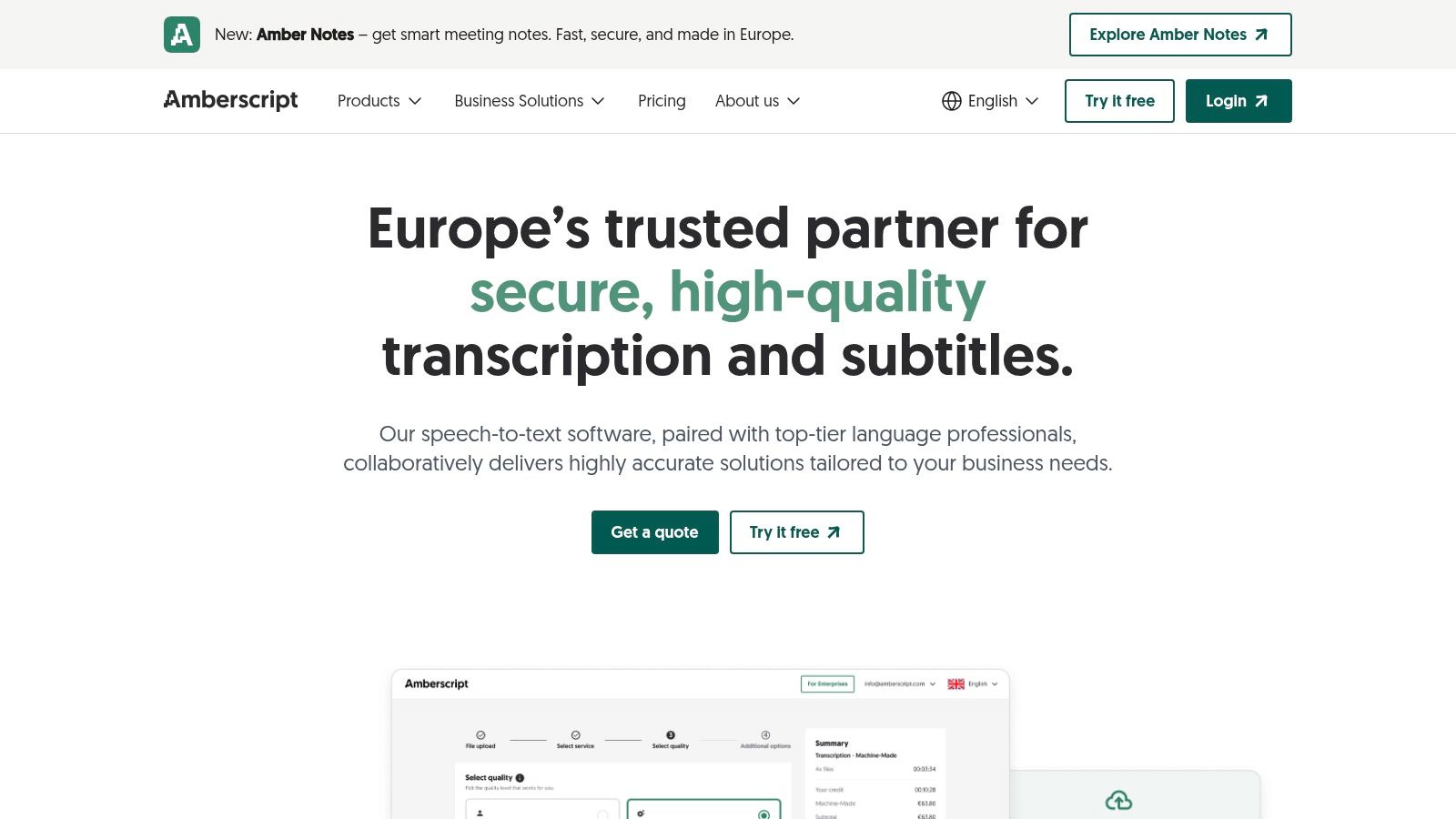
What sets Amberscript apart is its strong focus on the European market, particularly its robust support for the Dutch language and its compliance with GDPR and ISO standards. This makes it a go-to choice for businesses, researchers, and journalists in the Benelux region who handle sensitive data and require high accuracy for local dialects. The platform includes a user-friendly online editor where you can easily correct any inaccuracies in the AI-generated transcript, synchronised with the audio playback.
Key Features and Usage
The workflow is straightforward: you upload your audio or video file, the AI generates a draft transcript, and then you use the editor to refine it. For creators needing subtitles, Amberscript can export in SRT and VTT formats, complete with timestamps. The distinction between their AI service and their human "professional" service is clear, allowing users to choose the right balance of speed, cost, and accuracy for their needs. This flexibility is a significant advantage when you transcribe videos for subtitles or other content.
- Pros:
- Excellent Dutch language support.
- Free trial minutes to test the service.
- GDPR and ISO certified, ensuring data security.
- Offers both fast AI and highly accurate human transcription.
- Cons:
- The free offering is limited to a small number of minutes.
- Human transcription services can be costly for longer audio files.
3. Happy Scribe
Happy Scribe is another prominent transcription service with strong European roots, offering both automated and human-powered transcription. Similar to other professional platforms, it provides a free trial rather than a completely free service, giving users a chance to test its capabilities. This trial is particularly useful for anyone looking to audio transcriberen gratis for a short file to assess the accuracy and workflow before considering a paid plan for larger projects.
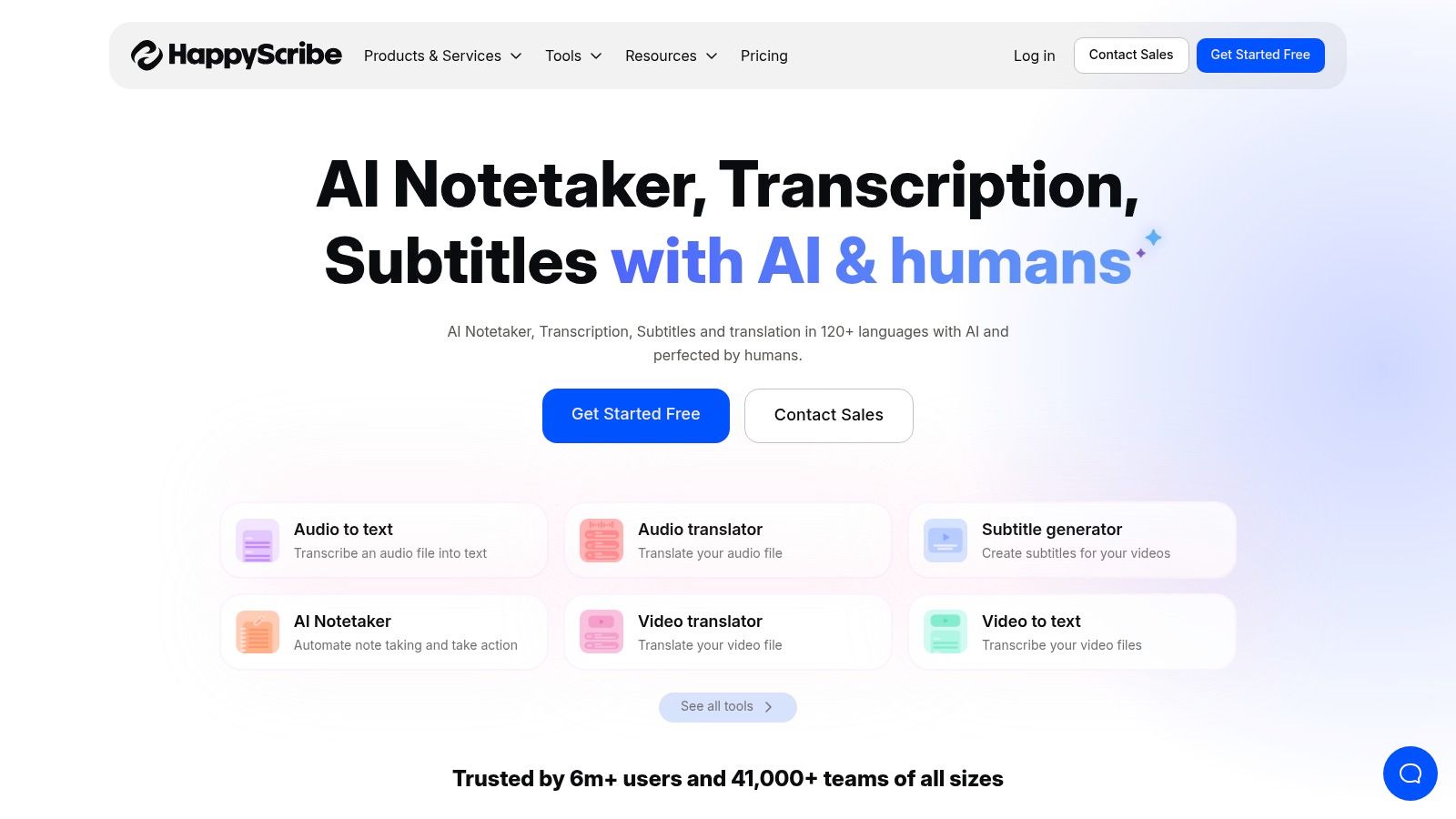
The platform stands out with its robust feature set designed for collaboration and efficiency. Its interactive editor automatically identifies different speakers and synchronises the text with the audio, simplifying the editing process. Happy Scribe also offers excellent support for Dutch, making it a reliable option for local content creators, researchers, and marketing teams. The integrations with popular platforms like Youtube, Vimeo, and Google Drive streamline the process of importing files and exporting finished transcripts.
Key Features and Usage
Using Happy Scribe is a seamless experience: you connect your cloud storage or upload a file directly, and the AI quickly generates a draft. The collaborative editor allows multiple team members to work on a single transcript, which is a significant advantage for businesses and production teams. You can export the final text in various formats, including DOCX for documents and SRT or VTT for subtitles, catering to a wide range of content repurposing and accessibility needs.
- Pros:
- 10-minute free AI trial to test accuracy.
- Offers both automated and human transcription options.
- Strong Dutch language support and team collaboration features.
- Integrations with major cloud and video platforms.
- Cons:
- The free trial is very limited in length.
- Human-made transcription for Dutch is a premium-priced service.
4. Sonix
Sonix is an automated transcription platform known for its speed and user-friendly interface. It offers a generous 30-minute free trial without requiring a credit card, which makes it an excellent option for anyone looking to audio transcriberen gratis on a trial basis. This low-friction approach allows users to fully test the service's capabilities, including its support for over 40 languages, before making a financial commitment.
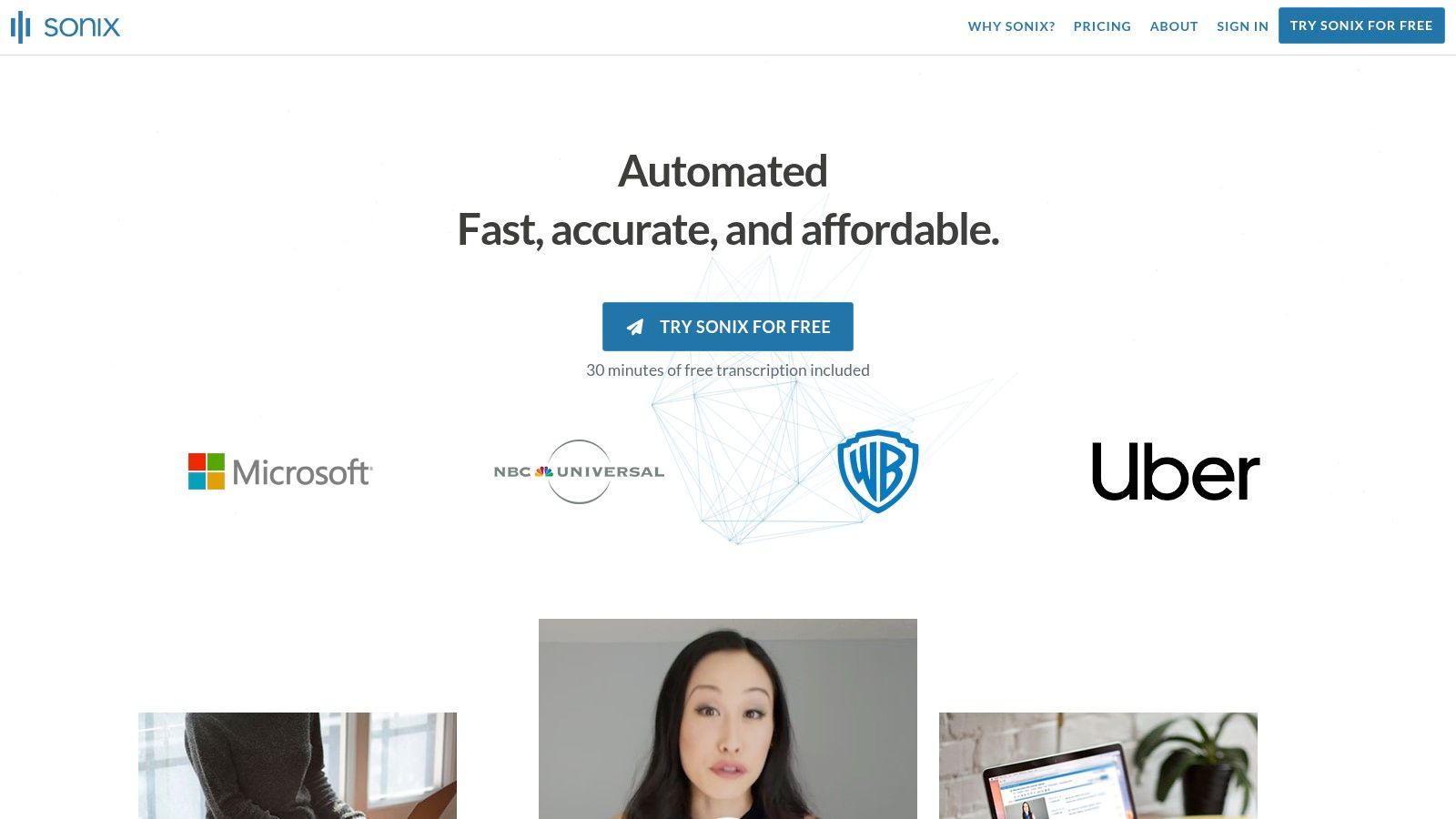
What makes Sonix stand out is its combination of fast turnaround times and a collaborative, in-browser editor. The platform automatically identifies speakers and creates word-by-word timestamps, making the transcript easy to review and edit. This is particularly useful for journalists, podcasters, and researchers who need to quickly sift through interviews or discussions and pinpoint key moments. The collaborative features also allow teams to work on refining a transcript simultaneously.
Key Features and Usage
The process is simple: upload your file, and Sonix delivers a draft transcript in minutes. Inside the editor, you can click on any word to jump to that exact point in the audio, which simplifies the correction process. Once finalised, you can export the text in various formats, including Microsoft Word, TXT, and subtitle files like SRT. The clear try-before-you-buy model provides a risk-free way to see if the platform’s accuracy and workflow meet your specific needs for transcribing audio content.
- Pros:
- Generous 30-minute free trial with no credit card needed.
- Very fast transcription turnaround time.
- Supports Dutch and over 40 other languages.
- Collaborative, browser-based editor with excellent features.
- Cons:
- The free trial is a one-time offer.
- Can become expensive for users with high-volume transcription needs.
5. Trint
Trint is a powerful AI transcription platform founded by journalists, which is evident in its strong editorial and collaborative features. While primarily a paid service, it offers a generous 7-day free trial that doesn't require a credit card, allowing you to transcribe up to three separate files. This makes it an excellent option for users needing to audio transcriberen gratis for a few small projects or to thoroughly evaluate a professional-grade tool built for newsrooms and content teams.
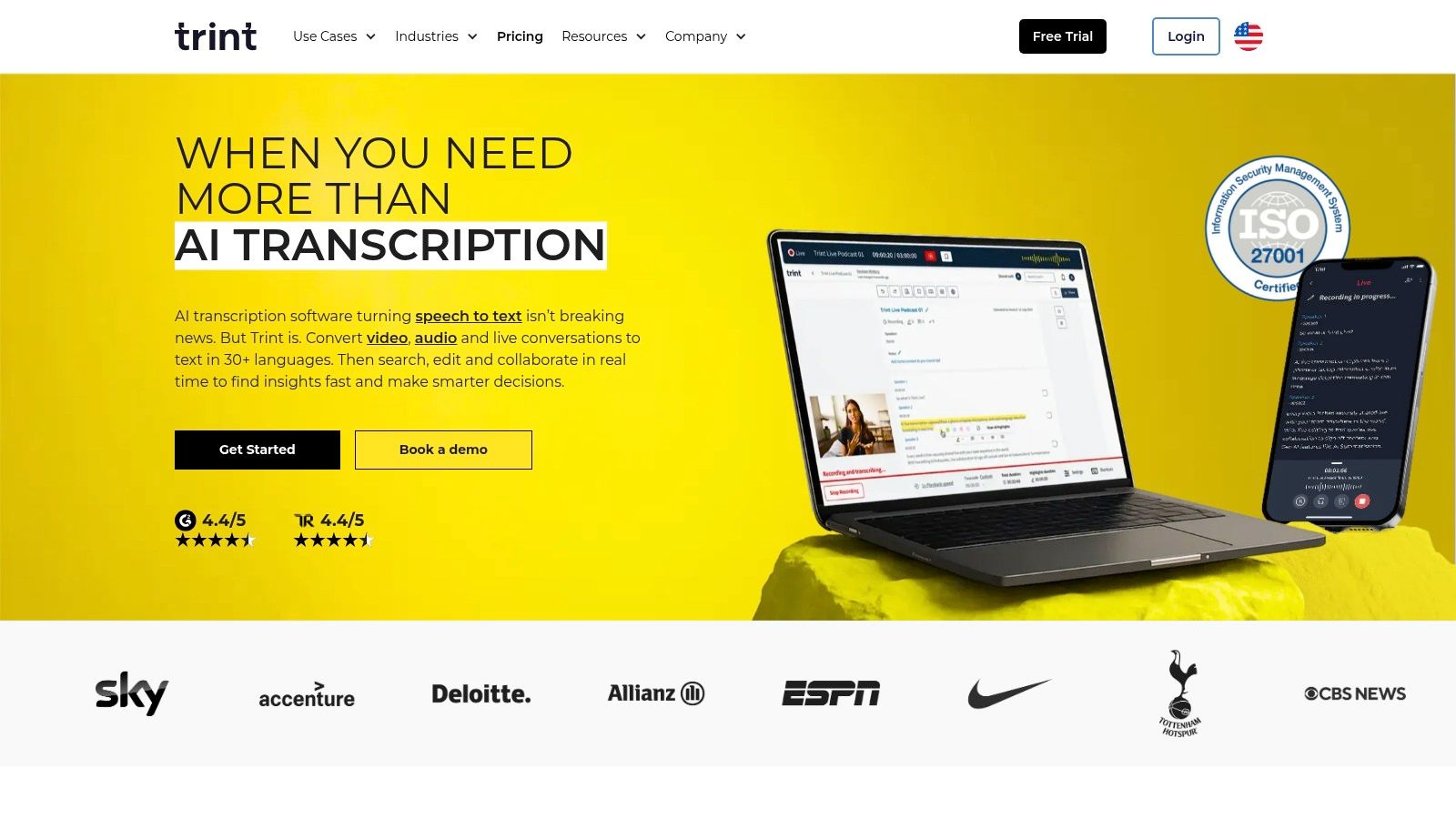
What sets Trint apart are its workflow tools designed for teams. Users can collaborate on transcripts, highlight key quotes, and even translate the text into over 50 languages, including Dutch. For those dealing with specific jargon or names, Trint's custom dictionary feature, called Vocab Builder, helps train the AI to improve accuracy over time. This makes it highly suitable for specialised fields like journalism, academic research, and corporate communications.
Key Features and Usage
The platform allows you to upload audio or video, and the AI quickly returns an interactive transcript. The Trint editor links every word to the original audio, allowing for easy verification and correction. Its focus on collaboration means teams can work on the same document simultaneously, leaving comments and creating stories directly from the transcript. This streamlines the entire content creation process, from raw audio to a polished final product.
- Pros:
- Generous 7-day free trial for up to three files without a credit card.
- Strong team collaboration and editorial workflow features.
- Supports Dutch transcription and translation into 50+ languages.
- Custom dictionary improves accuracy for specific terminology.
- Cons:
- Requires a paid subscription after the trial period ends.
- Accuracy is highly dependent on clear, high-quality audio.
6. VEED.io
VEED.io is primarily an online video editor that has gained popularity among content creators for its incredibly intuitive and powerful auto-subtitle feature. While its core function is video editing, its transcription capabilities make it a strong contender for anyone looking to audio transcriberen gratis, especially when the audio is already part of a video file. The platform offers a free-to-start plan, allowing users to test its Dutch captioning accuracy and workflow without any initial cost.
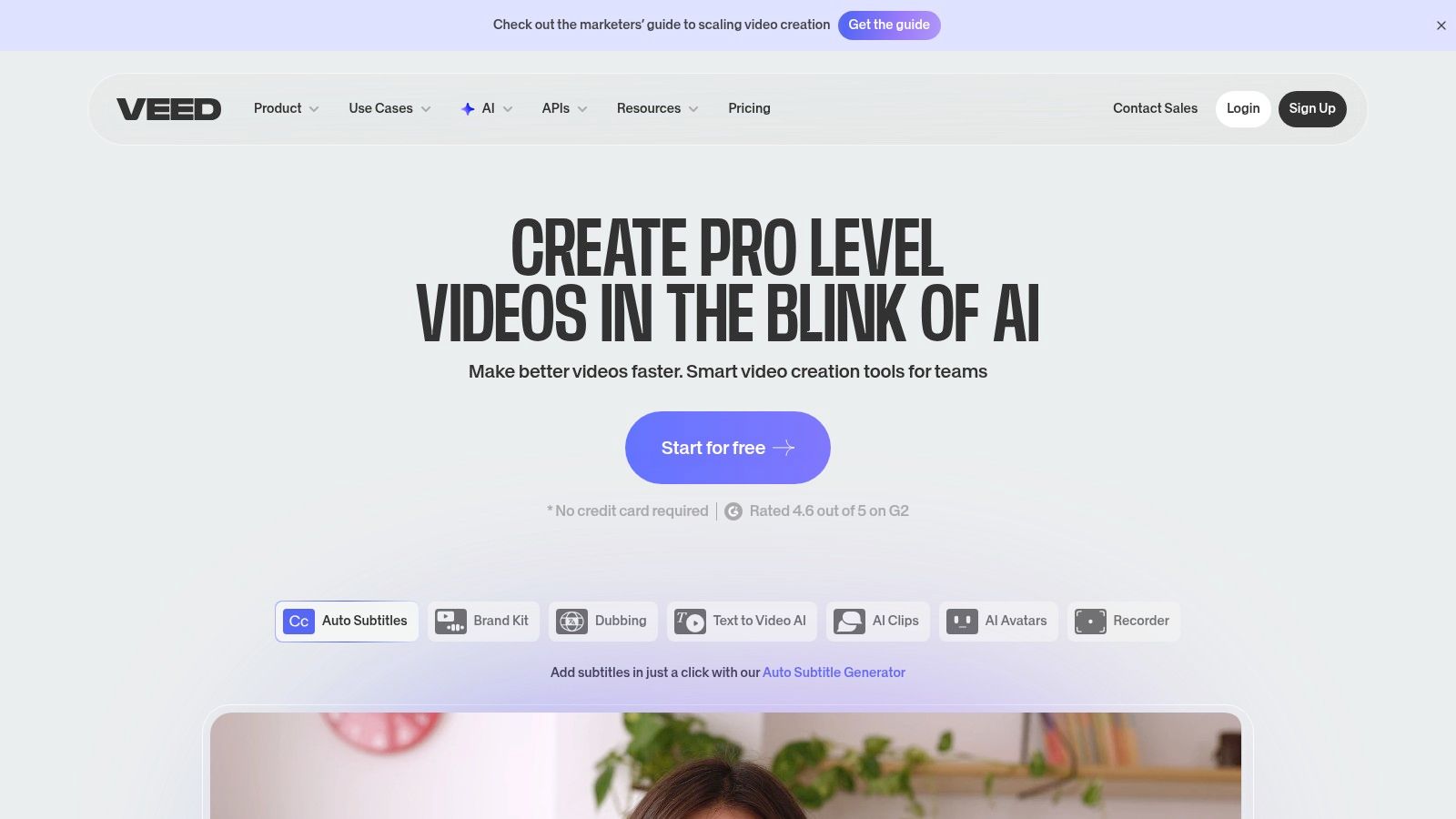
What makes VEED.io stand out is its seamless integration of transcription into the video editing process. After uploading a video, you can generate subtitles in Dutch with a single click. The platform provides a user-friendly subtitle editor where you can easily make corrections, adjust timing, and even translate the text into other languages. This is particularly useful for creators who need to add burned-in captions to their social media videos, making their content more accessible and engaging.
Key Features and Usage
The workflow is designed for speed and simplicity. You upload your video, use the "Auto Subtitle" tool, select Dutch, and let the AI do the work. From there, you can style the captions (font, colour, position) directly on the video canvas or export the transcript. While VEED.io is video-centric, you can upload an audio-only file (like an MP3) by placing it on the video timeline, which is a practical workaround for transcribing podcasts or interviews.
- Pros:
- Excellent subtitle workflow designed for video content.
- Free-to-start plan allows you to test the Dutch captioning.
- Cloud-based, so no software installation is required.
- Offers options for translating subtitles and burning them into the video.
- Cons:
- The free plan adds a watermark to exported videos.
- Downloading subtitle files (SRT/VTT) and removing the watermark requires a paid plan.
- Less optimised for pure, text-only audio transcription tasks.
7. Kapwing
Kapwing is a comprehensive online video editor that includes a powerful, browser-based transcription tool, making it an excellent all-in-one solution. While known primarily for video editing, its dedicated Dutch transcript generator is highly effective for creators looking to audio transcriberen gratis for social media clips, short interviews, or video projects. The free plan offers a limited monthly allowance of transcription minutes, which is perfect for trying out the service or handling occasional small tasks without needing to install any software.
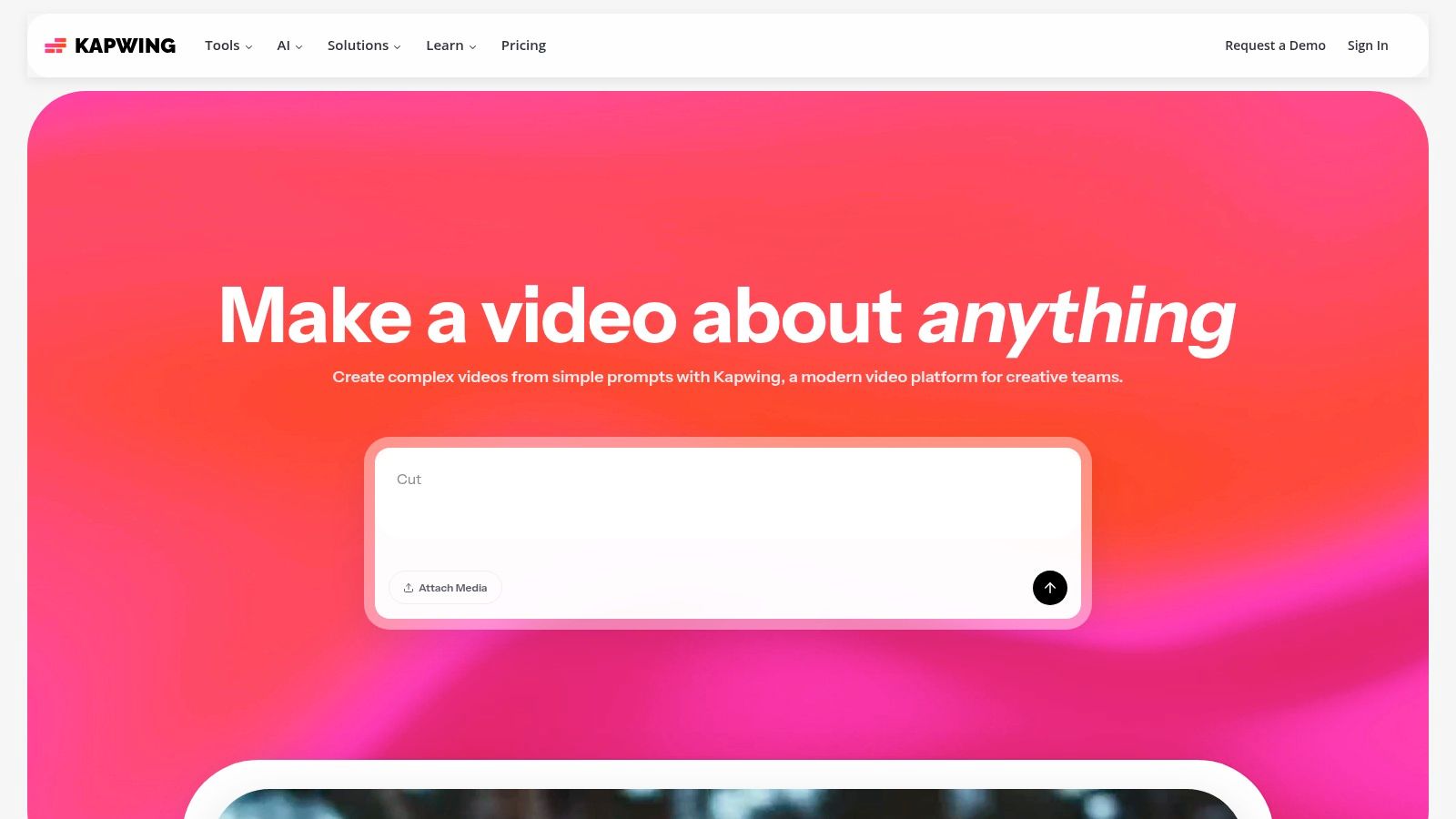
What makes Kapwing unique is the seamless integration of its transcription feature within a full creative suite. You can upload a video, automatically generate and edit Dutch subtitles, and then directly stylise, trim, and export the final video from the same interface. This streamlined workflow is a significant time-saver for content creators who need to produce subtitled videos quickly and efficiently. The cloud-based nature means you can work on your projects from any computer with an internet connection.
Key Features and Usage
The process is intuitive: upload your media to a new project, navigate to the "Subtitles" tab, and let the AI generate the transcript. From there, you can easily edit the text, adjust timings, and even use the platform’s translation features to reach a wider audience. For those looking to repurpose content, this tool simplifies the creation of accessible and engaging videos. The platform's free tier is a great starting point, though exports will include a small watermark.
- Pros:
- Clear free allowance suitable for short audio and video files.
- Fully browser-based, requiring no software installation.
- Integrated into a full suite of video editing tools.
- Simple interface for generating and editing subtitles.
- Cons:
- Free plan exports include a watermark.
- Transcription minutes are limited without a Pro subscription.
8. Descript
Descript is a groundbreaking all-in-one audio and video editor that fundamentally changes how content is created. It treats media like a document, allowing you to edit your video or podcast simply by editing the text transcript. The platform offers a free plan that includes a monthly allowance of transcription minutes, providing a fantastic opportunity to audio transcriberen gratis and experience its powerful text-based editing workflow firsthand, with full support for the Dutch language.
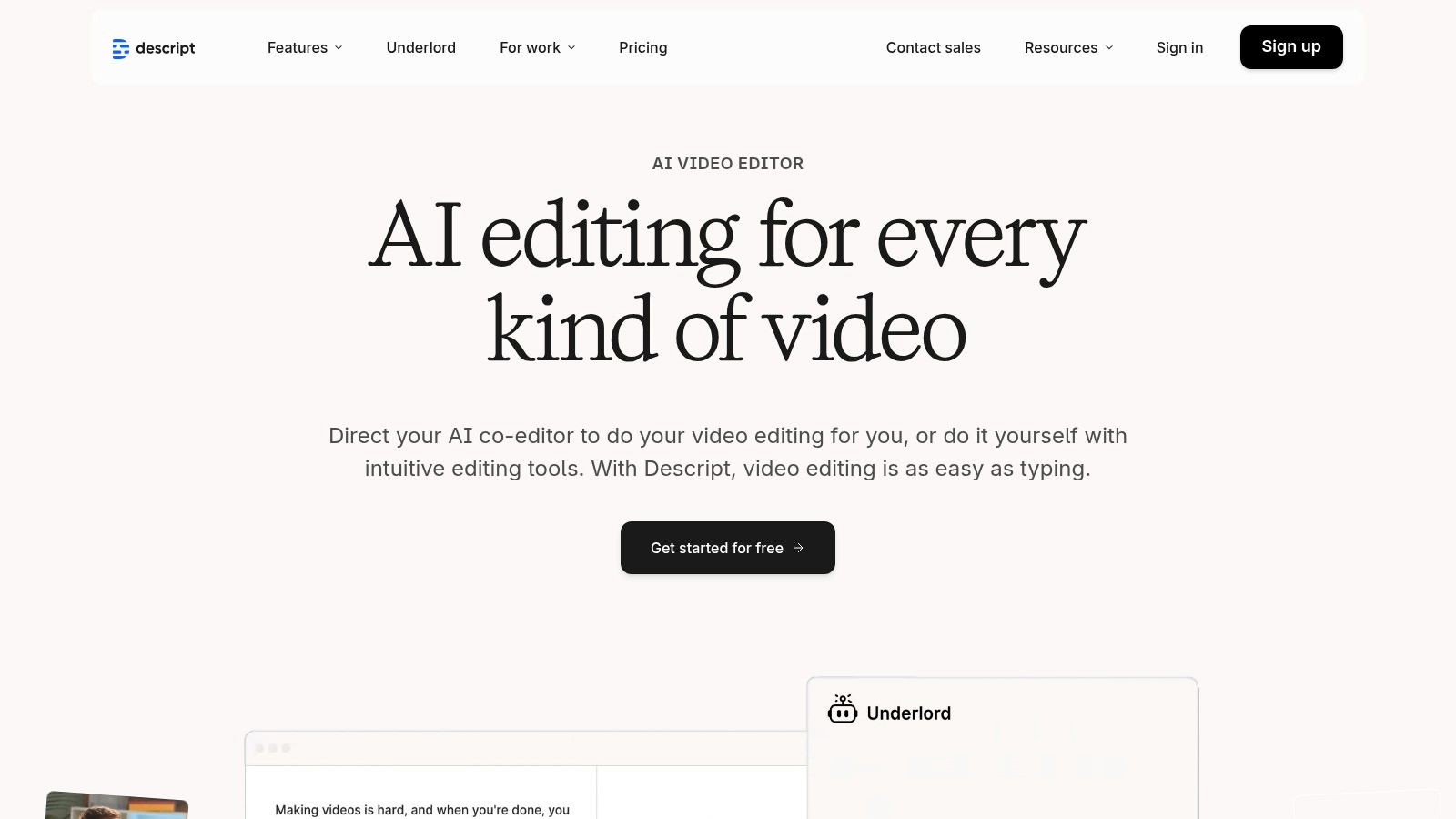
What truly makes Descript unique is this integration of transcription directly into the editing process. Deleting a word from the transcript removes the corresponding audio or video segment, making editing as intuitive as using a word processor. This is a game-changer for podcasters, Youtubers, and video editors who want to quickly remove filler words, fix mistakes, and rearrange content without complex timeline manipulations. The platform also includes speaker detection and robust tools for creating subtitles and captions.
Key Features and Usage
The workflow in Descript is centred on the transcript. After you upload your media, Descript generates a highly accurate text version. You can then edit the text to shape your final audio or video, add B-roll, create social media clips, and export in various formats. For content creators, this streamlines the entire production process from transcription to final export, solving the problem of juggling multiple specialised tools. It is an ideal solution for creating accessible content with perfectly synchronised captions.
- Pros:
- Innovative text-based audio and video editing.
- Free plan includes transcription minutes for trial.
- Excellent for podcasters and video creators.
- Supports Dutch language transcription and speaker detection.
- Cons:
- The free plan has limited monthly minutes.
- Heavy users will require a paid subscription for more features and higher limits.
9. Notta
Notta is a versatile meeting recorder and transcription service designed for real-time and post-session audio processing. It stands out with a very generous free plan that provides a recurring monthly minute allowance, making it a practical choice for users who regularly need to audio transcriberen gratis, such as students recording lectures or professionals capturing meeting notes. Its cross-platform availability, including desktop, web, mobile apps, and a Chrome extension, ensures you can capture audio wherever you are.
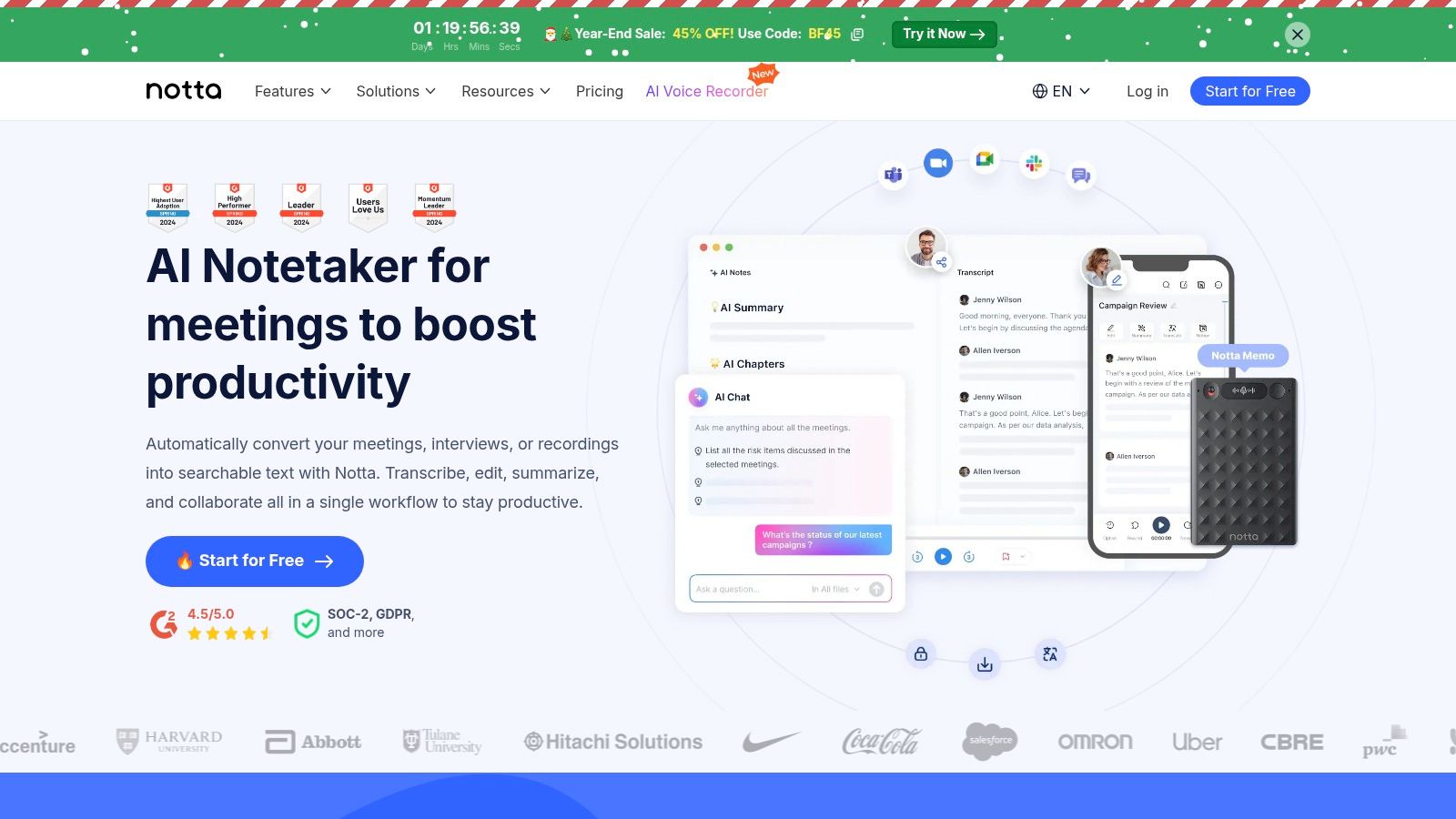
What makes Notta particularly useful for the Dutch market is its strong support for the language, offering both monolingual and bilingual transcription modes. This is ideal for international meetings or interviews where multiple languages are spoken. The platform is built around productivity, offering not just a transcript but also tools to summarise and analyse conversations, turning raw audio into actionable insights and solving the problem of information overload from long recordings.
Key Features and Usage
Using Notta is straightforward, especially for live events. You can use its meeting bot to join and record Zoom, Google Meet, or Microsoft Teams calls automatically. For pre-recorded files, you simply upload them to the dashboard. The free plan provides access to its core AI transcription engine, which is sufficient for many personal and small-scale professional tasks. While more advanced features like speaker identification are on paid tiers, the free offering is a powerful way to learn how to transcribe video into text without an initial investment.
- Pros:
- Generous free plan with a recurring monthly allowance (e.g., ~120 minutes).
- Excellent Dutch language support.
- Cross-platform convenience with apps for web, desktop, and mobile.
- Direct integration with meeting platforms via a bot.
- Cons:
- Advanced features like AI summaries are reserved for paid plans.
- The free plan may limit the duration of a single recording.
10. Google Cloud Speech-to-Text
Google Cloud's Speech-to-Text is a developer-focused API, but its generous free tier makes it a powerful option for users comfortable with a more technical setup. While designed for integration into applications, new Google Cloud customers receive a substantial credit (typically $300), which can be used to audio transcriberen gratis for a significant volume of content. This makes it an excellent choice for one-off large projects or for developers testing transcription workflows.
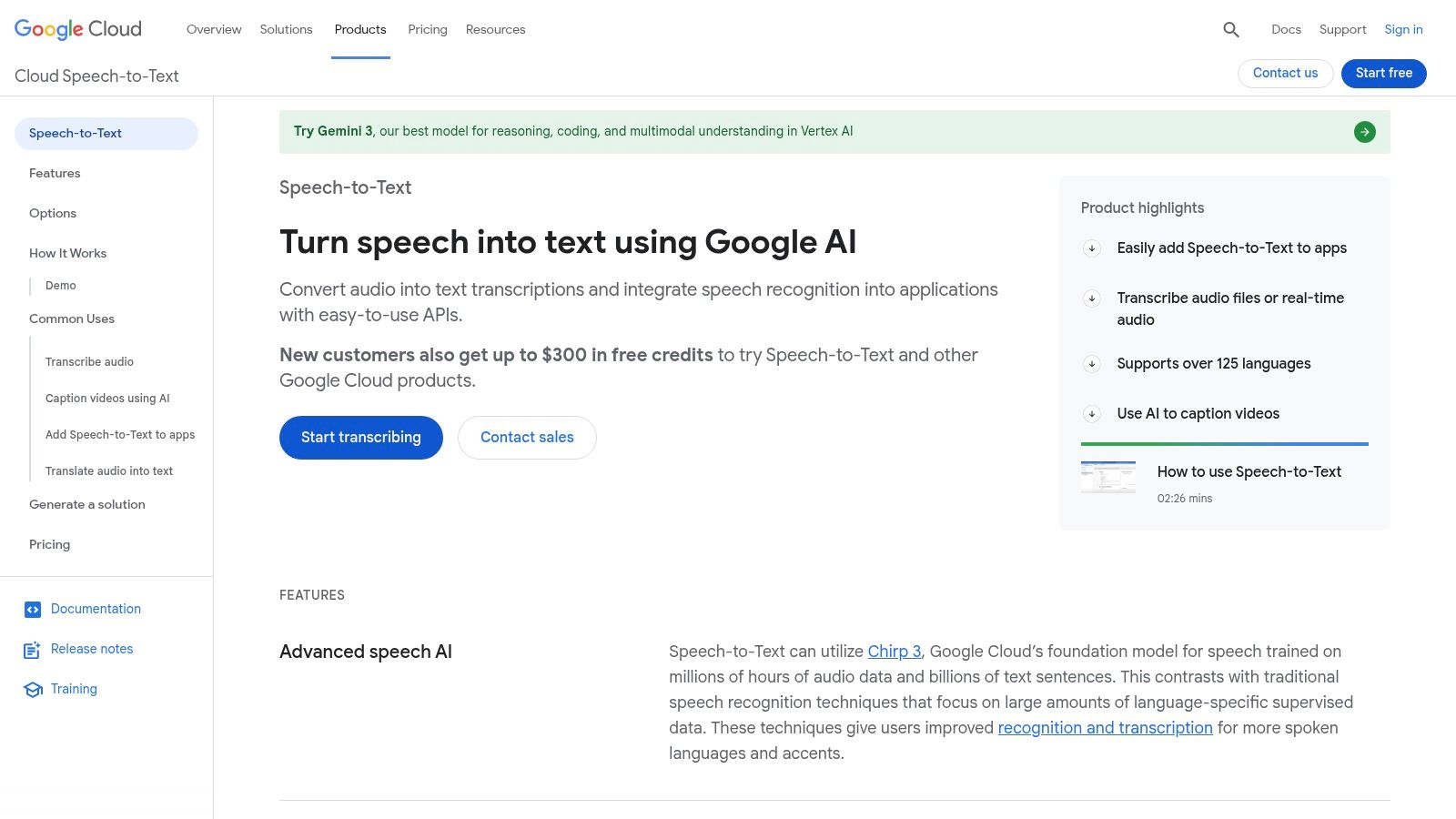
What sets this service apart is its sheer power and customisation. It offers excellent Dutch (nl-NL) language support across different models tailored for short audio, long-form recordings, and telephony. Features like speaker diarisation (identifying who is speaking) and adaptation using phrase hints allow for highly accurate and context-aware transcriptions, a level of control not found in simpler tools. Its scalability is virtually unlimited, making it suitable for both small and enterprise-level tasks.
Key Features and Usage
To use the service, you'll need to set up a Google Cloud account, enable the Speech-to-Text API, and use either the web console or command-line tools to process your files. The API supports batch processing for pre-recorded files and streaming for real-time transcription. Understanding how to leverage this powerful audio-to-text technology can significantly improve your content creation or research workflow, providing a foundation for building custom transcription solutions.
- Pros:
- Generous free credits for new Google Cloud customers.
- Highly accurate and scalable with advanced features.
- Excellent support for Dutch with multiple specialised models.
- Flexible deployment options (batch, streaming).
- Cons:
- Requires a technical setup and familiarity with cloud platforms.
- Free allowances can vary and require careful monitoring to avoid costs.
11. IBM Watson Speech to Text
IBM Watson Speech to Text is a powerful, enterprise-grade transcription service that offers a free tier for developers and smaller users. While it's part of a much larger suite of AI tools aimed at businesses, its "Lite" plan provides a generous number of free minutes per month, making it an excellent option for those who need to audio transcriberen gratis with high-quality, professional technology. This makes it suitable for pilot projects or occasional users who require robust security and advanced features.
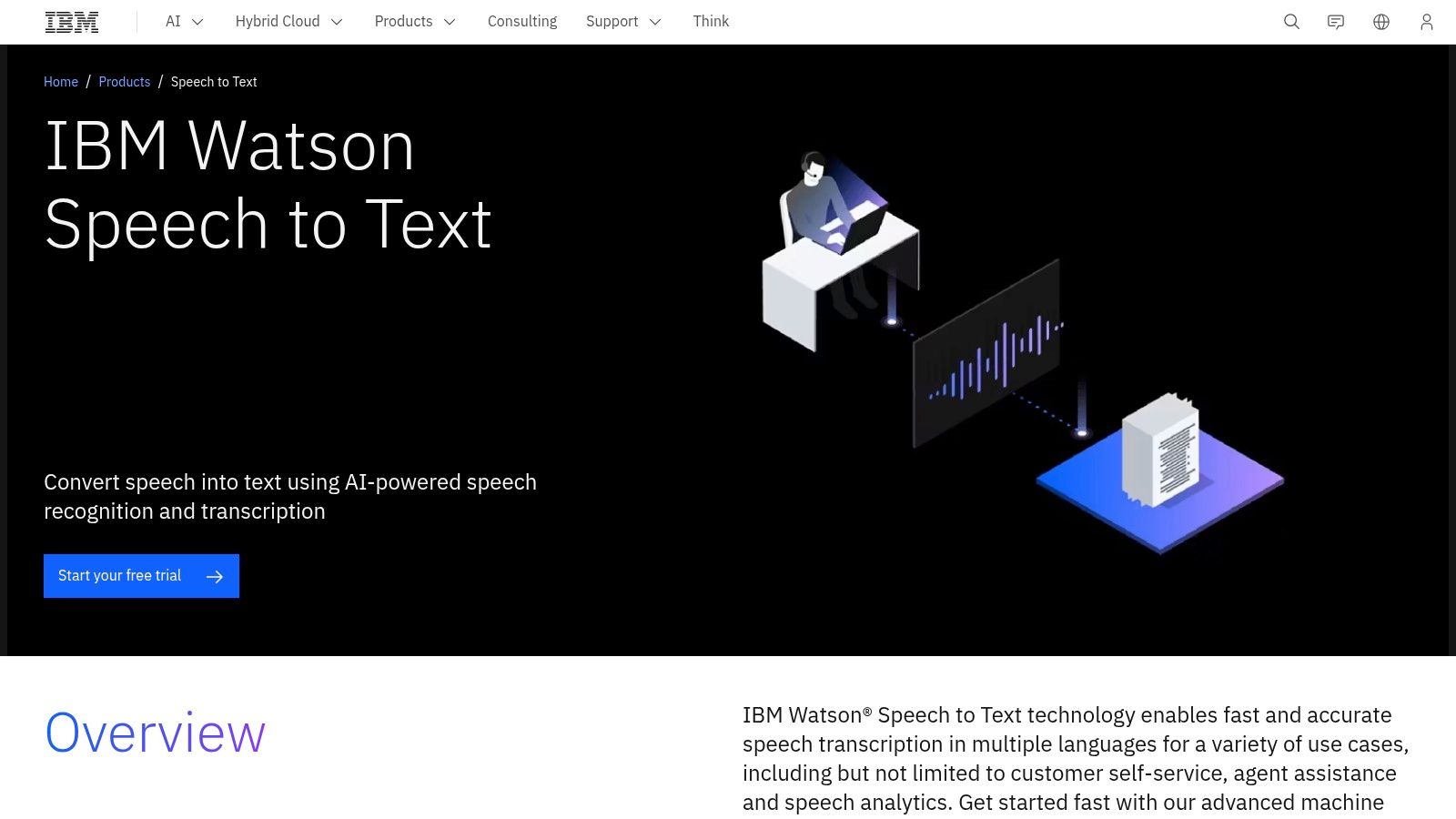
What sets IBM Watson apart is its strong support for different languages and dialects, including specific models for Dutch (both Netherlands and Belgium). Its underlying technology is designed for complex use cases like call centre analysis and real-time transcription, featuring capabilities like speaker diarisation (identifying who is speaking). For users in business or research, this offers a level of sophistication not commonly found in simpler free tools, along with the enterprise-level security and scalability IBM is known for.
Key Features and Usage
To get started, users need to sign up for an IBM Cloud account and navigate to the Watson Speech to Text service to generate API keys. While this setup is more technical than a simple web uploader, it unlocks powerful customisation options. The service can be used for transcribing pre-recorded audio files or for live audio streams, providing interim results as it processes. This flexibility makes it a valuable resource for developers building applications or for researchers analysing audio data programmatically.
- Pros:
- Generous "Lite" plan with free monthly minutes.
- Excellent support for Dutch (Netherlands and Belgian variants).
- Advanced features like speaker diarisation and real-time results.
- Strong enterprise security and clear upgrade paths.
- Cons:
- Requires a more technical setup via the IBM Cloud console.
- The user interface is complex and geared towards developers.
12. OpenAI Whisper (API and open-source)
For those with technical skills, OpenAI's Whisper model represents a powerful and flexible foundation for transcription. It is not a ready-to-use website but an automatic speech recognition (ASR) system available as an open-source model or a paid API. This dual approach offers a unique path to audio transcriberen gratis for users who can host the model on their own hardware, eliminating per-minute fees entirely after the initial setup.
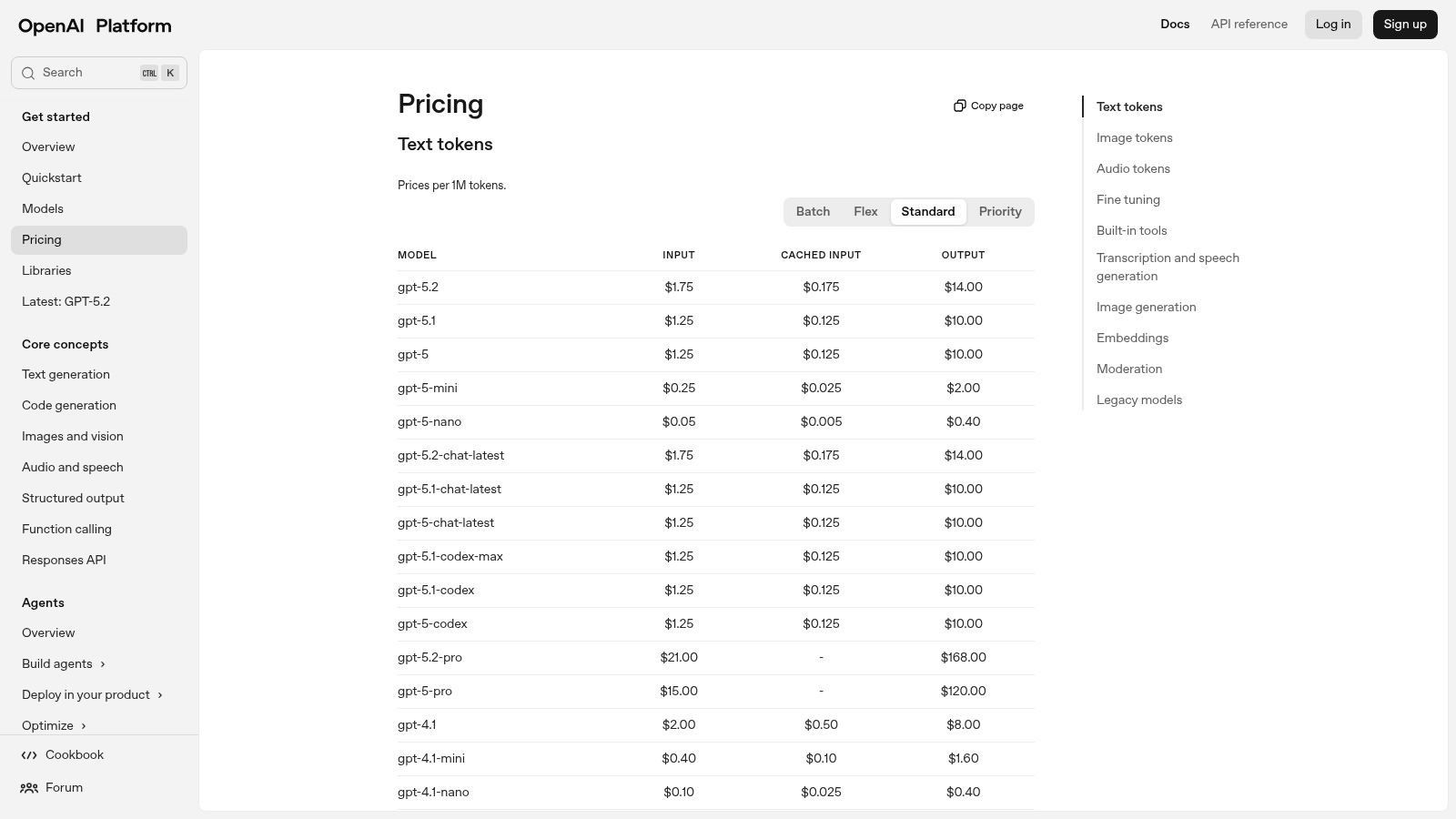
What makes Whisper stand out is its exceptional multilingual capability, including strong support for Dutch, and its ability to handle translation and language identification within the same process. While the managed API is not free, its pay-as-you-go pricing is highly competitive. For developers and businesses, the open-source nature means it can be integrated into custom workflows and applications, offering unparalleled control and privacy over the transcription process.
Key Features and Usage
The primary distinction lies in its implementation. Self-hosting requires a computer with a capable GPU and technical knowledge to set up and maintain the environment. In contrast, using the API is as simple as making a request with your audio file and receiving a text response, but this incurs a cost per minute of audio processed. The ecosystem around Whisper is vast, with numerous tools and wrappers built by the community to simplify its use for various applications, from generating subtitles to analysing audio data.
- Pros:
- Self-hosting is effectively free after initial hardware setup.
- Excellent accuracy and multilingual support, including Dutch.
- Large community and extensive tooling for custom integrations.
- Managed API offers competitive pay-as-you-go pricing.
- Cons:
- Self-hosting requires significant technical expertise and powerful hardware (GPU).
- The managed API has no free tier and charges from the first minute.
12 Free Audio Transcription Tools — Quick Comparison
| Product | Key features | Quality (★) | Price/value (💰) | Best for (👥) | Unique/USP (✨) |
|---|---|---|---|---|---|
| 🏆 YoutubeToText | URL→transcript, 90+ langs, speaker ID, SRT/VTT, AI cleanup | ★★★★★ (95%+ claimed) | 💰 €9/400m · €19/1,200m · €59/5,400m (~€0.011–0.022/m); 30m free | 👥 Creators, researchers, podcasters, journalists, teams | ✨ Fast web workflow, one-click exports, renameable speakers, web share links |
| Amberscript | AI + human, Dutch focus, web editor, GDPR/ISO | ★★★★ | 💰 Pay-per-min (human costly); free starter minutes | 👥 EU orgs & compliance-focused teams | ✨ GDPR/ISO certified; human fallback for accuracy |
| Happy Scribe | AI + human, editor, speaker detection, integrations | ★★★★ | 💰 Pay-as-you-go & subs; 10m free trial | 👥 Teams, creators needing integrations | ✨ Collaboration tools + many export formats |
| Sonix | 40+ langs, timestamps, speaker labels, cloud editor | ★★★★ | 💰 30m free trial (no card); subscription/credits | 👥 Fast-turnaround transcribers | ✨ Quick uploads & low-friction trial |
| Trint | Editorial/editor tools, team workflows, 50+ lang translation | ★★★★ | 💰 7-day free trial (no card); subscription after | 👥 Journalists, newsrooms, editorial teams | ✨ Newsroom workflows & custom dictionaries |
| VEED.io | Online video editor, auto-subtitles, burned-in captions | ★★★ | 💰 Free plan (watermark) → paid to remove limits | 👥 Social video creators & marketers | ✨ Simple subtitle editor + burned-in caption export |
| Kapwing | In-browser Dutch transcript generator, subtitle exports | ★★★ | 💰 Free small allowance; Pro to remove watermark | 👥 Short-form creators & casual users | ✨ Fast short-file transcribes without installs |
| Descript | Text-based editing, speaker detection, subtitling, overdub | ★★★★ | 💰 Free plan minutes; paid tiers for more media & AI | 👥 Podcasters, editors, creators | ✨ Full audio/video editing + text-first workflow |
| Notta | Desktop/web/mobile apps, Chrome ext, meeting bot, speaker ID | ★★★ | 💰 Generous free (~120m/mo) plan; paid upgrades | 👥 Meetings, interviews, recurring capture | ✨ Live meeting capture + cross-device bots |
| Google Cloud STT | Dev API, diarization, adaptation, batch/streaming models | ★★★★ | 💰 Pay-as-you-go; $300 new customer credits | 👥 Developers & large-scale deployments | ✨ Scalable APIs & model choices for varied use cases |
| IBM Watson STT | Dutch models (NL/BE), diarization, real-time results, tiers | ★★★★ | 💰 Lite free minutes; enterprise pricing tiers | 👥 Enterprises needing security & compliance | ✨ Enterprise-grade security & deployment options |
| OpenAI Whisper (API / OSS) | Multilingual Dutch, translation, lang ID; open-source & API | ★★★★ | 💰 Self-host (HW) or API pay-as-you-go; no perpetual free tier | 👥 Tech teams & cost-conscious builders | ✨ Open-source + broad ecosystem and translation tools |
Choosing the Right Free Tool for Your Transcription Needs
We have explored a wide landscape of tools for audio transcriberen gratis, and it is clear there is no single "best" option. Instead, the best choice is the one that fits seamlessly into your specific project and workflow. The journey from spoken word to written text is now more accessible than ever, thanks to a diverse ecosystem of free and powerful solutions.
The key takeaway is that your specific need should guide your decision. A content creator needing quick subtitles for a social media clip has vastly different requirements than a researcher cataloguing hours of interview audio or a developer integrating speech-to-text into an application.
Recapping Your Best Options
Let's quickly summarise the main categories of tools we've discussed to help you pinpoint your ideal starting point:
- For Instant Youtube Content: If your primary source is Youtube, a specialised tool like YoutubeToText is unbeatable. It eliminates the need to download videos, offering a direct and efficient path from a URL to a full transcript.
- For All-in-One Video Editing: Platforms like VEED.io, Kapwing, and Descript are excellent choices when transcription is just one part of a larger video creation process. Their free tiers often provide enough functionality to add subtitles, create clips, and edit your content in one place.
- For High Accuracy & Multi-Language Needs: For those prioritising precision, particularly with challenging audio or multiple languages, testing the free trials of services like Amberscript, Happy Scribe, or Sonix is a wise move. While their free offerings are limited, they provide a clear picture of their premium capabilities.
- For Technical & Custom Projects: If you have technical skills and require maximum control, the open-source model of OpenAI's Whisper is in a class of its own. Similarly, the free tiers from Google Cloud and IBM Watson offer developers a sandbox to build powerful, custom transcription workflows.
A Practical Framework for Your Decision
Before you commit to a tool, ask yourself these critical questions. Your answers will illuminate the right path forward.
- What is my primary goal? Am I creating SRT files for accessibility, repurposing a podcast into a blog post, or analysing research data? The end product dictates the features you need, such as timestamp accuracy or speaker identification.
- What is the scale of my project? A one-off, five-minute video has different needs than an ongoing series of hour-long interviews. Carefully examine the limits of each free plan, paying close attention to monthly minute caps or file size restrictions.
- How important is accuracy versus speed? For quick social media captions, a rough-and-ready transcript might suffice. For legal or academic purposes, you will need a tool known for its high accuracy, even if it means spending more time on manual review.
- What is my technical comfort level? Are you looking for a simple, user-friendly interface, or are you comfortable running code from a command line or working with an API?
Ultimately, the power of free audio transcription lies in its ability to unlock the potential hidden within your audio and video content. It transforms passive media into searchable, shareable, and accessible assets. By choosing the right tool, you are not just saving money; you are investing in productivity, expanding your audience reach, and making your content more inclusive for everyone. Start with the solution that best fits your immediate needs, and do not be afraid to experiment. The perfect workflow is waiting for you.
Ready to get started with the fastest way to transcribe Youtube videos? For a truly hassle-free experience that is perfect for content creators, researchers, and students, give YoutubeToText a try. Simply paste a Youtube link at YoutubeToText and get a complete, accurate transcript in seconds, completely free.